

Bugs
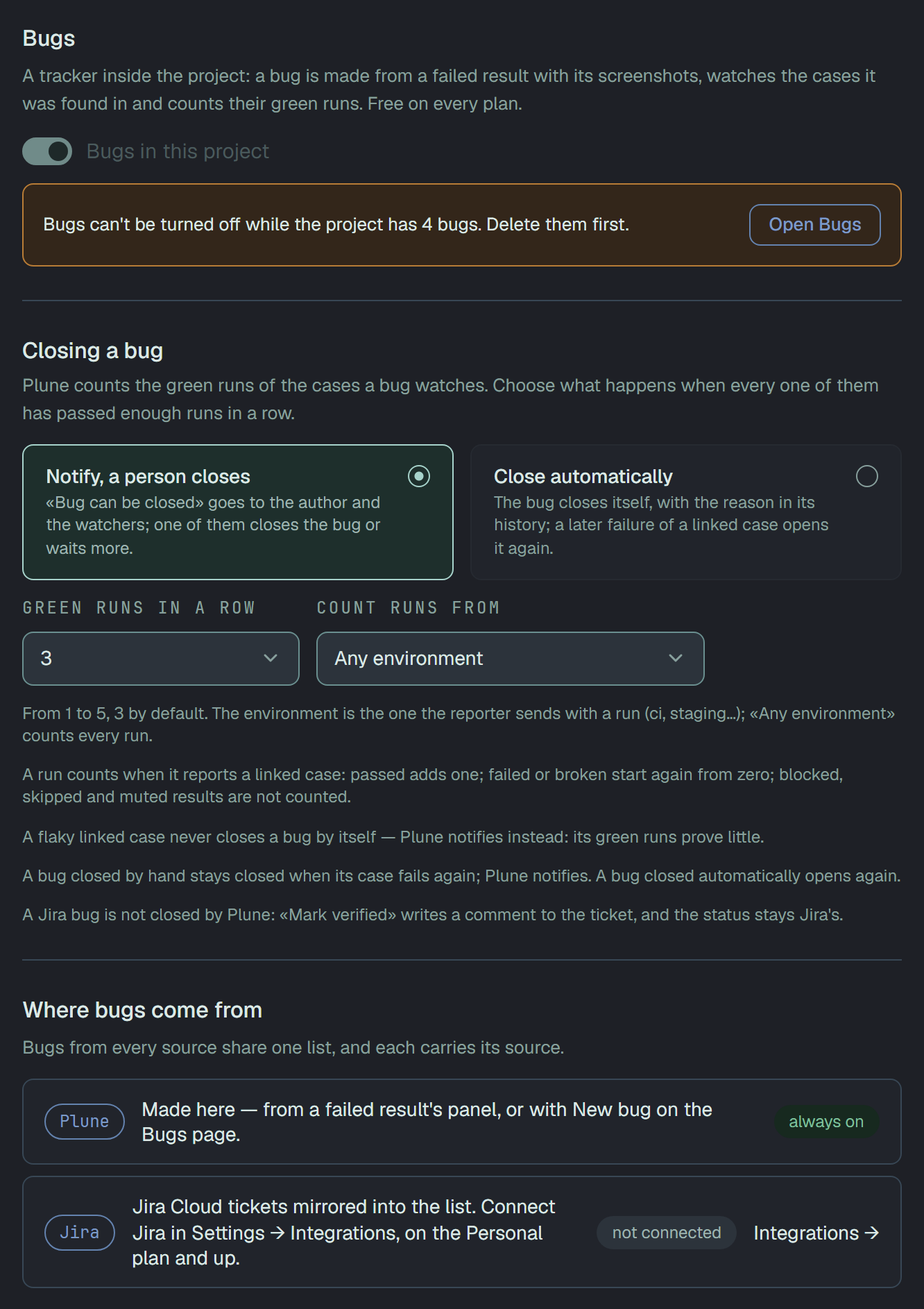
Bugs is a tracker inside the project. A bug is made from a failed result with its error and screenshots, watches the cases it was found in, and counts their green runs: when every one of them has passed enough runs in a row, the bug can be closed. It is free on every plan.
Turn it on
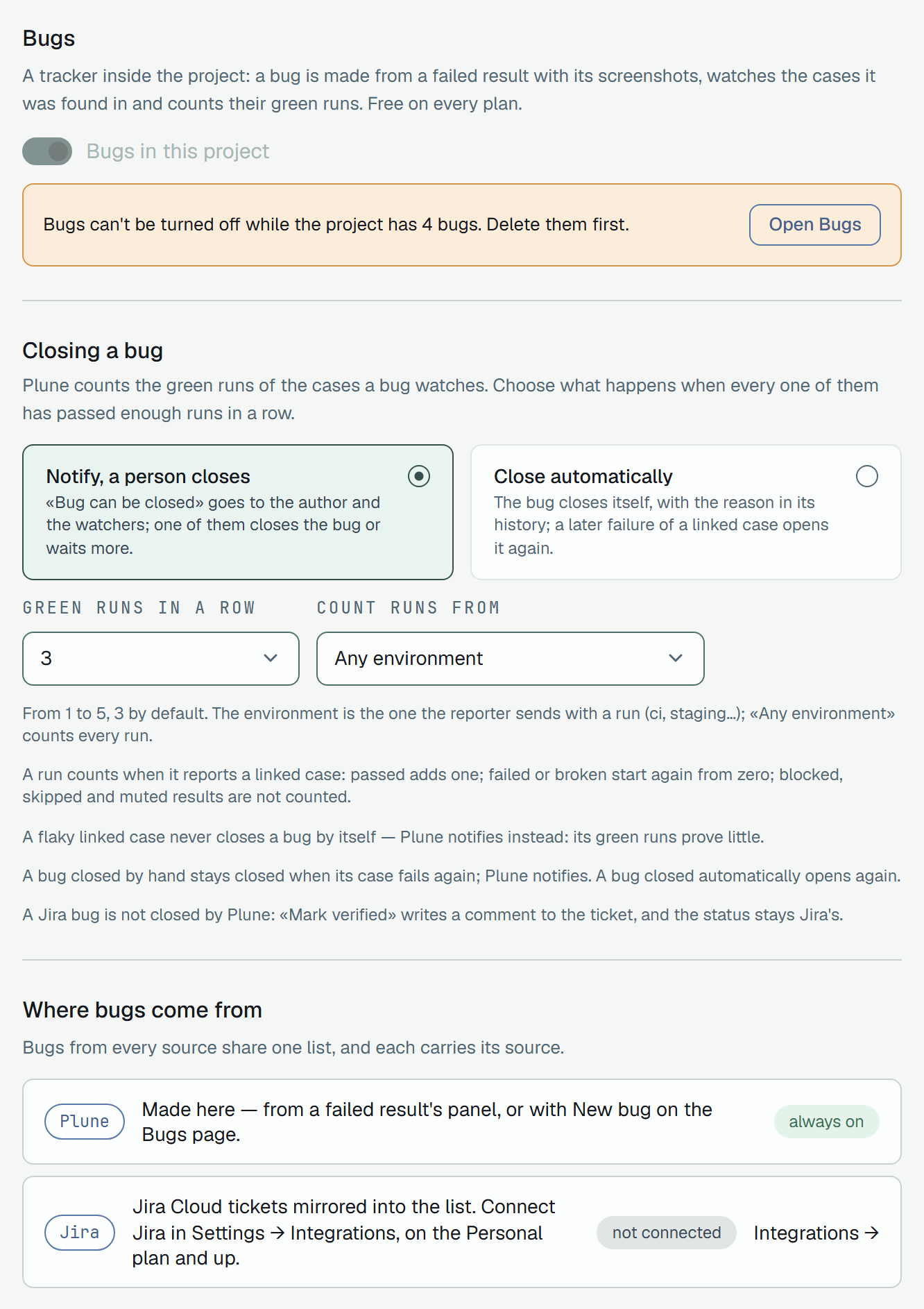
Section titled “Turn it on”The section is off until an owner of the project turns it on in Settings → Bugs with Bugs in this project. Then:
- Bugs appears in the project’s menu, after Requirements.
- A failed result offers Create bug.
- The author and the watchers get Bug can be closed when the linked cases keep passing.
It can be turned off again only while the project has no bugs. Only an owner of the project changes these settings.
Make a bug
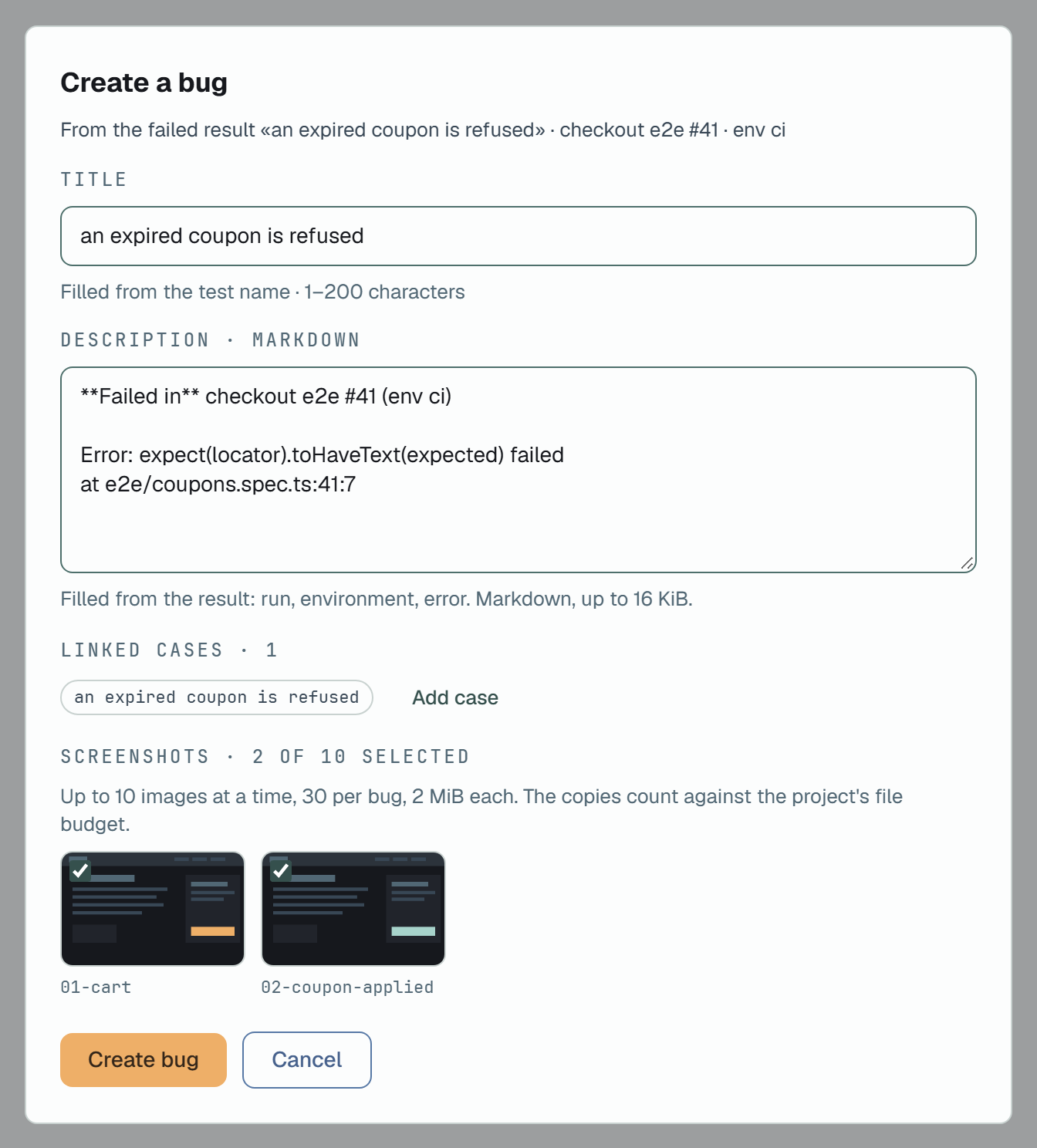
Section titled “Make a bug”From a failed result. Create bug on the result’s panel opens Create a bug with the fields filled in:
- Title — from the test name, 1–200 characters.
- Description — the run, the environment and the error, in Markdown, up to 16 KiB.
- Linked cases — the result’s case is linked; Add case links more.
- Screenshots — the result’s pictures to copy into the bug. Up to 10 at a time, 30 a bug, 2 MiB each; the copies count against the project’s file budget.
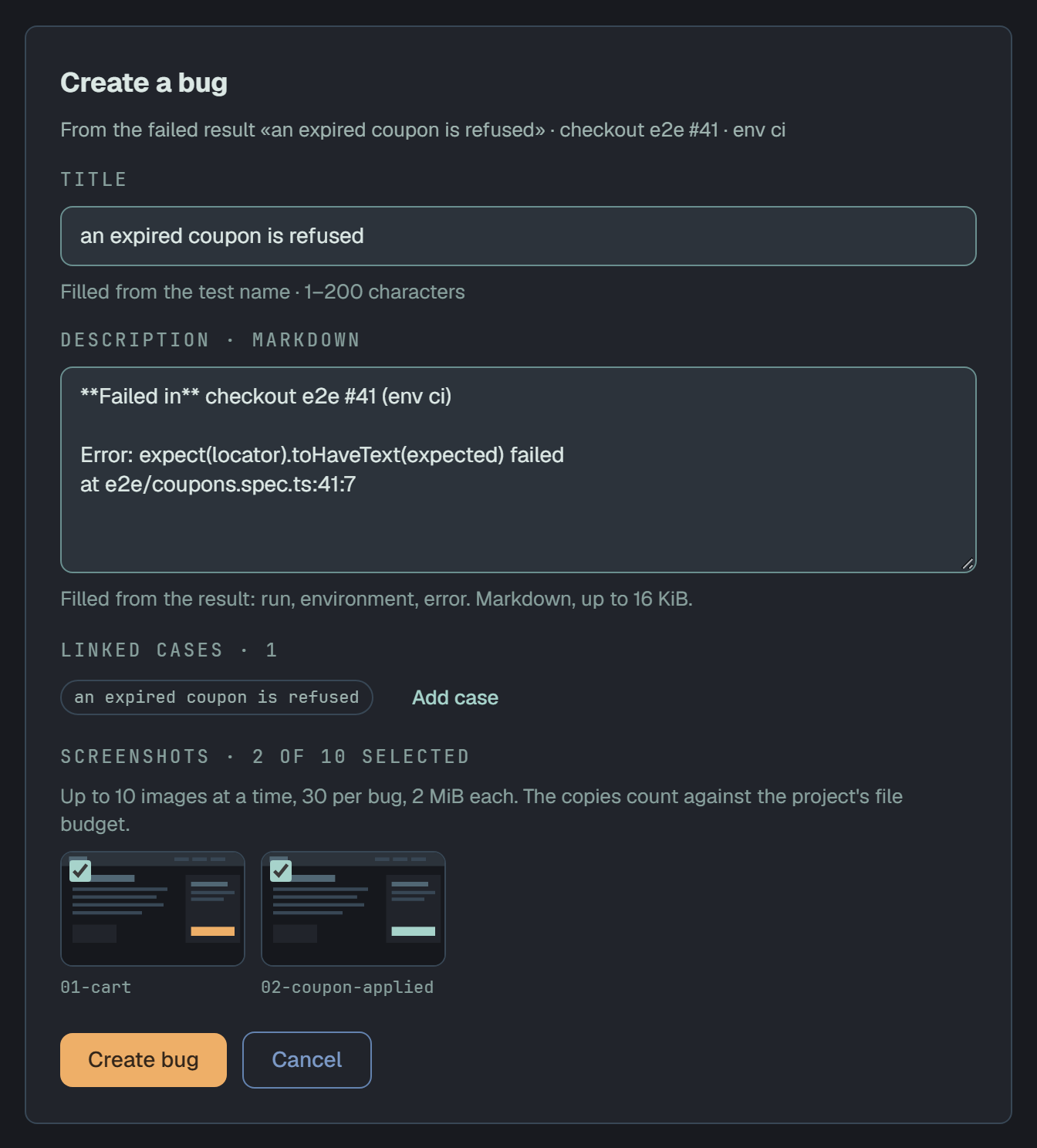
The bug keeps a copy of the evidence — the error text and the chosen screenshots — so the result can be cleaned up later without losing it.
From scratch. New bug on the Bugs page asks for a title and a Markdown description. It has no evidence, and no case until you link one on the bug’s card with Link cases.
The list
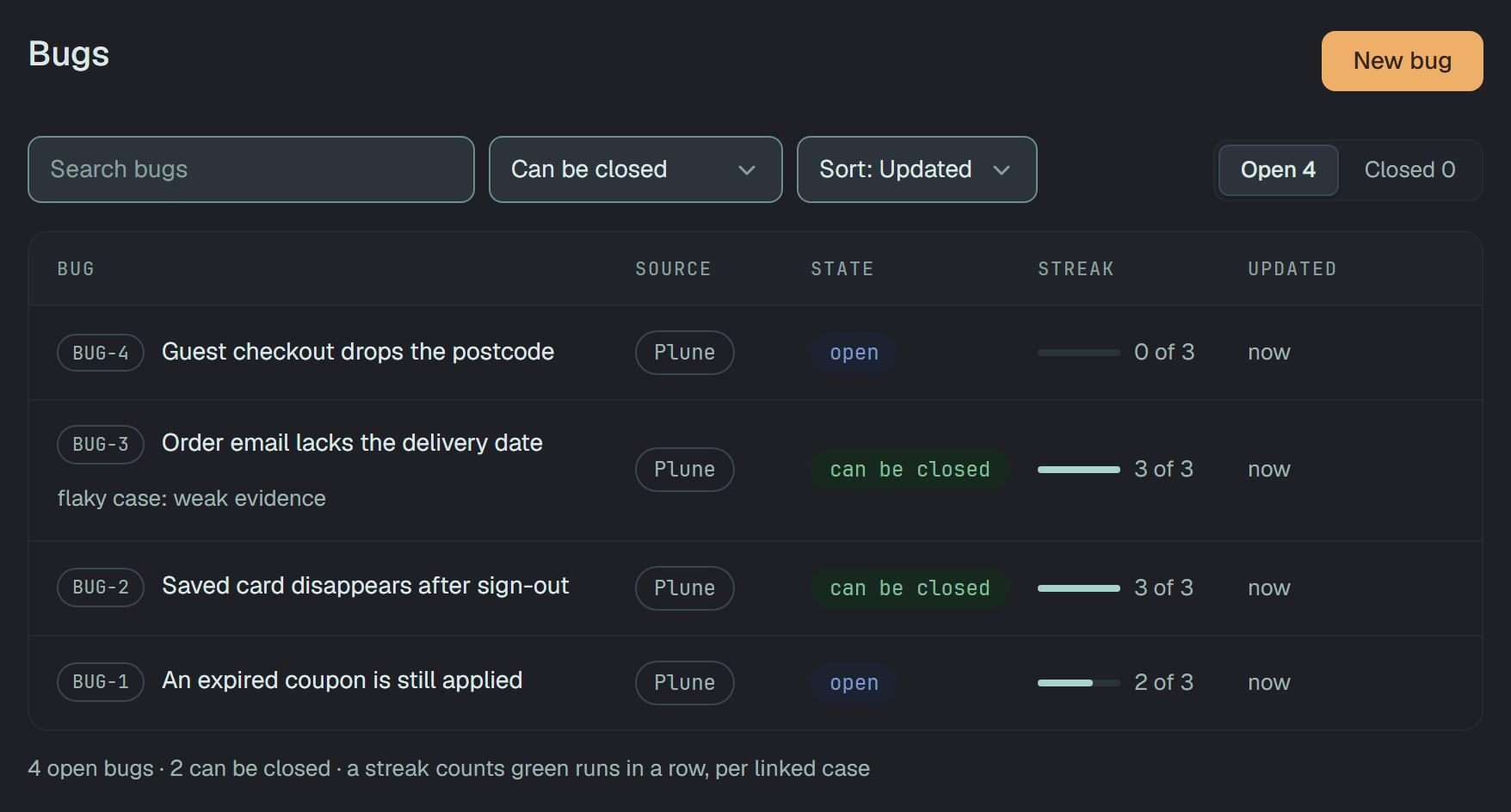
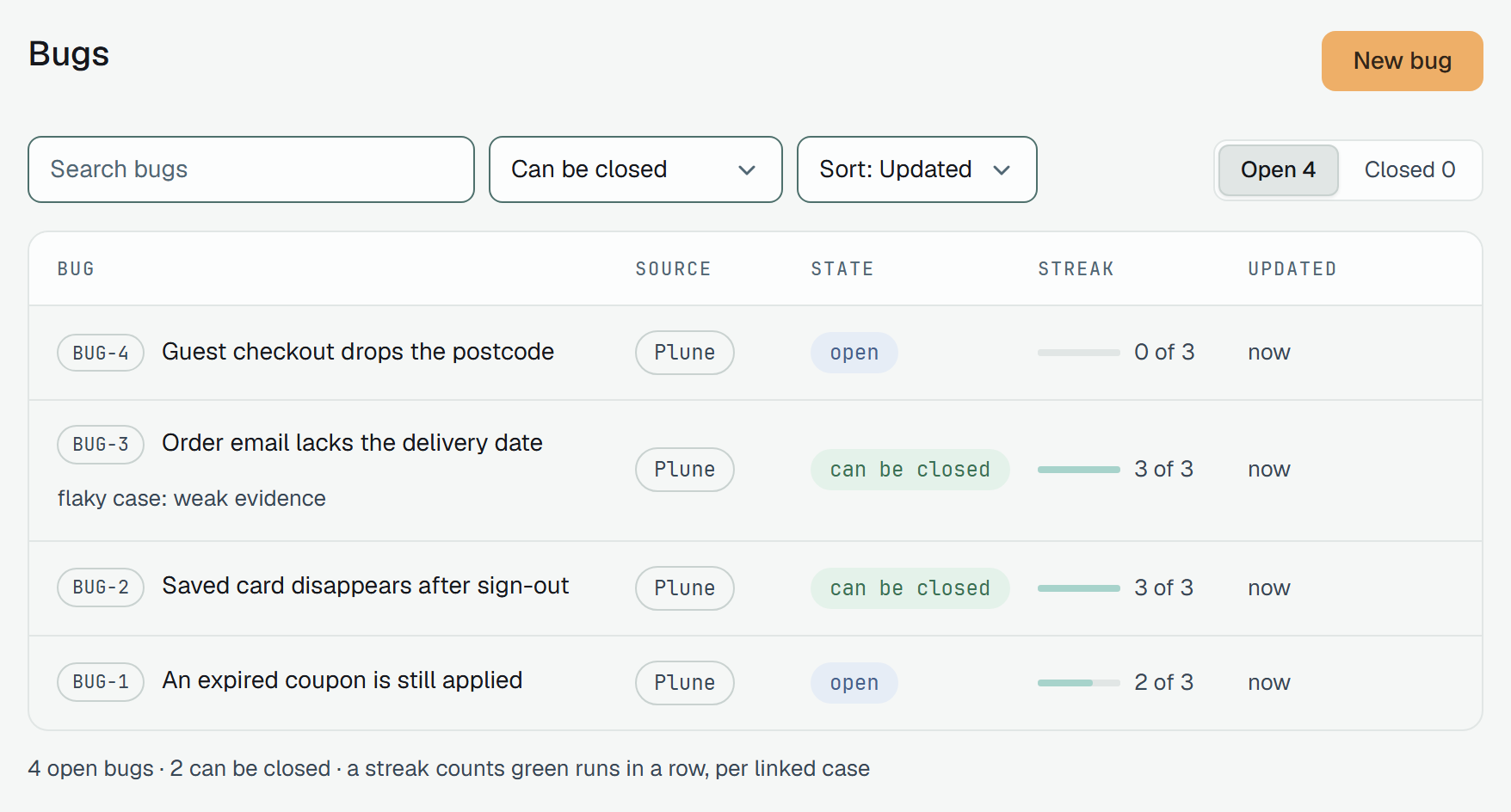
Section titled “The list”The Bugs page lists the project’s bugs: Open or Closed, a search, Sort by Updated,
Newest or Oldest, and the filter Can be closed (yes or no). Each row shows the bug, its
source, its state and its Streak: 2 of 3 means that the linked case with the fewest green runs
in a row has passed 2 of the 3 runs the rule asks for. A bug that can be closed on a flaky case’s
word adds flaky case: weak evidence.
The foot counts the open bugs and, for members who can close them, how many can be closed.
A bug’s card
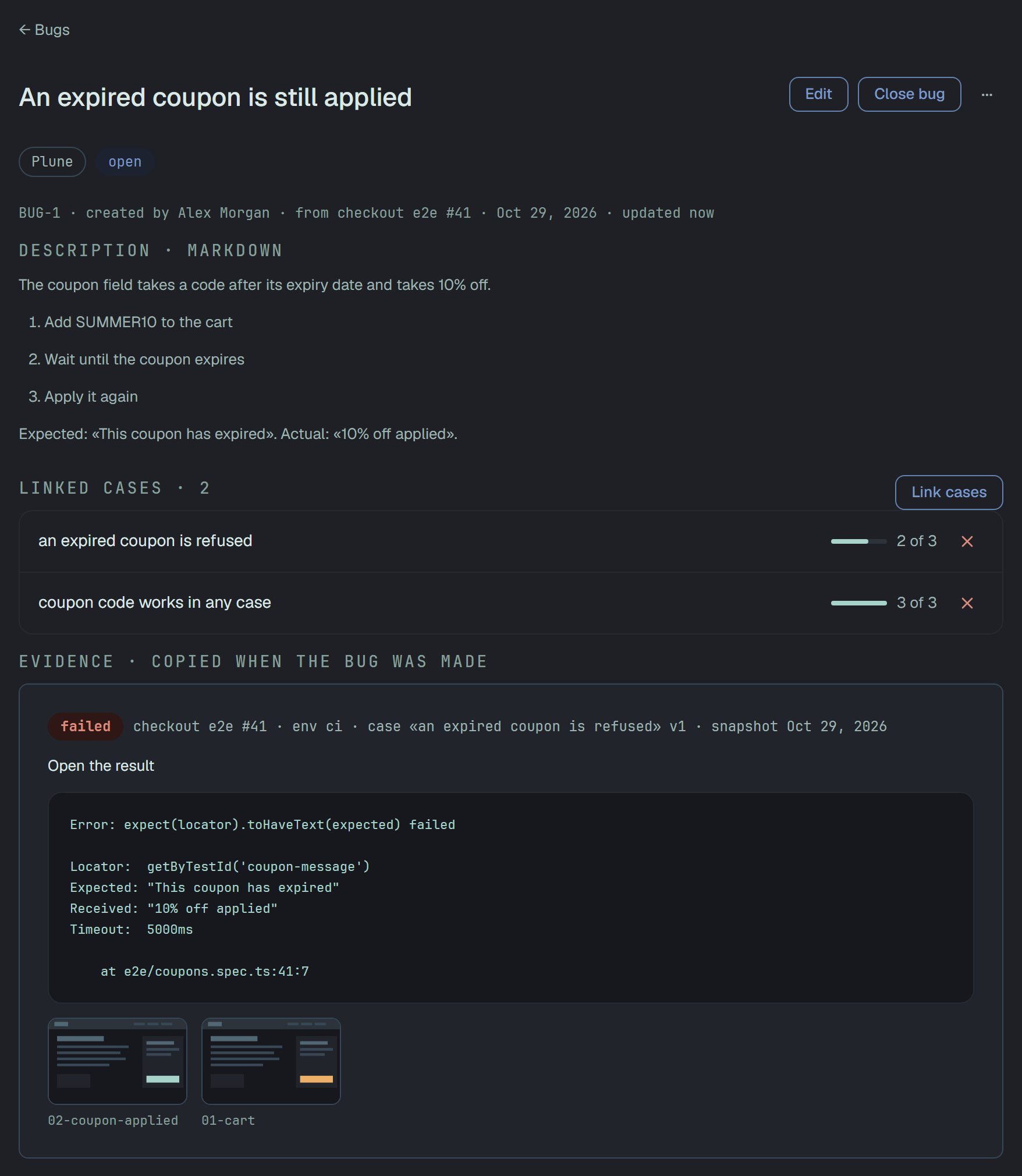
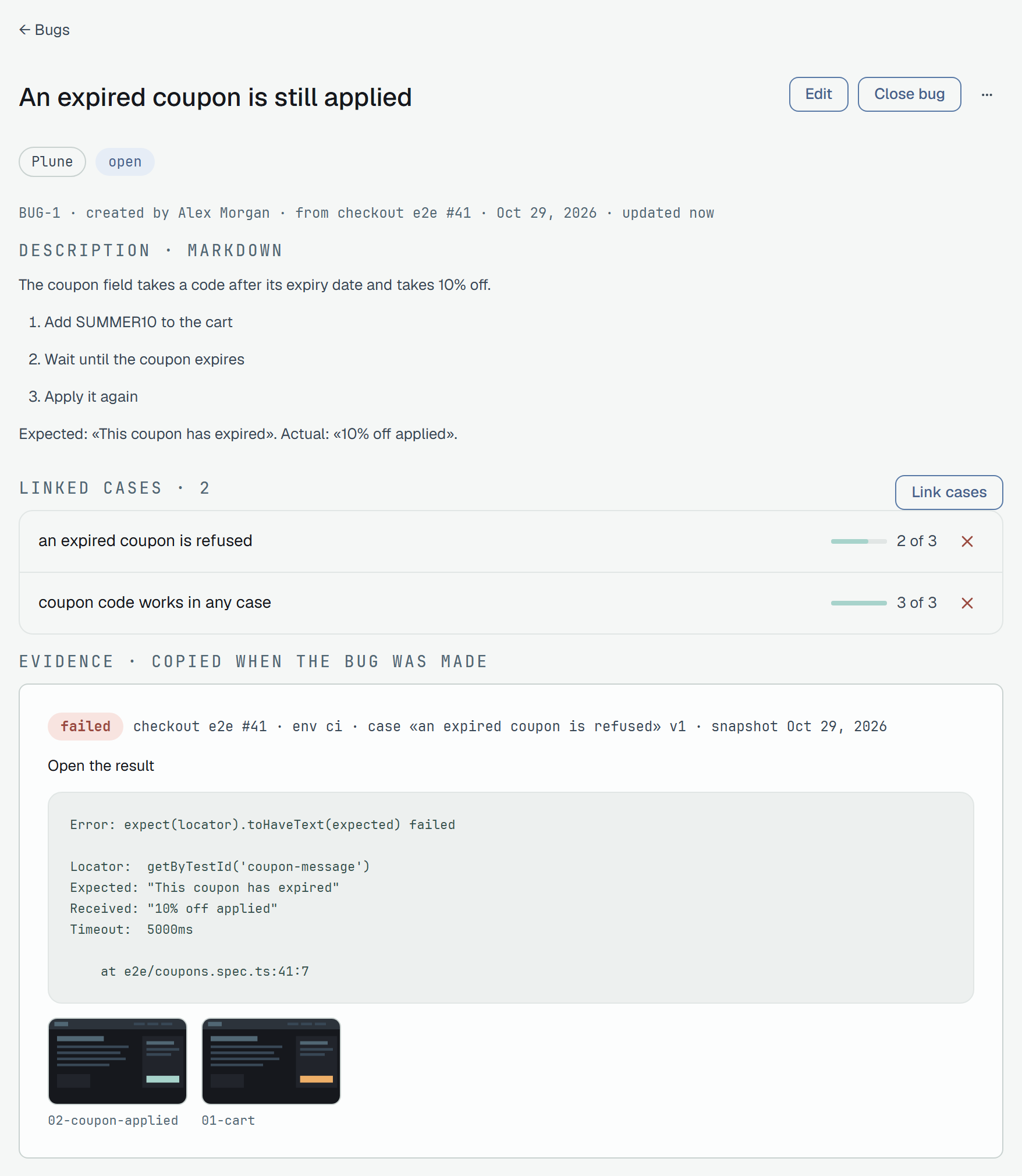
Section titled “A bug’s card”The card holds:
- the title and the description;
- Linked cases, each with its green streak;
- Evidence · copied when the bug was made — the error text, the run, its environment, the case and its version, with Open the result and the copied screenshots. If the result is deleted later, the snapshot and its copies stay;
- files, comments, and the History of everything that happened to the bug.
| Action | What it does |
|---|---|
| Close bug | Moves the bug to Closed. A note, if you write one, goes to the history. |
| Reopen | Asks for a reason, writes it to the history, and starts the streak again from 0. |
| Watch / Stop watching | Whether you get the bug’s notifications. The author always gets them. |
| Move to Bin | The bug leaves the list with its evidence and comments, and stays in the Bin for 30 days. |
Edit changes the title and the description of an open bug.
Settings → Bin does not list bugs yet. Within the 30 days an owner brings one back through the API:
POST /v1/bugs/{id}/restore.
When a bug can be closed
Section titled “When a bug can be closed”Plune counts the green runs of each linked case, from the moment it is linked; a bug with no linked case is never flagged. A run counts when it reports the case:
- passed adds one;
- failed or broken starts again from zero;
- blocked, skipped and muted results are not counted.
When every linked case has passed the number of runs the rule asks for (Green runs in a row,
from 1 to 5, 3 by default), the bug can be closed. Count runs from limits the count to one
environment — the one the reporter sends with a run, such as ci — or takes Any environment.
The rule chooses what happens then:
- Notify, a person closes (the default). The card shows This bug can be closed with Close bug and Wait more, and the author and the watchers get a notification; read-only members get none. Wait more puts the notice off: the bug stops being flagged until a new streak reaches the number again, for example after a linked case fails.
- Close automatically. The bug closes itself, with the reason in its history. A later failure of a linked case opens it again, marked reopened by regression, and the streak starts from 0.
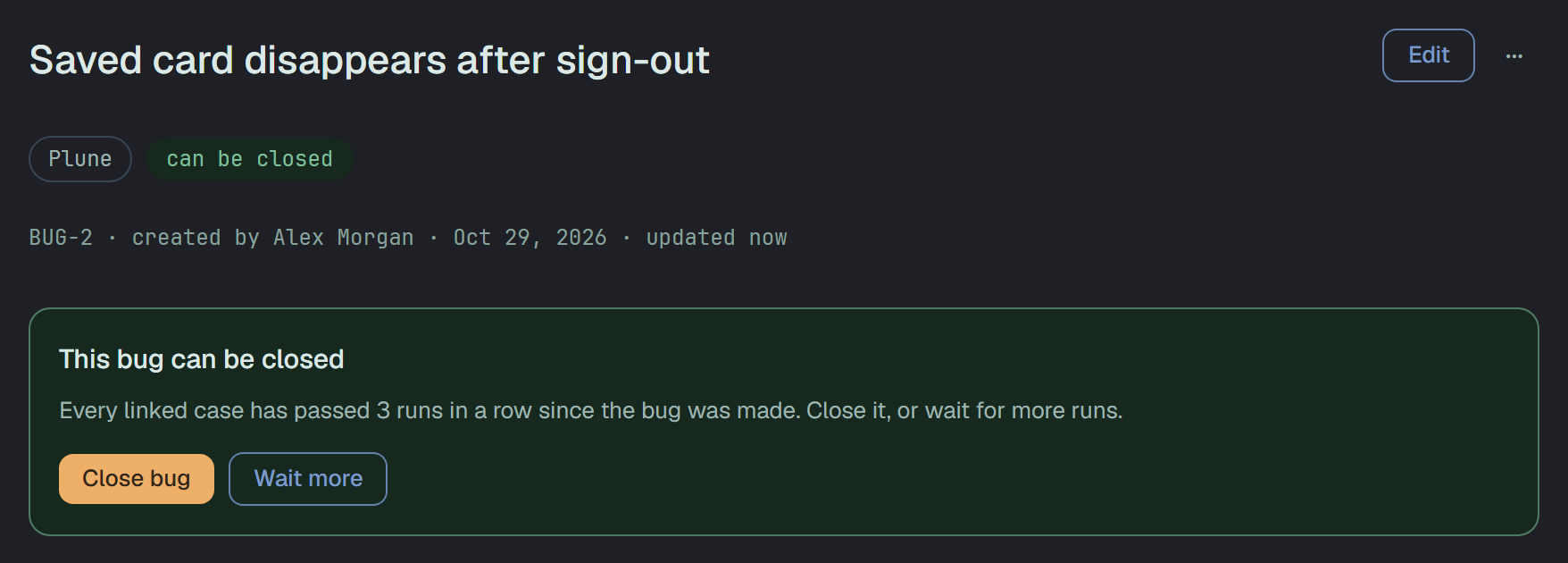
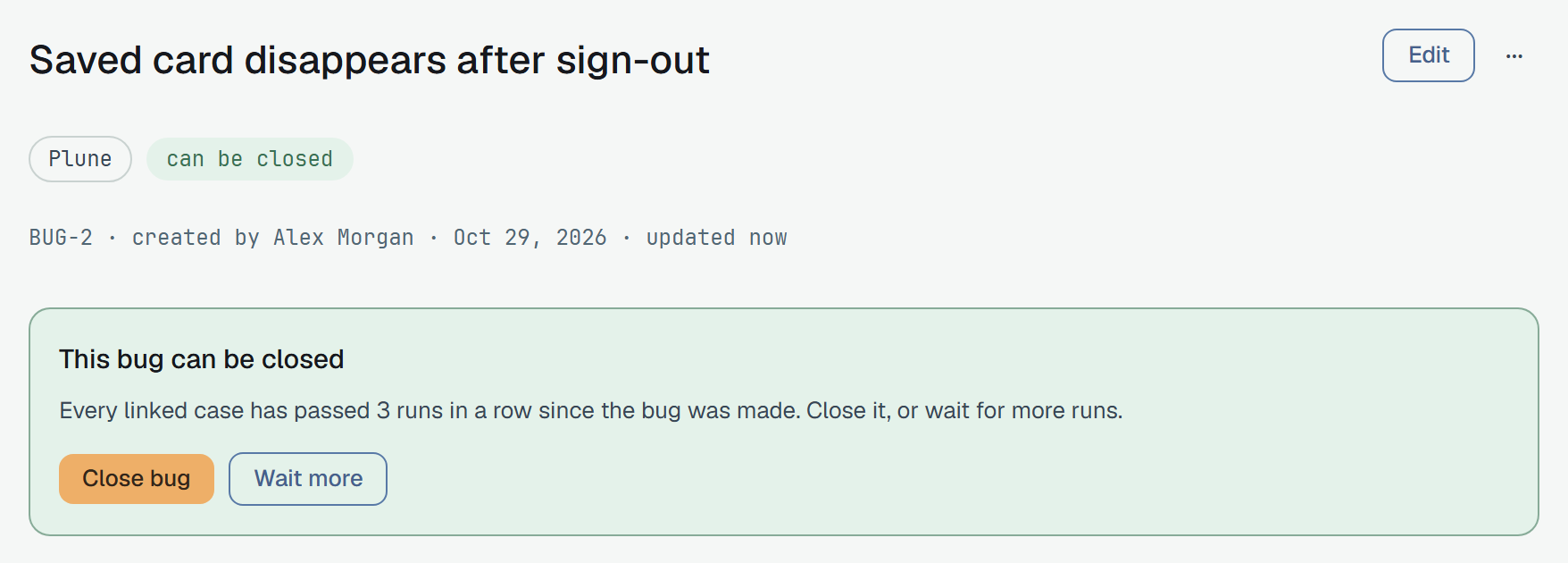
A bug closed by hand stays closed when its case fails again; Plune notifies instead.
Who can do what
Section titled “Who can do what”| Read-only | Member | Owner | |
|---|---|---|---|
| Read the list and the cards | ✓ | ✓ | ✓ |
| Make a bug, comment, link cases, close, reopen | ✓ | ✓ | |
| Edit the title and the description | the author | ✓ | |
| Move to the Bin, bring back | ✓ | ||
| Turn the section on, change the rule | ✓ |
Limits
Section titled “Limits”- A project holds up to 5,000 bugs. At the limit New bug is off; moving closed bugs to the Bin makes room.
- A bug holds up to 30 images; one action copies at most 10. The error text is not counted.