

The case page
A case has a page of its own, /test-cases/<id>, and the panel beside the tree
is a shorter version of it: Open in the panel leads here. The page reads from three places —
GET /v1/test-cases/{id}, the case’s results and its comments — and everything
that changes the case is in the ⋯ menu or in a field of its own.
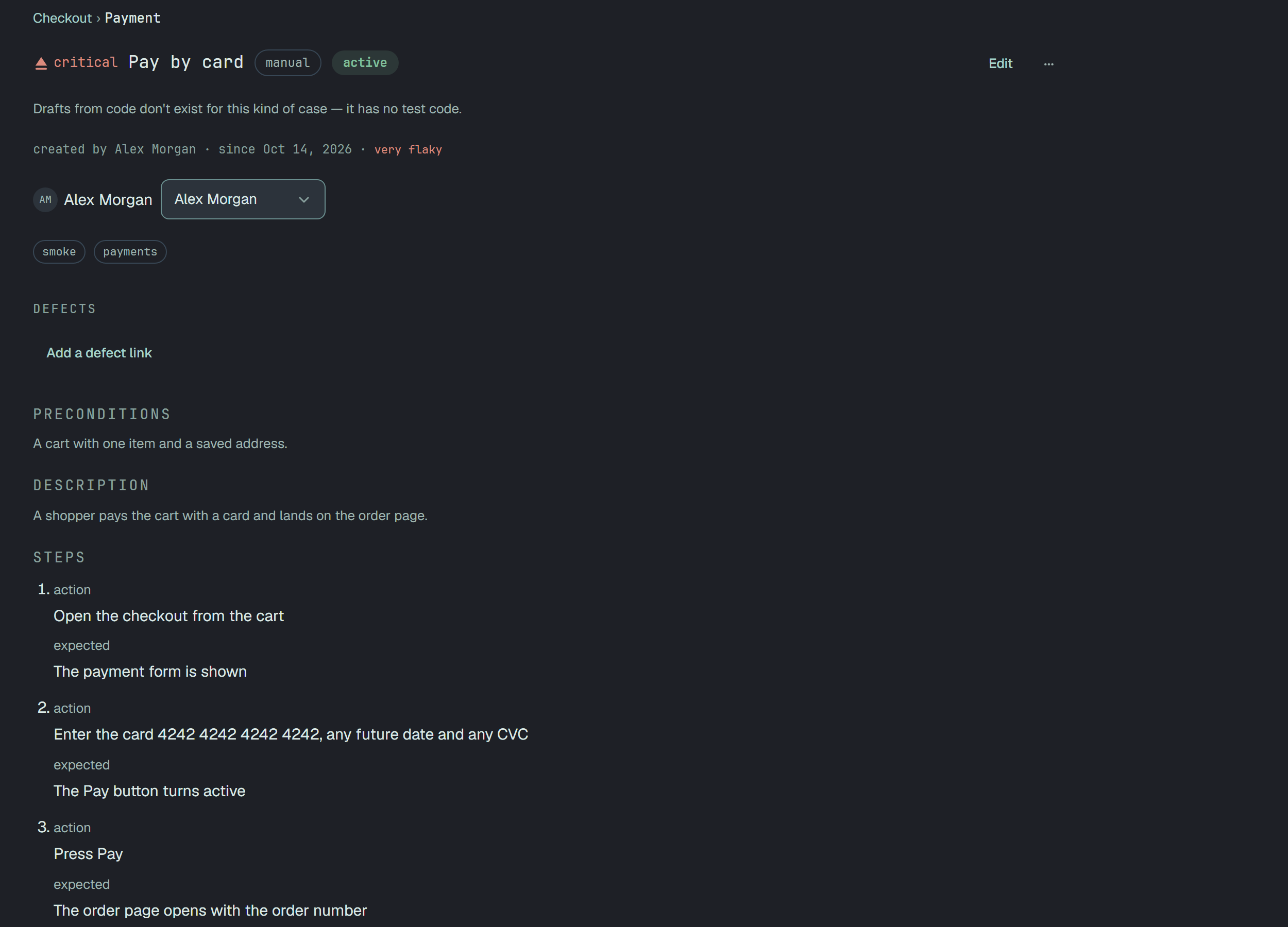
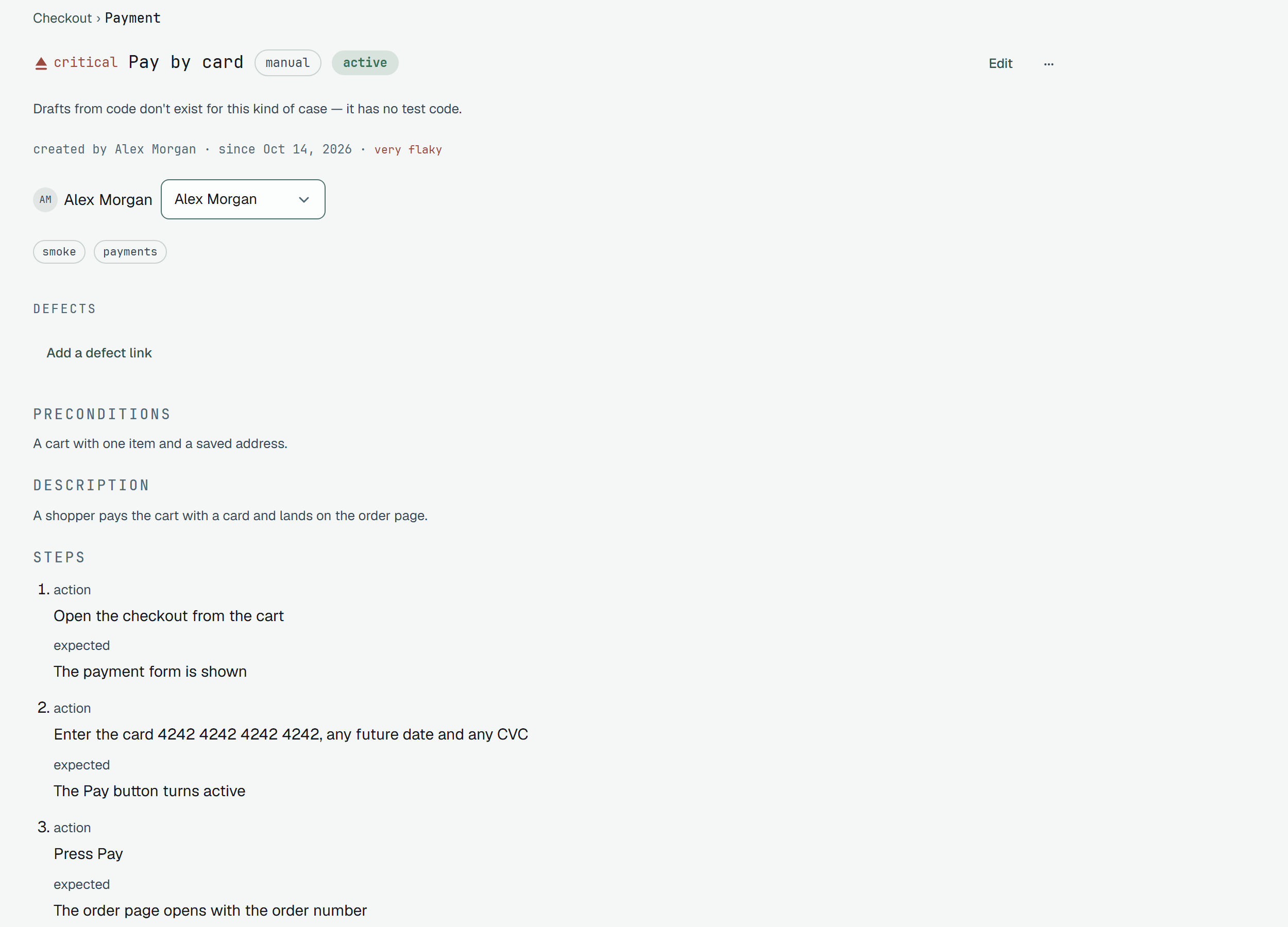
The order of the blocks
Section titled “The order of the blocks”Top to bottom, a block that has nothing to say is not drawn at all — an empty precondition is not a statement, and a placeholder would turn its silence into one:
- The breadcrumb — the folders and the suite the case is in; each link opens the tree at that node.
- The head — the priority with its word, the name, the type (
manual,automated,eval), the state badge and the Flaky and Muted marks; at the right Edit, the⋯menu and, for an automated case, Draft from code — see Draft from code. - The quiet line — only the parts that say something: created by …, the reason of the current
state (
— …), since and the date of the move, who muted it and when, and the case’s stability once it has results. - The assignee, the tags and the Defects links.
- Preconditions and Description, then the body of the type: Steps (an action and an expected for each), Link to the spec for an automated case, the prompt and assertions of an eval.
- For an automated case, a Code tab: the code snapshot kept with the case, under the file it is from.
- Parameters, when the case has a table — one row per iteration, and the title each row runs under.
- Files, then Comments, then Result history.
A retired case wears the retired badge in the head and, when results keep arriving, says under the assignee how many came after the retirement. A case whose test left the code says The case no longer maps to a test in code. in the quiet line and offers no Edit. Both are in the lifecycle of a case.
The head and its menu
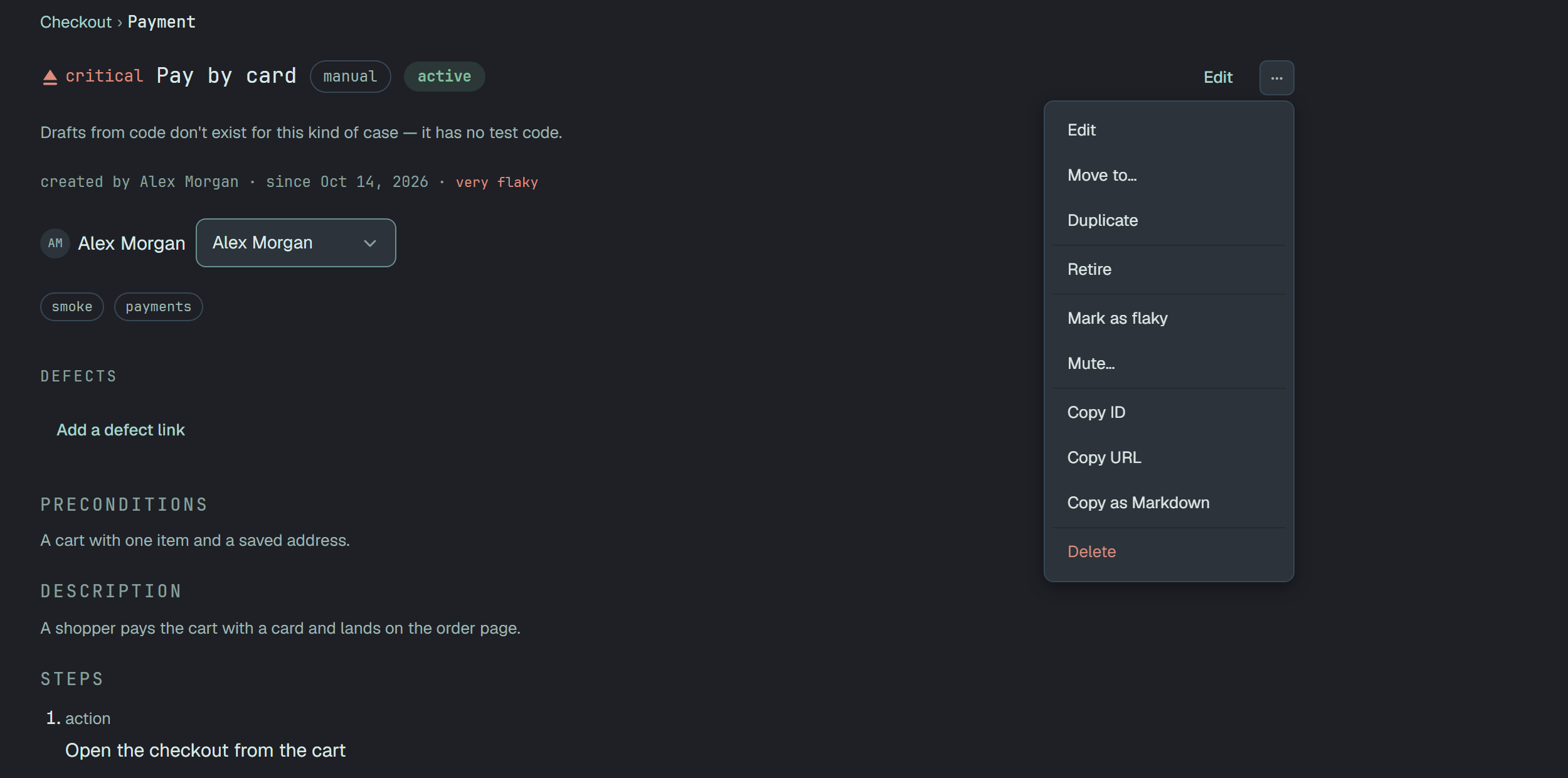
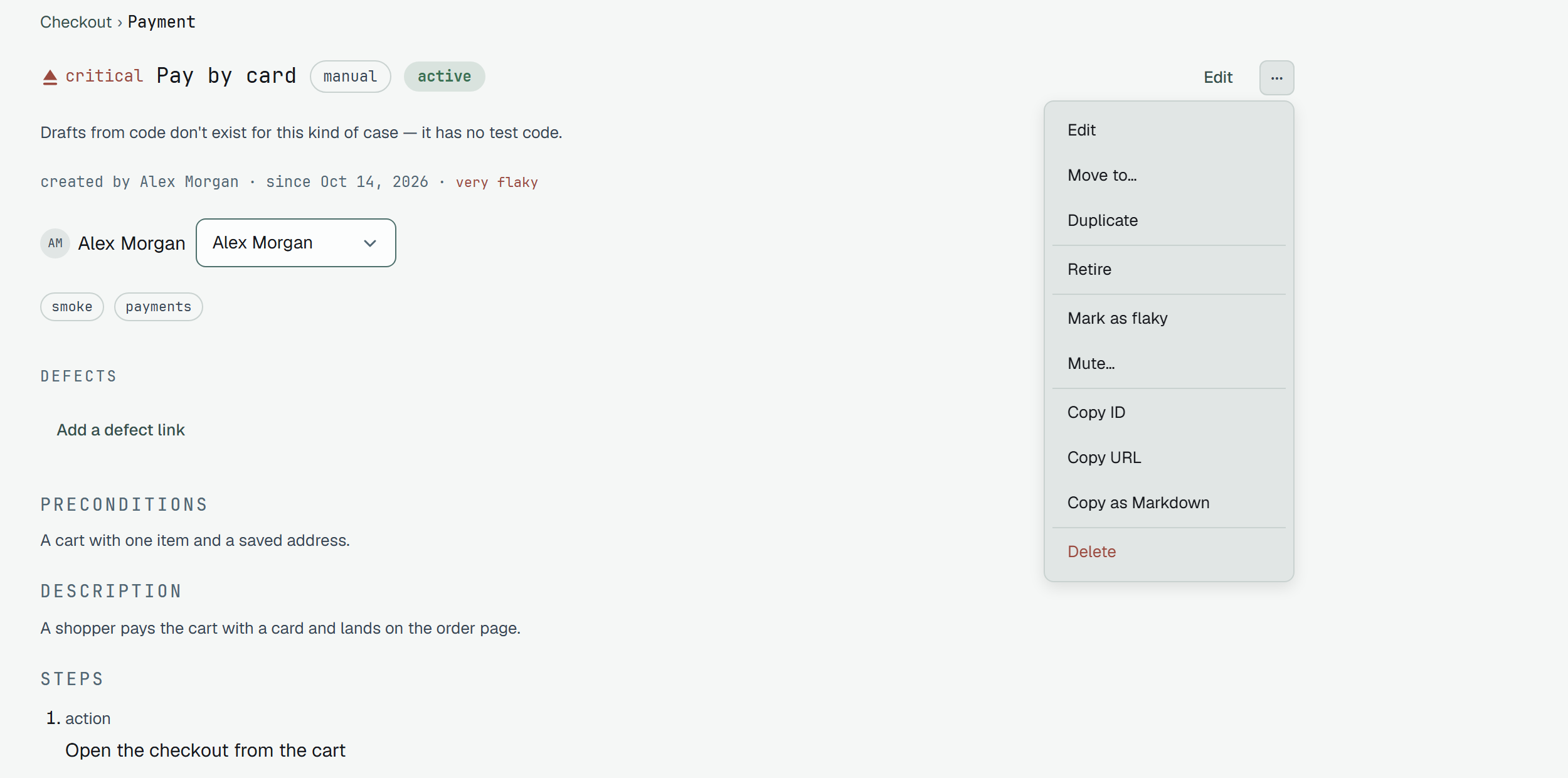
Section titled “The head and its menu”Edit opens the form. The ⋯ menu is the same one a row of the tree has, in five groups: Edit,
Move to… and Duplicate; the moves the lifecycle
allows from where the case stands (Activate, Confirm, Retire, Return to work);
Mark as flaky and Mute…; Copy ID, Copy URL and Copy as Markdown; and Delete,
which always asks. Duplicate is greyed for an automated case, with the reason: an automated case
is its spec, so the test is duplicated in code.
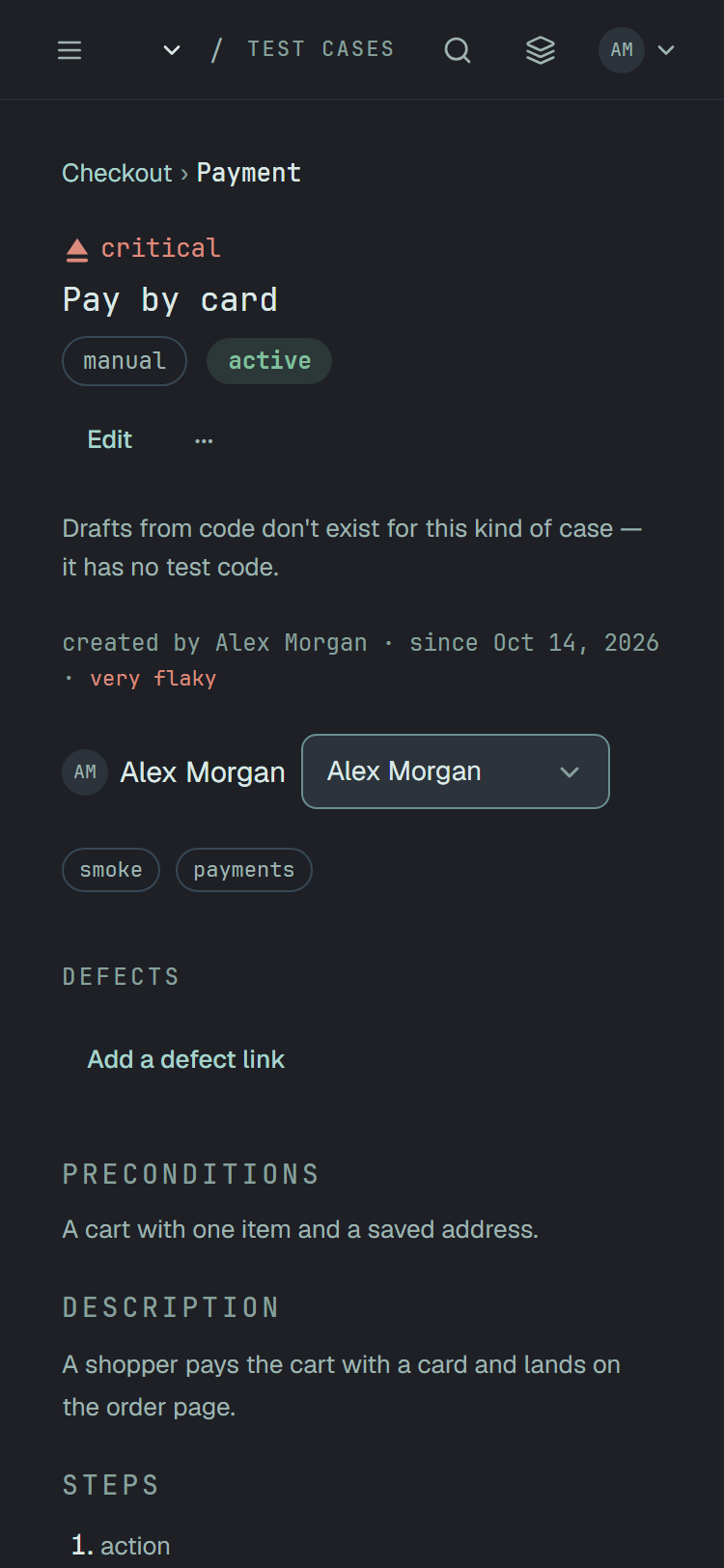
Below 1024 px the head wraps and the actions go under the name; at 480 px and below Draft from
code moves from the head into the top of the ⋯ menu.
Who is to run it
Section titled “Who is to run it”The assignee is a circle with a name and a select behind it — Unassigned on top, then the members of the project. Choosing one saves at once. The wire rules are in Assignee.
Files, comments and the result history
Section titled “Files, comments and the result history”Files are the case’s own — a price list, test data, a picture of how it should look — and are described in Files.
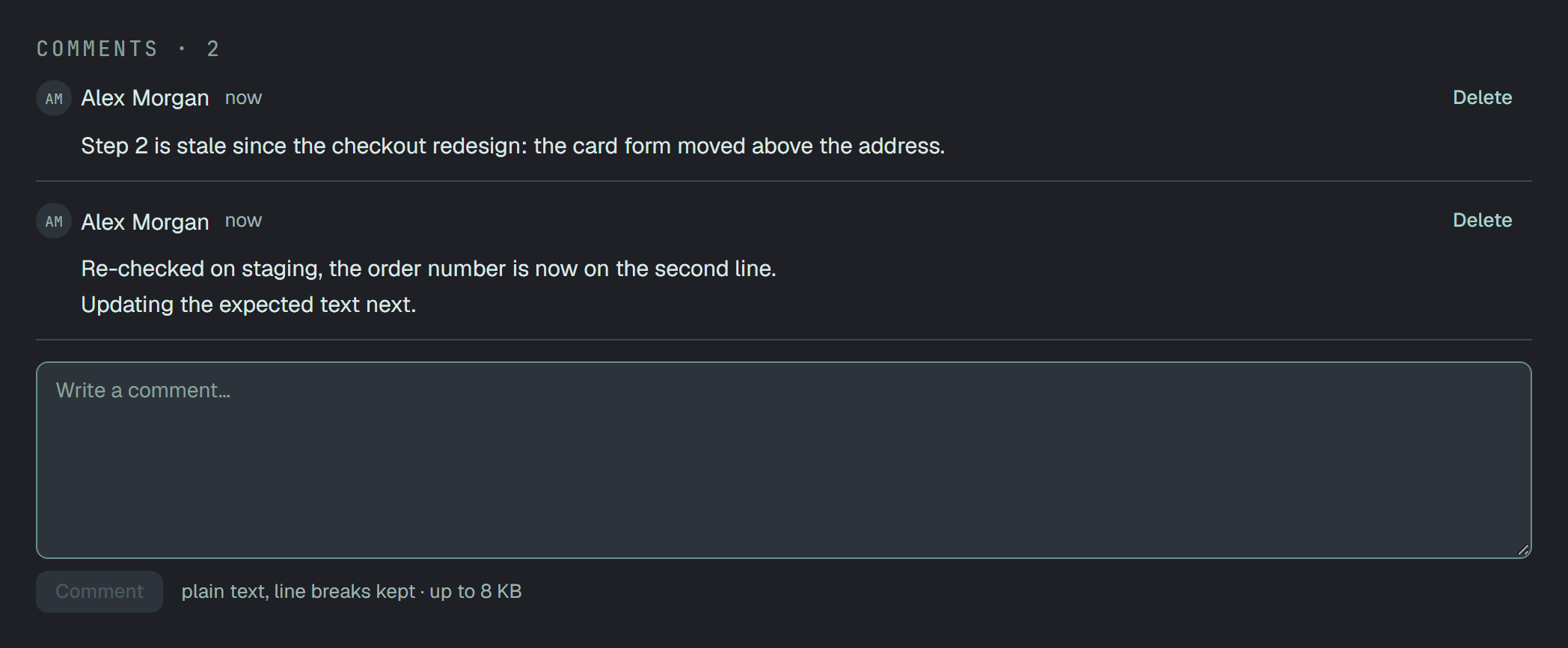
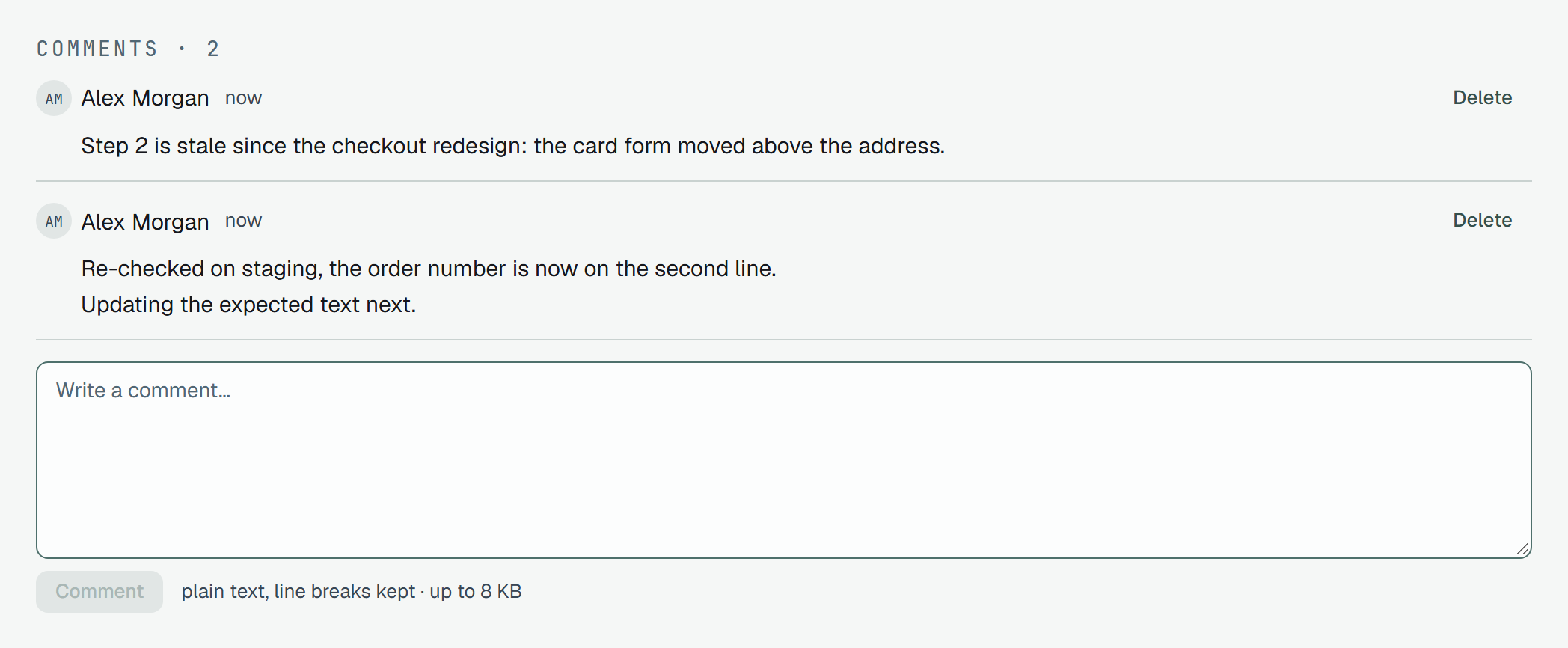
Comments · N lists what people said, oldest first, plain text with its line breaks. Every role, a reader too, sees a box and Comment under the list; Delete is on your own comments for a member, and an owner’s on anyone’s. A reader has no Delete, not even on their own. The box says plain text, line breaks kept · up to 8 KB. The rules are in Comments.
The result history
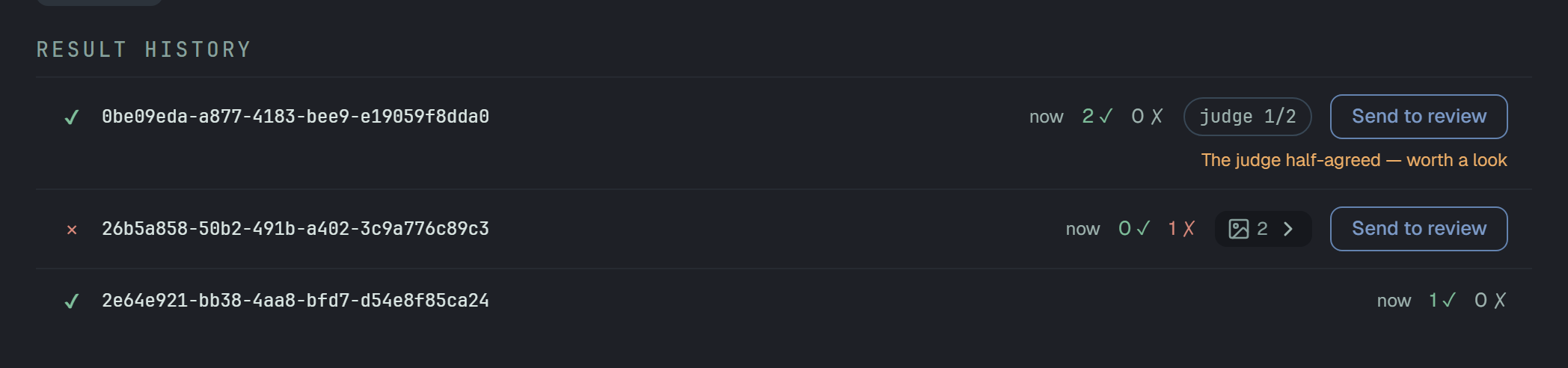
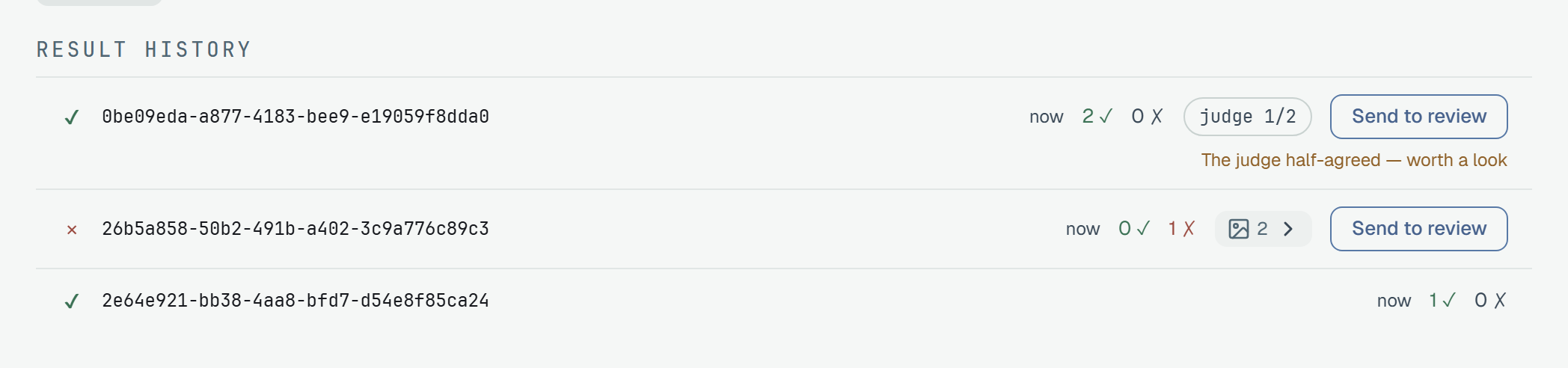
Section titled “The result history”Result history is every result that was recorded for the case, newest first. A line is one result:
- a sign for its status —
✔for a pass,✕for a failure or a broken test; a skip or a block has none; - the run it came from and when; the whole line is a link to that result on the run page;
- what it says about the run: the parameter row that ran, as chips (
browser = firefox); the counts2 ✓ 0 ✗, or the status in words for a result that has no assertions to count; - when the judge answered questions on the result, a judge n/m badge — how many were answered in the affirmative;
- when the result has screenshots, a button with their number and a chevron that opens them under the line.
Send to review
Section titled “Send to review”A line offers Send to review only where there is something to review, and to an owner, a member and a reader: a failure — status failed or broken, or a failed assertion — or a result
with no failed assertion on which the judge answered at least one question no, whatever its status
(typically a pass the judge half-agreed on). When that is the only reason, the line says why under the
button: The judge half-agreed — worth a look. A result that is neither has no action.
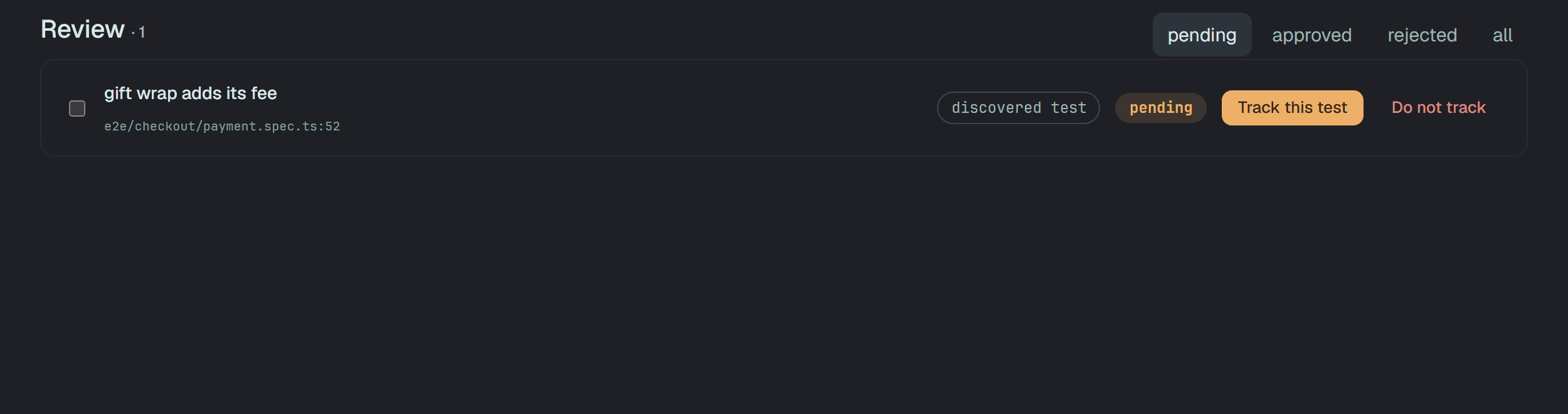
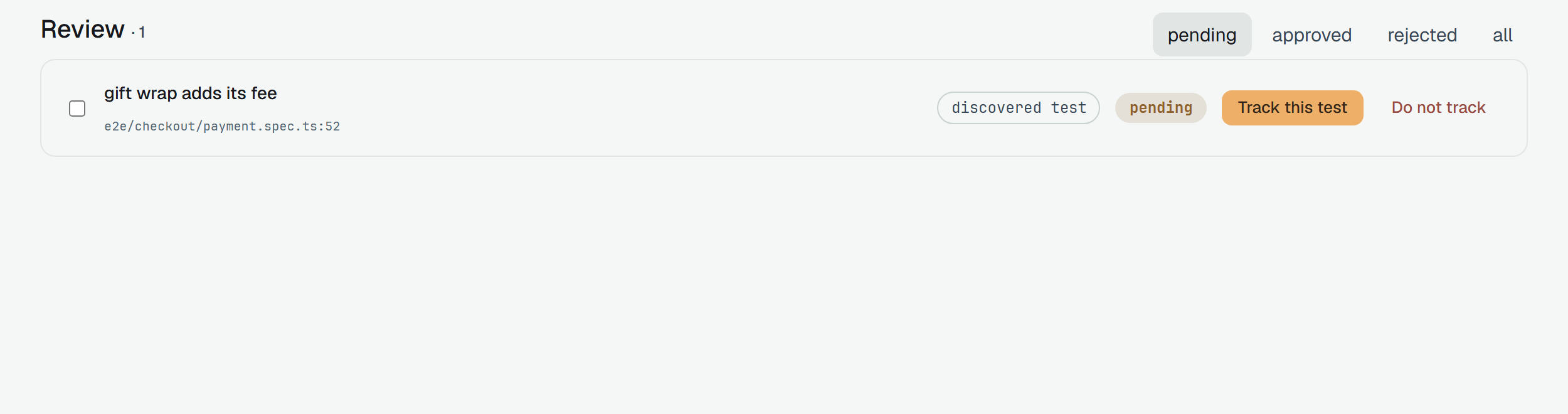
Pressing it puts the result in the review queue as a dispute, and the button turns into in the review queue. A result that is queued already answers the same, so a second press changes nothing. In the queue — Review in the sections of the project, tabs pending · approved · rejected · all — the entry carries the same judge badge and a link to the run it came from; an empty queue says A disputed result is sent here from a case page — where the judge half-agreed.
What each role sees
Section titled “What each role sees”| Reader | Member | Owner | |
|---|---|---|---|
| Reads everything on the page, with its history and comments | yes | yes | yes |
| Edit, the moves, Mark as flaky, Delete | no — the ⋯ offers the three copies only | yes | yes |
| The assignee select | fixed | yes | yes |
| Draft from code | not drawn, no sentence in its place | yes | yes |
| Send to review | yes | yes | yes |
| A box for a comment | yes | yes | yes |
| Delete on a comment | no | your own | anyone’s |
A reader’s page opens with a notice: You can view everything in Webshop, comment and send results to
review. Changing and approving need write access — an owner can grant it on Settings → Members. (with the
project’s own name). What a reader sends to review waits as pending; only a seat that writes decides it. Who may do what about the project’s
people is in Members.
On a phone
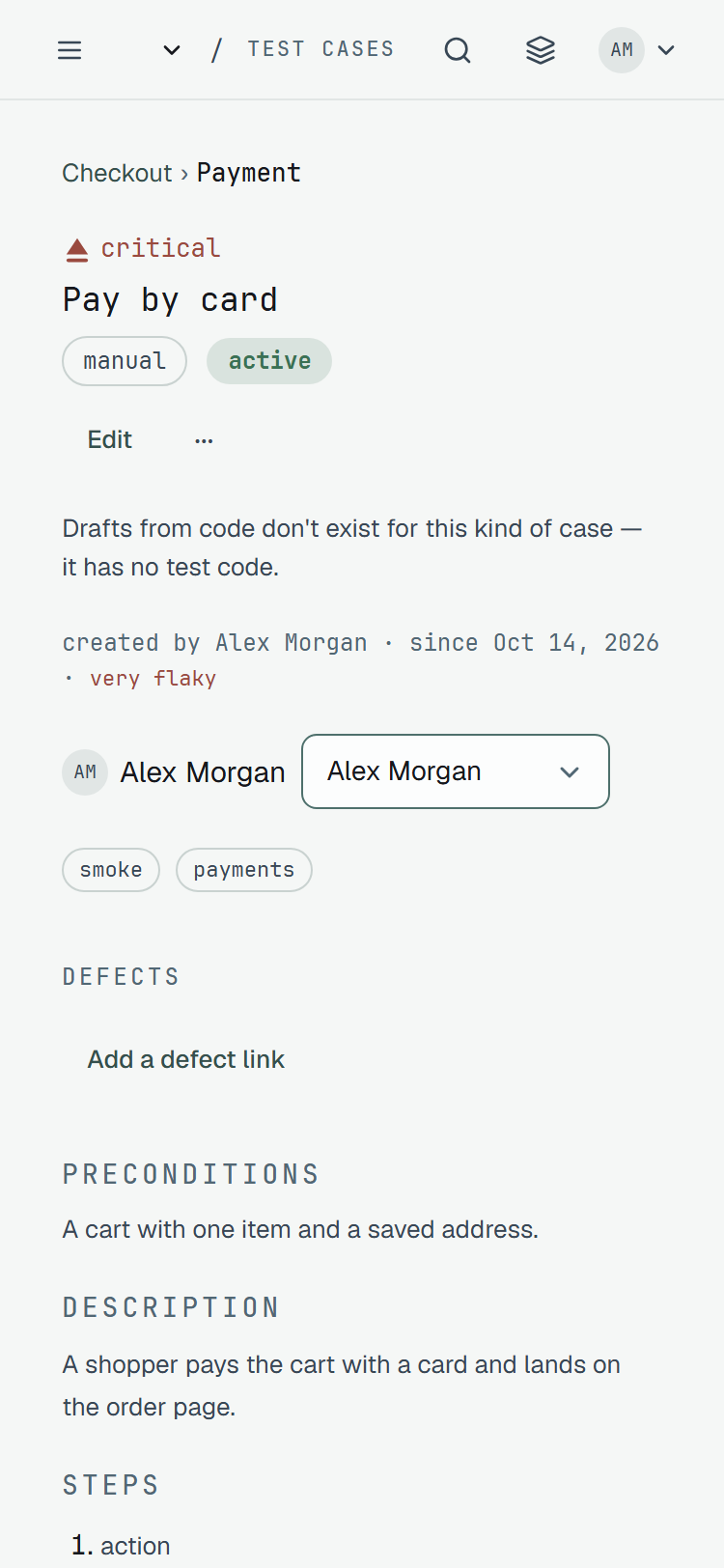
Section titled “On a phone”At 375 px the page is one column; the head’s actions sit under the name, and the rest keeps its order.
The API
Section titled “The API”curl -H "Authorization: Bearer $PLUNE_TOKEN" "$PLUNE_API_URL/v1/test-cases/$CASE_ID"curl -H "Authorization: Bearer $PLUNE_TOKEN" "$PLUNE_API_URL/v1/test-cases/$CASE_ID/comments"The first answers the case — its fields, state and the allowedStates a person may move it to; the
second its comments; GET /v1/test-cases/{id}/results the history, with the case’s stability.