

Move from TestRail in a day
This page is a plan for one working day, for a team whose cases, runs and results live in TestRail. It does not repeat every detail of the import: each step links to the page that has it, chiefly Import from TestRail.
What you get, and what you do not
Section titled “What you get, and what you do not”- You get your folders and cases, optionally your runs with their results and original dates, and a read-only link to TestRail that can pull later changes in while you still use it.
- Plune never writes to TestRail. It sends only read requests. Nothing is created, changed or deleted there, and there is no way to push cases, runs or results from Plune back to TestRail. Changes made in Plune stay in Plune.
- It is a copy, not a mirror. What you edit in Plune after the import is not overwritten by default, and what you delete in TestRail does not delete anything in Plune.
1. Check what you have (about 30 minutes)
Section titled “1. Check what you have (about 30 minutes)”In TestRail:
- Version. Plune needs TestRail 6.7 or newer (it reads in pages). On an older one, use a file.
- Address. Plune connects only to a public
httpsaddress, never to a private network, and does not follow redirects. A TestRail behind a firewall, or one that answers at another address, cannot be reached by the API path: use a file. - Size. Open the project list in TestRail and note the number of cases and runs. One import reads at most 200,000 records (800,000 when it includes history) and makes at most 3,000 requests; a bigger project stops with the reason on the page and keeps what was imported.
- What you rely on that is not carried over. Look at the list below before you start: attachments, users and custom fields of a kind Plune cannot hold are the usual ones.
In Plune:
- You need to be the owner of the Plune project to connect, import, sync or remove the connection. Create the project and invite the team afterwards (step 6); see Projects and Members.
2. Prepare a read-only key (about 10 minutes)
Section titled “2. Prepare a read-only key (about 10 minutes)”- In TestRail, create a separate user that can only read the projects you are moving.
- Sign in as that user, open My Settings → API Keys and create a key.
The key works with that user’s rights, so limiting the user is the real protection. Plune stores the key encrypted and never shows it again.
3. Choose a way in
Section titled “3. Choose a way in”| By file (CSV or XLSX) | By API | |
|---|---|---|
| Works when TestRail is not reachable from the internet | Yes | No |
| Folders and cases | Yes | Yes |
| Runs and results with their original dates | No | Yes (optional) |
| A repeat import finds the same cases and updates them | Yes, by the case id column | Yes, by the key testrail/C<id> |
| Later changes from TestRail | Export again and re-import | Sync from TestRail |
The file path is described in Import and export. The rest of this page follows the API path.
4. Import one small project first (about 1 hour)
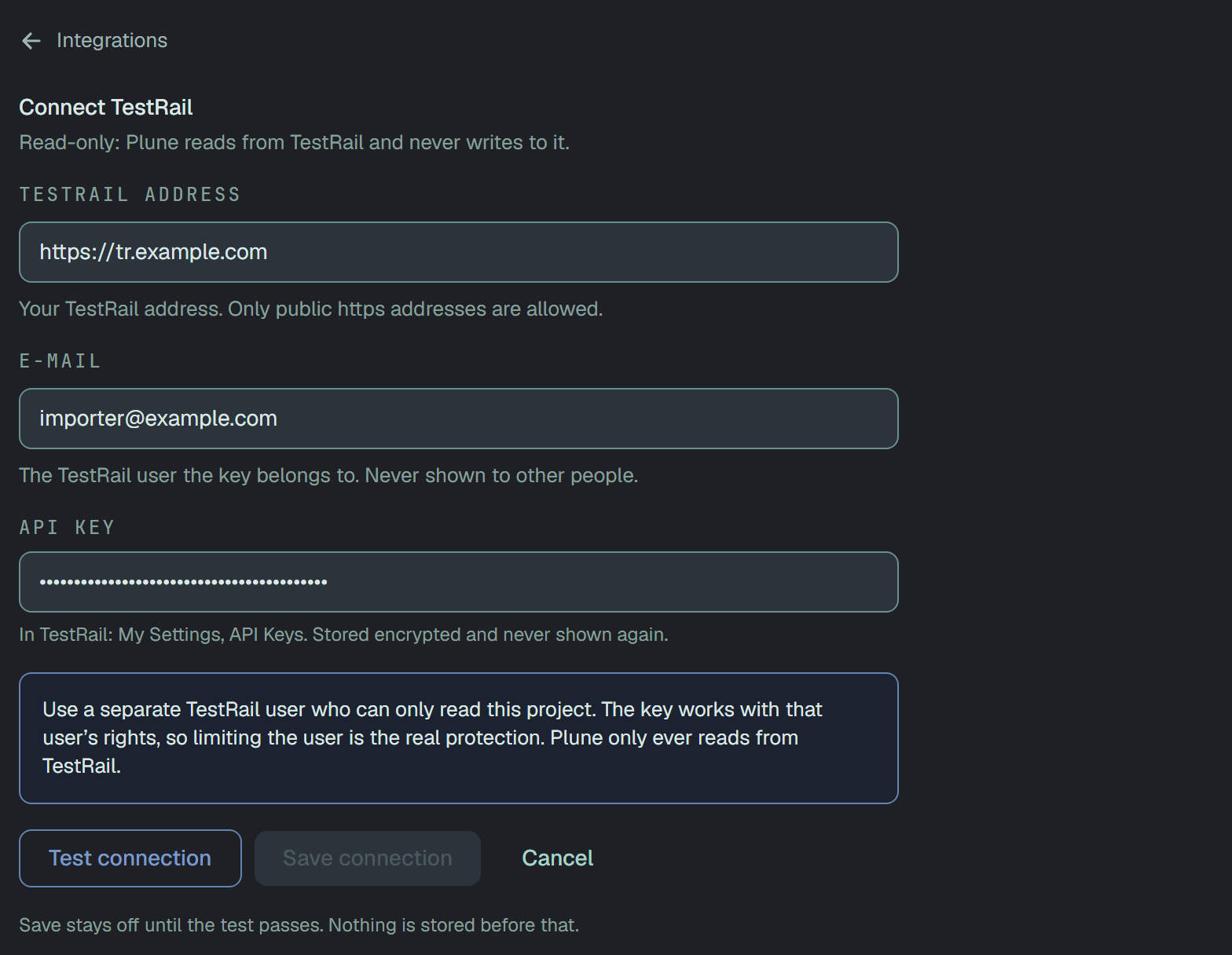
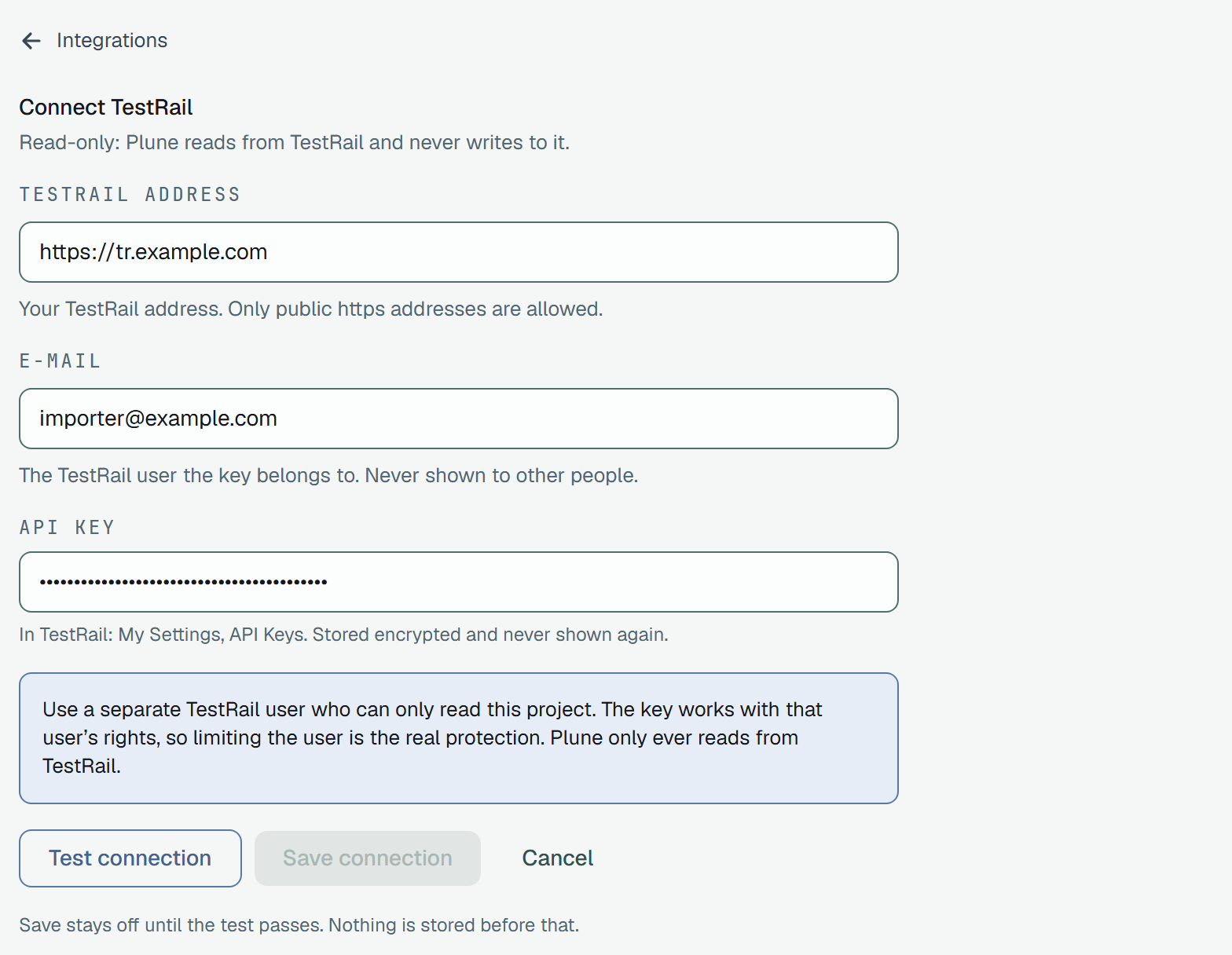
Section titled “4. Import one small project first (about 1 hour)”- Open Settings → Integrations, Import from other tools, the TestRail tab, and press Connect TestRail. Fill in the address, the e-mail of the TestRail user and the API key.
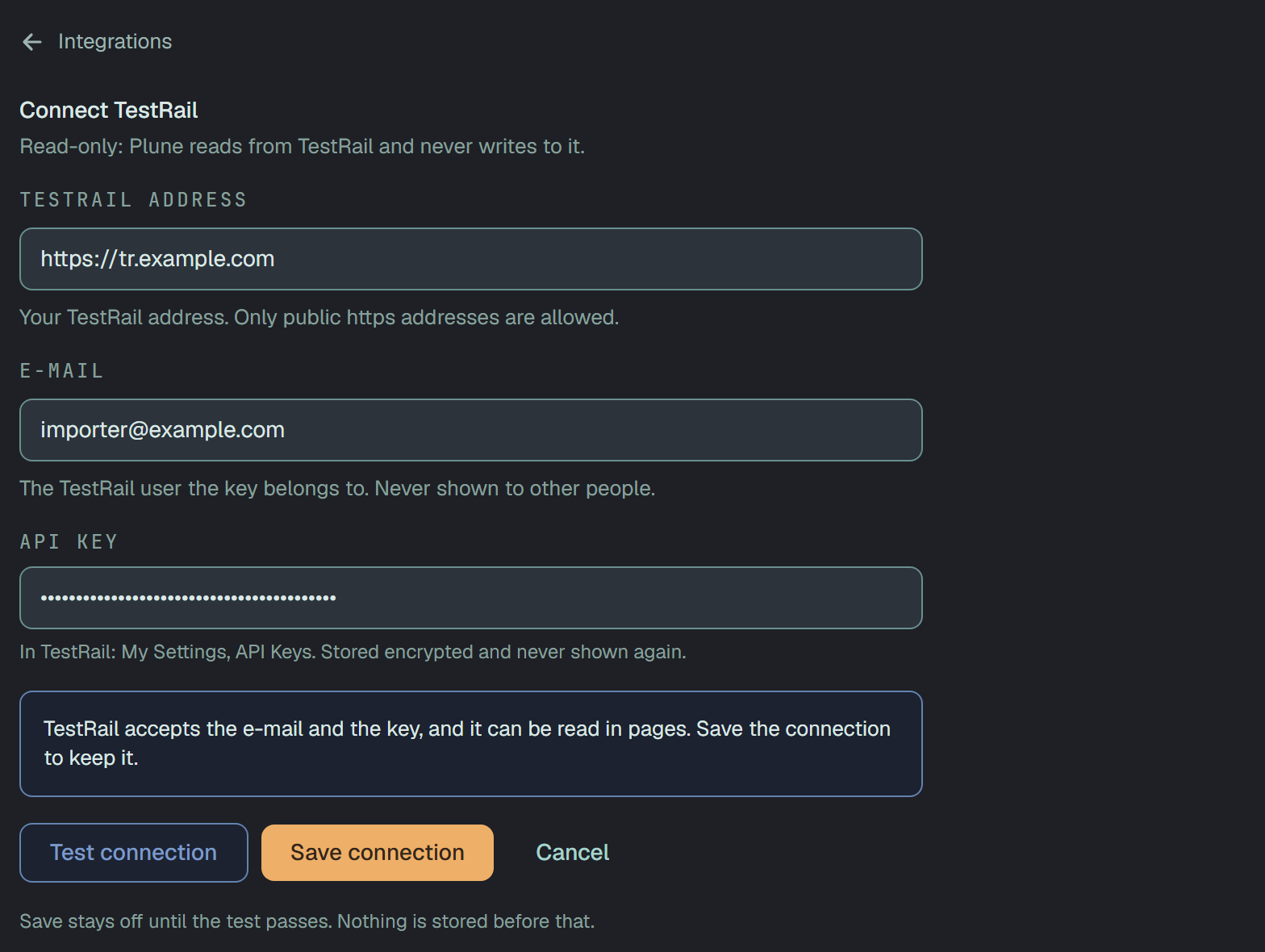
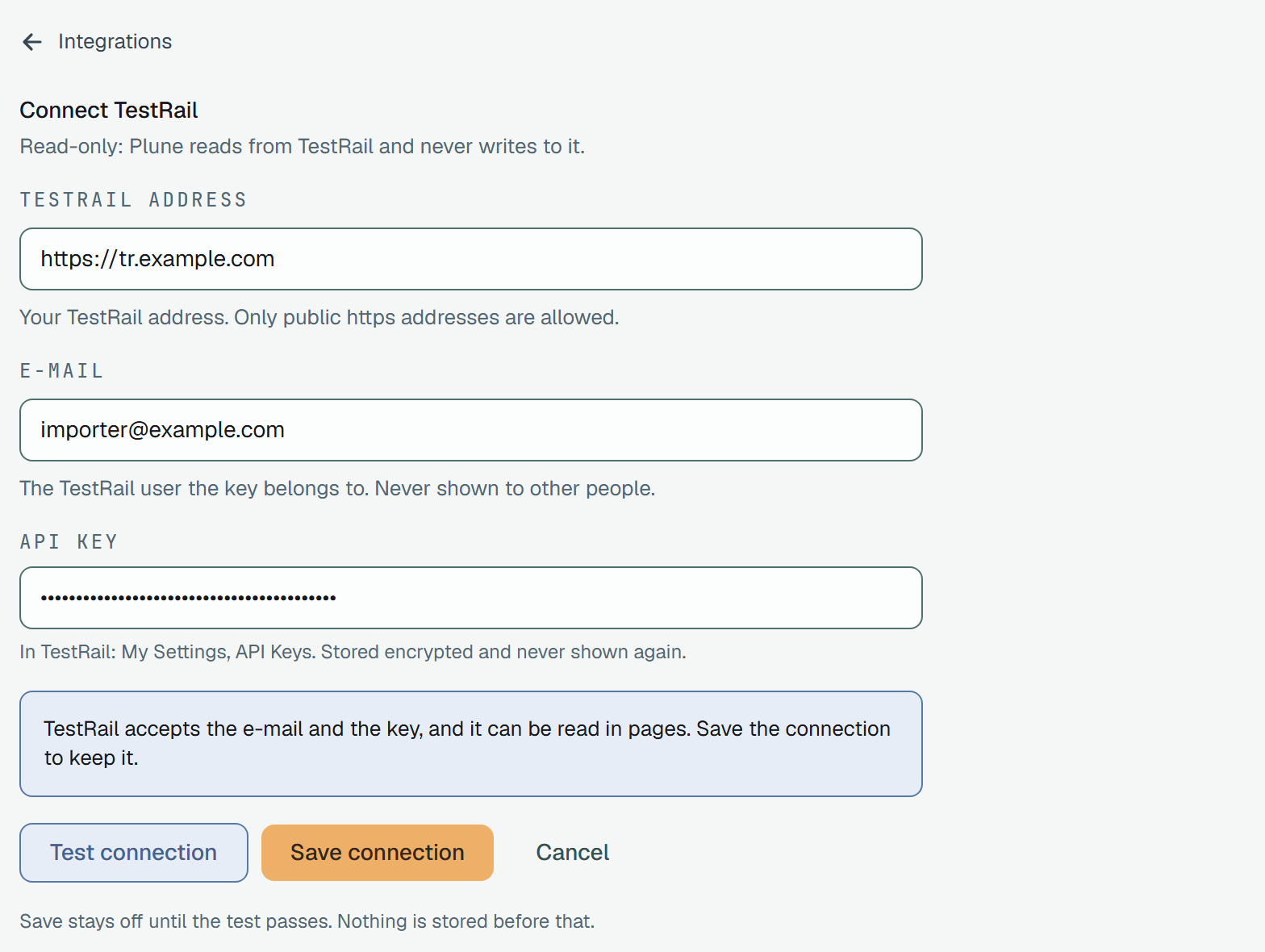
- Press Test connection. Plune runs three checks: the address answers, TestRail accepts the e-mail and the key, and TestRail can be read in pages. The test works on a saved connection, so Plune saves it for the test; if you press Cancel, or the first test fails, what the test saved is removed. Save connection keeps it once the test has passed.
- Press Choose projects to import and pick one small project. The counts are what TestRail reports now.
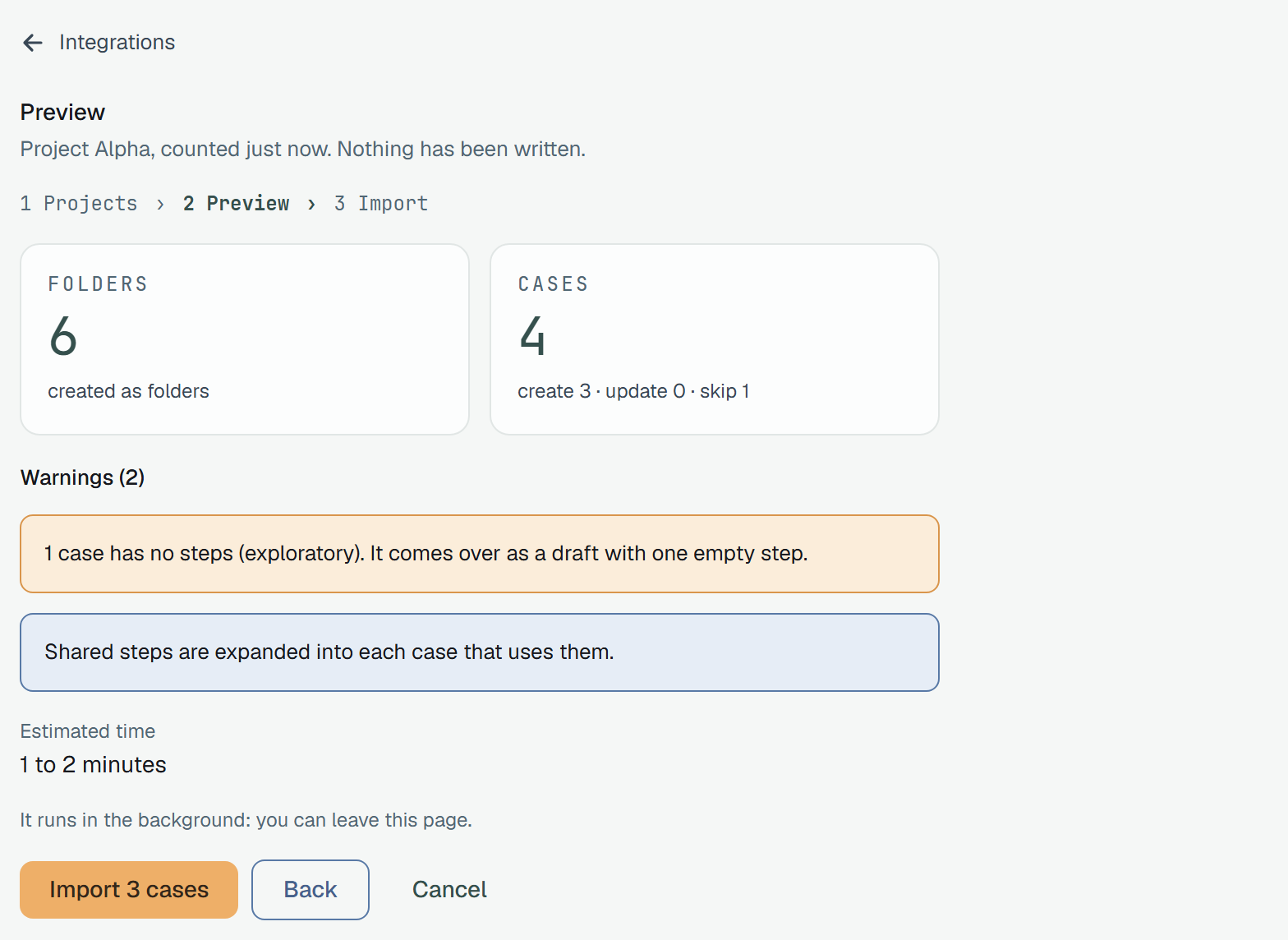
- Press Next: Preview. The preview is a dry run: it counts folders and cases (create, update, skip), shows warnings and an estimated time, and writes nothing.
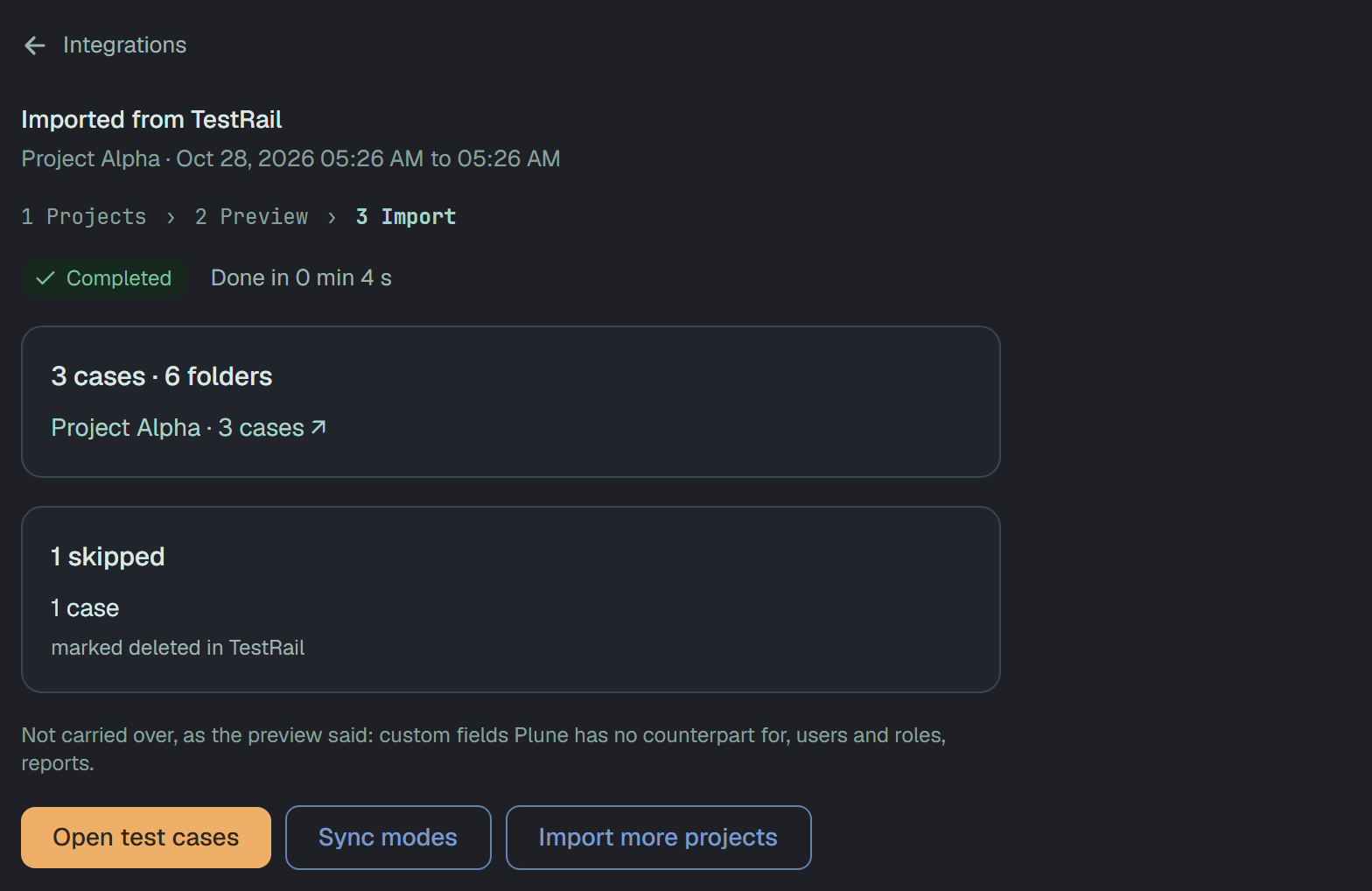
- Press Import N cases. The import runs in the background; you can leave the page, watch the queue, or press Cancel import.
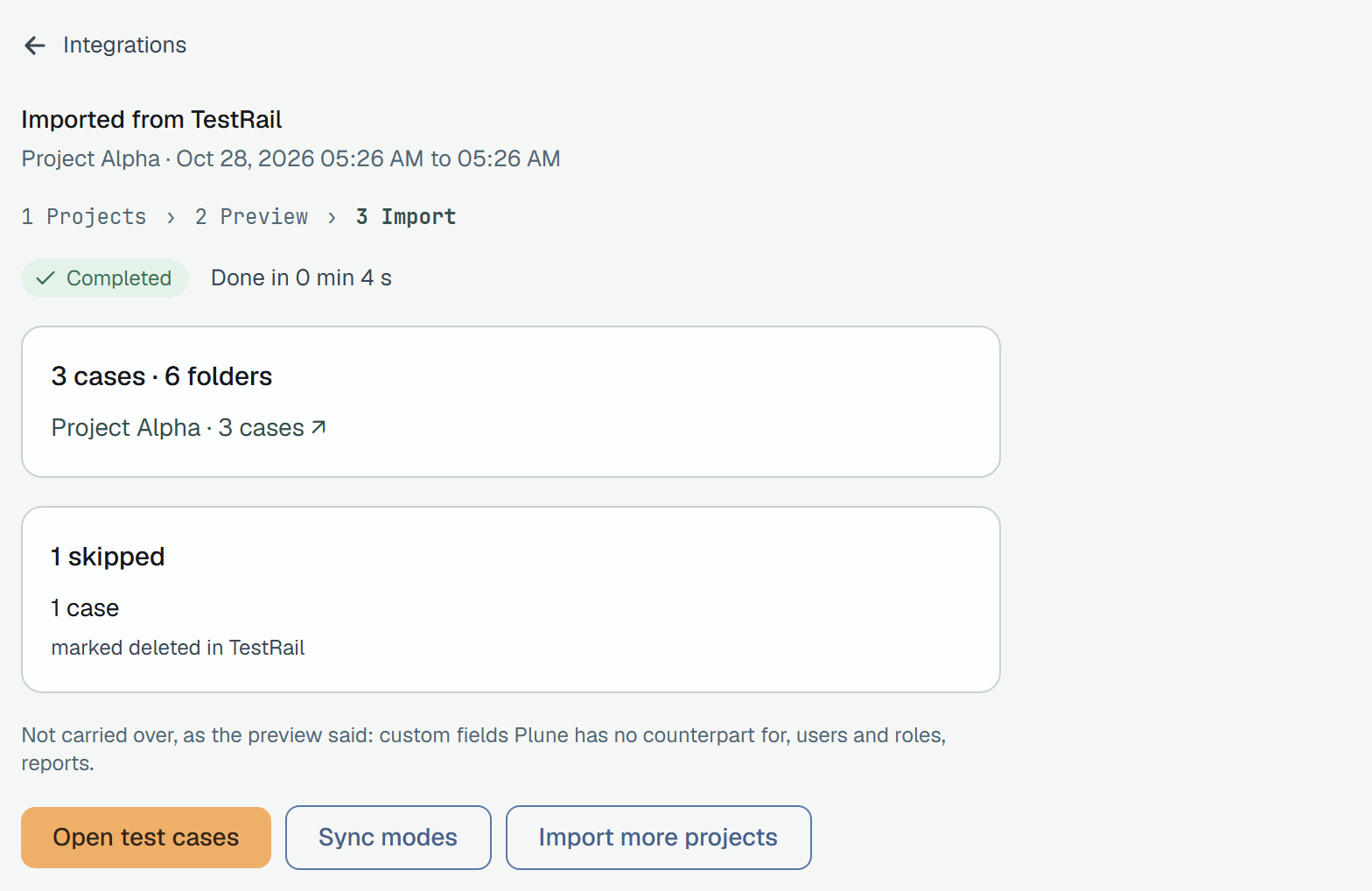
These screens are Plune with a simulated TestRail, so the project names and numbers are examples.
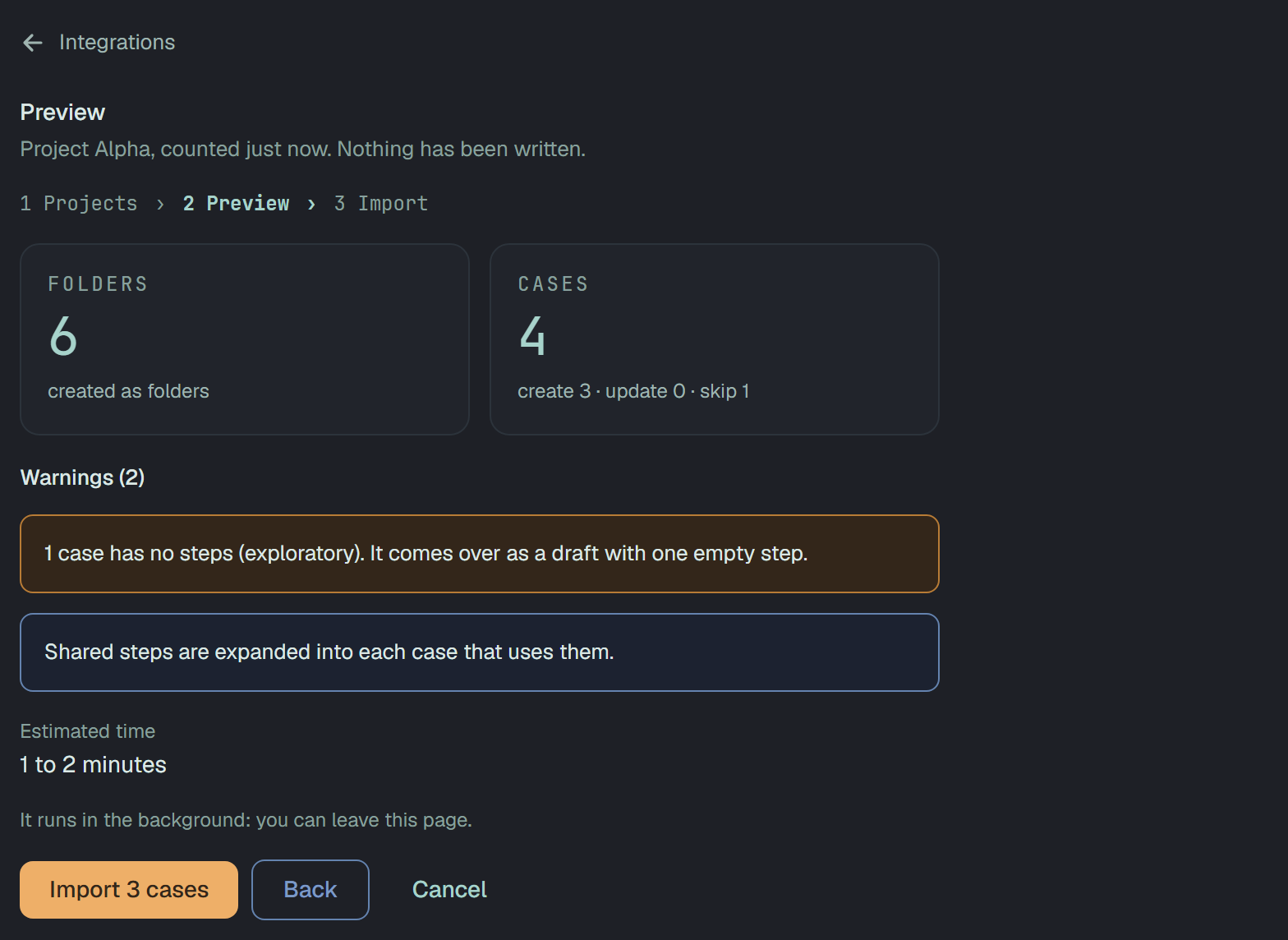
The server requires a dry run of the same TestRail project, on the same connection, within the last 7 days, before it accepts an import. If you ask for history (below), the dry run must have been made with the same history setting; otherwise the preview says so and offers Run the check again.
When it is done, open the cases and compare them with TestRail: titles, steps, expected results, priorities, tags. The summary lists what was skipped and why.
Importing again changes nothing
Section titled “Importing again changes nothing”Each case is stored with the key testrail/C<id>. A second import of the same project finds the case
by this key and updates it instead of making a copy; folders are matched as well. Also:
- A case you changed in Plune after the import is never overwritten by an import. If TestRail changed it too, it is reported as a conflict and left as it is.
- A case you moved to the Bin is not brought back.
- An import that stopped (the network, a rejected key) continues from where it was, without duplicates: press Continue.
- When TestRail answers 429 (too many requests), the import pauses for the time TestRail asked and continues by itself. Plune stays under 100 requests a minute per connection, a limit shared with anything else that calls your TestRail, such as CI.
Cases of two different TestRail instances cannot share one Plune project, because both would use the
same C<id> numbers; import the second into another project.
5. Import the rest, with or without history (about 2 hours)
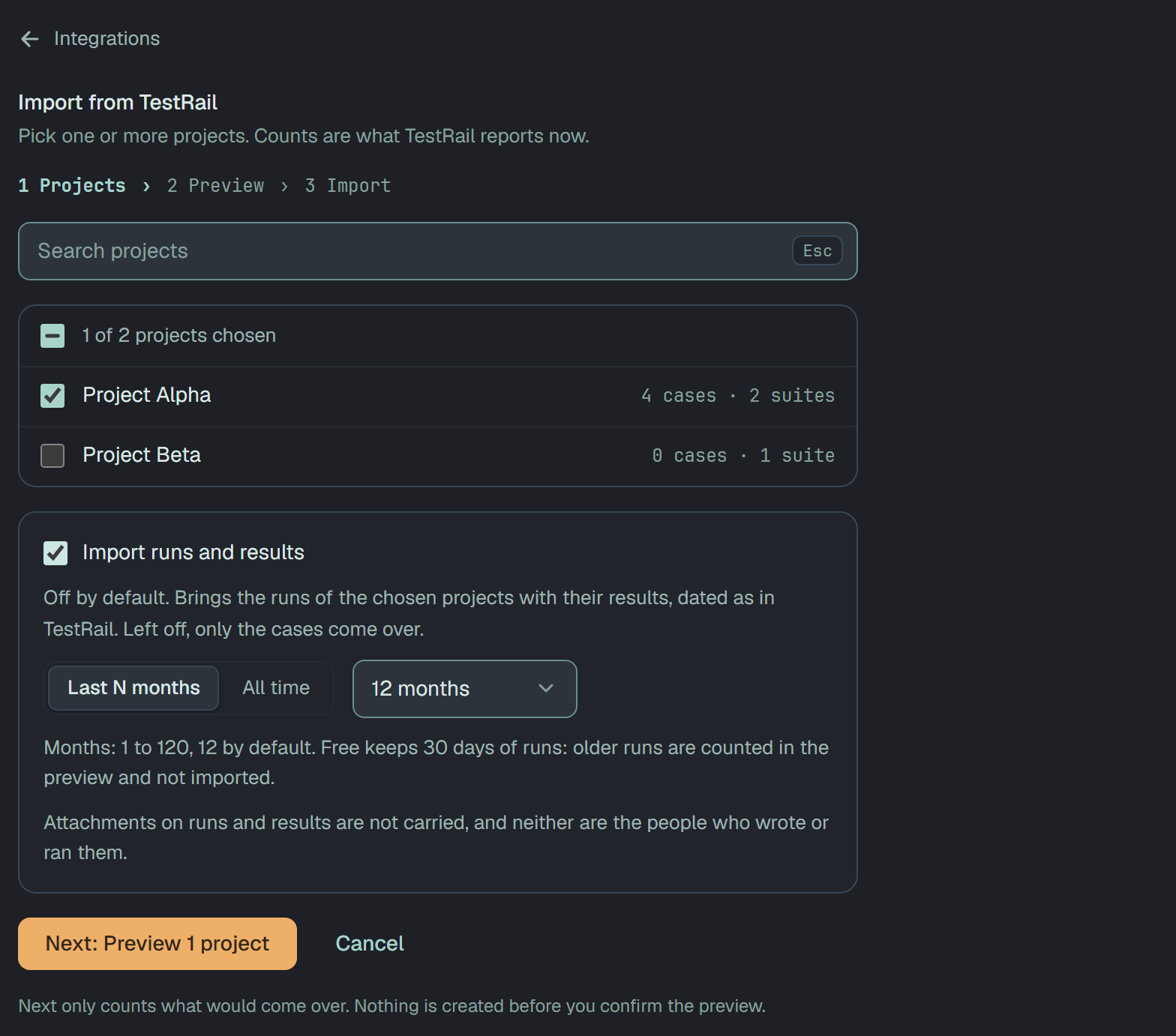
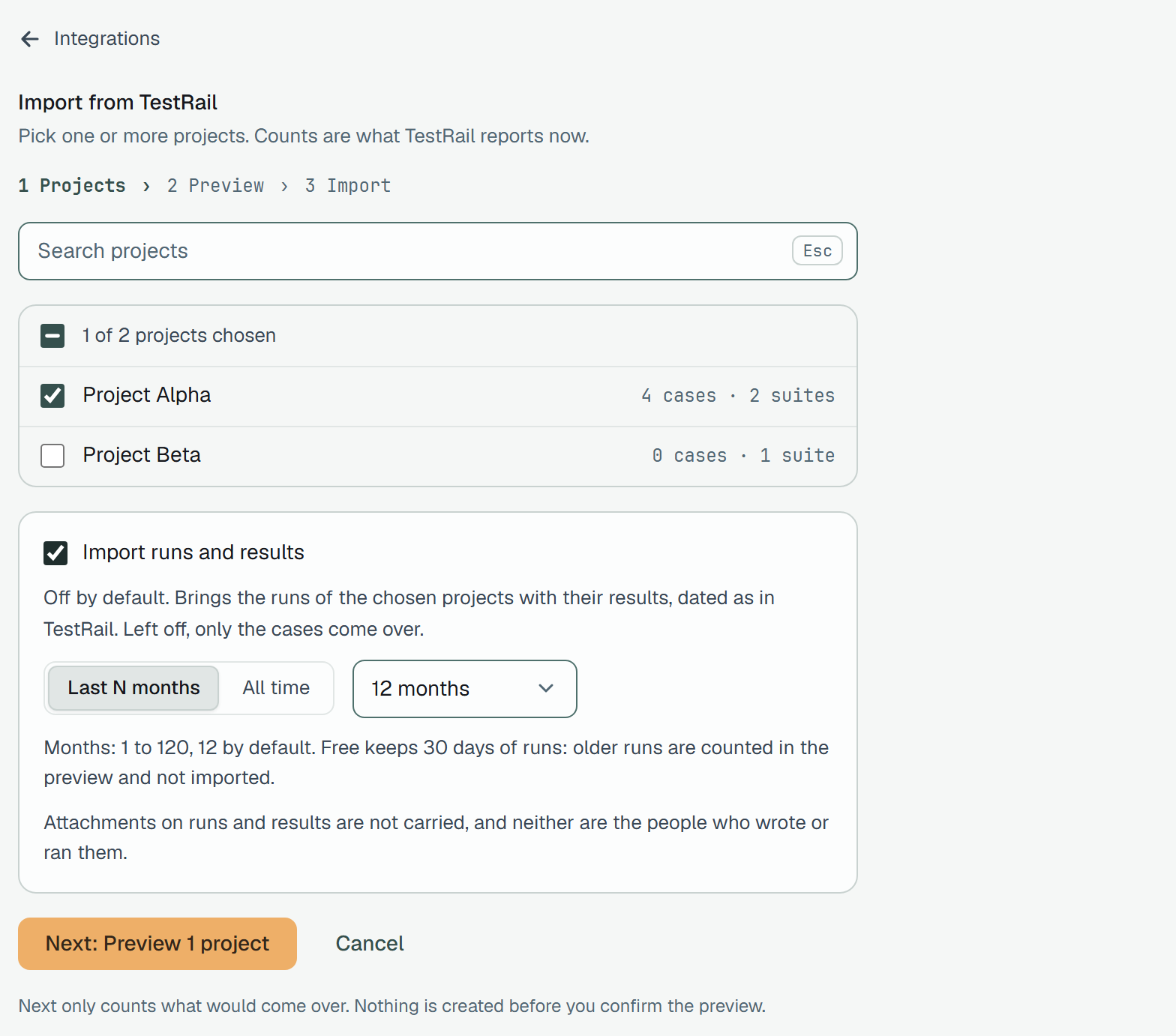
Section titled “5. Import the rest, with or without history (about 2 hours)”Choose all the projects you need and import. For runs and results, switch on Import runs and results in the project picker. It is off by default; left off, only cases come over.
| Setting | What is imported |
|---|---|
Off (none) | Folders and cases only |
Last N months (months) | Runs created in the last N months, 1 to 120, 12 by default |
All time (all) | Every run your plan keeps |
What to know:
- Your plan limits history. Free keeps 30 days of runs. Older runs are counted in the preview (“Beyond your plan”) and not imported, even when you ask for all time.
- Dates are kept. Imported runs and results carry the dates TestRail has. A closed run is finished at its closing date; an open run stays open and comes over as a manual run, and a repeat import fills it in.
- Each result is kept once. A repeat import adds no duplicates.
- Statuses. Passed, Failed and Blocked come over as they are. TestRail’s Retest and its own statuses come as skipped with a sub-status of that name, added to the project (at most ten sub-statuses a status; the rest stay as skipped with no sub-status and are counted). Untested tests get no result.
- Only the newest result of a case counts in a run’s summary; older rows stay as history.
- A run or result with no time is dated by the import; dates before 2004 or in the future are cut to the nearest limit. The summary counts both.
- Not carried over: attachments on runs and results, and the people who wrote or ran them.
6. Set up the team (about 1 hour)
Section titled “6. Set up the team (about 1 hour)”An imported case takes the person who imported it as its author, and the import time as its creation time. Then:
- Invite the team and give them roles: Members.
- Look at how the cases are arranged: Organizing cases and Fields.
- Start a first run by hand: Manual runs, or send results from your automation: Getting started.
7. Run both systems for a while
Section titled “7. Run both systems for a while”Nothing forces you to switch off TestRail on day one, and it is sensible not to. Plune offers one direction for this: from TestRail into Plune.
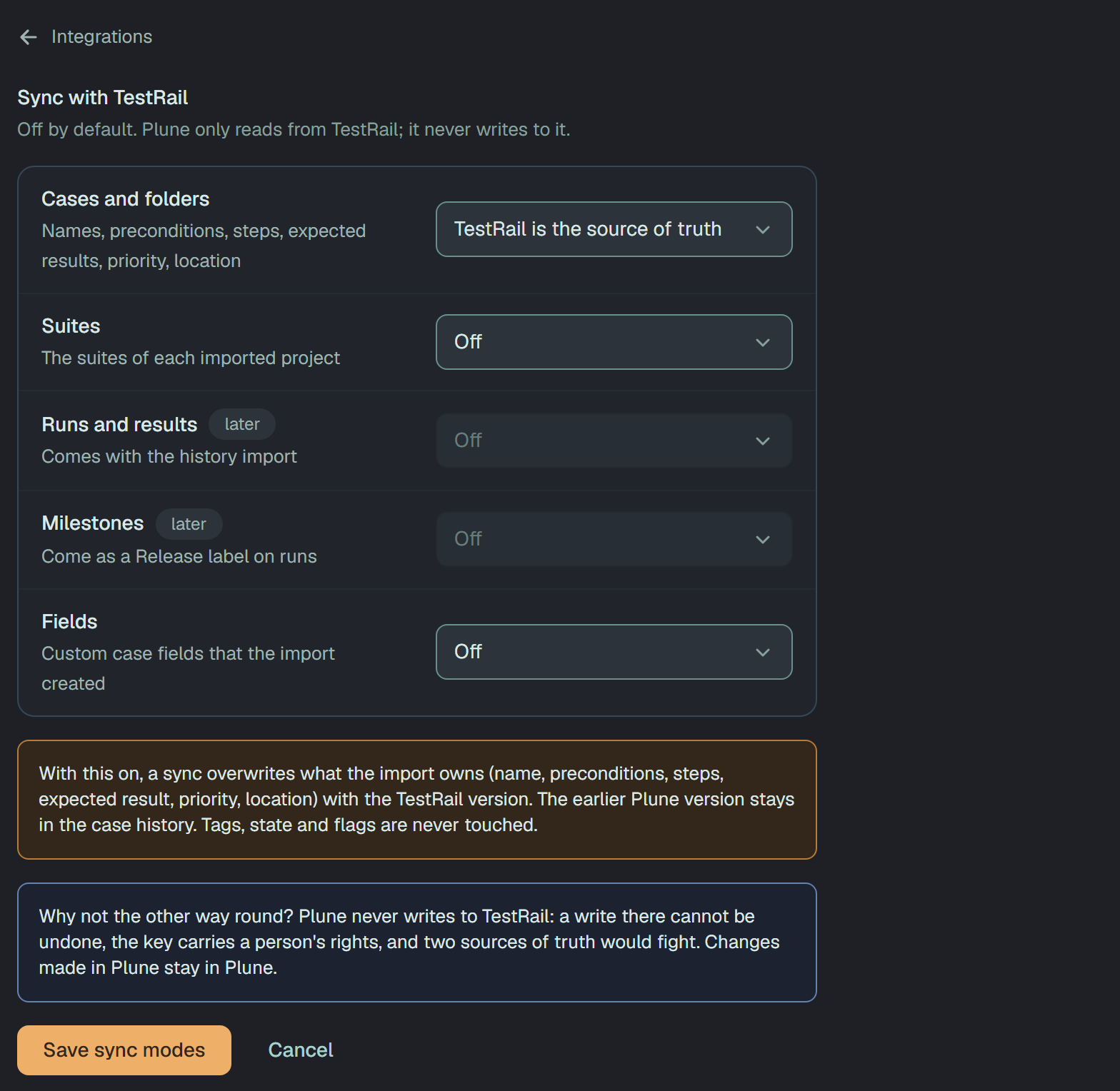
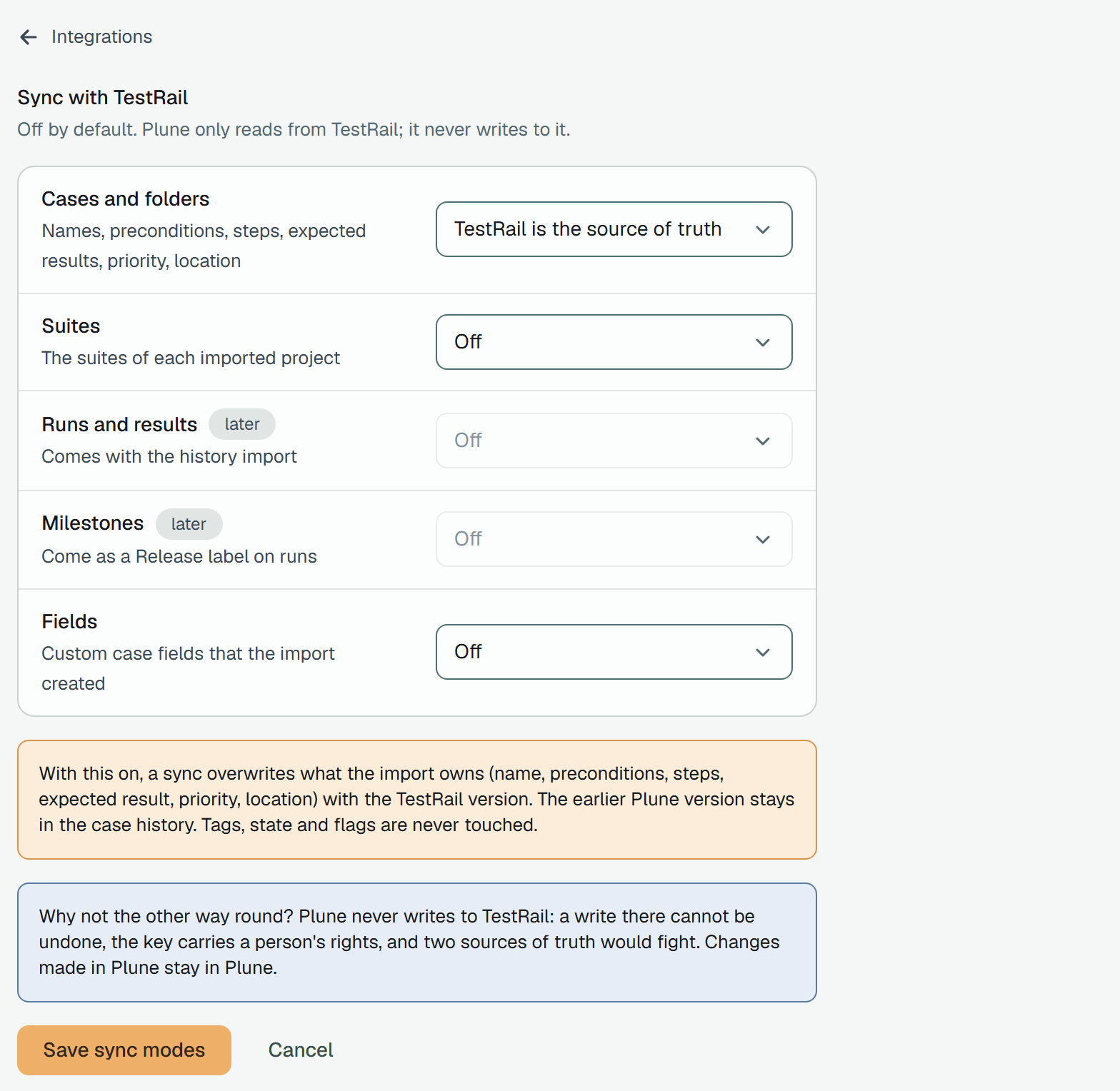
In Sync modes (a link on the TestRail page, available once TestRail is connected), each entity has a mode: Off (the default) or TestRail is the source of truth.
| Entity | Sync today |
|---|---|
| Cases and folders | Yes |
| Suites | Yes |
| Fields (custom case fields that the import created) | Yes |
| Runs and results | Not yet; a sync does not bring new runs, use the history import |
| Milestones | Not yet |
Sync changes from TestRail… unlocks after the first import and asks which changes to bring:
- Only new creates what is missing and never touches what is already in Plune.
- All changes also updates the cases that changed in TestRail, for entities set to TestRail is the source of truth. It overwrites what the import owns (name, preconditions, steps, expected results, priority, location) with the TestRail version; the earlier Plune version stays in the case history. Tags, state and flags are never touched.
A case that changed in both places is reported as a conflict and kept as in Plune. A sync never deletes: a case that has gone from TestRail is listed for you to review, and with All changes an active one is moved to Detached. If nothing changed, the sync says so.
So, during the parallel period: keep editing cases in one place (TestRail or Plune, not both), sync when TestRail changes, and remember that results recorded in Plune do not appear in TestRail. When you are ready to stop, Remove connection erases the saved key (cases already imported stay in Plune) and revoke the key in TestRail too.
What does not come over
Section titled “What does not come over”- Users, roles, groups and permissions. Authors and people on runs and results are not matched.
- Reports, saved filters, project settings, announcements.
- Attachments, and images embedded in text (they stay dead links).
- The case type (the preview counts it).
- Custom fields you do not choose, and the kinds Plune cannot hold (multi-select, user, milestone). Estimates come over by themselves; custom fields only when you choose them, for now through the API: see Estimates and custom fields.
- BDD scenarios: Plune has no Gherkin steps, so they are skipped and counted.
- Milestones and test plans as such, configurations, data sets, baseline suites. Shared steps are expanded into each case that uses them, and the link to the shared set is not kept.
- Anything flowing the other way: nothing is written back to TestRail.
The full mapping table is in Import from TestRail.
Questions and problems
Section titled “Questions and problems”- “TestRail rejected the e-mail or the API key.” TestRail does not say which of the two is wrong; check both, and that the key was not deleted.
- “This address is not allowed” / “could not reach”. The address must be a public
httpsone that answers from the internet; Plune does not follow redirects, so enter the address it redirects to. Otherwise, use a file. - “Paused · TestRail asked to slow down” (429). Nothing to do: the import goes on by itself.
- “This does not fit.” The project’s limit of cases is lower than what the import would add: choose fewer projects, or ask for a higher limit.
- A very large project stops. See the limits in step 1; what was imported stays and a repeat import does not duplicate it.
- Large attachments. They are not carried over; plan to keep the files in TestRail, or in your own storage.
- Custom fields. Choose the ones you need on the import (through the API for now); a kind Plune cannot hold, such as multi-select, is listed with the reason and left in TestRail.
- Something else. There is no separate support channel for this import documented yet; tell the person who invited you to the beta.