
Companies
A company stands above projects: it holds projects and the people who work on them, with roles of its own. You can be in several companies. A project in no company is a personal project — every project is one until its owner moves it into a company — and for somebody in no company nothing changes.
What you see inside a project is still decided by membership of that project, as on Projects. Everyone in a company sees the names of its projects and its people; a project’s runs, cases and plans open only to that project’s members. A company role opens no project by itself. It gives two things instead: the right to join the company’s projects, and the role you join them with.
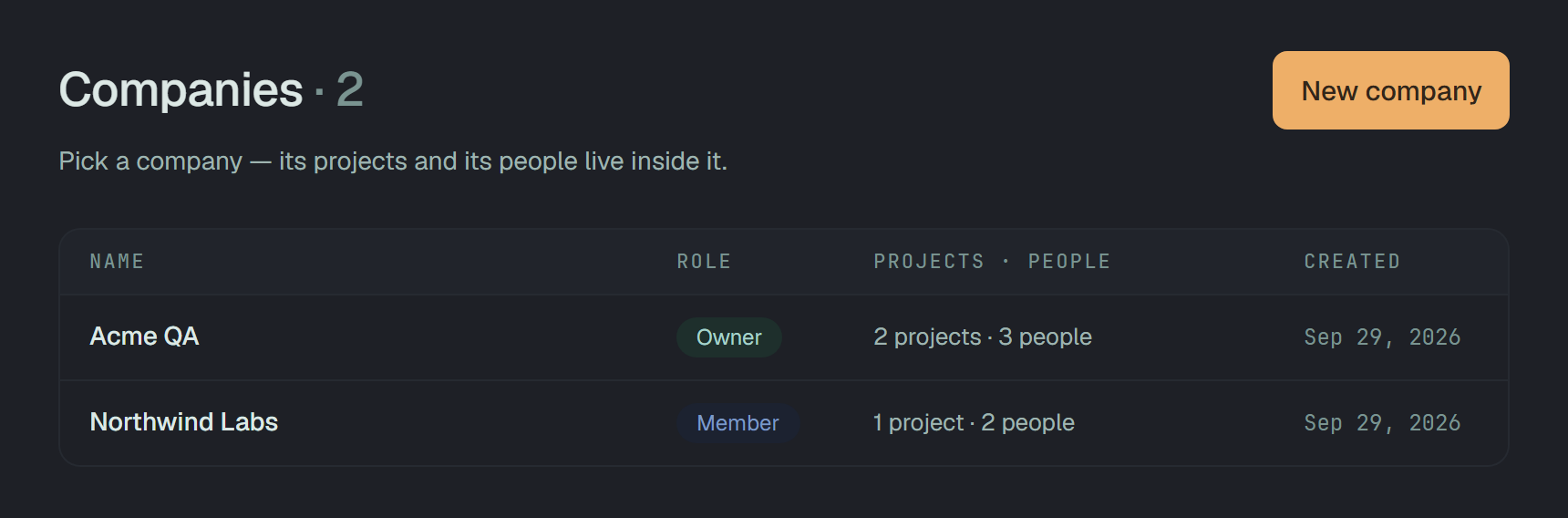
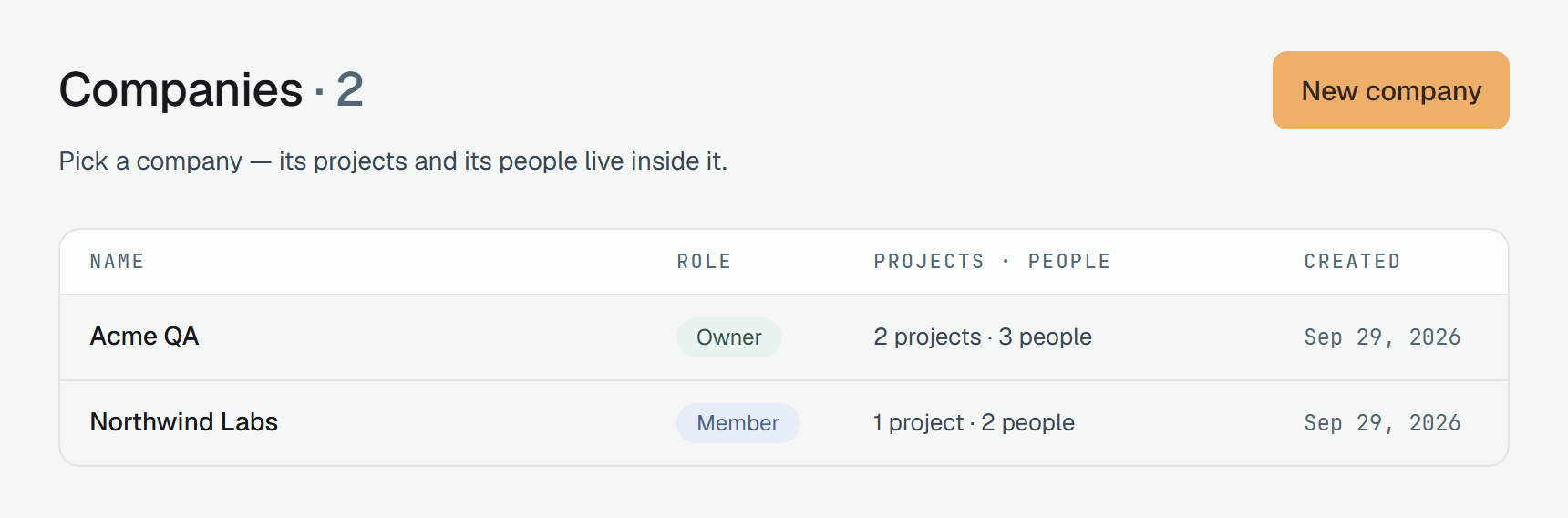
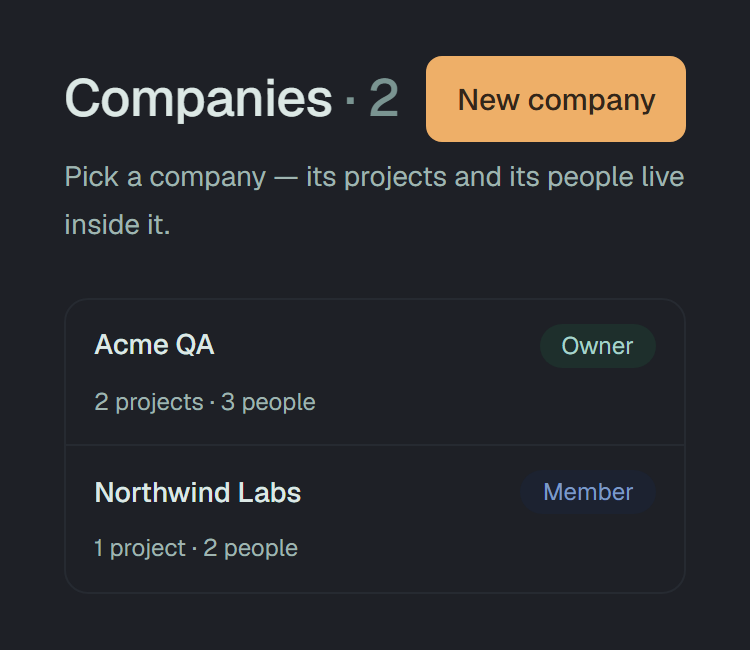
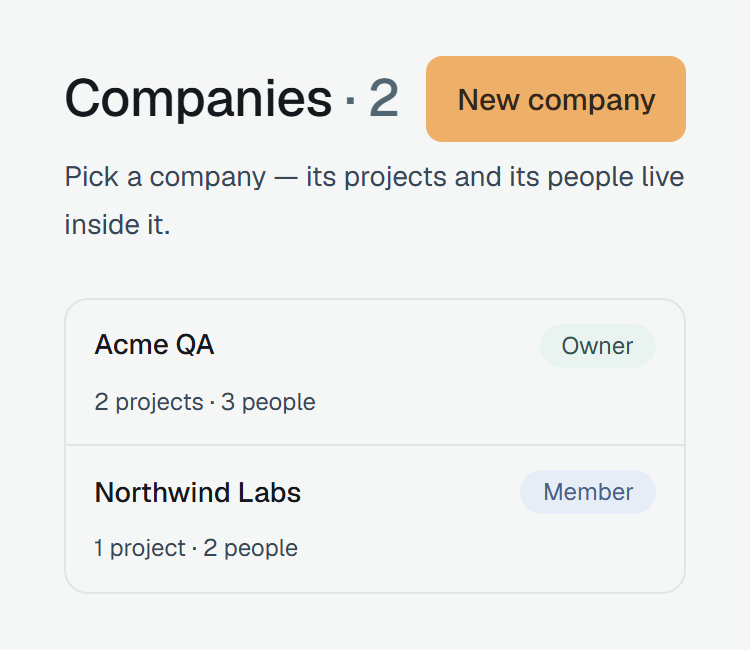
Companies in the bar outside a project (/companies) lists every company you are in: your role in
it, how many projects and people it has, and the day it was made. The company you opened last comes
first, the others oldest first. A row opens the company’s page.
A company has four roles, and they are not project roles: a company role says what you may do in the company, and which project role you get when you join one of its projects.
| Role | In the company | Joins its projects as |
|---|---|---|
Owner (owner) | everything an admin does, and alone: whatever touches an owner — making, demoting, removing or inviting one — and deleting the company | owner |
Admin (admin) | invites people, changes their roles and removes them — owners aside; moves projects in; adds people to its projects; renames it | owner |
Member (member) | sees its projects and people, joins its projects, leaves | member |
Read-only (reader) | the same as a member | read-only (reader) |
- Anyone in a company adds themself to one of its projects — Join as … on the Projects tab. Adding somebody else is an owner’s or an admin’s.
- The role in the last column is given at the moment somebody joins, is added, or their project moves in. After that the role in the project is the project’s business: a new company role does not change it in the projects they are already in.
- A company always has an owner. The last one can neither leave nor step down —
409 a company needs an owner — make somebody else one first. - An admin runs the company below its owners: making, demoting, removing or inviting an owner answers
403 company owner only.
The three project roles are on Members.
Creating a company
Section titled “Creating a company”-
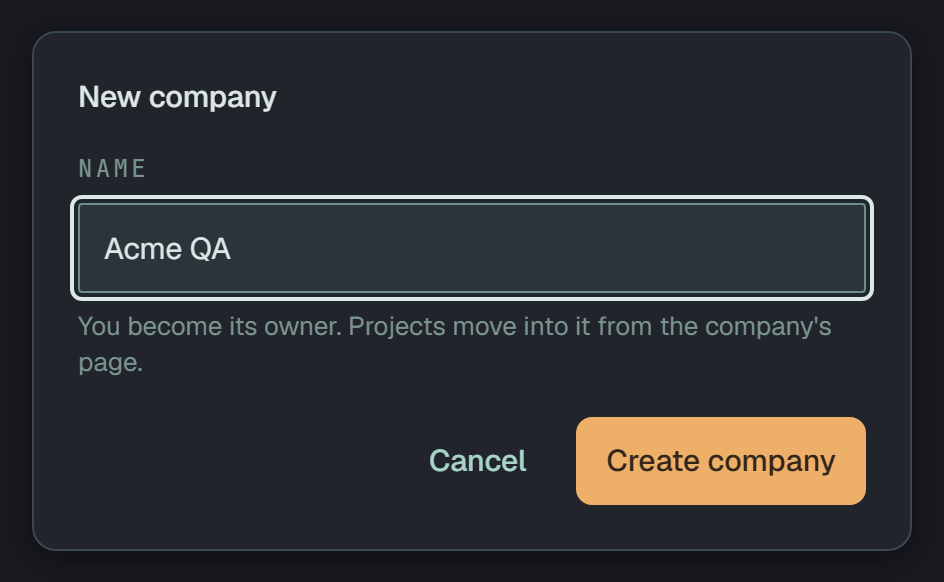
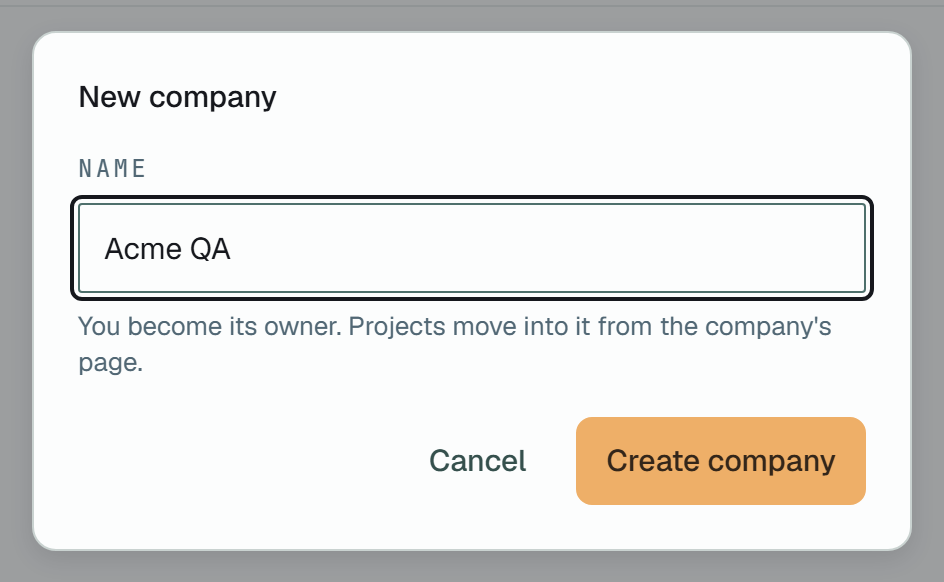
On Companies, click New company.
-
Type its name — 1 to 100 characters — and click Create company. You are its owner, and its page opens on the empty Projects tab.
Through the API — any token of yours, or your session:
curl -X POST https://beta-api.plune.ai/v1/companies \ -H "Authorization: Bearer $PLUNE_TOKEN" \ -H "content-type: application/json" \ -d '{"name":"Acme QA"}'{ "id": "d662bdb4-…", "name": "Acme QA", "role": "owner", "projects": 0, "members": 1, "createdAt": "2026-09-29T12:36:12.487Z"}201, and the answer is the company as the list shows it: your role, its projects and people counted.
People
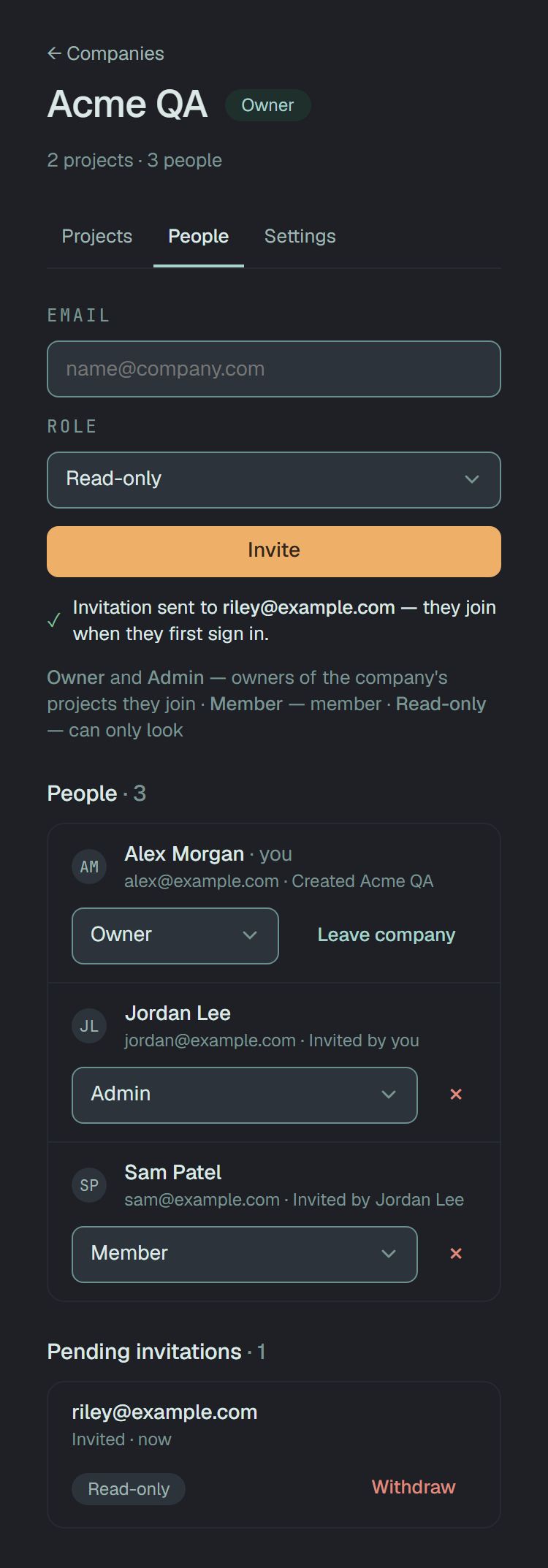
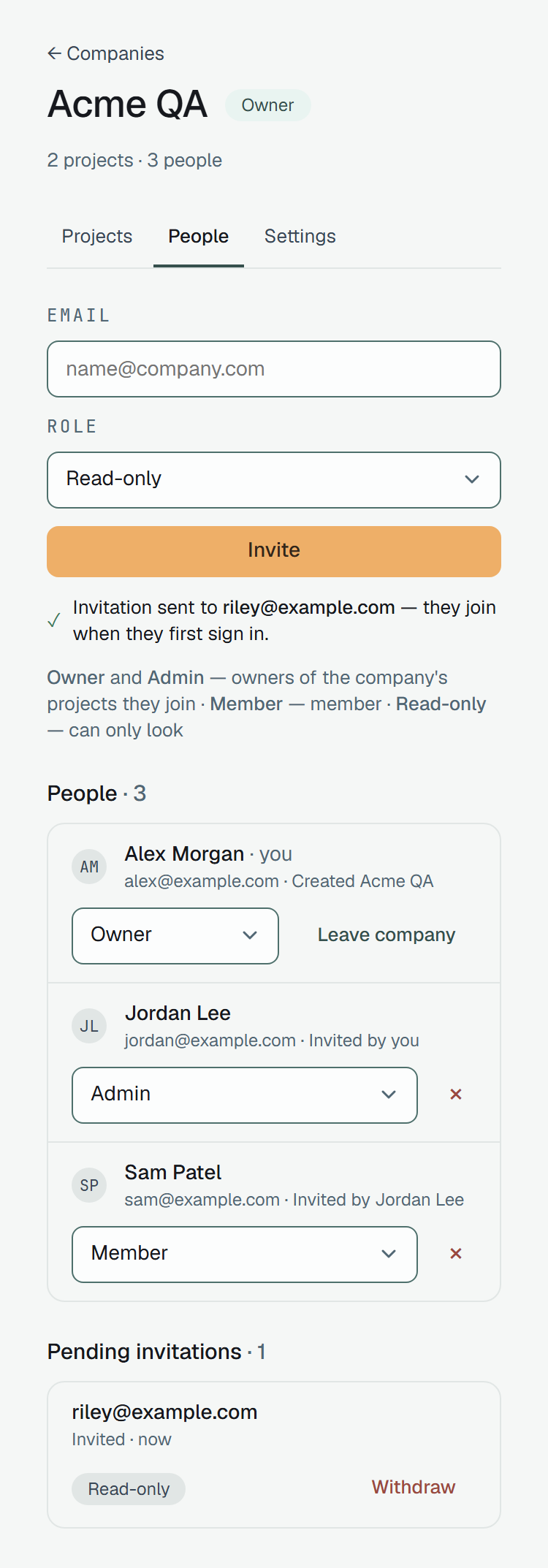
Section titled “People”The People tab lists everyone in the company — their role, their address and who invited them — and, for owners and admins, the invitations still waiting.
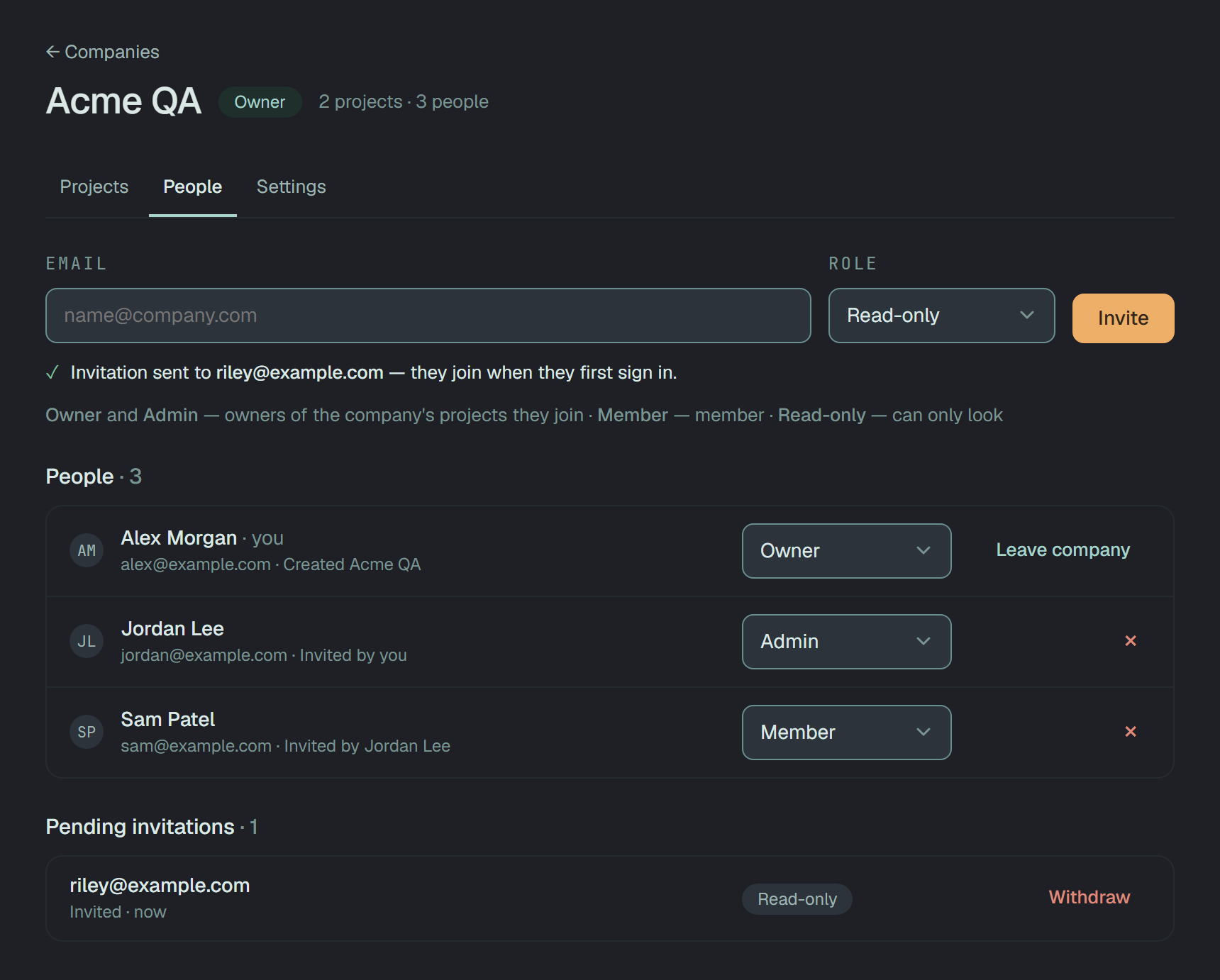
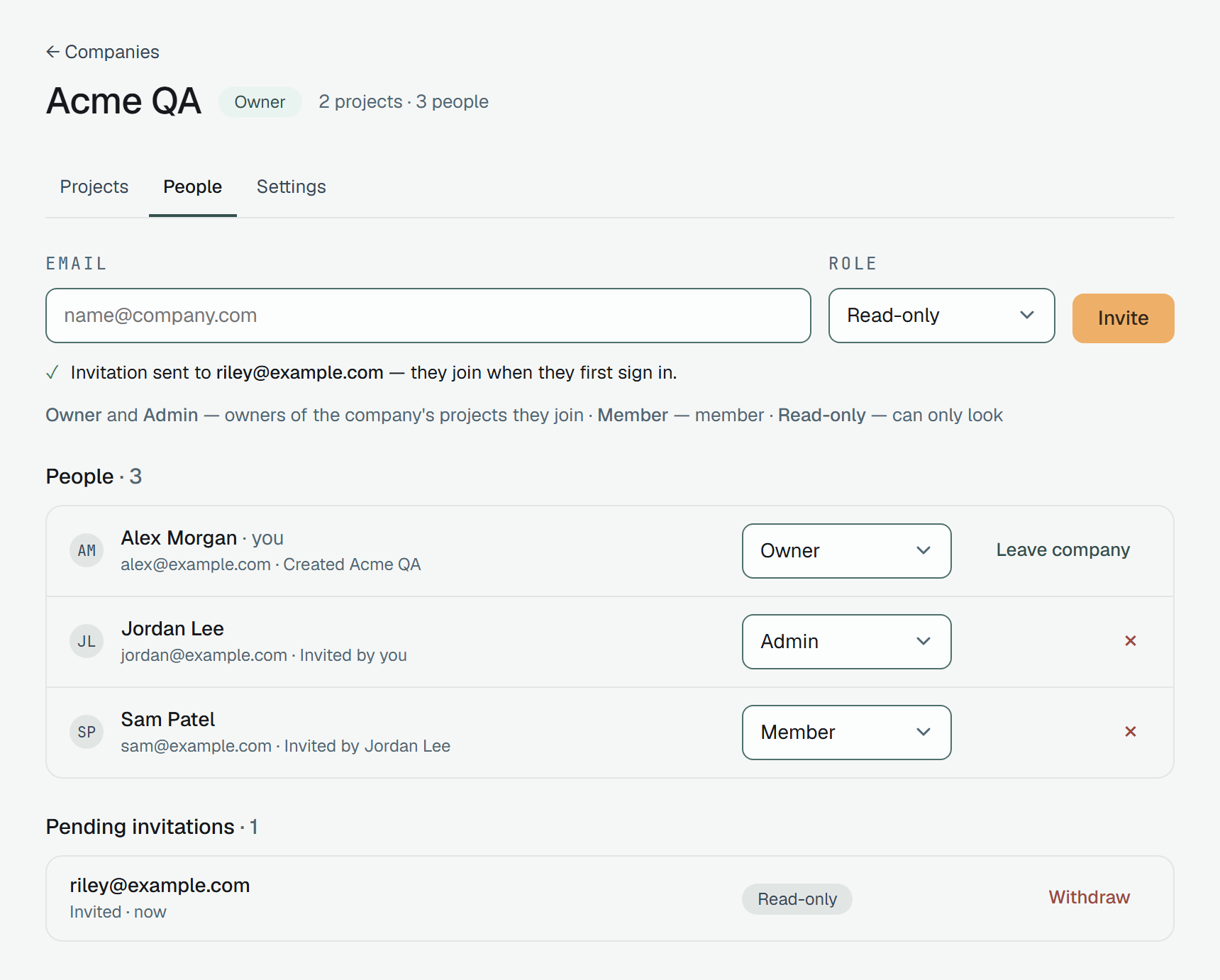
- Invite — an address and a role, Member unless you pick another. An address that already has a Plune account is in at once. Any other gets a mail, waits under Pending invitations and joins at its first sign-in; the invitation also lets it through the beta door, as an invitation into a project does (Members). Withdraw takes it back.
- Change a role in the person’s row; × removes them. An admin’s list of roles stops at Admin, and an owner’s row is only a badge to an admin.
- Leave company is on your own row, whatever your role — a read-only person may leave too.
- Members and read-only people see the list with no controls but their own Leave company, and no invitations.
Leaving or being removed takes the person out of every project of the company too, and off the cases assigned to them there; their personal projects are not touched. When they are the last owner of one of the company’s projects, nothing changes, and the answer names that project — make somebody else its owner first:
{ "error": "[email protected] is the last owner of «Payments API» — make somebody else its owner first", "projectId": "63489859-…"}Inviting through the API:
curl -X POST \ https://beta-api.plune.ai/v1/companies/d662bdb4-…/members \ -H "Authorization: Bearer $PLUNE_TOKEN" \ -H "content-type: application/json" \{ "kind": "invitation", "id": "63b1df20-…", "createdAt": "2026-09-29T12:36:13.884Z"}201. kind says which of the two happened: invitation for an address with no account yet, or
member — the person’s row, with userId and invitedBy — for somebody who is in at once. The same
address twice, or one already in, answers 409; a member or a read-only person asking answers
403 company owner or admin only.
The rest of the tab, for owners and admins — and the removal of your own row, which is leaving, for anyone:
PATCH /v1/companies/{id}/members/{userId} { "role": "reader" } → 200DELETE /v1/companies/{id}/members/{userId} → 204DELETE /v1/companies/{id}/invitations/{invitationId} → 204Inviting into a company’s project
Section titled “Inviting into a company’s project”A company’s project takes the company’s people. On its Settings → Members, inviting takes an owner
of the project who is also an owner or admin of the company: a project owner who is only a member of the
company is answered 403 company owner or admin only. Somebody from outside the company is asked into
the company too, with the company role the picked project role comes from — Owner → Admin,
Member → Member, Read-only → Read-only. Somebody already in the company joins the
project with the role their company role gives, whatever was picked.
A company’s projects
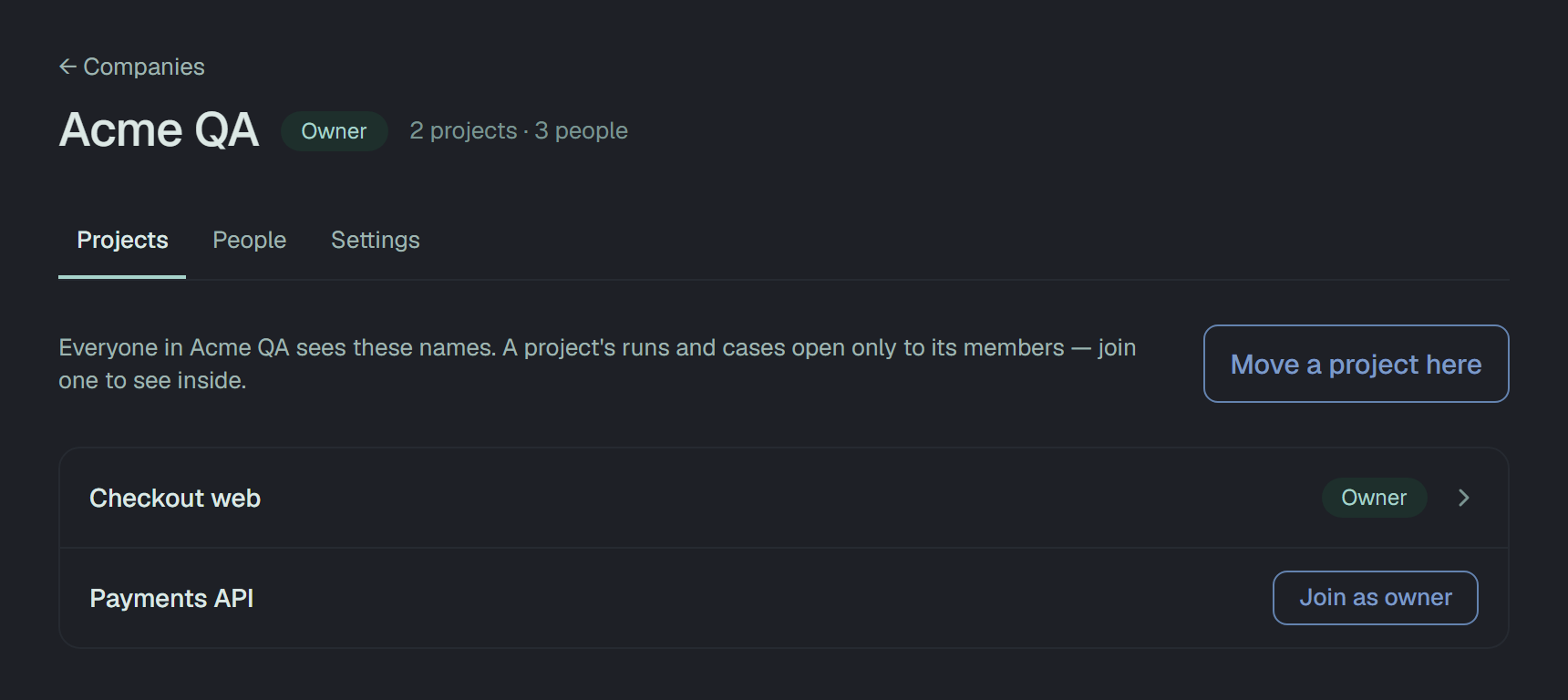
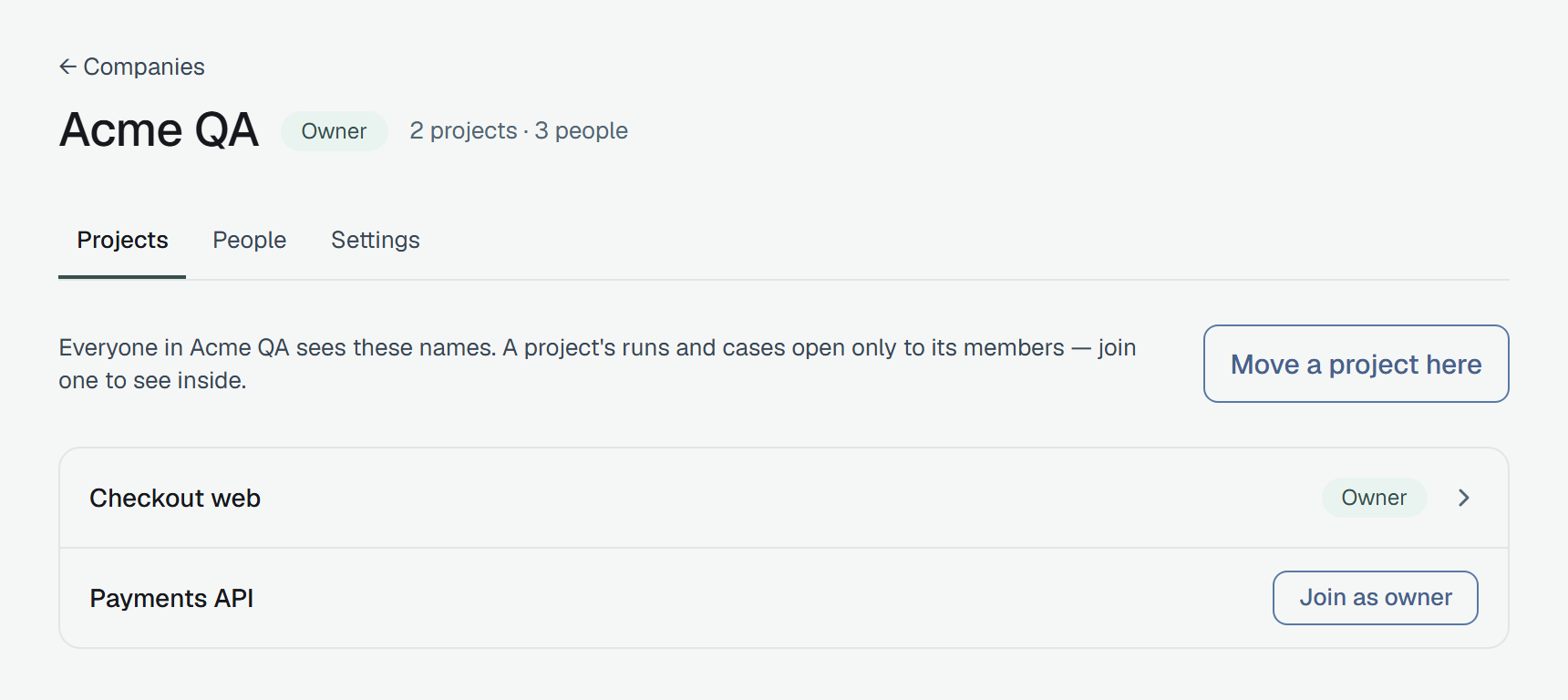
Section titled “A company’s projects”The Projects tab lists every project of the company by name. One you are in opens — your role in it on the right. Any other offers Join as … with the role your company role gives: Join as owner for owners and admins, Join as member, Join as read-only. After the click the row opens the project.
Through the API, joining is POST /v1/companies/{id}/projects/{projectId}/join →
201 { "projectId": "…", "role": "owner" }, for anyone in the company, themself only. An owner or an
admin adds somebody else in the company with
POST /v1/companies/{id}/projects/{projectId}/members { "userId": "…" } →
201 { "projectId", "userId", "role" } — their role by the same table. Somebody already in the project
answers 409.
Moving a project in
Section titled “Moving a project in”Owners and admins of a company move their own projects into it: Move a project here lists the projects you own that are in no company, your default project aside.
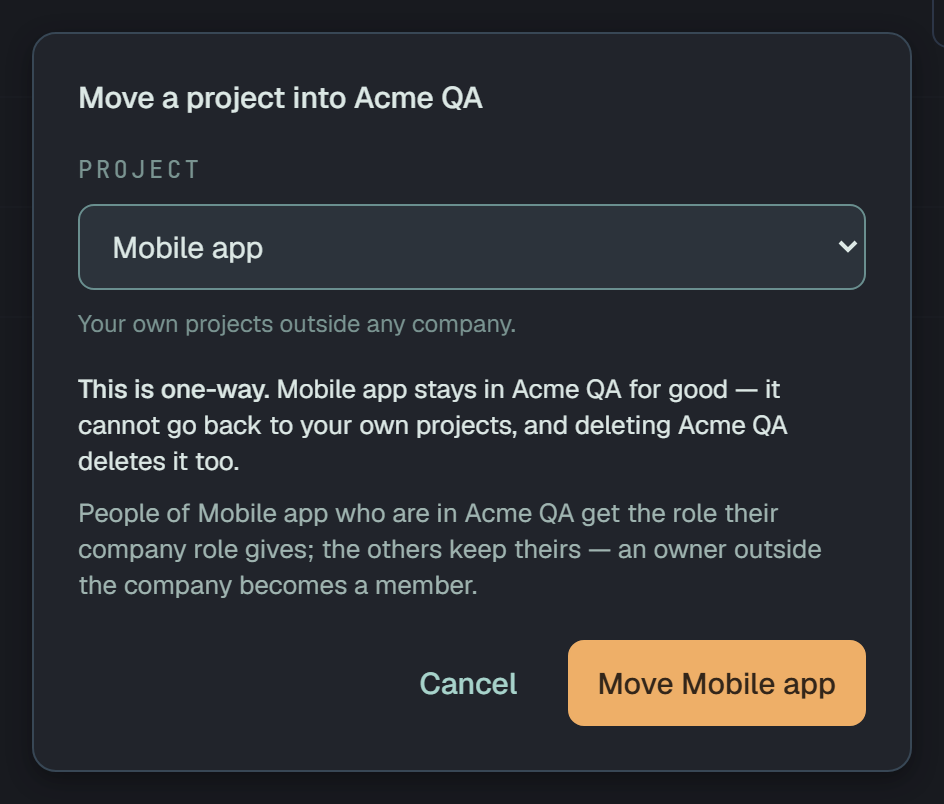
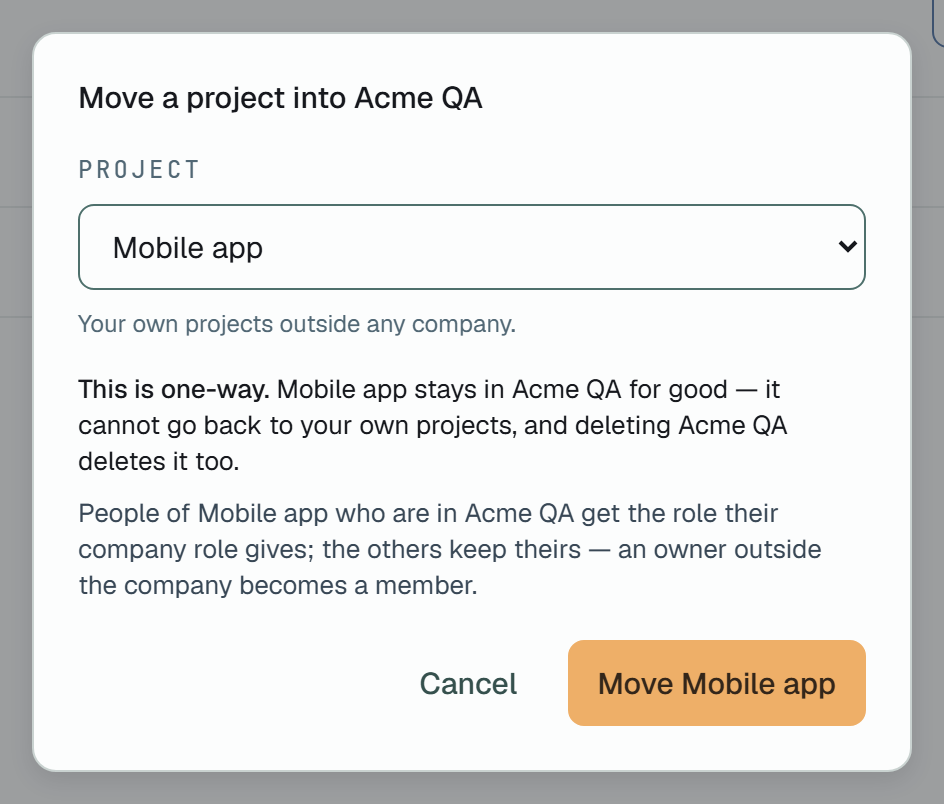
- One way. A project in a company stays in it: there is no way back to your own projects, in the dashboard or through the API, and deleting the company deletes the project too. The dialog says so before the click.
- Your default project stays personal — it is where a request with no project lands.
- Its people. Those who are in the company get the role their company role gives. The others keep theirs, but an owner becomes a member: a company’s projects are run by its owners and admins. An invitation into the project as owner becomes one as member.
Through the API:
curl -X POST \ https://beta-api.plune.ai/v1/projects/24325643-…/transfer \ -H "Authorization: Bearer $PLUNE_TOKEN" \ -H "content-type: application/json" \ -d '{"companyId":"d662bdb4-…"}'{ "id": "24325643-…", "name": "Checkout web", "company": { "id": "d662bdb4-…", "name": "Acme QA" }}The refusals come about the project first, so somebody outside it learns nothing about the company from their order:
| Answer | When |
|---|---|
404 project '…' not found | you are not in the project |
403 project owner only | you are in it, but not its owner |
409 a default project stays personal — it is where a request with no project lands | it is your default project |
409 this project is already in a company — a transfer is one-way | it is in a company already |
404 company '…' not found | you are not in the company |
403 company owner or admin only | you are a member or read-only in it |
GET /v1/projects names each project’s company — "company": { "id": "…", "name": "Acme QA" }, or
null for a personal one.
Over its projects
Section titled “Over its projects”Outside its own pages, a company’s name stands over its projects wherever they are listed or opened.
Projects groups the projects you are in by company: Personal first — every project in no company, a colleague’s personal project you were asked into among them — then each company by name, under the building, with how many people it has, your role in it and Open company →. A company where you are in none of its projects yet has a line of its own and the way to its page, where you join one. More on the Projects page.
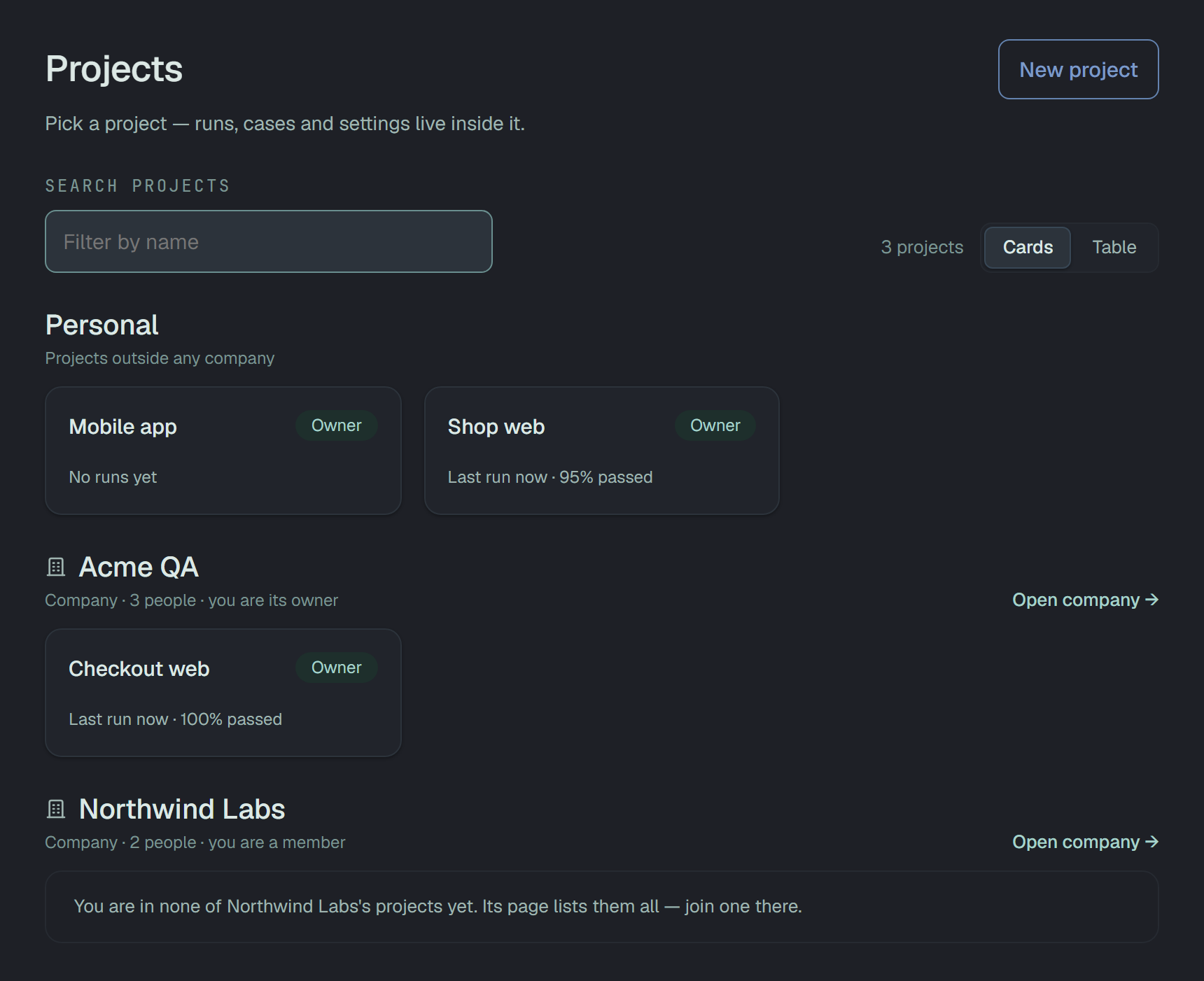
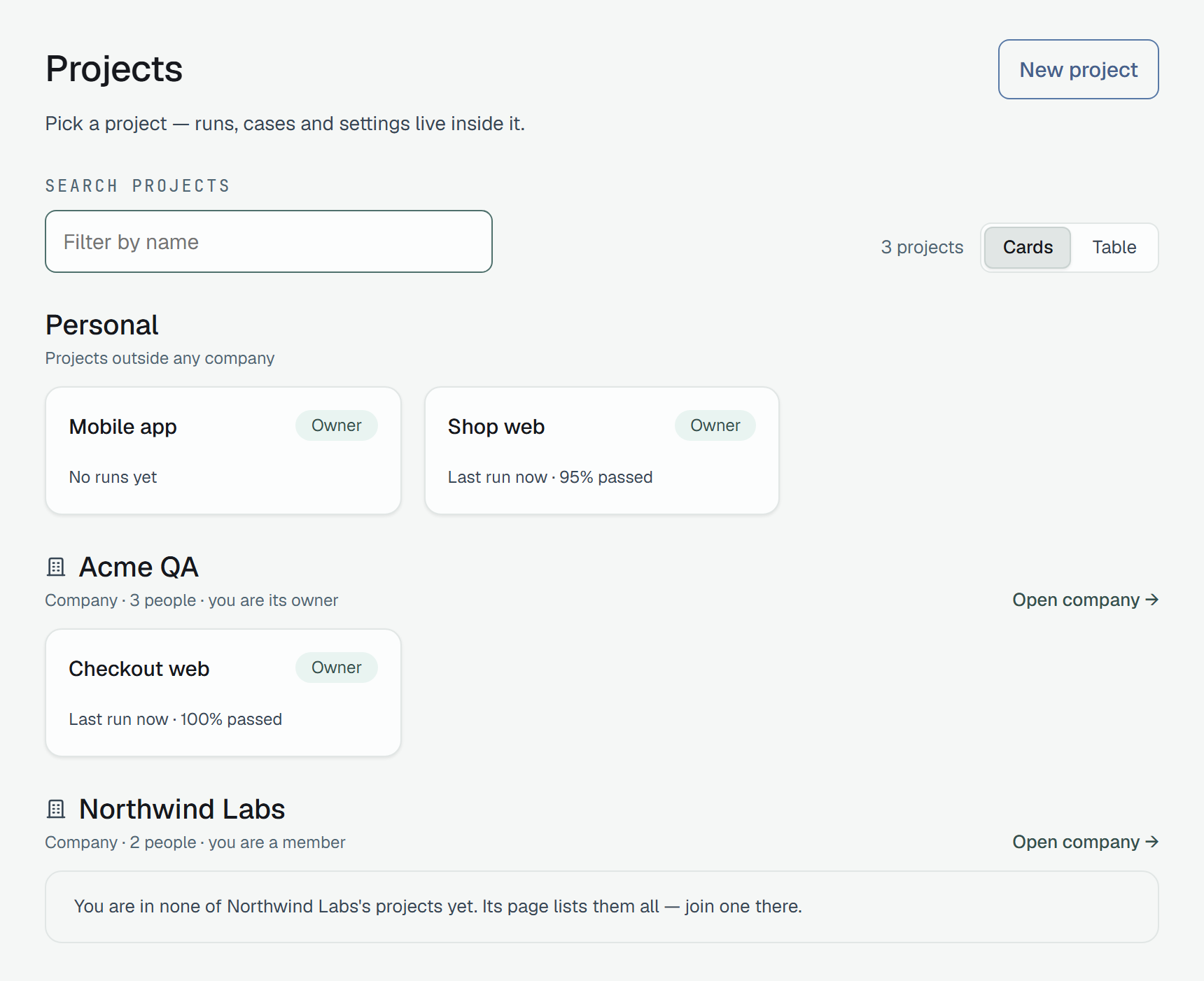
Inside a company’s project the bar names the company before the project — the building and its name, a link to the company’s page — and the project switcher groups its list the same way.


Somebody in a company’s project but not in the company — left in it after a move — sees the company’s
name there too, as words with no link: the company’s page is not theirs and answers them 404, and on
Projects its group has no Open company →.
Settings
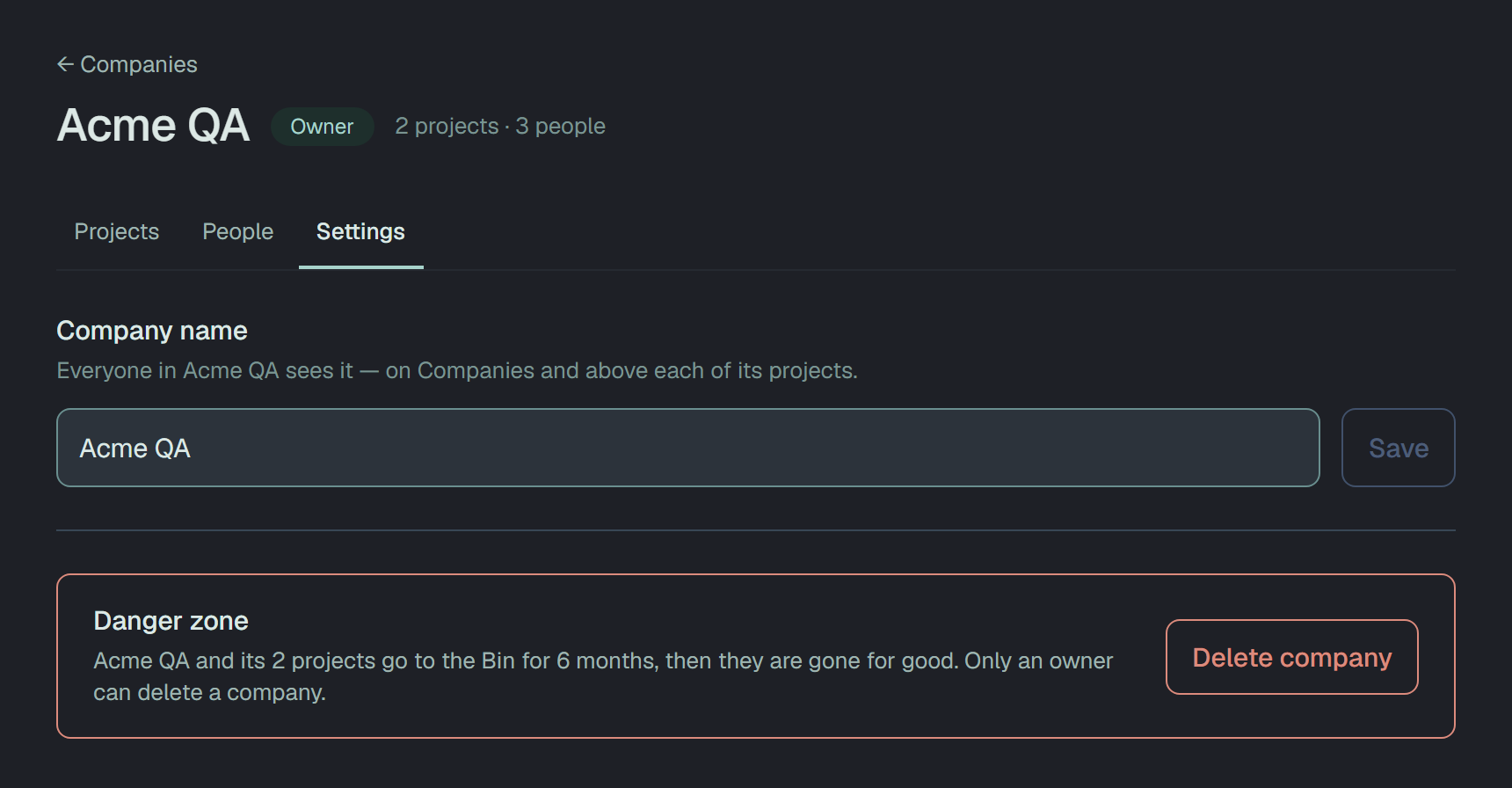
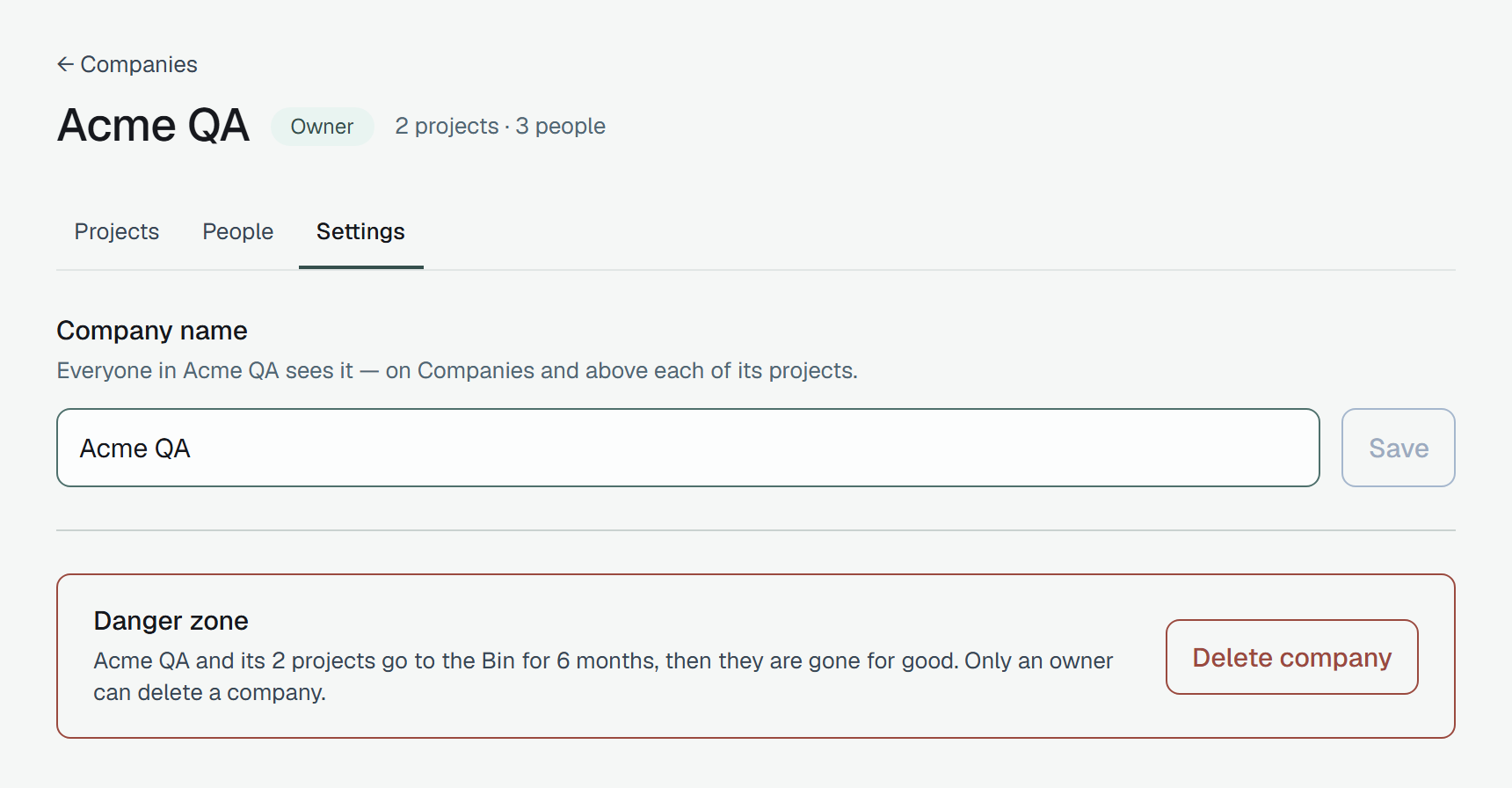
Section titled “Settings”Owners and admins have a Settings tab: the company’s name, which Save changes once you edit it. The Danger zone under it is the owner’s alone.
Delete company names the projects that go with it and waits until you type the company’s name:
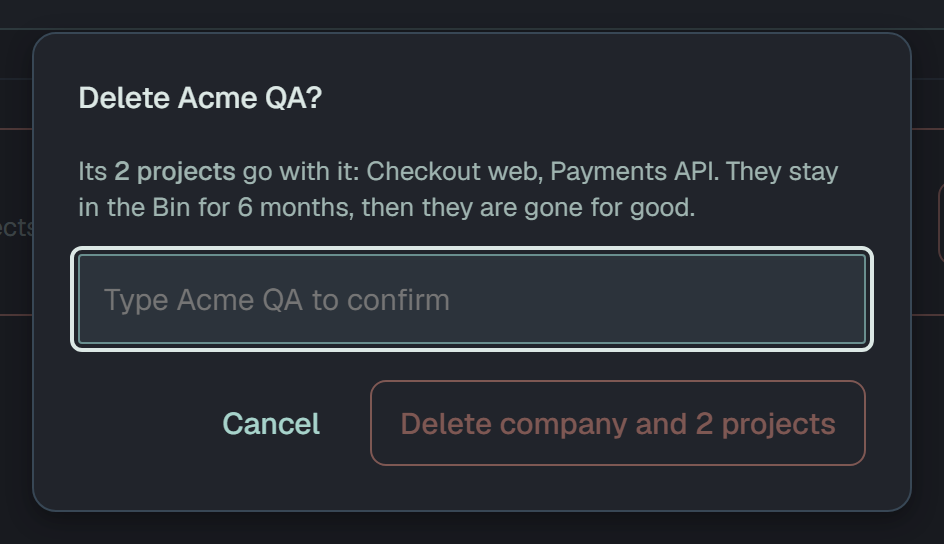
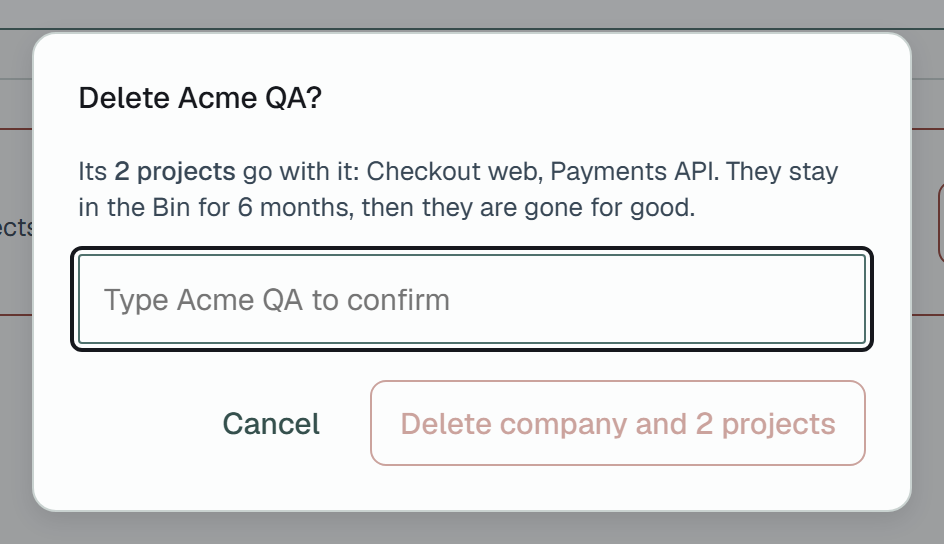
The company and every project in it go to the Bin together, and six months later they are gone for
good. From the moment of the delete they open for nobody: they leave Companies, Projects and Analytics,
their addresses answer 404, and there is no Restore for a company in the dashboard or the API.
PATCH /v1/companies/{id} { "name": "Acme Quality" } → 200DELETE /v1/companies/{id} → 200A rename is an owner’s or an admin’s and answers the company as the list shows it; a delete is the
owner’s alone and answers how many projects went with it — { "projects": 2 }.
Through the API
Section titled “Through the API”Every company route takes a token or your session. A token acts as you here: it reads every company you are in, whichever project it was minted for.
curl -H "Authorization: Bearer $PLUNE_TOKEN" \ https://beta-api.plune.ai/v1/companies{ "companies": [ { "id": "d662bdb4-…", "name": "Acme QA", "role": "owner", "projects": 2, "members": 3, "createdAt": "2026-09-29T12:36:12.487Z" } ]}Oldest first. role is yours in the company, projects counts all its projects — joined or not — and
members its people. GET /v1/companies/{id} is the company’s page:
{ "id": "d662bdb4-…", "name": "Acme QA", "role": "member", "createdAt": "2026-09-29T12:36:12.487Z", "projects": [ { "id": "24325643-…", "name": "Checkout web", "joined": true, "role": "member" }, { "id": "63489859-…", "name": "Payments API", "joined": false } ], "members": [ "role": "owner", "createdAt": "…" }, "role": "member", "invitedBy": "…", "createdAt": "…" } ], "invitations": []}A project you are not in gives its name and "joined": false, nothing more. invitations — each with
the projectId it joins when it was sent from a project’s Members page — are for owners and admins,
and empty for everyone else.
Somebody outside the company gets the answer an id nobody has gets, on this route and every route under it — the company’s existence is never confirmed:
curl -H "Authorization: Bearer $PLUNE_TOKEN" \ https://beta-api.plune.ai/v1/companies/d662bdb4-…{ "error": "company 'd662bdb4-…' not found" }Each route of the sections above, with every field and answer: the API reference.
On a phone
Section titled “On a phone”Below 480 px wide the list’s rows stack — the name and your role, the size under them — and a company’s People tab puts the form and each person’s controls under one another.
Step by step: your team’s project into a new company
Section titled “Step by step: your team’s project into a new company”-
Create the company — Companies → New company, a name, Create company. You are its owner. See Creating a company.
-
Invite the team — on People, each address with a role. People who already use Plune are in at once; the others join at their first sign-in. See People.
-
Move the project — on Projects, Move a project here, pick it, read the warning, Move. Everyone on the project who is in the company by now gets the role their company role gives. See Moving a project in.
-
Open the rest — each colleague finds the company’s other projects on its Projects tab and joins one with Join as …. See A company’s projects.
Questions
Section titled “Questions”Why can’t I see the runs of a company’s project? You are in the company, not in the project, and a company role opens no project. Join it on the company’s Projects tab with Join as …, or ask an owner or admin of the company to add you.
Why can’t a project go back out of a company? A move is one-way by design: a company’s projects are run by the company’s owners and admins, and deleting the company takes them with it. Nothing in the dashboard or the API moves a project back — which is why the dialog says so before the click. A project you want to keep to yourself, leave personal.
What does somebody outside the company see? Nothing of it. Every company route answers 404 with
the body an id nobody has gets, and the dashboard shows This company does not exist, or you are not in
it. The names of its projects are not shown to them, and a project of it they are not in answers 404
too. Somebody left in one of its projects after a move sees the company’s name over that project, and
nothing more.
Where are the company’s analytics? Not there yet. Analytics counts every project you are a member of — a company’s projects among them once you join them — but a company of its own is not a filter or a page there.