
A result in a run
A run’s page lists every result of the run as a row. Click a row and its panel opens beside the list: where the test ran, what happened, the screenshots it kept and its other files. You read one failure to its last line, and step to the next, without leaving the run.
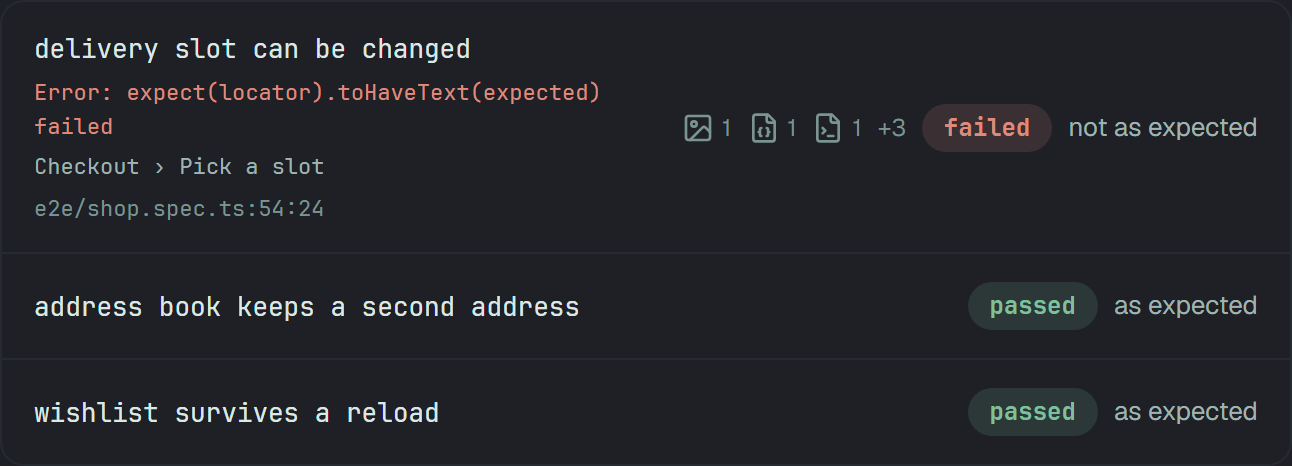
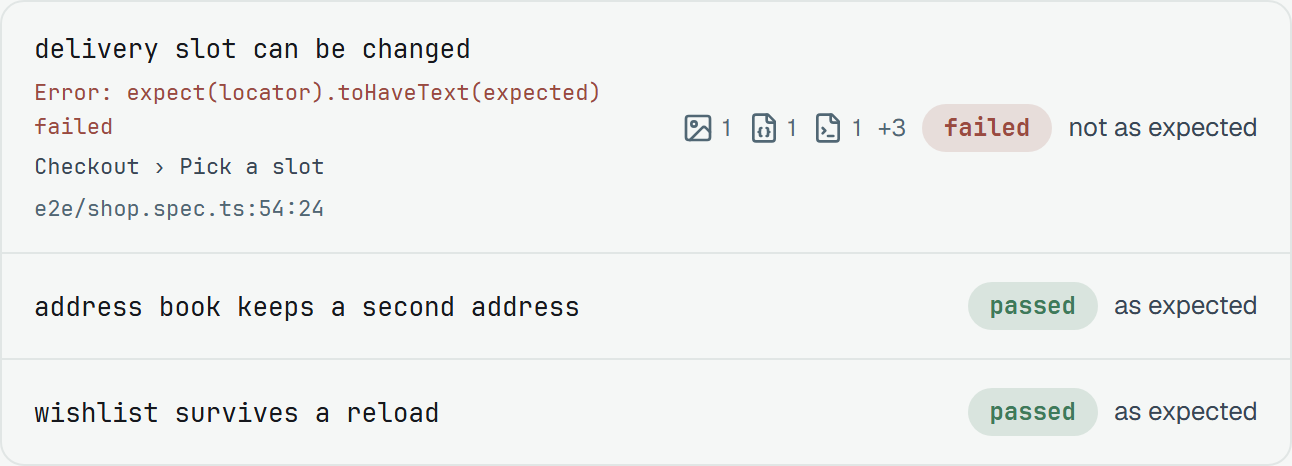
A row is the case’s name and, for a failed automated test, the error’s first line, the declared steps down to the one that failed, and the line in the test — Failed automated results says where each comes from. At its end stand a mark for each kind of file the result kept (below), its status, and how it went: as expected, not as expected, flaky or skipped.
Open a result
Section titled “Open a result”Click a row — or Tab to it and press Enter or Space — and its panel opens, with the focus on the case’s name at its top. ✕, Esc, a click on the open row, or the browser’s Back closes it, and the focus goes back to the row.
Where the panel stands depends on the window:
| Window | The panel |
|---|---|
| Wider than 1024 px | beside the list, 480 px wide until you change it |
| 1024 px and narrower | a 400 px sheet over the list, which is dimmed and out of reach until the panel closes; a click on what shows of the list closes it |
| 480 px and narrower — a phone | the whole screen |
Between results
Section titled “Between results”The head of the panel says which result this is, ‹ 1 of 3 ›, and the arrows beside the count step to the previous and the next one. ↑ and ↓ do the same from anywhere on the page — except in a field, in a window open over the panel, or with a modifier key held — and they go round: past the last result is the first, and the other way. While the error’s text has the focus, ↑ and ↓ scroll it instead.
The address
Section titled “The address”The address is the panel. Opening a result adds #result-<id> to the run’s address, stepping to
another result changes it, and closing takes it off. <id> is the result’s own: the id in
GET /v1/runs/{id}/results.
- Send it. Copy the address, and whoever opens it lands on the run with that result’s panel open, its row brought to the middle of the list and flashing once. An id the run does not hold is no error: the run opens with no panel.
- Back and Forward follow it. One Back closes the panel, however far ↑ ↓ went, and Forward opens it again. On a link, the first Back closes the panel and the next one leaves the run.
- A case’s history links here. Each line of a case’s Result history leads to its result on the run’s page, panel open.
The panel’s width
Section titled “The panel’s width”Wider than 1024 px the panel has a handle on its left edge. Drag it to make the panel wider or narrower. With the keyboard, Tab to it — it reads Panel width — and press ← to widen or → to narrow the panel, 16 px at a time. A double click brings back the 480 px the panel started with.
The panel is never narrower than 400 px, and never wider than leaves the list 400 px beside it. A list narrower than 560 px puts each row’s marks and status under its name, as on a phone.
The browser remembers the width you chose — this browser’s, not your account’s — and a window made wider again gets the wider panel back. Up to 1024 px there is no handle: the sheet is 400 px, and on a phone the panel is the whole screen.
What is in the panel
Section titled “What is in the panel”Top to bottom — a section with nothing to say is not there.
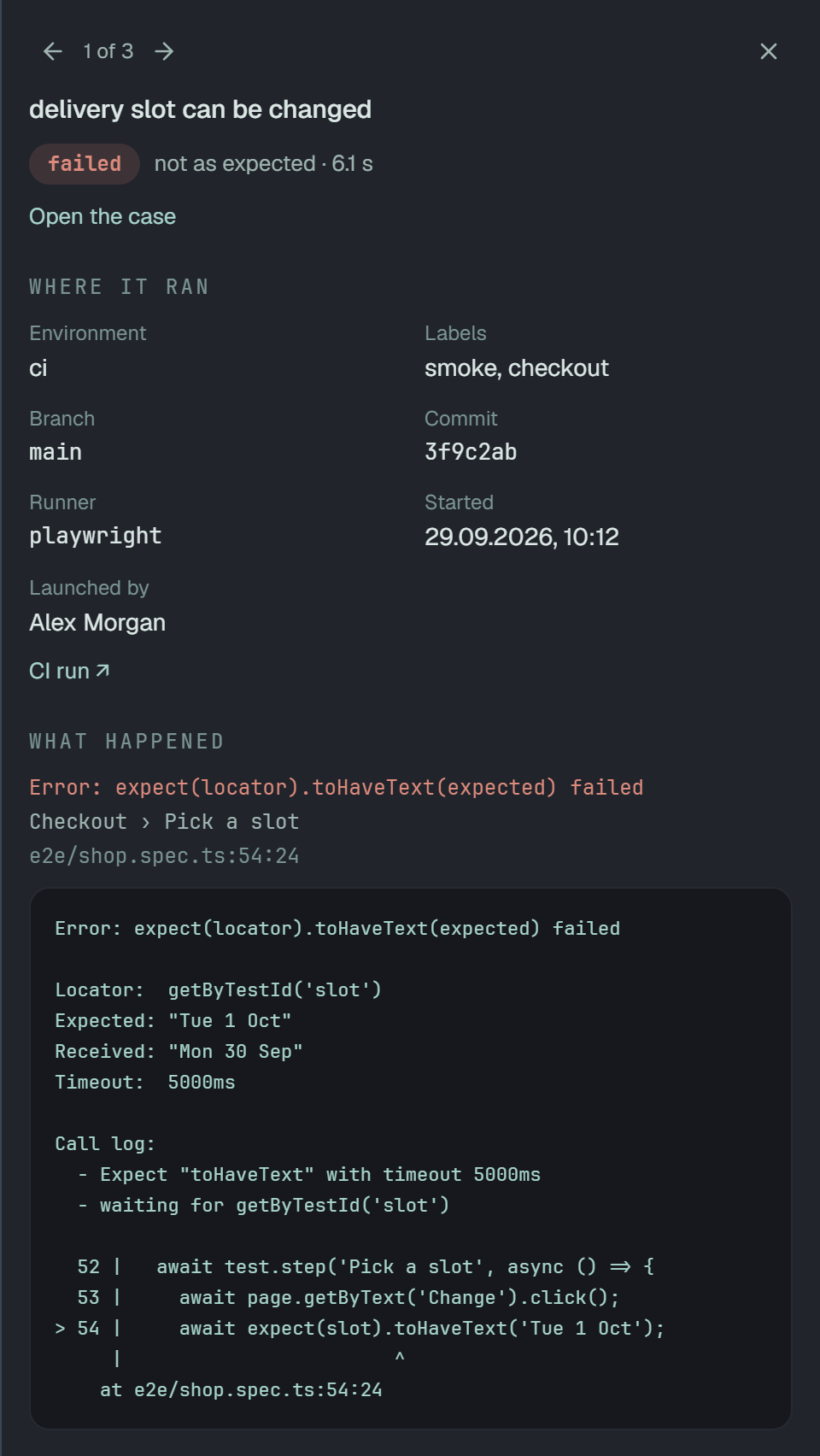
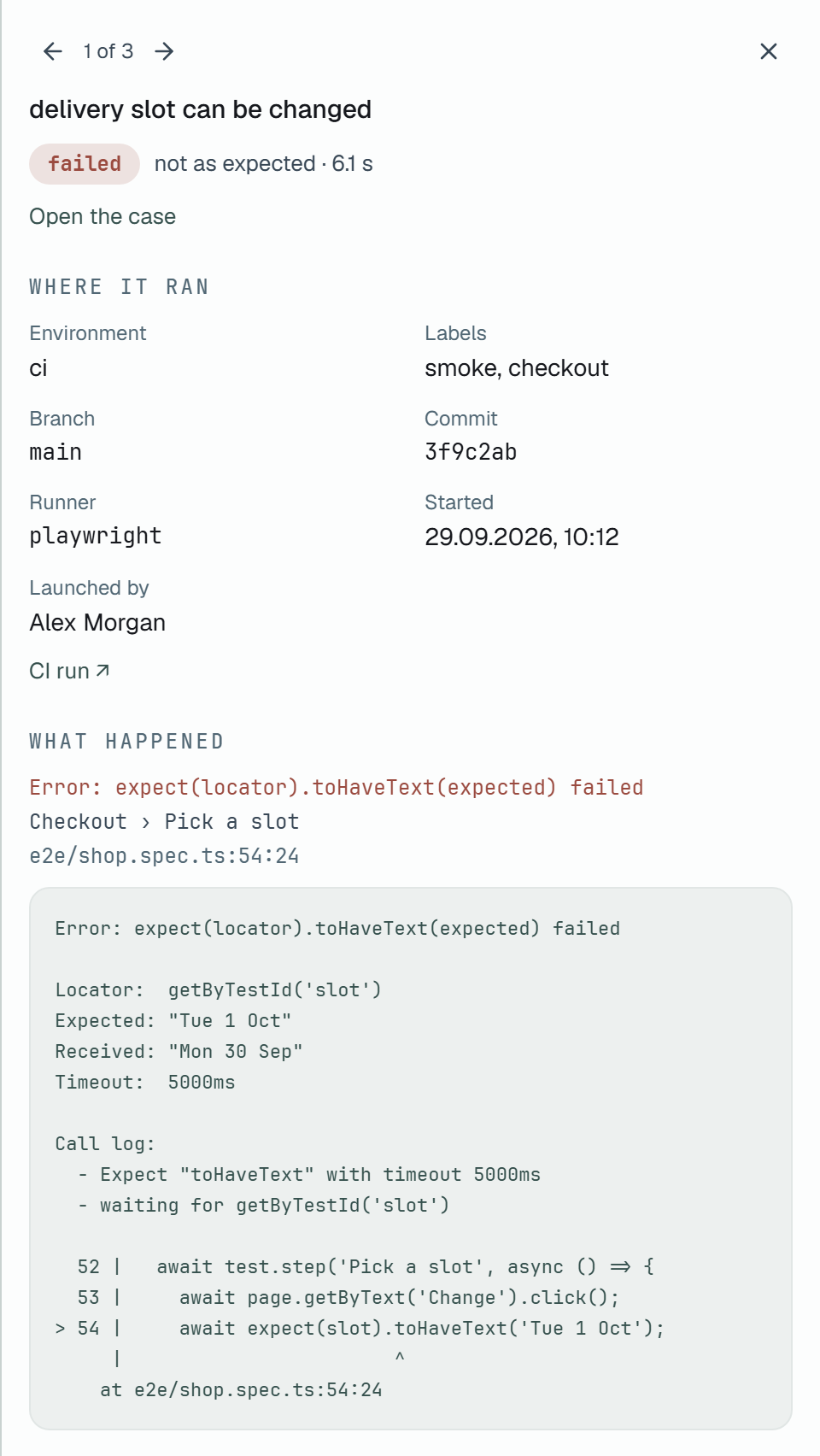
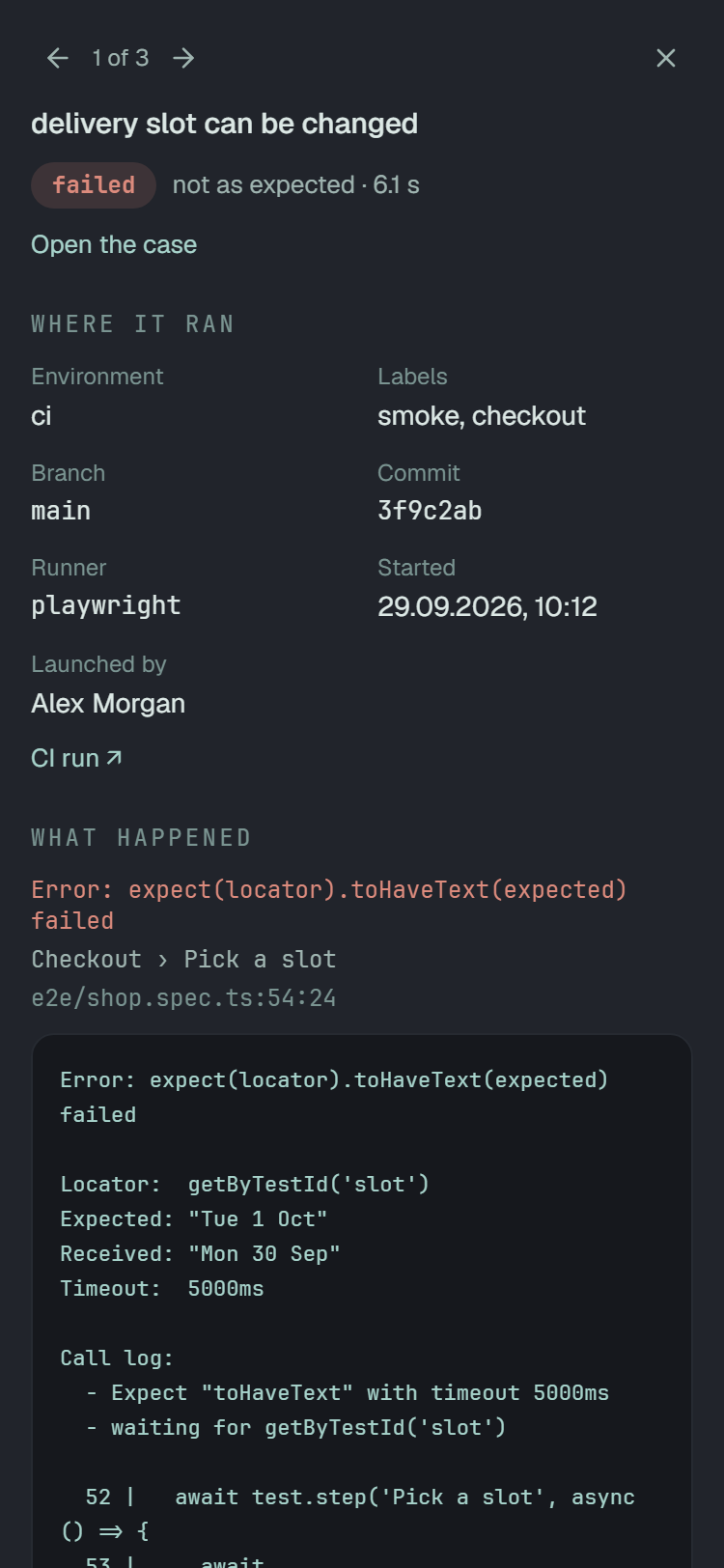
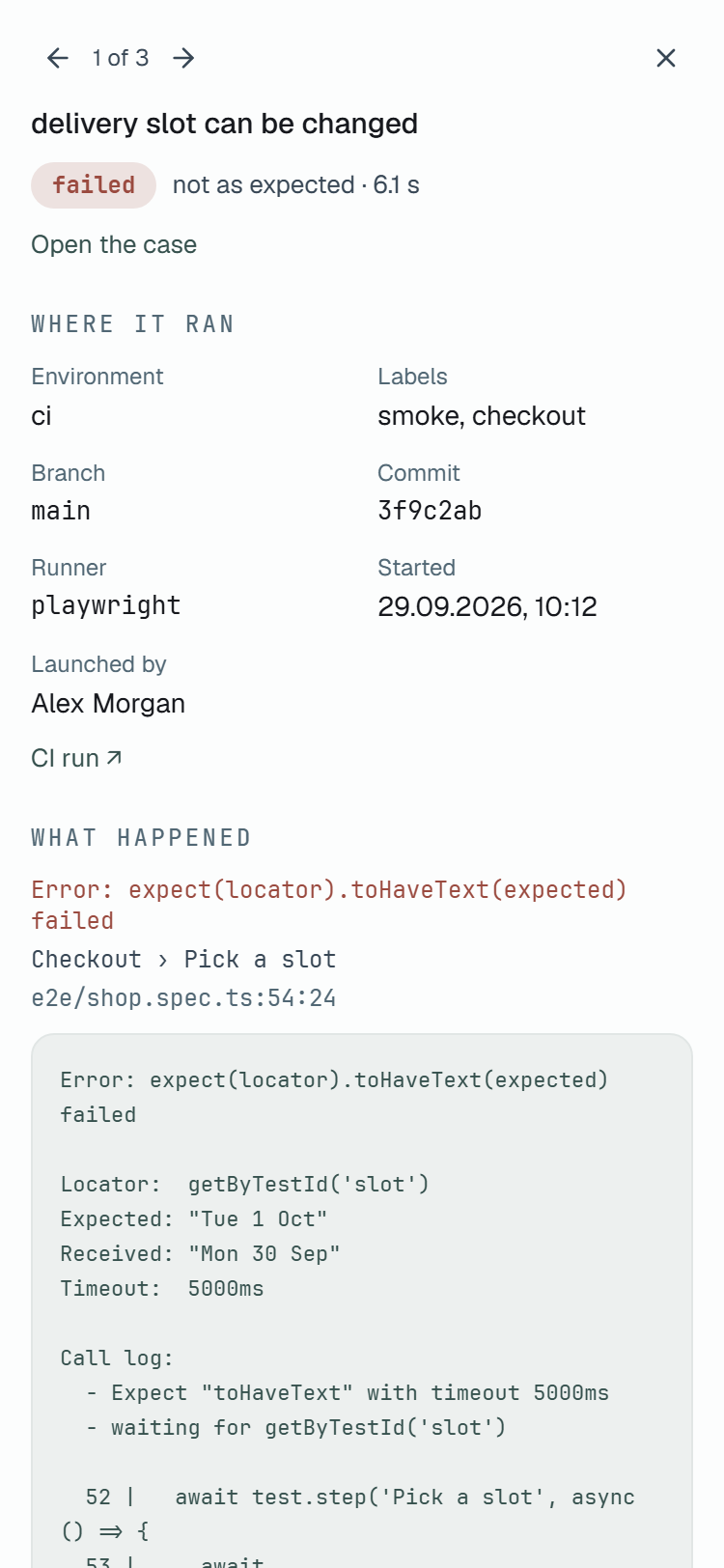
- The head. ‹ 1 of 3 › and ✕; the case’s name; the status, how it went and how long it took; and Open the case, which leads to the case’s page.
- Where it ran. A key over its value, two to a row — three once the panel is wide: Environment, Labels, Branch, Commit by its first seven characters, Runner, Started — the day and the minute the run began, on your browser’s clock — and Launched by, the member who launched the run. Each is there only when the run holds the value, and CI run ↗ ends the section when the run has a CI run to link. What sends the branch, the commit and the runner: The commit and the branch.
- What happened. For a failed automated result, what the runner reported: the error’s first line, the declared steps joined by ›, the line in the test, and the whole text of the attempt’s errors in a box of 20 lines at most. A longer text scrolls inside the box, which Tab reaches. What each of these is, and what the text keeps out: Failed automated results. For a manual result it is what the person marked — each step’s mark and the comment as written — and an automated result that passed has none.
- Screenshots · N — the pictures the result kept: below.
- Attachments · N — its other files: below.
Screenshots
Section titled “Screenshots”A result that kept screenshots says how many beside its status — a picture mark and the number — and its panel shows them under What happened: the pictures one under another at the panel’s width, each under the name the test gave it.
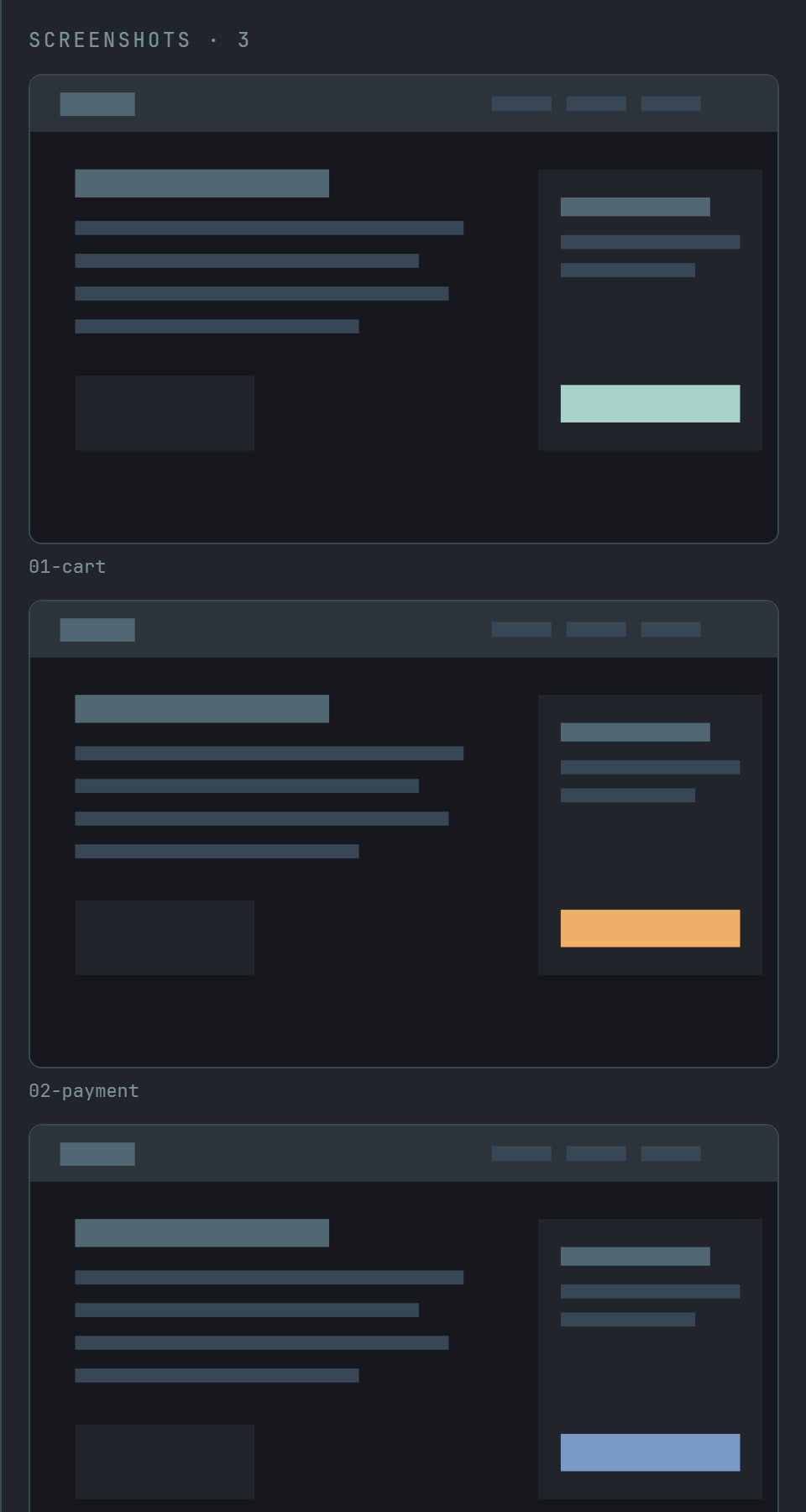
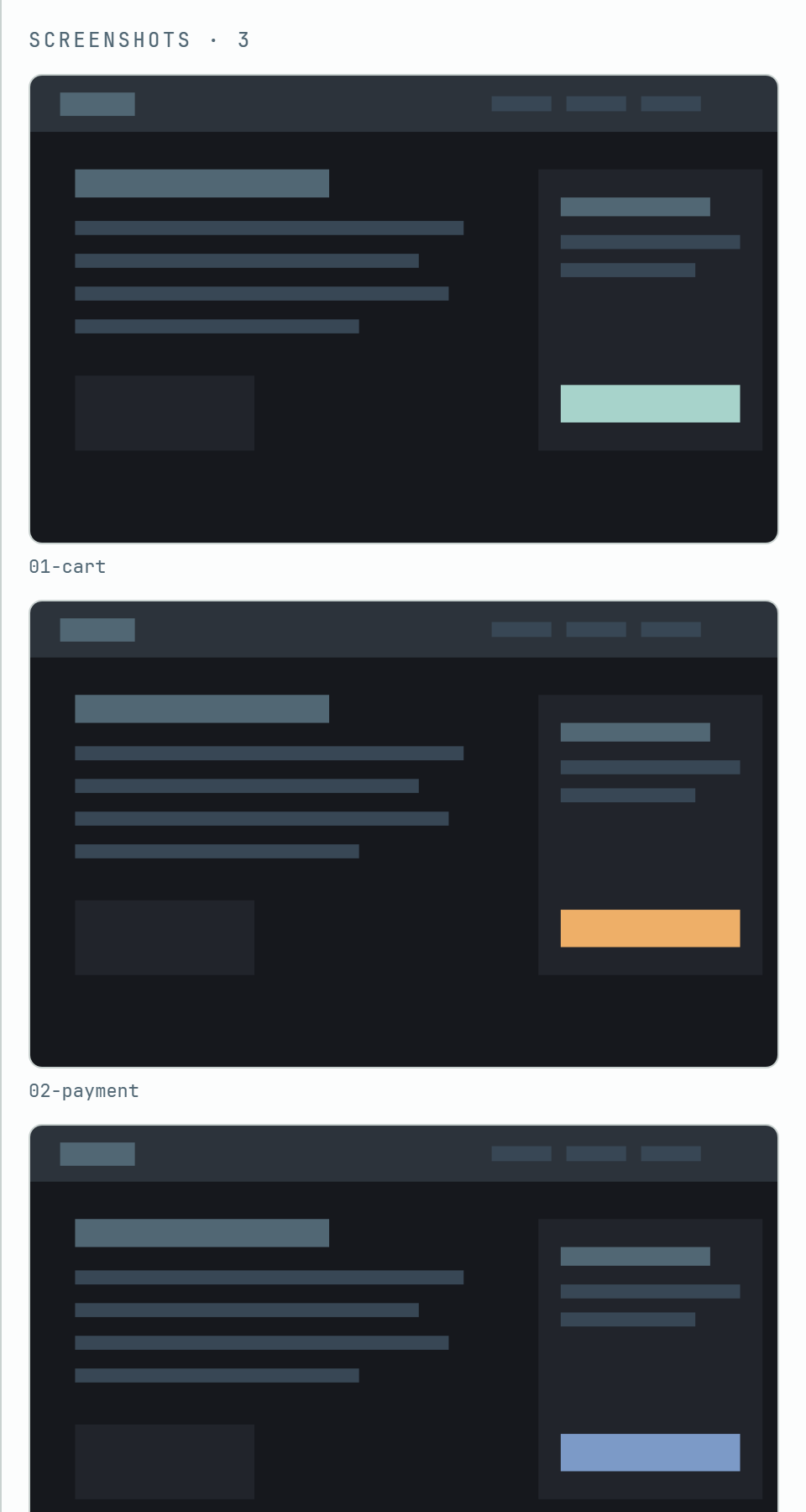
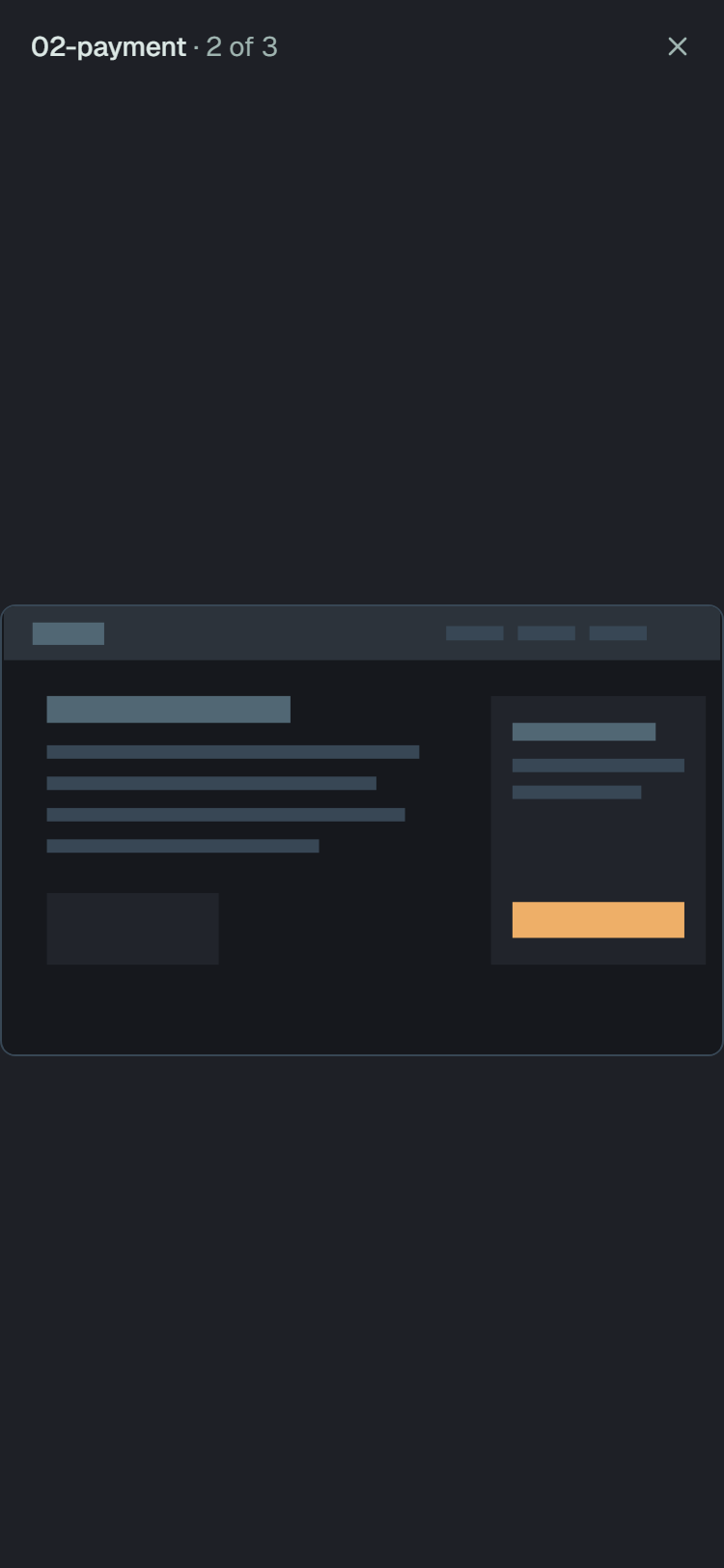
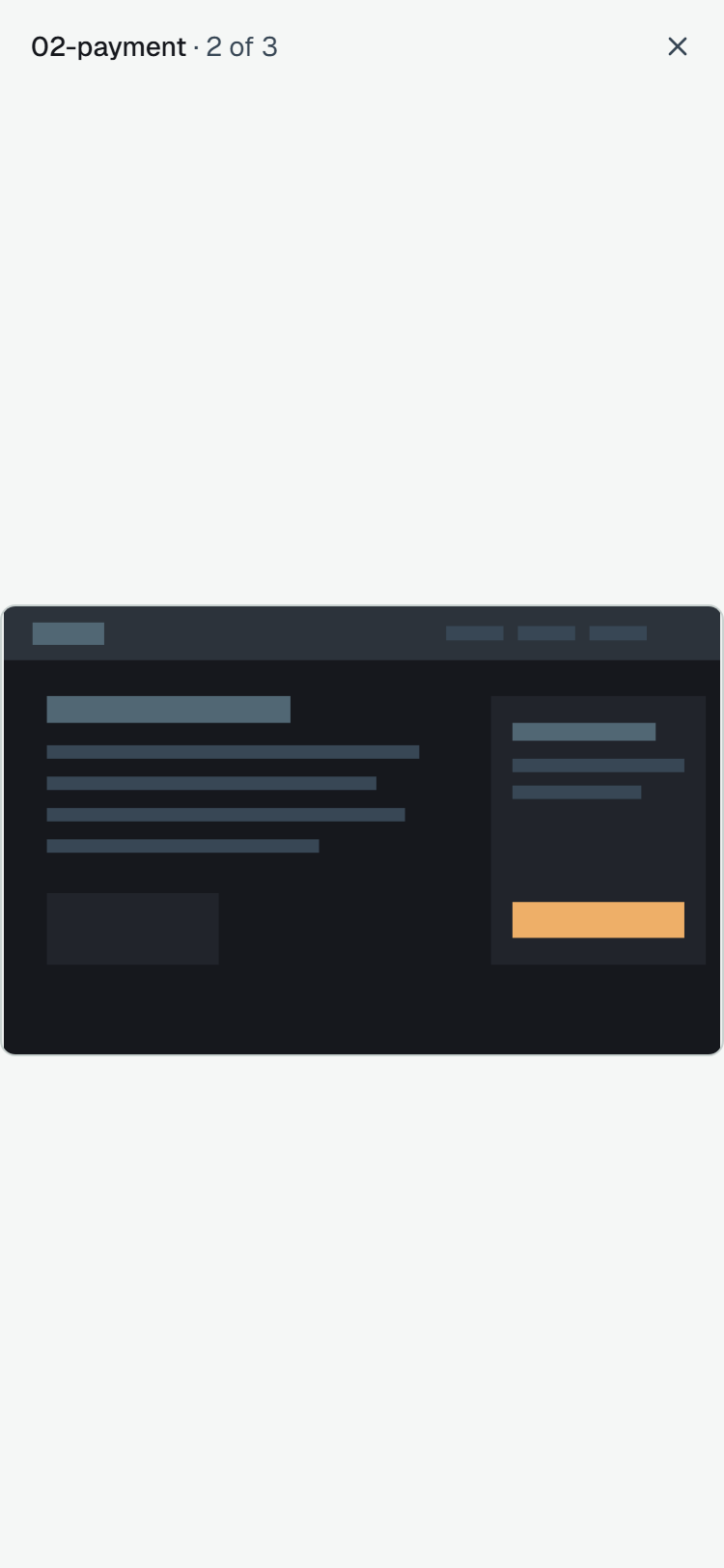
The pictures load when the panel opens; nothing is asked for before. A picture that has not come is a quiet tile you cannot open yet, and one that failed says Could not load — click it to try again. Click a picture to see it large in a window over the panel: its name and 2 of 3 at the top, ✕ in the corner, the picture, and ← → to move · Esc to close under it. ← and → go round the result’s pictures, and past the last is the first; Esc, ✕ or a click on the dimmed page beside the window closes it, with the focus back on the picture you opened.
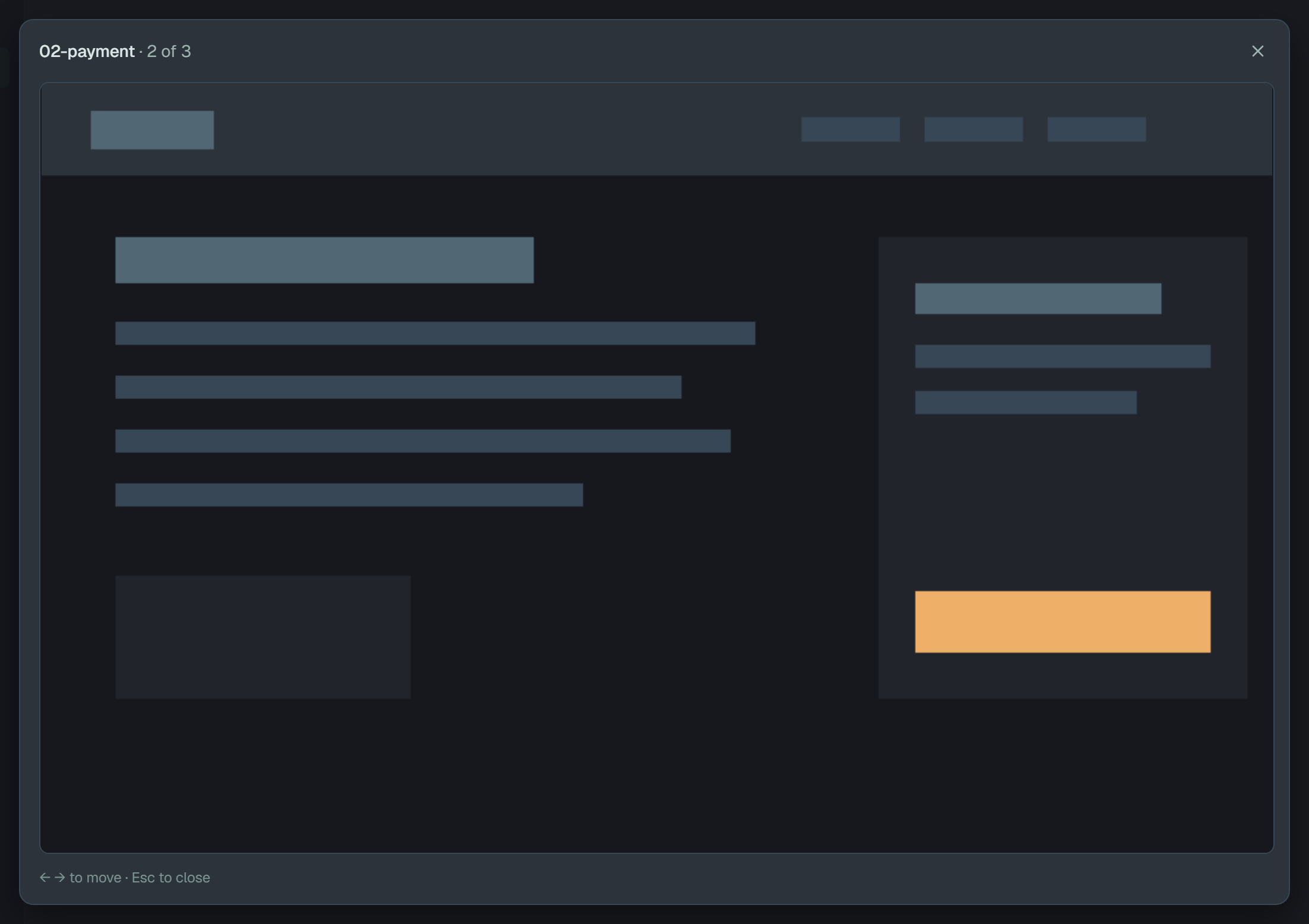
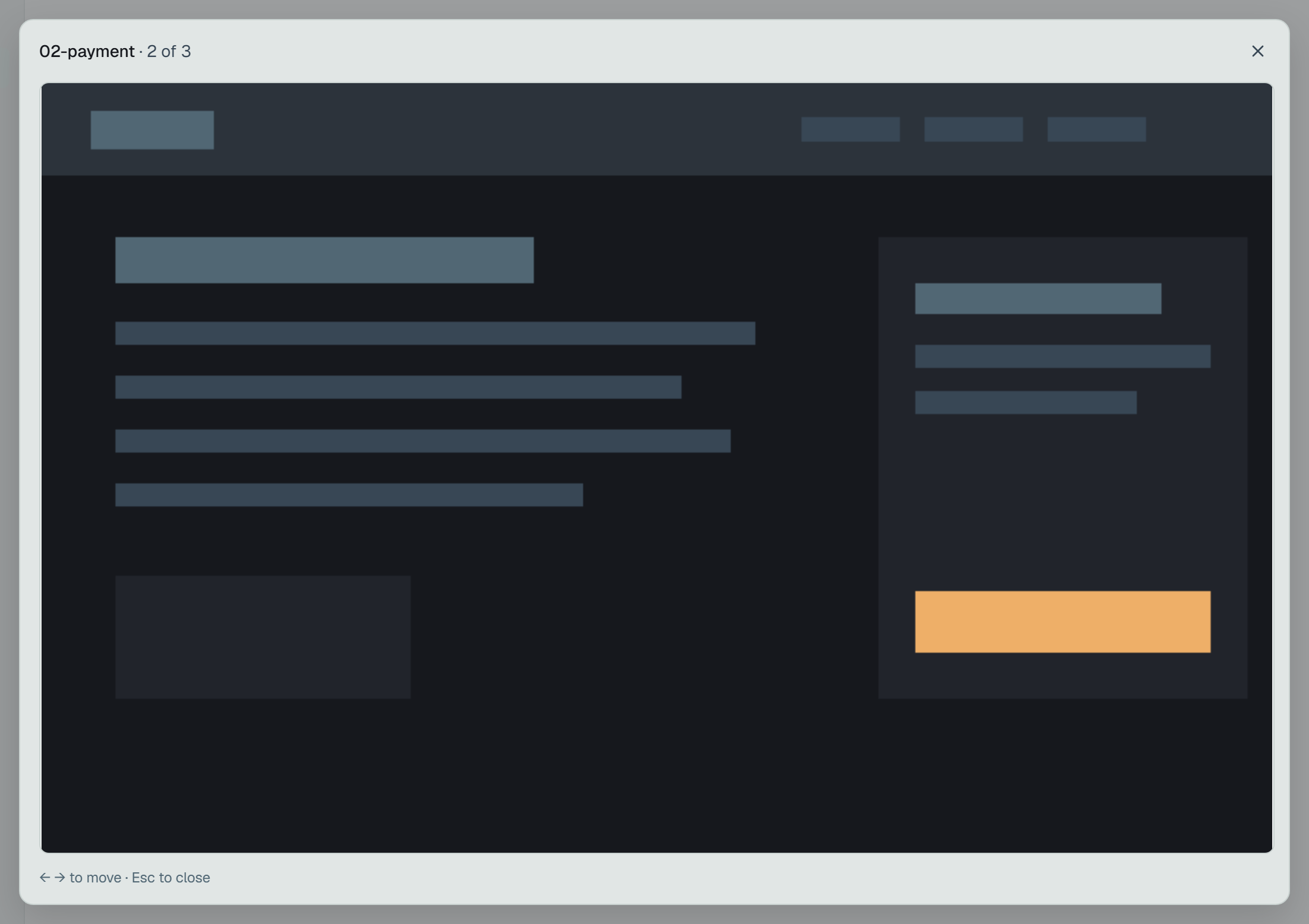
On a phone the window is the whole screen, without the key hint: swipe left for the next picture and right for the previous one, and ✕ closes it.
- What a result keeps: PNG, JPEG or WebP, up to 2 MiB each and 20 a result, sent while its run is open. A project keeps up to 1 GiB of pictures and text files together; past that, the oldest go first — the result stays, only its file goes.
- For how long: as long as the run. Deleting the run puts them in the Bin with it, restoring it brings them back, and they are gone with it after six months.
- Who sees them: the project’s members, as they see the result. A picture is not cleaned the way the text is (what the text keeps out), so do not keep one of a screen that shows a password, a token or a customer’s data.
To send them from your suite: Screenshots —
@plune-ai/playwright 0.3.0, or plune run import in @plune-ai/cli 0.15.0. Any other client sends
one with POST /v1/results/{id}/files?name=…, the picture as the request body.
Files, and where they are
Section titled “Files, and where they are”A result can keep more than its screenshots: what the runner kept as files for a failed attempt —
Playwright’s trace and video, a screenshot comparison’s -diff — and what the test attached itself,
such as an API’s answer or a log. Where a file lies decides what the panel does with it:
- In Plune — pictures, and JSON and text files once the client has sent them. The panel shows a picture under Screenshots and opens a text in a window.
- In the CI run — everything else. Plune keeps only the name; the file is among the artifacts of the CI job that ran the tests, for as long as the CI keeps them (The CI run).
Beside a result’s status its row carries a mark for each kind of file it kept: an icon and how
many, for three kinds at most, and then +N for the files of the others. Hover a mark for its words —
1 screenshot, 1 JSON file, 1 log, 3 more: 1 text file, 1 video, 1 trace — which are also what
a screen reader says. A file’s kind comes from its type or its name, and the first row of this table
that fits wins: a console.log sent as text/plain is a log, and Playwright’s trace is a trace
before it is an archive.
| Kind | Told by |
|---|---|
| Image | an image/… type |
| JSON | application/json, or a name ending .json |
| Log | a name ending .log, or starting stdout or stderr |
| Text | text/plain, or a name ending .txt or .md |
| Video | a video/… type, or a name ending .webm or .mp4 |
| Trace | the name trace, or a name that starts trace and ends .zip |
| Archive | application/zip, or a name ending .zip |
| File | anything else |
A kind says what a file looks like, not where it lies: a Markdown file is a Text to the panel and
stays in the CI run, because Plune keeps a text only as application/json or text/plain.
Under Attachments · N the panel lists the result’s other files, a row each:
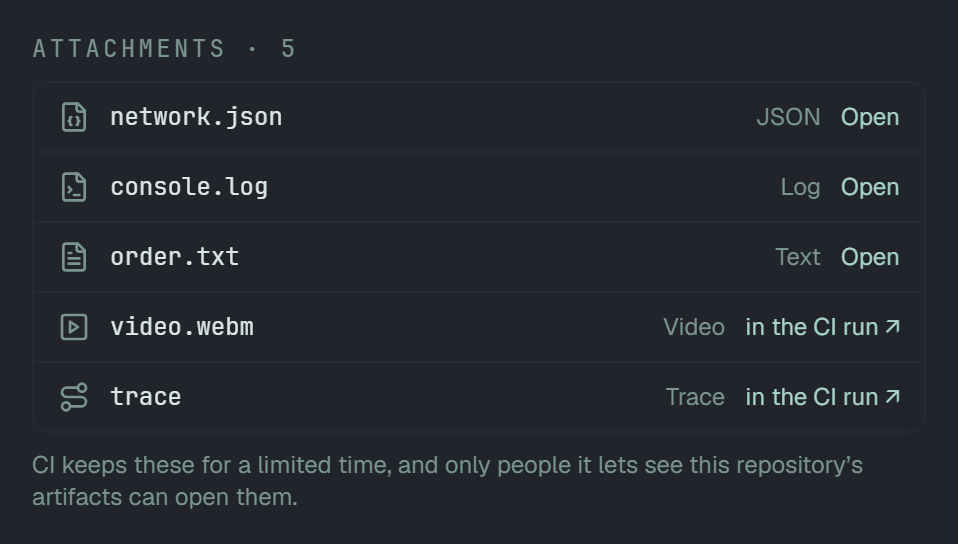
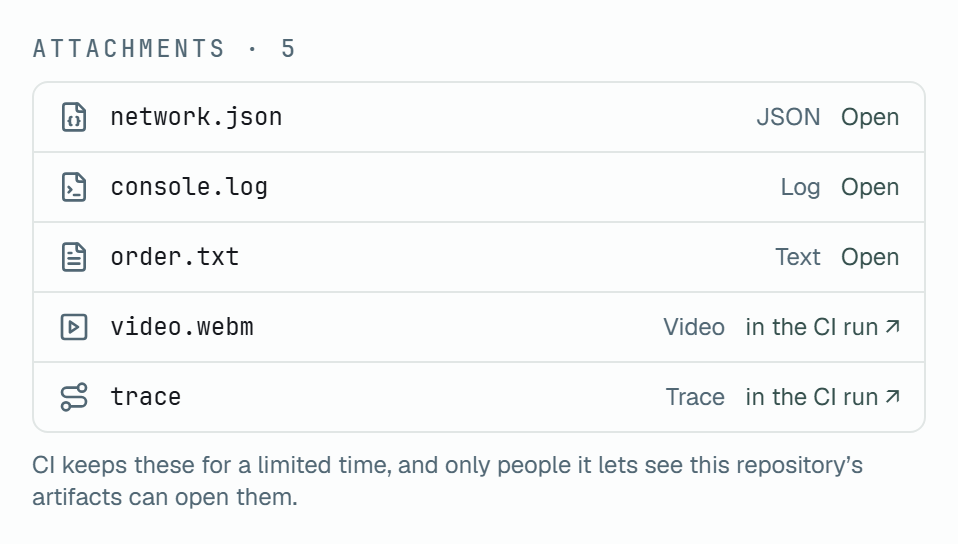
A row is the kind’s icon, the file’s name, the kind in a word — for a file of no kind above, its type — and at its end:
- Open — Plune keeps a copy. It opens in a window.
- in the CI run ↗ — the file stayed in CI, and the result carries the CI run to link. The link leads to the CI run, not to the file.
- nothing — the file stayed where the tests ran, and no CI run is named: a report from a developer’s machine.
When any file is left to the CI, one note stands under the list: CI keeps these for a limited time, and only people it lets see this repository’s artifacts can open them — or, with no CI run to link, Only their names came with the result: the files stayed on the machine that ran the tests. The names stop at 50, and a last row says N more. A passed result lists no runner artifacts, only what Plune kept of it.
JSON and text files
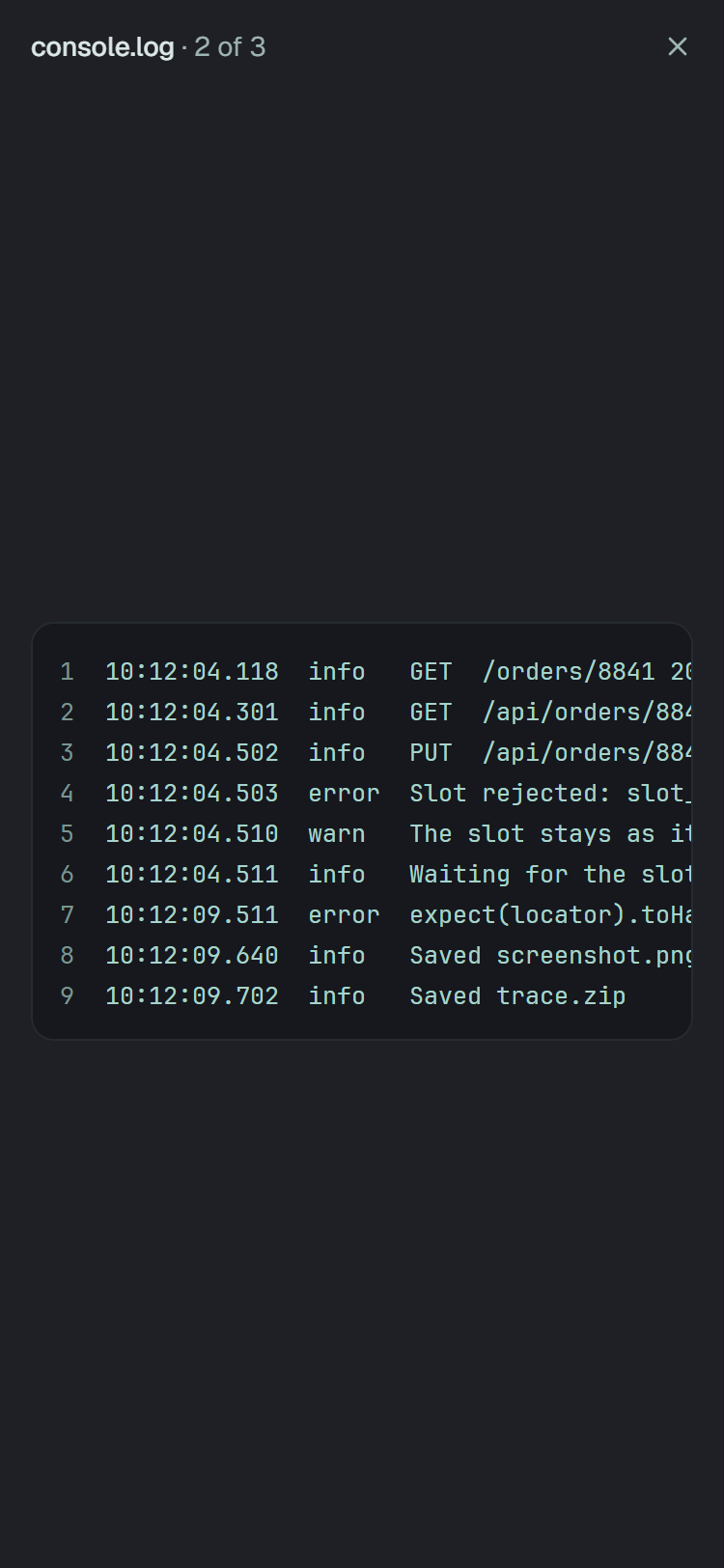
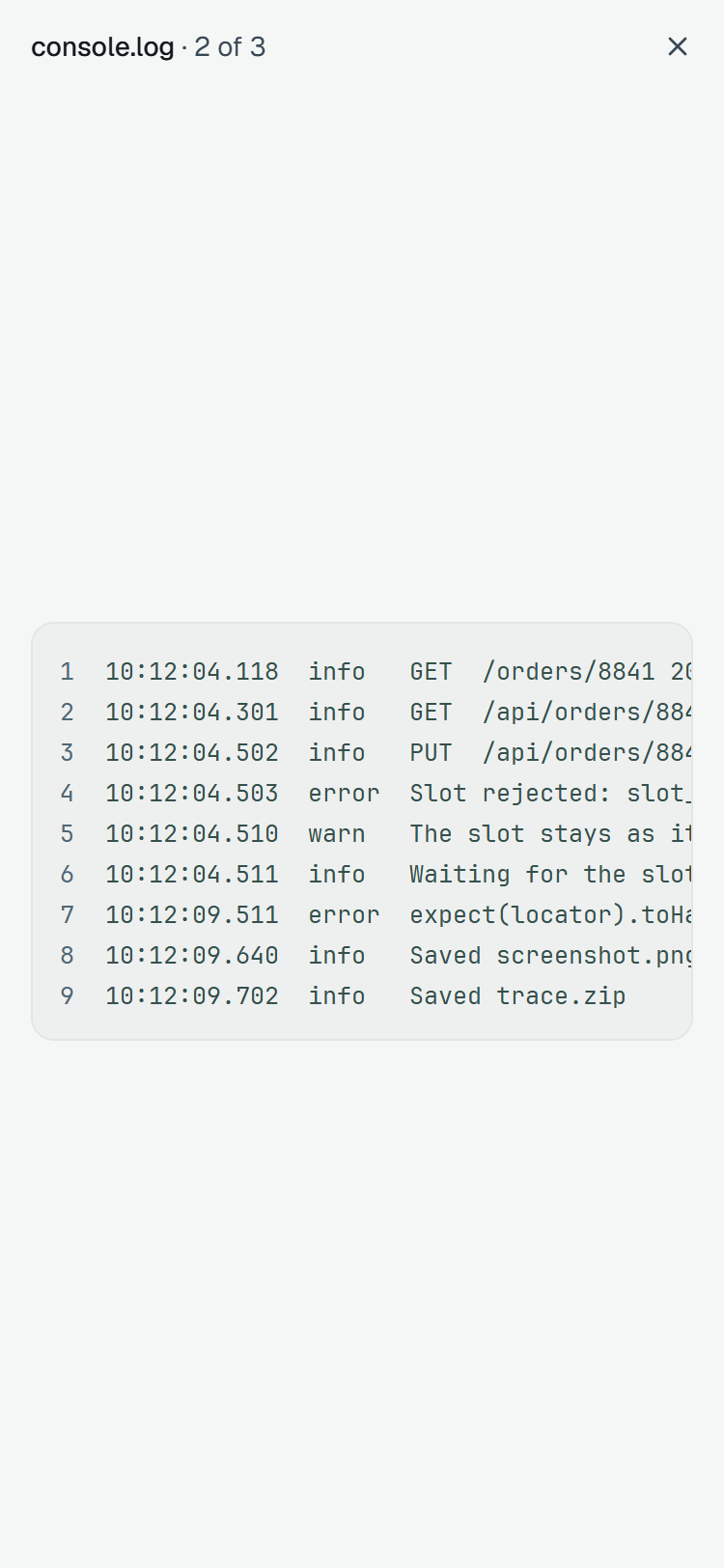
Section titled “JSON and text files”Open on a JSON, a log or a text puts it in a window over the panel — the window a screenshot opens in, with one button, ✕. Its name and 1 of 3 stand at the top; ← and → go round the result’s texts, and Esc, ✕ or a click on the dimmed page beside the window closes it, with the focus back on the Open that opened it. A text is fetched when the window first stands on it, once: walking back to it fetches nothing. One that did not come says Could not load — click it to try again — and a text of nothing but blanks says This file is empty.
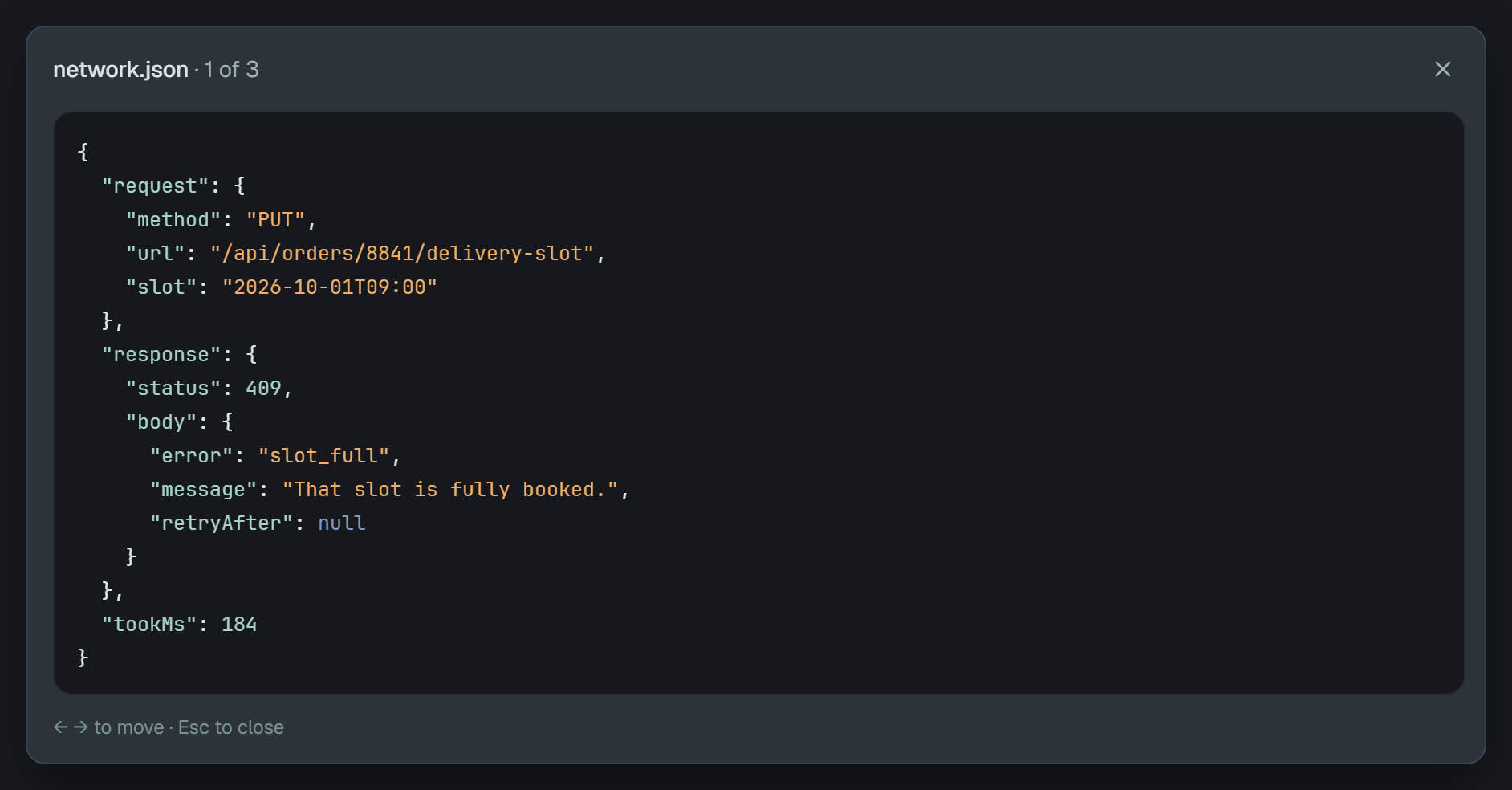
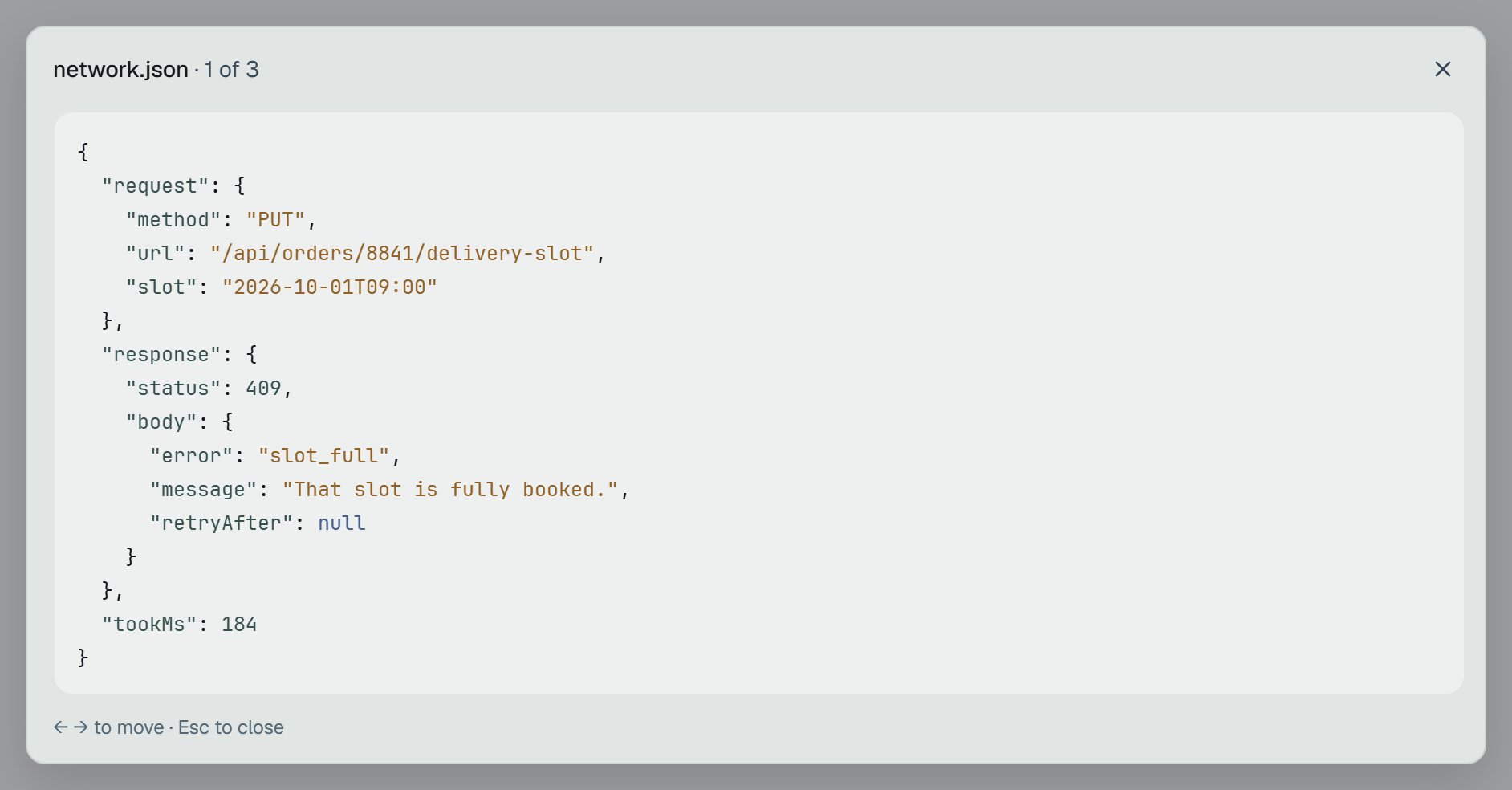
- A JSON is indented by two spaces and coloured: keys, strings, numbers, and
true·false·nulleach in a colour of their own. It is shown as the text it is, with line numbers, when it does not parse — or is nested so deep that indenting it would pass 4 MiB. One with more than 15 000 coloured pieces is indented but plain, and numbered. - A log or a text is set in a monospaced font with its line numbers beside it — apart from the text, so a selection takes the lines alone. A line never wraps: the box scrolls sideways and down. Tab from ✕ reaches the box, and while it has the focus the arrow keys scroll it, ← → included.
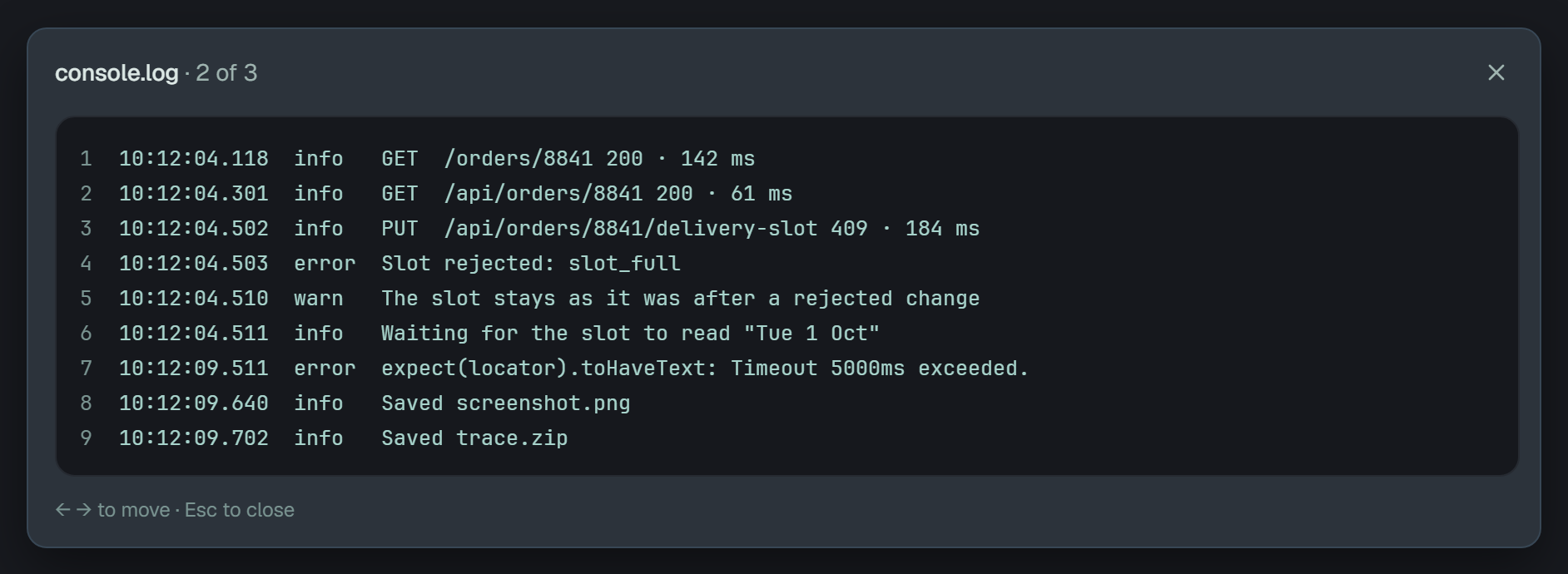
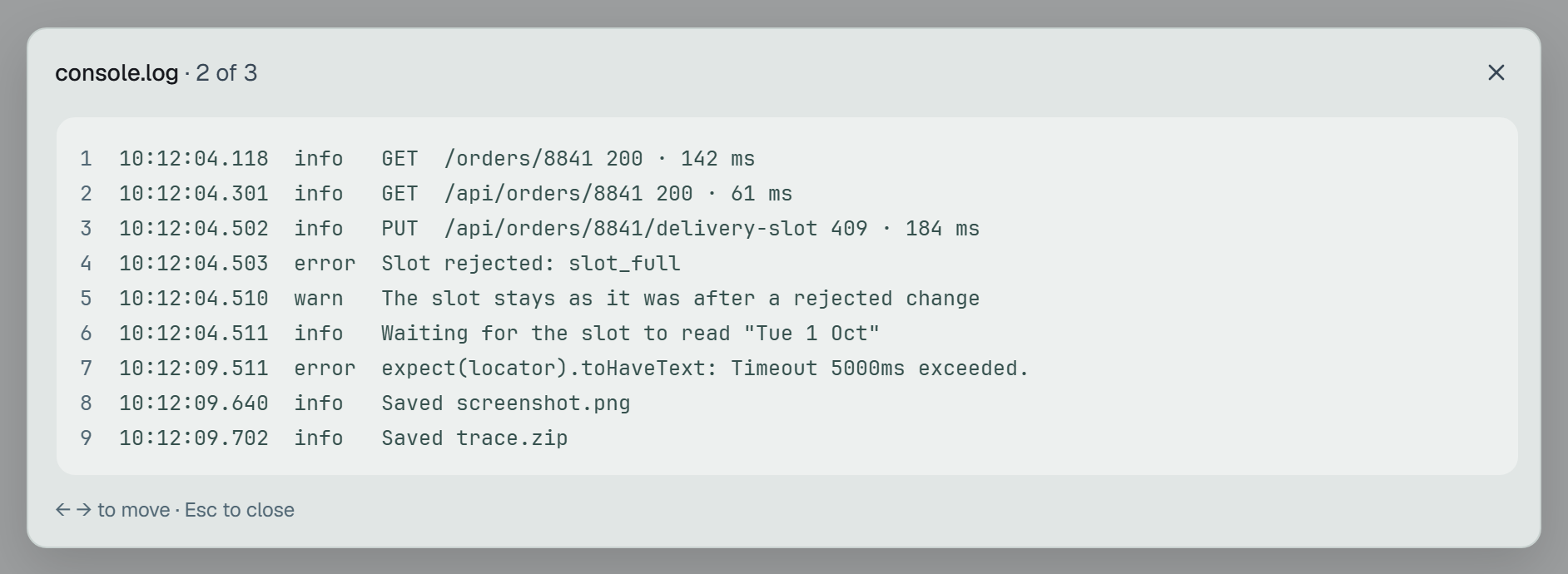
On a phone the window is the whole screen. A finger scrolls the text sideways and does not move to the next file.
What Plune keeps
Section titled “What Plune keeps”- Which files.
application/jsonandtext/plain. A log istext/plain, whatever it is called:.log,stdoutandstderrare names, not types. Markdown, HTML, CSV, XML, archives, traces and videos are not kept; they stay in the CI run. - How big. UTF-8 text without NUL bytes, up to 512 KiB a file — as sent, and as kept — and 10 a result, apart from the screenshots’ 20. Sent while the run is open.
- Cleaned first. Before a text is kept, colour codes and the credentials Plune recognises are taken
out of it, by the pass the error’s text goes through
(what the text keeps out). What is kept — and what
the window shows — is the cleaned text, not what the test sent, byte for byte. A JSON can stop being
JSON: a header
"authorization": "Bearer …"becomes"authorization": [redacted:authorization], which does not parse, and the window shows the file as text. - Who sees it, and for how long. As for the screenshots: the project’s members, for as long as the run, with the Bin and the restore as they are above, and within the project’s one budget of 1 GiB.
To attach a file from your suite: JSON and text files
— @plune-ai/playwright 0.5.0, or plune run import in @plune-ai/cli 0.17.0 from Playwright’s JSON
report. Before them a text stays where the test ran, and a failed result’s panel lists only its name.
Any other client sends one with POST /v1/results/{id}/files?name=…: the file as the request body, its
type in Content-Type, into a run that is still open. A text over 512 KiB is refused with 413, another
type or bytes that are not UTF-8 text with 415, an eleventh text or a closed run with 409, an empty
file with 400. GET /v1/files/{id} returns a kept text as text/plain; charset=utf-8 — a JSON too,
never as a page — and a file of a run in the Bin as not found until the run is restored.