

GitHub Actions
Plune starts a run’s automated tests in GitHub Actions with a workflow_dispatch of one workflow in one
repository. Three things to prepare: the workflow, the token, and
PLUNE_TOKEN as a secret of the repository. Then connect them in Settings → Integrations →
GitHub Actions.
The workflow
Section titled “The workflow”The workflow runs on workflow_dispatch and takes three inputs: plune_run (the run’s key),
grep (the tests to run) and ref (the branch or tag to test). This is the template the form
offers, with Copy:
name: Pluneon: workflow_dispatch: inputs: plune_run: description: The Plune run to report into required: true grep: description: The tests to run required: false ref: description: The branch or tag to test required: falsejobs: test: runs-on: ubuntu-latest steps: - uses: actions/checkout@v4 with: ref: ${{ inputs.ref }} - uses: actions/setup-node@v4 with: node-version: 20 - run: npm ci && npx playwright install --with-deps - run: npx playwright test --grep "$GREP" env: GREP: ${{ inputs.grep }} PLUNE_RUN: ${{ inputs.plune_run }} PLUNE_TOKEN: ${{ secrets.PLUNE_TOKEN }} # Plune closes the run when the pipeline ends; the reporter leaves it open. PLUNE_SHARED_RUN: 1- The tests reach the shell through the
GREPenvironment variable, never pasted into the command line. - The project’s Playwright config uses the Plune reporter
(Playwright reporter). It joins the run by
PLUNE_RUN. - Save
PLUNE_TOKENin the repository: Settings → Secrets and variables → Actions. Plune never sends it as an input. - GitHub lists a workflow, and lets it be dispatched, once its file is on the repository’s default branch. The branch you test must have the file too.
Another file name works: give it in the form. It must be in .github/workflows and end in .yml or
.yaml.
The token
Section titled “The token”Plune takes a fine-grained personal access token — it starts with github_pat_ — cut to one
repository and one permission. A classic token (ghp_…) cannot be kept to one repository, and the form
refuses it before GitHub is asked.
- On GitHub: Settings → Developer settings → Personal access tokens → Fine-grained tokens → Generate new token.
- Resource owner: the account or organization that owns the repository.
- Repository access: Only select repositories, and the one repository.
- Repository permissions: Actions → Read and write. GitHub adds Metadata → Read by itself; nothing else is needed.
- Choose an expiry, generate the token and copy it — GitHub shows it once.
An organization can ask for fine-grained tokens to be approved; such a token works once an owner of the organization approved it. Settings → Integrations shows when GitHub says the token expires; replace it before then with Replace token.
Connect
Section titled “Connect”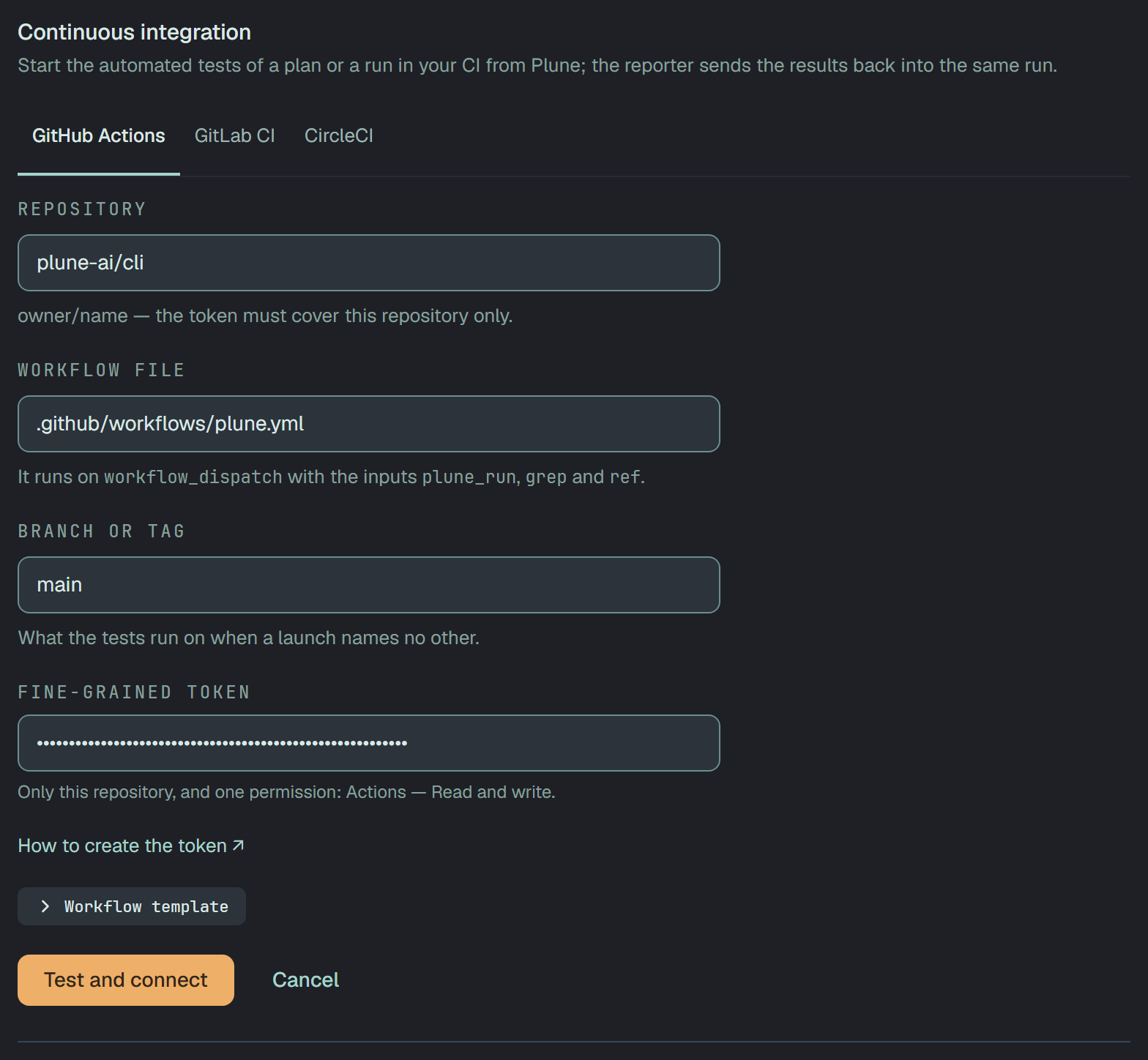
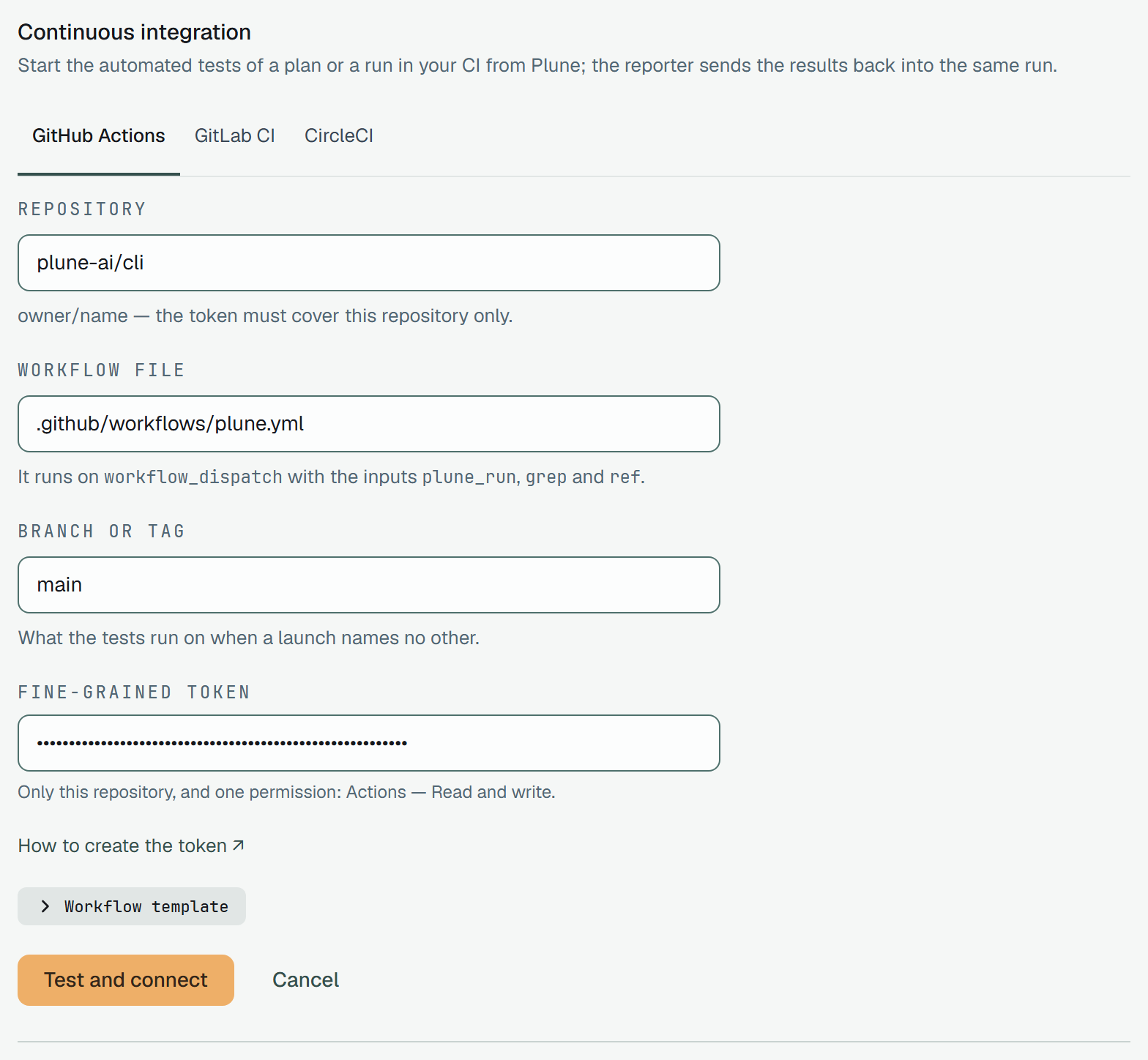
| Field | What to write |
|---|---|
| Repository | owner/name, as in the repository’s address on GitHub |
| Workflow file | the workflow’s path, .github/workflows/plune.yml unless you named it otherwise |
| Branch or tag | what the tests run on when a launch names no other — main to start with |
| Fine-grained token | the token, once; it is never shown again |
Test and connect runs the five checks, and saves the connection only when all pass.
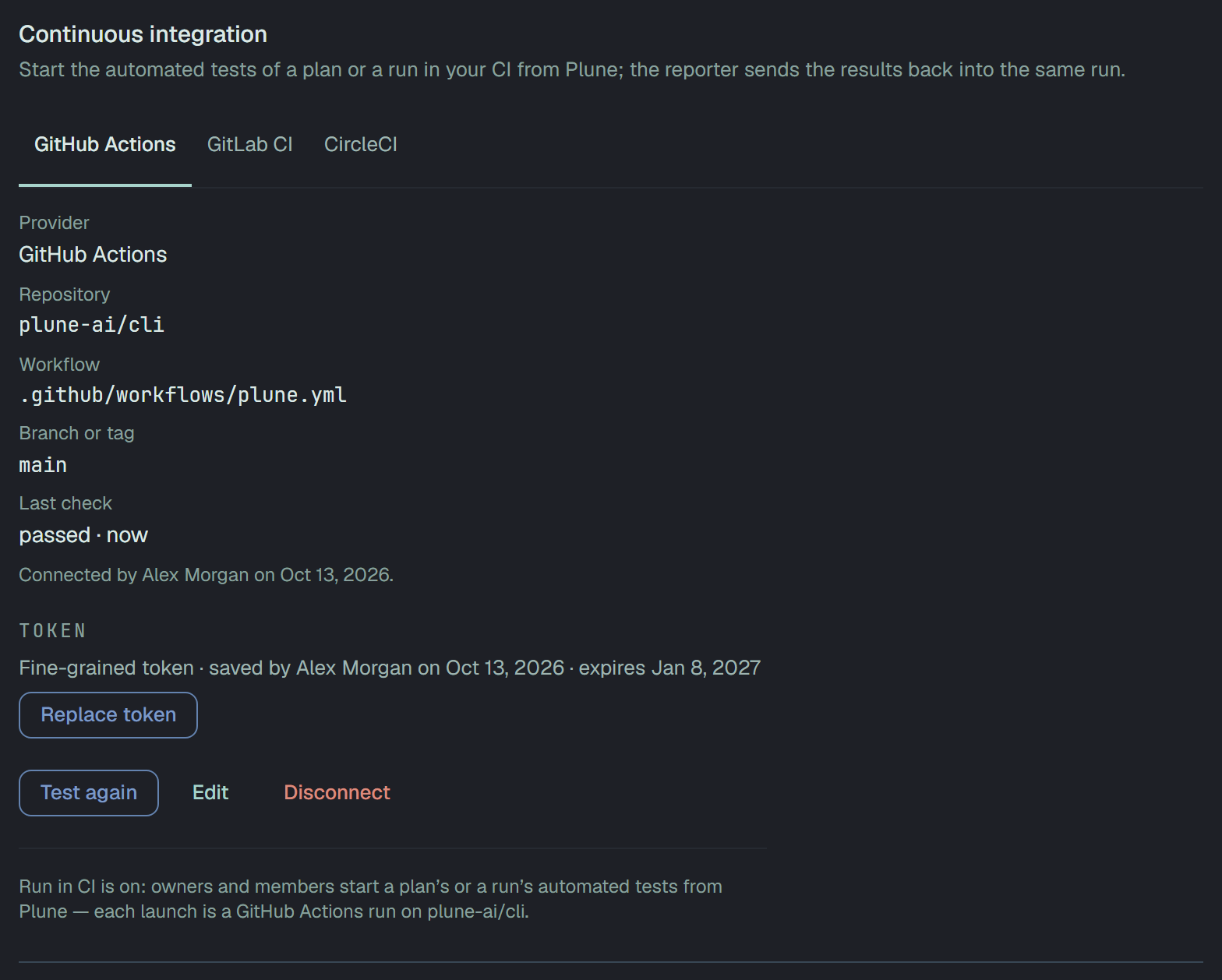
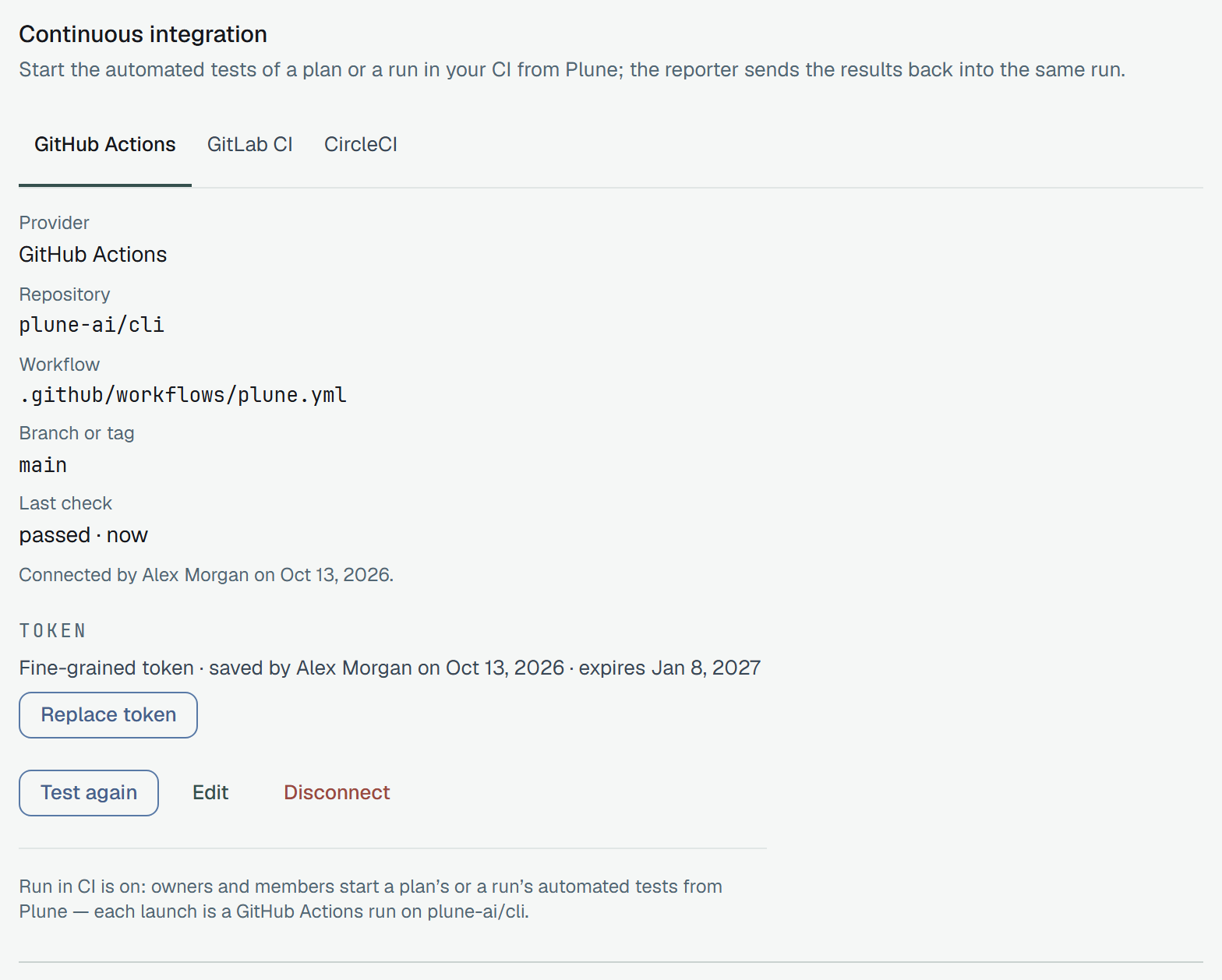
The five checks
Section titled “The five checks”| Check | How Plune asks |
|---|---|
| GitHub accepts the token | it reads the repository with the token |
| The token reaches the repository | the same answer: GitHub says not found for a repository the token was not given |
| It may start workflows — Actions: Read and write | it reads the workflow, then dispatches it |
| The workflow file is on the branch | the workflow is there and switched on, and the dispatch finds the branch or tag |
It runs on workflow_dispatch with plune_run, grep and ref | the dispatch’s answer names what the workflow does not take |
The dispatch of the check carries one more input that no workflow declares, so GitHub refuses it after reading everything else, and nothing runs: its refusal is the answer to the last three checks. A run GitHub started anyway would be cancelled at once, and the check would fail as Unexpected.
A launch
Section titled “A launch”Each launch is one workflow_dispatch of the workflow with plune_run, grep and ref. GitHub answers
with the run it started, so Open in GitHub on the run’s page goes to that run from the first minute.
What happens next is the same for every CI: What Plune watches.