

GitLab CI
Plune starts a run’s automated tests in GitLab CI by creating a pipeline in one project, with two
variables: PLUNE_RUN (the run’s key) and PLUNE_GREP (the tests to run). Prepare the job,
the token and PLUNE_TOKEN as a variable of the project, then connect them in
Settings → Integrations → GitLab CI. It works with gitlab.com and with a GitLab of your own.
The job
Section titled “The job”GitLab reads .gitlab-ci.yml on the branch or tag of the pipeline. Add a job that runs only for a
pipeline Plune started — one with $PLUNE_RUN — and greps by $PLUNE_GREP. This is the template the
form offers, with Copy:
# Plune starts the pipeline with PLUNE_RUN and PLUNE_GREP.# PLUNE_TOKEN is a masked CI/CD variable of the project.plune: image: mcr.microsoft.com/playwright:v1.48.2-noble rules: - if: $PLUNE_RUN variables: # Plune closes the run when the pipeline ends; the reporter leaves it open. PLUNE_SHARED_RUN: "1" script: - npm ci - npx playwright test --grep "$PLUNE_GREP"- The job can sit beside the jobs you have;
rules: - if: $PLUNE_RUNkeeps it out of every other pipeline. - The project’s Playwright config uses the Plune reporter
(Playwright reporter). It joins the run by
PLUNE_RUN. - Add
PLUNE_TOKENas a masked CI/CD variable: Settings → CI/CD → Variables. A variable marked Protected reaches only protected branches and tags — leave it unprotected, or launch on a protected one. Plune passes onlyPLUNE_RUNandPLUNE_GREP, never the token. - The file is always
.gitlab-ci.yml; the form does not ask for it.
Pipeline variables
Section titled “Pipeline variables”Plune passes the run in pipeline variables, and a GitLab project decides which role may set them: Settings → CI/CD → Variables → Minimum role to use pipeline variables. Set it to Developer — the role of the token — or lower. A project that allows only a higher role, or nobody, fails the check as Variables denied.
The token
Section titled “The token”Plune takes a project access token of the project — it starts with glpat- — with the role
Developer and the scope api: enough to start pipelines and read their state.
- In the project: Settings → Access tokens → Add new token.
- A name, and an expiry date.
- Role: Developer. Scopes:
api. - Create it and copy the token — GitLab shows it once.
Settings → Integrations shows when GitLab says the token expires; replace it before then with Replace token.
Connect
Section titled “Connect”GitLab CI opens on its form when nothing is connected.
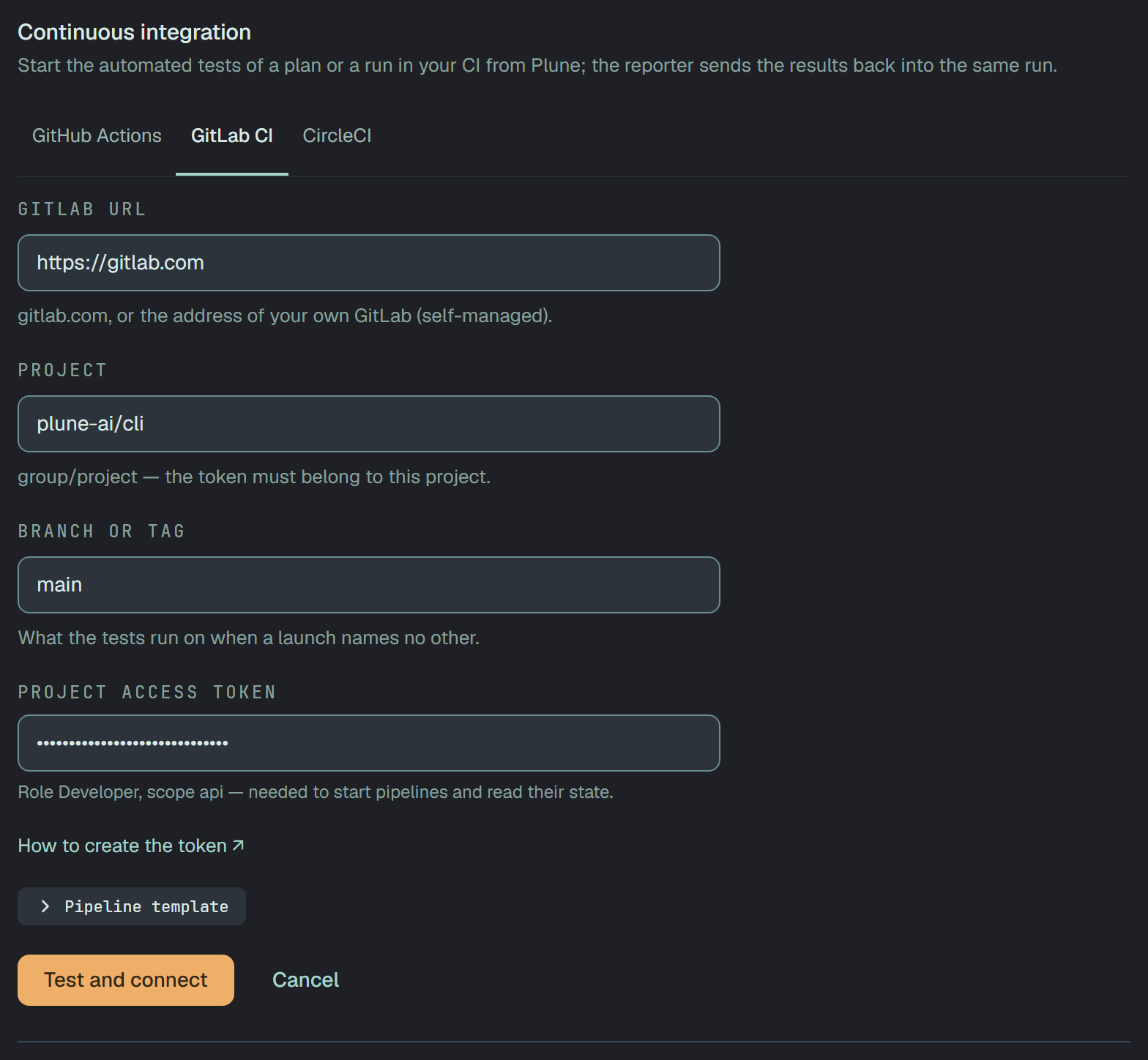
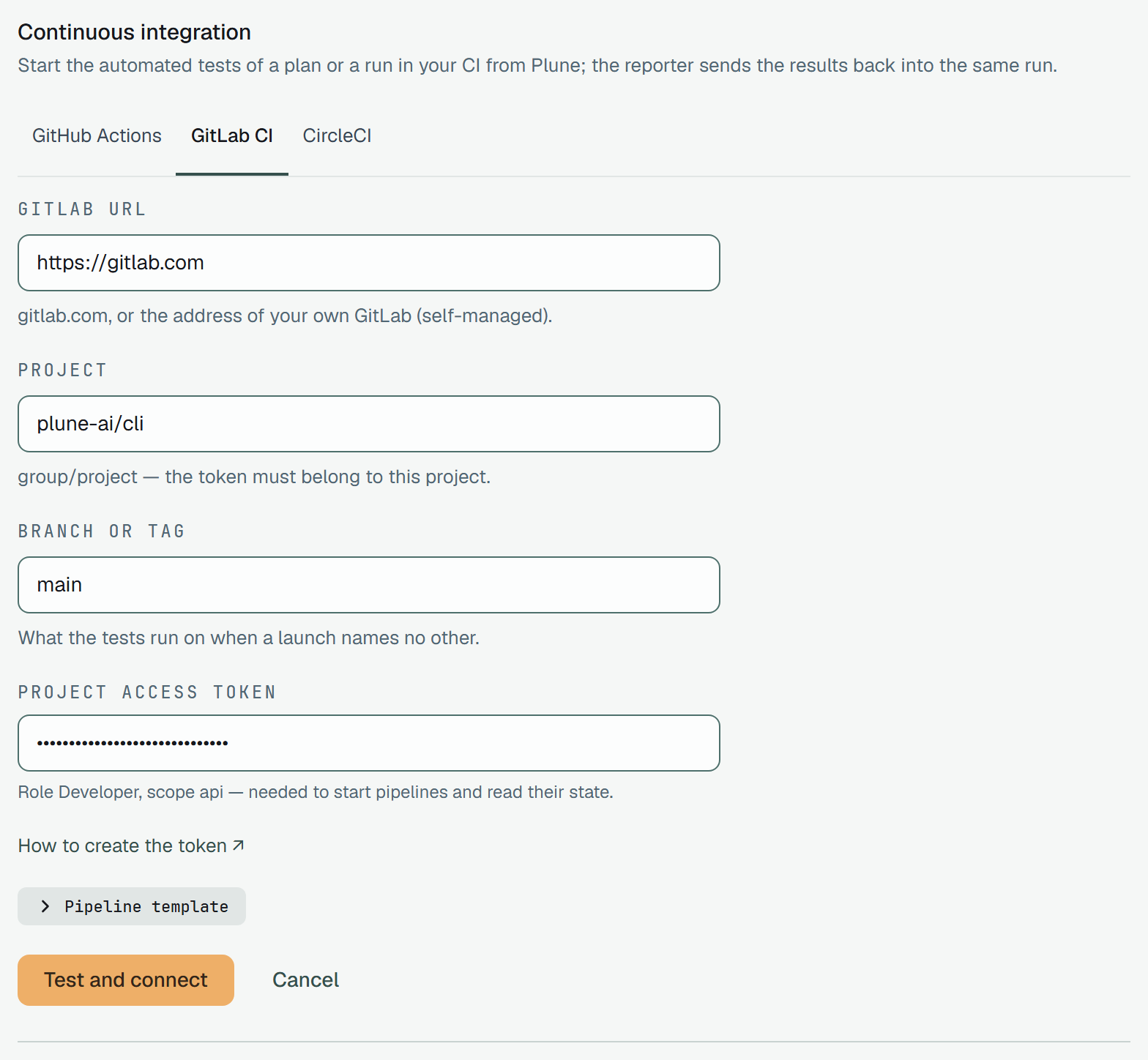
| Field | What to write |
|---|---|
| GitLab URL | https://gitlab.com, or the address of your own GitLab |
| Project | group/project, subgroups included, as in the project’s address |
| Branch or tag | what the tests run on when a launch names no other — main to start with |
| Project access token | the token, once; it is never shown again |
Test and connect runs the five checks, and saves the connection only when all pass.
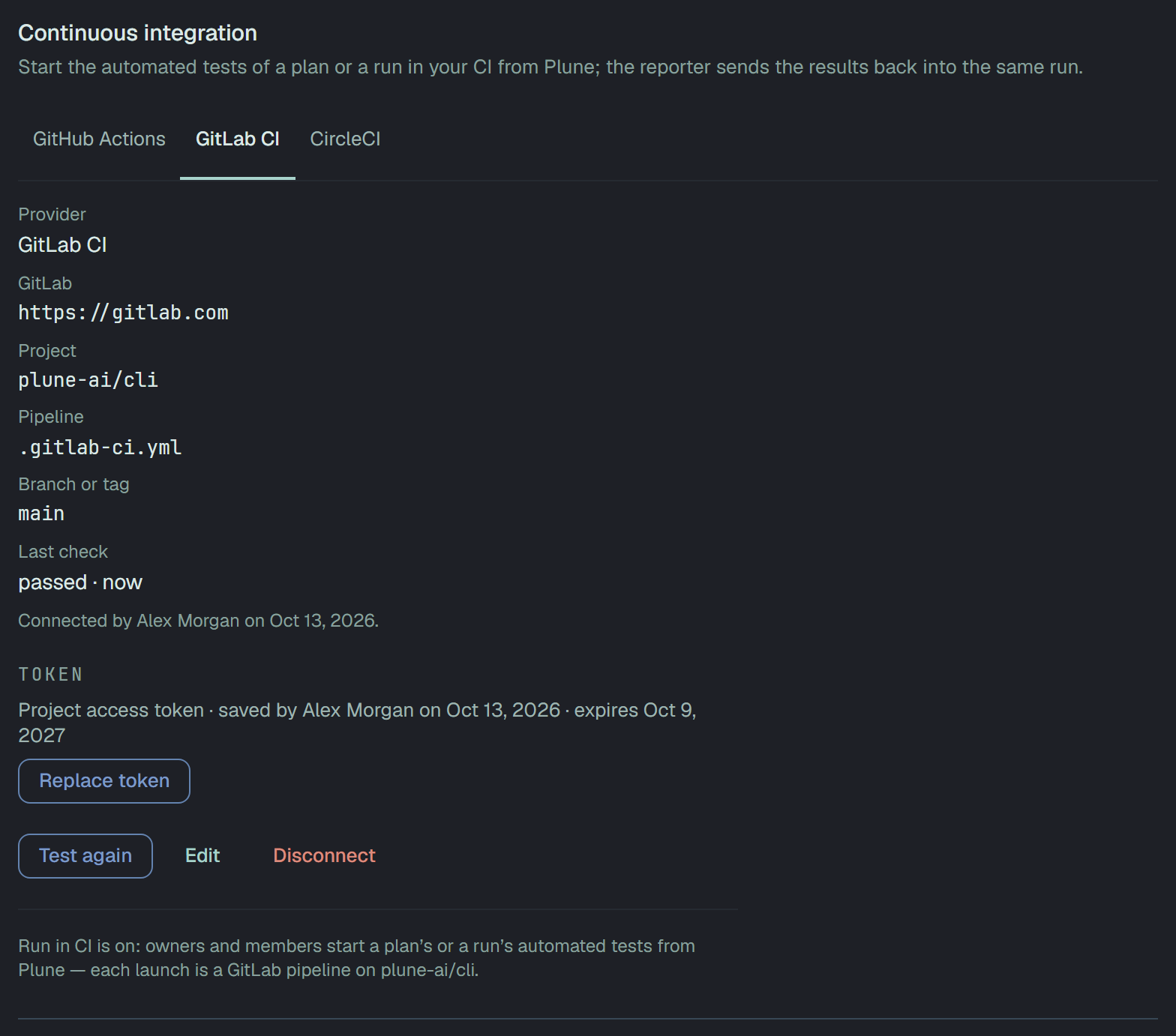
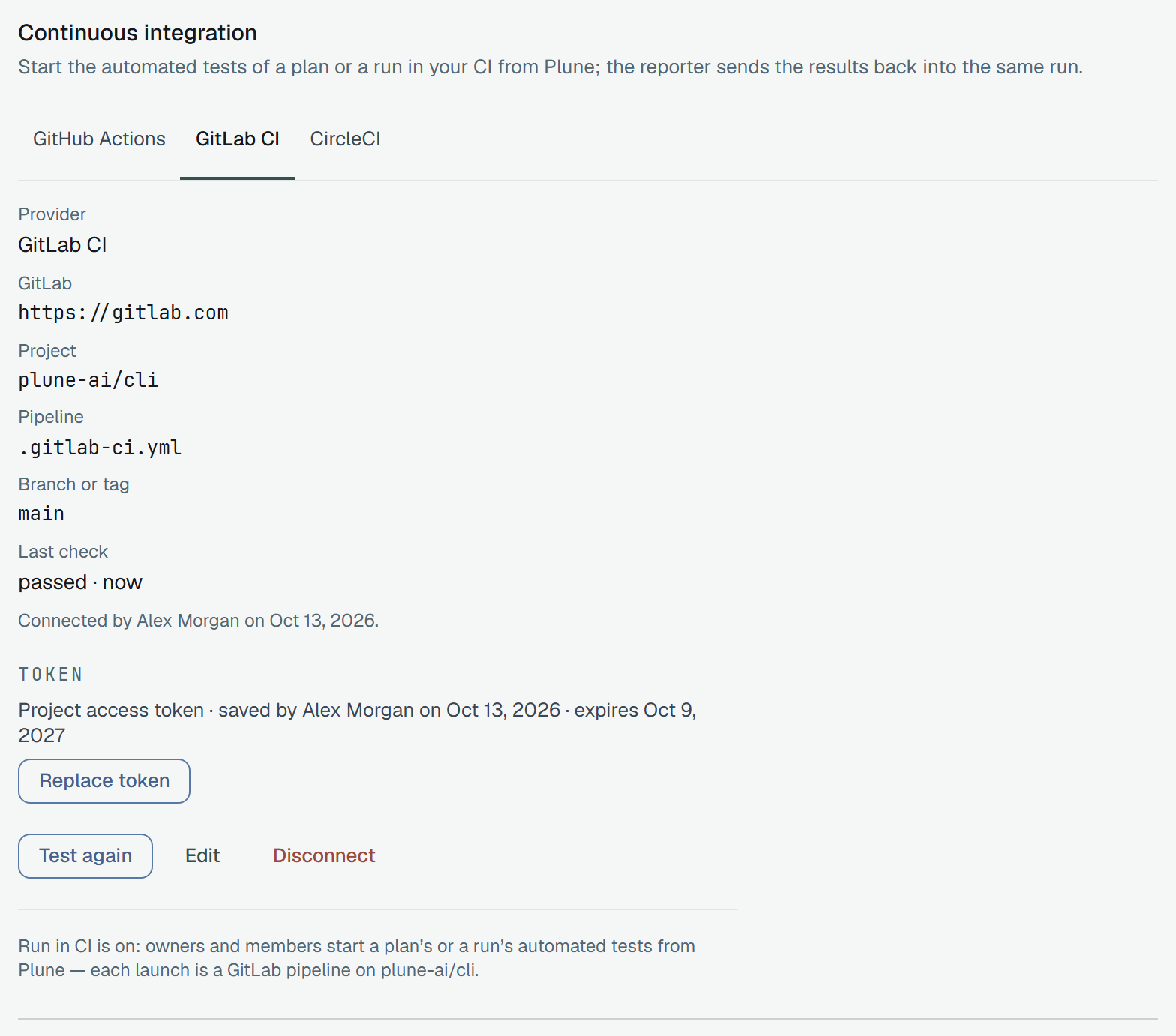
Your own GitLab
Section titled “Your own GitLab”The address of a self-managed GitLab comes from you, so Plune is careful with it. It sends nothing to an address that:
- is not
https://; - is an IP address rather than a name;
- is, or resolves to, a private, local or internal network address;
- answers with a redirect.
Such an address fails the check as Address refused. Plune connects from the internet, so a GitLab reachable only inside your network or over a VPN cannot be connected. Each request is given 5 seconds.
The five checks
Section titled “The five checks”All five only read: the check starts no pipeline.
| Check | How Plune asks |
|---|---|
| GitLab accepts the token | it reads the token’s own facts — its scopes and when it expires |
| The token sees the project | it reads the project |
It may start pipelines — role Developer, scope api | the token has the scope api and at least the role Developer, and the project lets that role set pipeline variables |
.gitlab-ci.yml is on the branch | it finds the branch or tag, then reads the file there |
It has a job for PLUNE_RUN that runs the tests of PLUNE_GREP | the file names both variables |
The last check reads the file’s text; it does not compile it. A job that comes from another file by
include: is not seen there — name the two variables in .gitlab-ci.yml itself, or expect the check to
fail while the launch works.
A launch
Section titled “A launch”Each launch creates one pipeline on the branch or tag, with PLUNE_RUN and PLUNE_GREP. GitLab answers
with the pipeline, so Open in GitLab on the run’s page goes to it from the first minute. A pipeline
GitLab says is running is running; success, failed, canceled, skipped and manual end it; any
other status waits for a runner. What happens next is the same for every CI:
What Plune watches.