

Platform — Getting started
The Plune platform is the hosted half of Plune: it keeps your test cases, records every run, and holds the queue where machine-proposed tests wait for a human decision. The CLI and the GitHub Action produce results; the platform is where they accumulate and become a history you can ask questions of.
betainvite only
Sign in
Section titled “Sign in”-
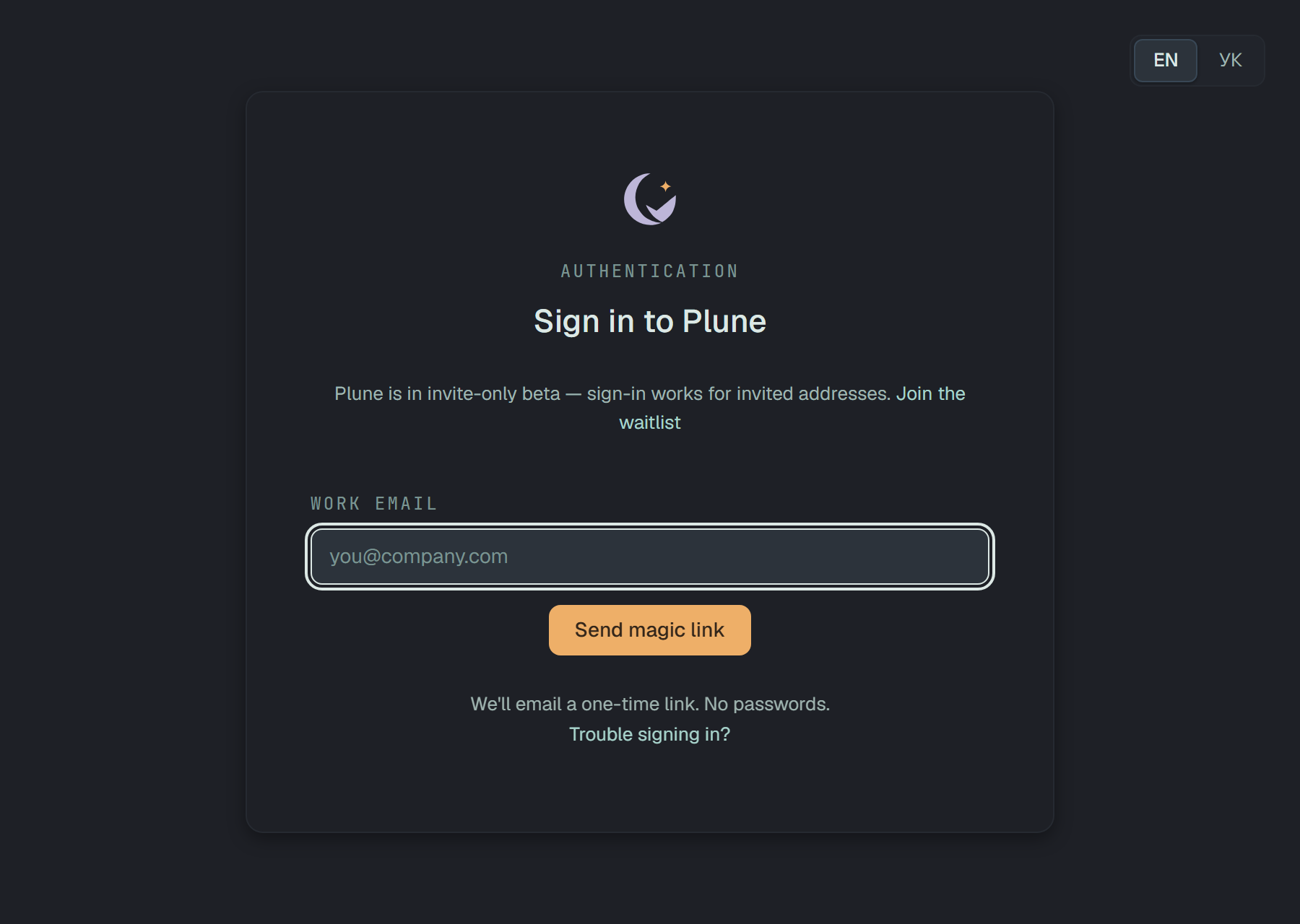
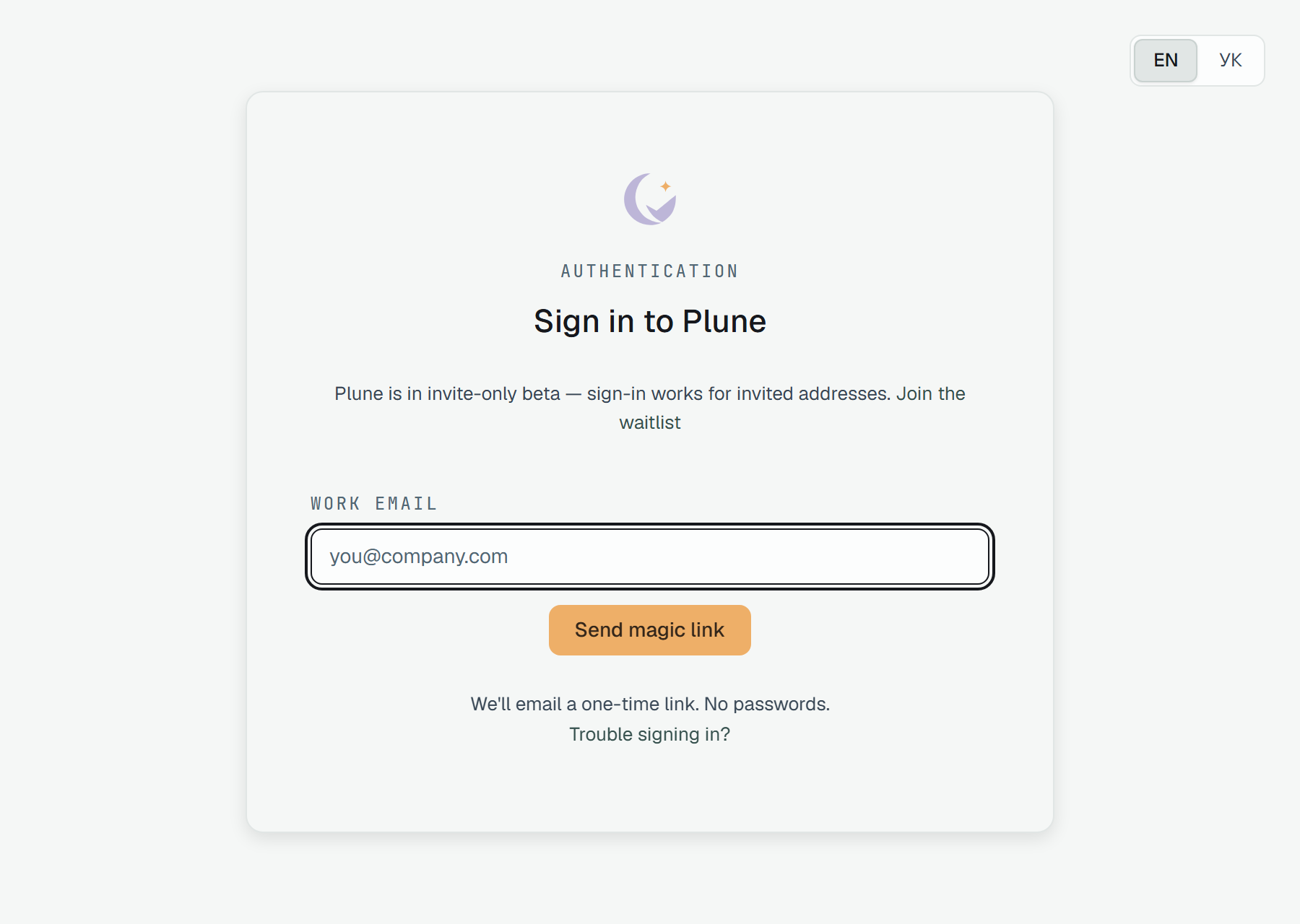
Open beta.plune.ai, type the address your invite was issued to under Work email and click Send magic link. The card turns into Check your inbox at [email protected] — we sent a sign-in link.
-
Open the email and click Sign in to Plune. There is no password to choose and none to lose — the link opens a session, and that session is what mints your API tokens.
-
You land in your project — a new account’s
default, on its Getting started until something reports into it, which is the next step. In more than one project you land on Projects. When a session ran out, the card says so, and the link takes you back to the page you were on if it opens in that same browser tab.
EN and УК at the top right switch the page’s language before you sign in. The choice goes into your account at the sign-in, unless the account already has a language of its own — then the account’s wins. See Account.
The email
Section titled “The email”It is in English, and its subject carries the time it was sent, in UTC — so two requests make two emails rather than one thread:
Subject: Sign in to Plune · 14:32 UTC
Plune
Someone asked to sign in to Plune as [email protected]. Open this link to continue:https://beta.plune.ai/auth/callback?token=…
The link works once and expires at 14:47 UTC.If this wasn't you, ignore this email: nothing happens until the link is opened.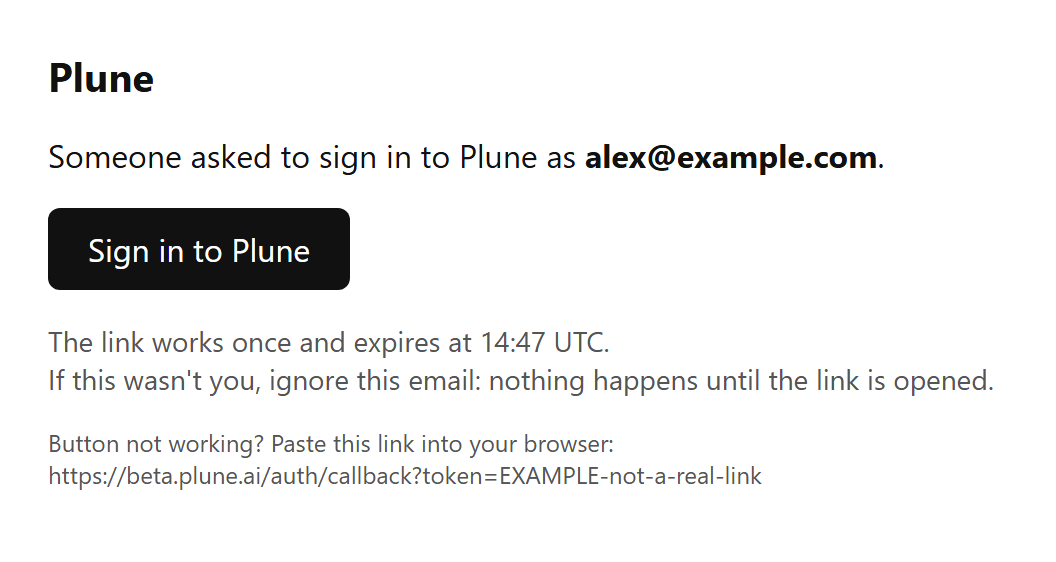
- The link lives 15 minutes and works once. Each request sends a new one, and an older link still works until it is used or runs out.
- The email names the address it went to. If you did not ask for it, ignore it.
- A used or expired link opens That link is invalid or has expired. with Try again, back to the sign-in card.
Mint a token
Section titled “Mint a token”The web session drives the dashboard; a bearer token is what a runner or CI uses. Create one in Account → API tokens — the avatar menu at the top right → Account — with the project it should write to picked beside Generate. It is shown once, so put it straight into your secret store.
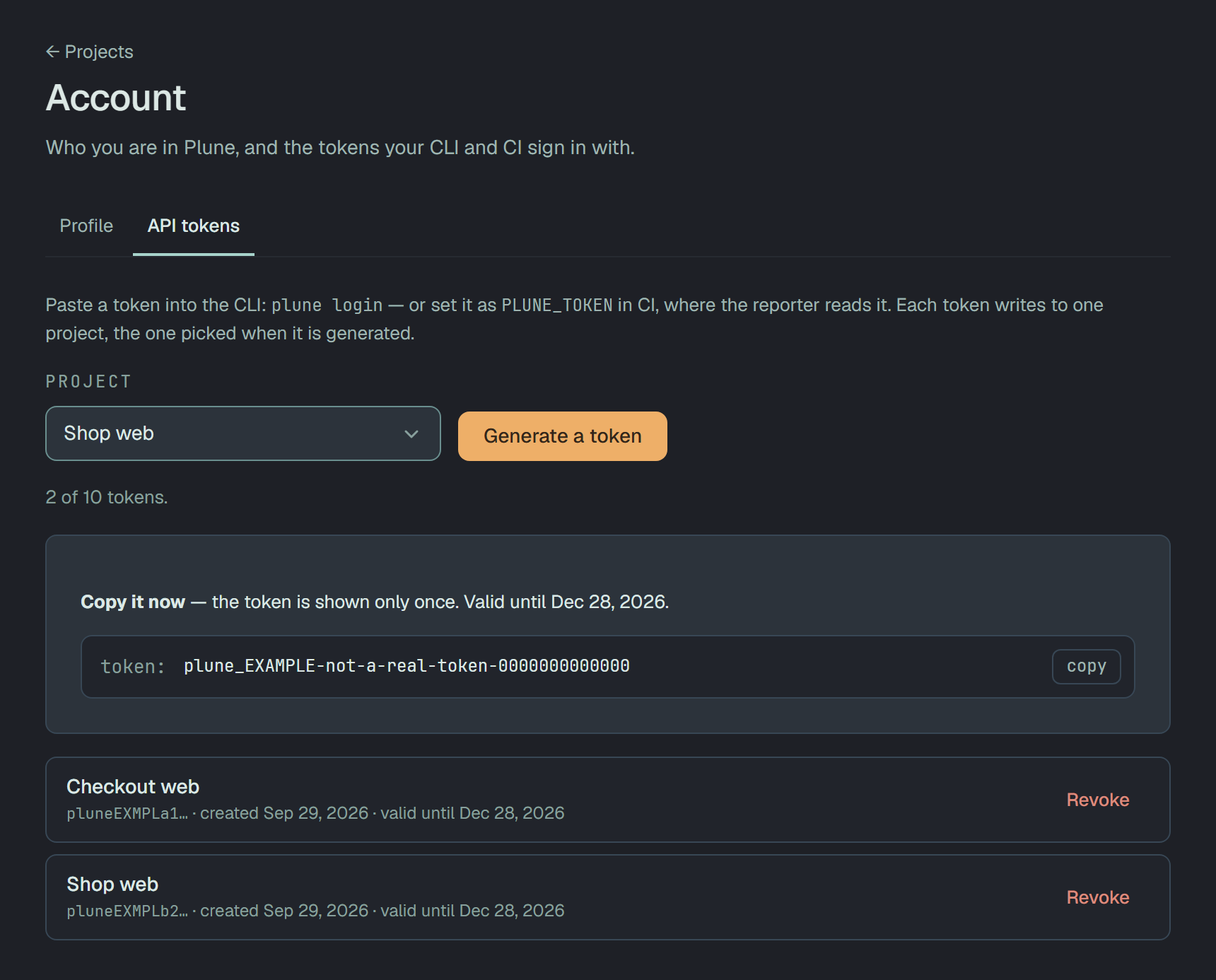
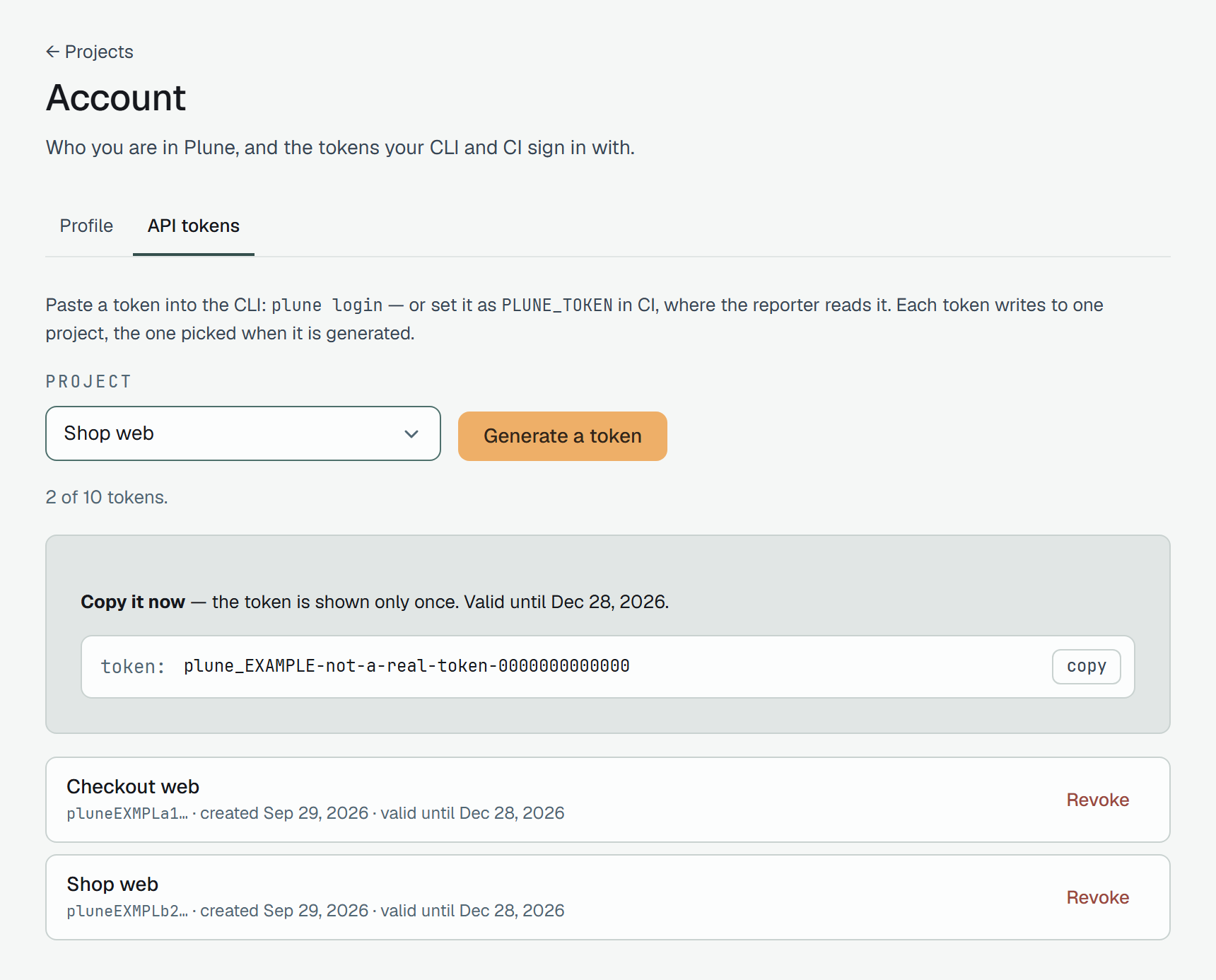
The rest of that tab — the list, the limit of ten, Revoke — is on Account.
Tokens live 90 days and are revoked one at a time. Signing out of the dashboard does not revoke them — a token outlives the session that created it on purpose, because CI has no session.
To try the API by hand, import the ready-made collection —
beta-api.plune.ai/postman.json opens in Postman,
Insomnia, Bruno and Hoppscotch — set its token variable to the token you just minted, and every
request comes with an example body and the answers to expect. It is built from the same document
as the reference, so it cannot lag behind the API.
Send your first run
Section titled “Send your first run”You do not need to adopt a new runner. Anything that emits JUnit XML — pytest, Jest, Vitest, Playwright, Go, JUnit itself — already speaks a format the platform reads.
npm i -g @plune-ai/cliexport PLUNE_TOKEN=plune_… # the token you just mintedplune run import junit.xml --create # --create opens cases for tests it has never seen--create does not silently add test cases. It offers them: each unknown test arrives in the
review queue as a proposal, and stays a proposal until a person accepts it. Re-importing the
same report after accepting matches the existing cases instead of offering them again. A mature
suite is thousands of such offers at once — for that, Settings → Trusted sources lets you say
that tests discovered by a given runner are yours and become cases on arrival; the
review queue page explains what that does and does not skip.
No provider key, no account with anyone else: this road costs nothing but the token. There are two more, and the platform does not care which one a result came by:
Work the queue
Section titled “Work the queue”The queue is the product’s one firm rule: nothing enters your test suite silently. Two kinds of entry land there, and they arrive from opposite directions —
- Proposals — tests a runner reported that this project has no case for.
- Disputes — a result whose verdict a human should look at rather than trust.
Both wait for the same decision, and a rejection has to carry a reason. Accepting a proposal is what creates the test case; the case then outlives the run that suggested it, and outlives its deletion.
After the first run
Section titled “After the first run”The run appears at the top of Runs with its five counters — passed, failed, broken,
blocked, skipped — and, from the second run on, Trends draws the pass-rate line between them.
One run is a snapshot; the platform earns its keep from the third or fourth, when a test that has
never failed before does.
Once runs arrive, see them across projects in Analytics.
Every test the run named is now a case with a history: open one from Cases and the history
lists each run it took part in. A case you approve from a first import starts its history with the next run:
the report that offered the test is not added back. The identity a JUnit report carries is the file path plus the title,
so a renamed or moved test arrives as a new test on the next import — offered to the queue, or
created straight away from a trusted source — while the old case keeps its history. Keep titles
stable where you want a long line. There is a way out: a @P<id> token in a test’s title names the
case outright and survives any rename — the reporter, the JSON
import and, from @plune-ai/cli 0.16.0, the JUnit import all read it
(how).
What you can undo
Section titled “What you can undo”| Action | Reversible? |
|---|---|
| Delete a run, a case or a suite | Yes — it waits in Settings → Bin for 30 days, where an owner of the project can restore it; then it is purged for good. Test cases a run created survive either way. |
| Approve or reject a queue entry | Yes — the audit log records every change, and a change can be restored from it. |
| Revoke a token | No. Mint a new one. |
If something goes wrong
Section titled “If something goes wrong”Four things look like failures and are not:
| You see | What it means |
|---|---|
| Asked for a sign-in link, no email came | The address is not on the invite list — see the note at the top. Reply to your invite and it will be added. An invited address: look for the subject Sign in to Plune in the spam folder too. |
| The sign-in card says there were too many requests | Five links per address in 15 minutes, twenty from one IP address. Wait the time it names and ask again — or use a link you already have, if it is under 15 minutes old. |
plune: the API token was refused | The token was revoked or has expired (they live 90 days). Mint a new one in Account → API tokens. |
plune: 0 accepted · N written to .plune/pending-results.jsonl | The platform could not be reached or refused the run; nothing is lost. The line above it says why, and plune run report sends the file once it is fixed and, once every result has gone, sets it aside as pending-results.<time>.sent.jsonl. |
Everything else — write to [email protected]. It is read by the people
who build the platform, and each report becomes a row in the beta punch-list with a severity and a
decision you will hear back about. Include the CLI version (plune --version), the exact command,
every plune: line it printed, and the run id from the dashboard if there is one.