

The lifecycle of a case
A case is always in exactly one of five states, and every move between them is either a person’s decision or automation’s report — never both, and never silent. Each move is written to the audit log as “was → became”, with the reason when one was given.
The five states
Section titled “The five states”| State | Meaning | Who puts a case there |
|---|---|---|
draft | Written, not yet in play. Every case a person creates starts here. | the person creating it |
in_review | Proposed by a machine and approved from the review queue without trusting the source — waiting for a person to confirm it. | the queue, on approval |
active | In play: results attach, stability is counted. | a person; automation, for a draft it created; the queue, for a discovery from a trusted source |
detached | An automated case whose test is no longer in the code. Kept, with its history. Set when a run that declares itself complete (configuration.full: true — PLUNE_FULL_RUN=1 on the reporter or plune run import, since @plune-ai/cli 0.12.0) finishes with every expected test reported and this case’s source did not report it; the next result brings it back to active by itself. | automation (a token) |
deprecated | Retired. Taken out of play on purpose, with a reason if one was given. Nothing is deleted. | a person only |
state is the field; status is an older, three-word view of the same thing (draft, active,
archived) that every response still carries for clients written before the five states existed.
Read state — it can say more.
Who may move a case where
Section titled “Who may move a case where”The table is enforced on every write, and it tells a session (a person on the dashboard) and a bearer token (automation) apart:
| From ↓ · to → | draft | in_review | active | detached | deprecated |
|---|---|---|---|---|---|
draft | = | token | person, token | — | person |
in_review | — | = | person | — | person |
active | — | token | = | token | person |
detached | — | — | person, token | = | person |
deprecated | — | — | person | — | = |
Two things the table says on purpose. Only a person retires a case or brings one back: a script
that could retire tests would retire the ones that inconvenience it. And a case at in_review waits
for a person — approving a proposal put it there, confirming it is a second, separate yes.
A move the table forbids answers 400, and the message names what is allowed from there:
an agent cannot move a case from active to deprecated — allowed from active: in_review, active, detachedMoving a case to the state it is already in is allowed and does nothing — no audit entry, no change
to stateChangedAt.
From the case page
Section titled “From the case page”Open a case (the case page) and the ⋯ menu offers exactly the moves the table allows a person from where the case
stands — and nothing else:
| The case is | You see |
|---|---|
draft | Activate, Retire |
in_review | Confirm, Retire |
active | Retire |
detached | Return to work, Retire |
deprecated | Return to work |
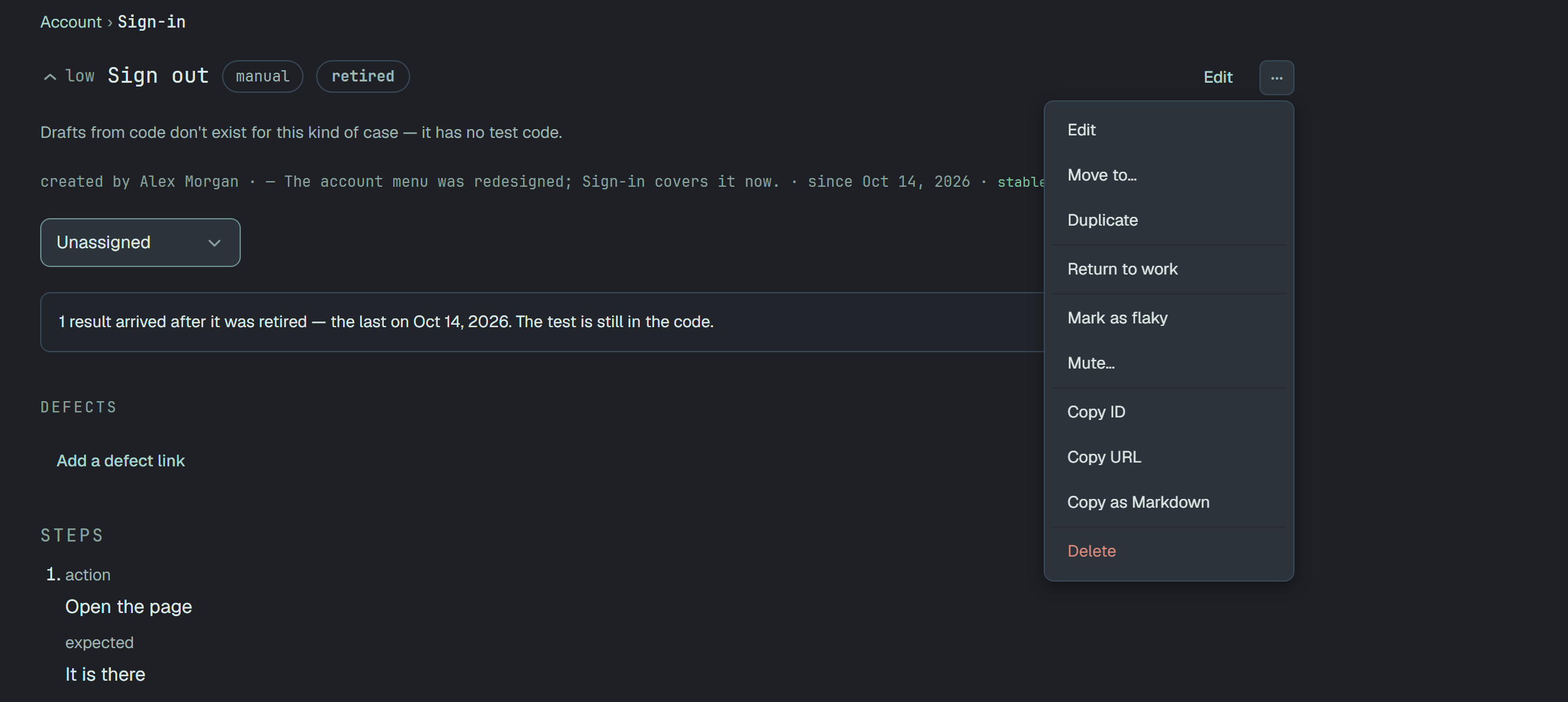
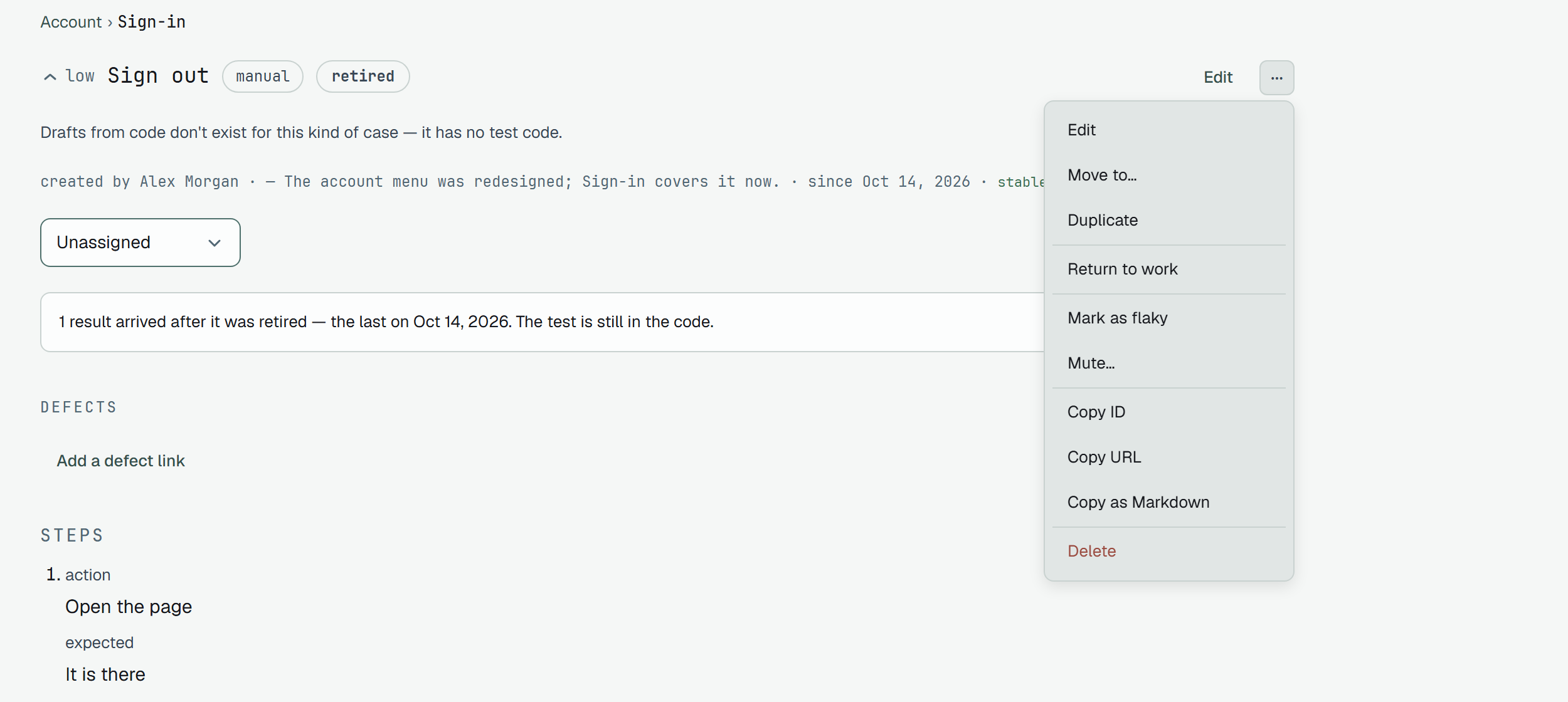
Each opens the same was → becomes dialog as “Move to…”, with an optional Why. What you write
becomes the case’s stateReason and shows beside the state badge, with the date of the move, for as
long as the case stays in that state. A blank Why sends nothing — an absent reason is not an empty
line. If the server refuses the move, its words appear inside the dialog and the case is untouched.
A retired case keeps its suite, its position, its keys and its results, and “Return to work” gives
it back exactly as it was. The reason of the retirement leaves the page then, but not the history:
every state_change entry in the audit log carries the reason it was made with.
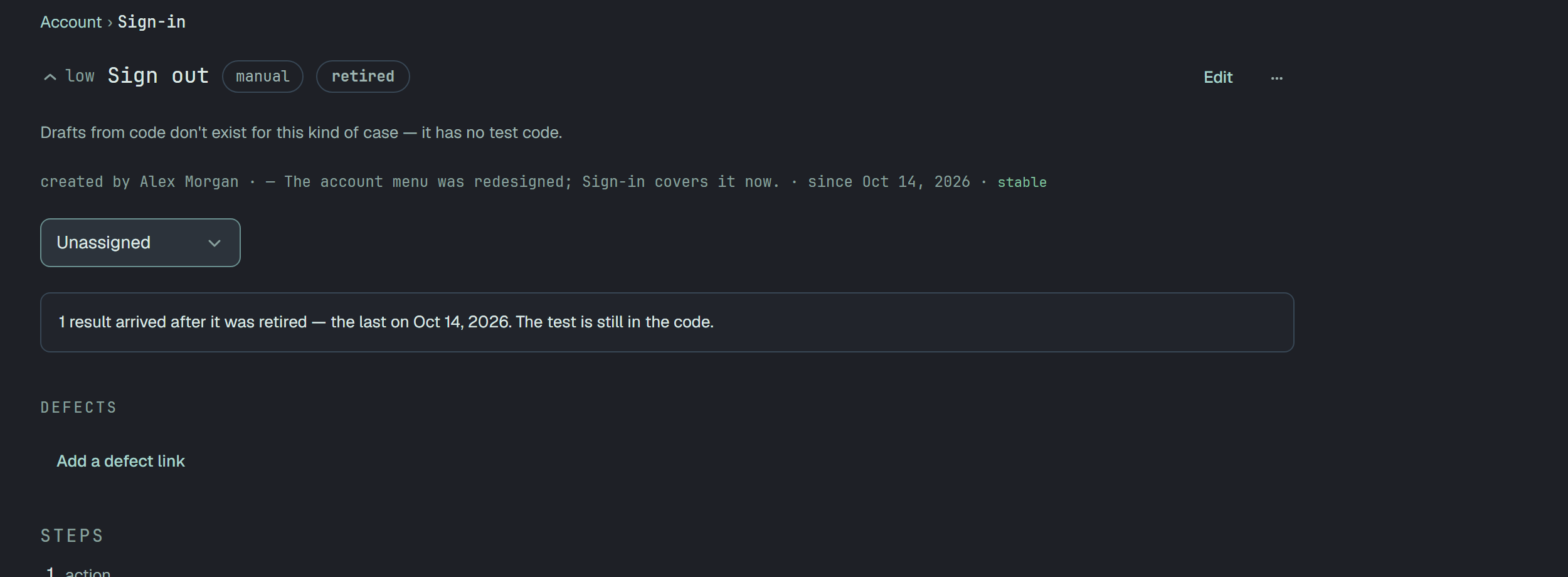
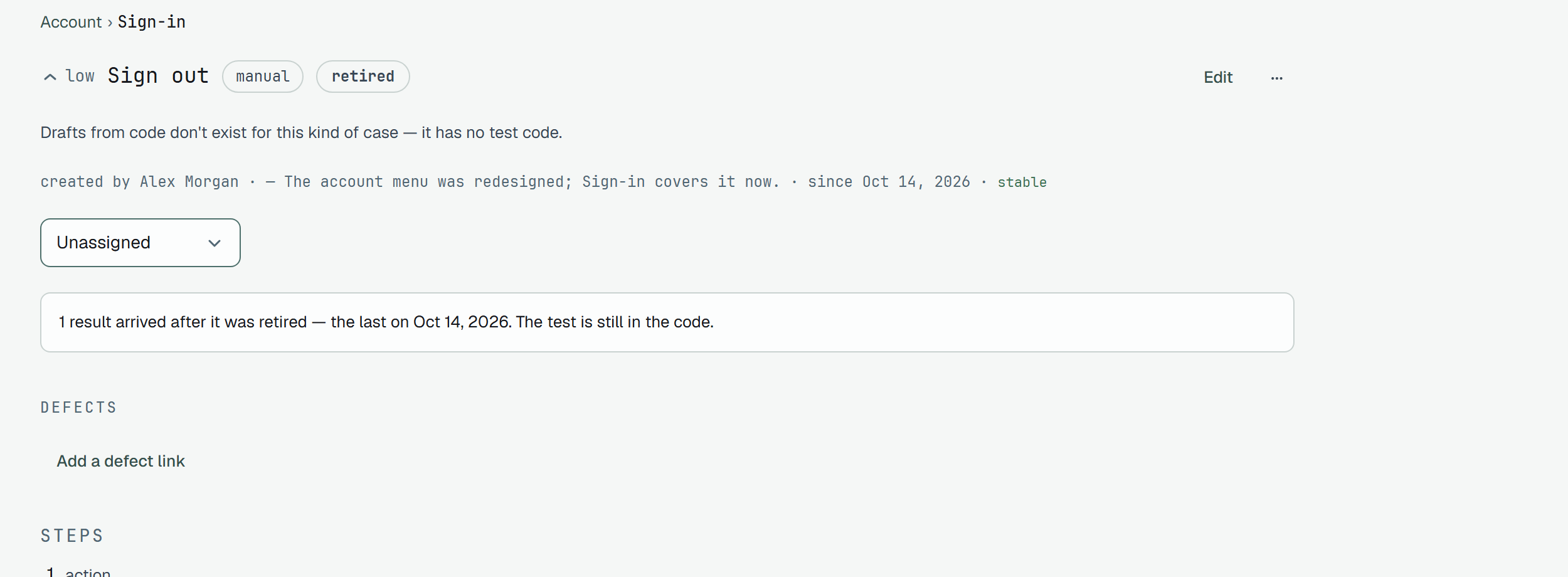
The list shows cases of every state by default, each with its badge;
state=deprecated narrows it to the retired ones, and state=active to the ones in play.
Deleting, and the bin
Section titled “Deleting, and the bin”Retiring keeps a case in play as history; deleting takes it out of the list, the tree and the counts. Its results stay in the runs they belong to — a run happened, and the evidence of it does not disappear with the case. Its own files go with it, and come back with it. Deleting a suite takes every suite and case beneath it in one go, and the dialog says how many before you confirm.
Nothing deleted is gone at once. Settings → Bin lists everything deleted in the last 30 days — suites (one row per deletion, with what went along), cases, runs — each with its name, where it was, deleted … ago and the date it is removed for good. Restore puts it back where it was: a suite comes back with everything that went with it; a case that went with its suite comes back with the suite, not on its own (the row says so if you try). After 30 days a nightly sweep removes it permanently.
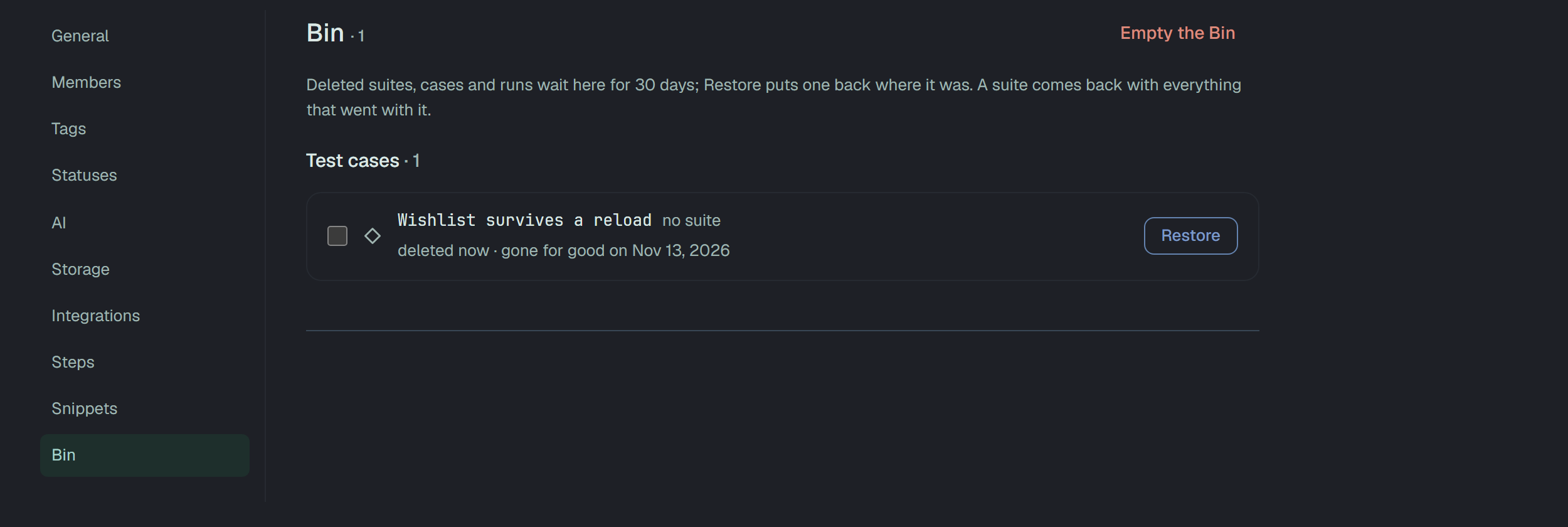
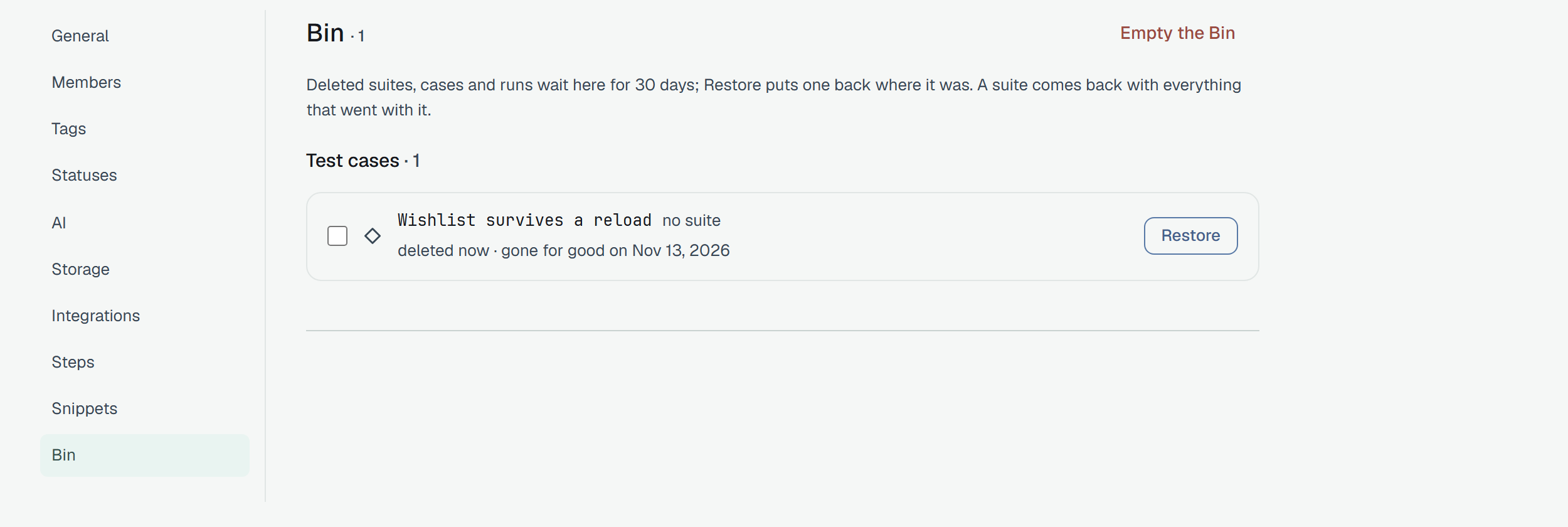
Only an owner of the project restores or deletes for good — a member reads the list under the line Only an owner of the project can restore or delete forever. The way out for good is in two forms:
- Pick rows (the box in front of each) and a bar at the bottom of the window offers Restore, Delete forever and Clear (Esc). Restore puts the whole pick back together or not at all. A pick holds 200 rows at most, and Delete forever first counts what goes — 3 suites, 13 test cases and 1 run, with their 24 results, will be deleted. This cannot be undone. — and says that the activity feed keeps the earlier edits of cases and suites, and the Steps Database the texts of their steps. A row that still holds something outside the pick, a suite with a case you did not tick, stays and says so.
- Empty the Bin deletes everything in it. It asks for the project’s name to be typed first, and then the server does the work as a job, so closing the page does not stop it; the page shows a count of what is deleted and what is left, and Stop.
The same list is GET /v1/bin, and the way back is the entity’s own restore —
POST /v1/test-cases/{id}/restore, POST /v1/suites/{id}/restore, POST /v1/runs/{id}/restore —
for an owner of the project; POST /v1/bin/restore takes a list of up to 200 entries and brings them back
together. POST /v1/bin/purge deletes a list for good, and POST /v1/bin/empty — with the project’s name
as confirm — empties the Bin; both take dryRun and answer the counts the real call would. Restore and purge take 10 calls a
minute, empty 30. A member’s request, like an unknown id or an entry that is not in the project’s Bin,
is answered 404; a reader of the project is stopped first by the project guard with 403, as on every write.
Through the API
Section titled “Through the API”GET /v1/test-cases/{id} answers with allowedStates — the states the caller may move the case
to from here, per the table above and per who the caller is. The list endpoint does not carry it.
{ "id": "6f1c…f1", "title": "Checkout keeps the total right @smoke", "state": "active", "stateChangedAt": "2026-09-14T10:12:41.000Z", "allowedStates": ["deprecated"]}A move is a PATCH with state and, optionally, stateReason:
PATCH /v1/test-cases/6f1c…f1{ "state": "deprecated", "stateReason": "flaky since the checkout redesign; covered by the new flow" }stateReason must not be empty when sent. The record keeps only the last reason — a later move
without one clears it from the case — while the audit log keeps every one. A status in the same
body is accepted from older clients and mapped to a state; state wins if both are present.