

Run tests in your CI
Plune can start the automated tests of a plan or a run in your CI: you press a button in Plune, your CI runs the tests, and the reporter sends the results back into the same run. A project connects one CI in Settings → Integrations: GitHub Actions, GitLab CI or CircleCI. It’s free.
Until a CI is connected, Run in CI gives a command to copy, and you start the tests yourself (The road for CI).
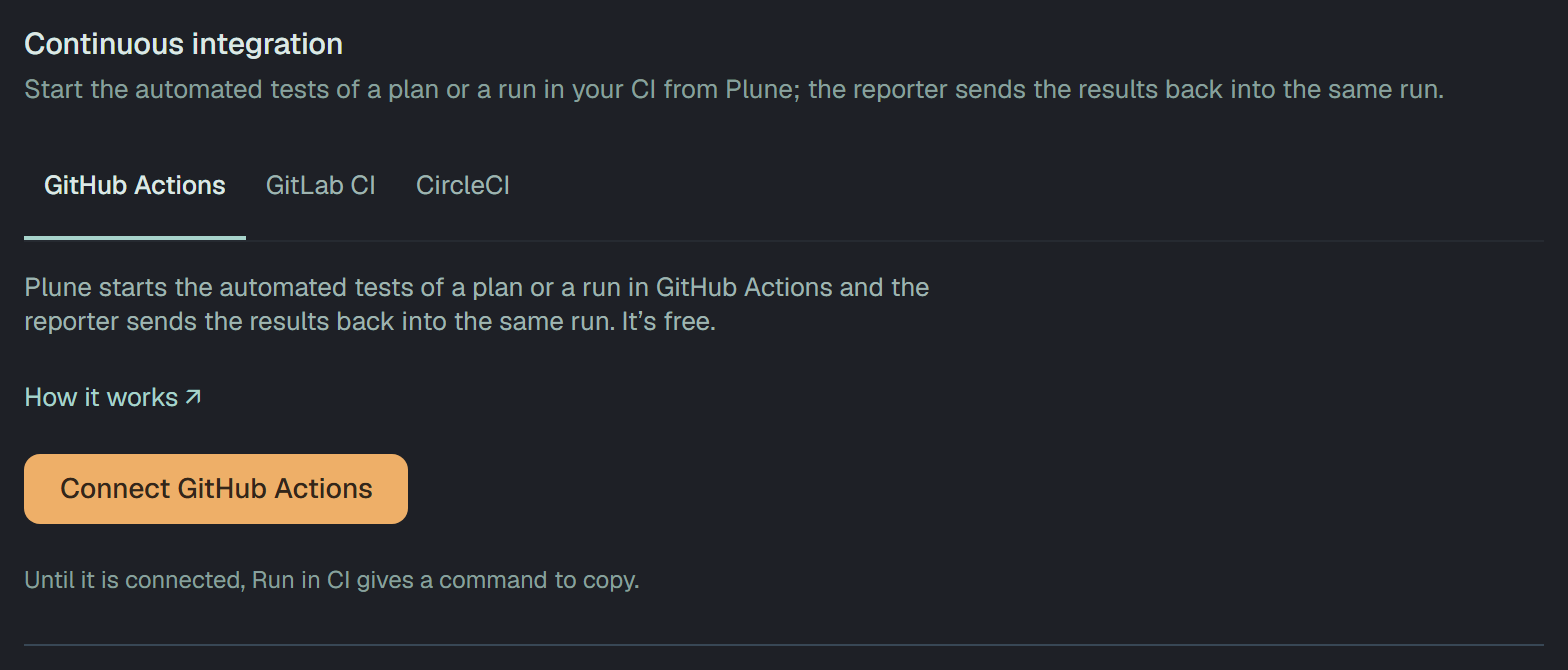
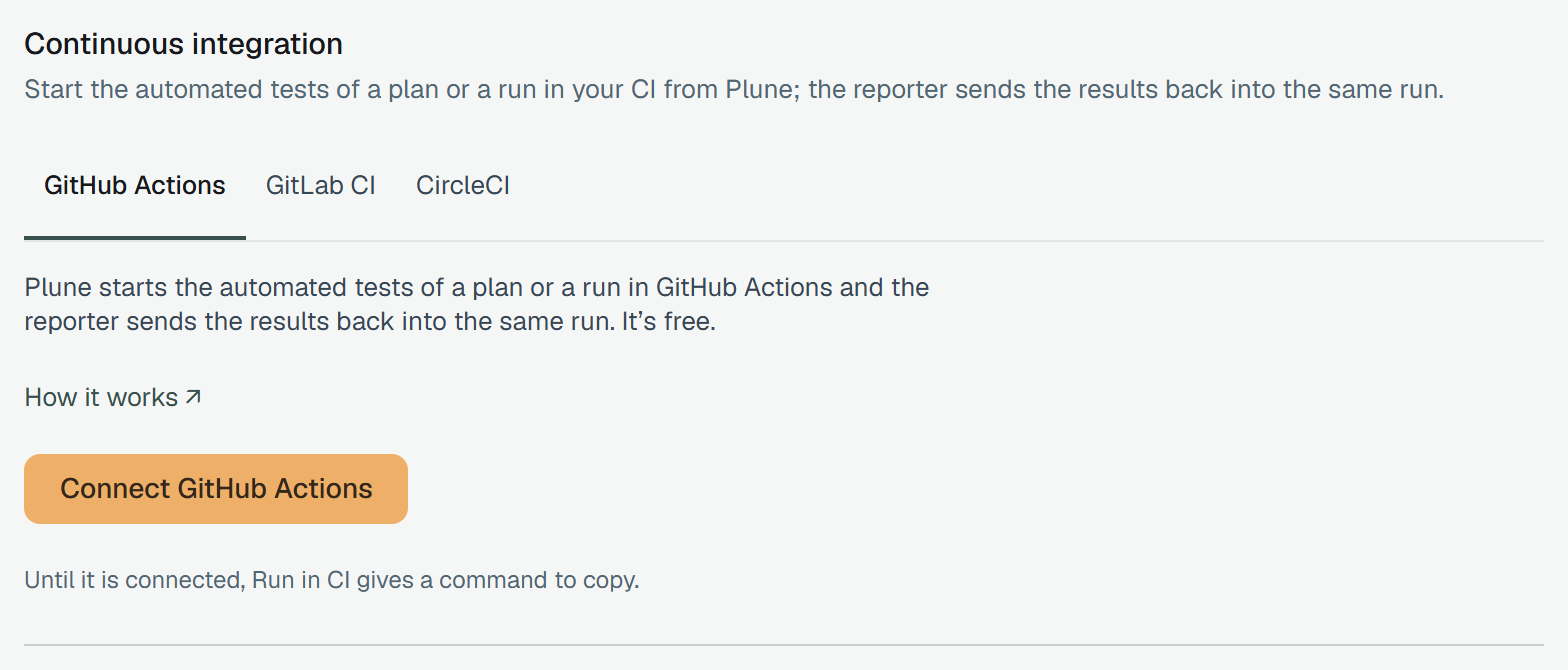
| Page | Read it to |
|---|---|
| GitHub Actions | add the workflow, make a fine-grained token for one repository and connect it |
| GitLab CI | add the job, make a project access token and connect gitlab.com or your own GitLab |
| CircleCI | add the parameters and the workflow, make a token for a machine user and connect it |
| When something is wrong | fix the check that failed, or a launch the CI refused |
Connect a CI
Section titled “Connect a CI”An owner of the project chooses the CI’s tab, fills its form and presses Test and connect. Plune then runs five checks with what was typed — the CI accepts the token, the token reaches the repository or project, it may start workflows or pipelines, the workflow or pipeline file is on the branch, and the file takes what Plune sends. Each CI page says how its own five are asked.
- Nothing is saved until all five pass. A check that failed is marked with its reason and a How to fix link; the form keeps everything you typed, the token too. Change the settings goes back to the form, Test again checks the same once more.
- When all five pass, the connection is saved and the section shows it: the CI, the repository or project, the file, the branch, Last check, and who connected it and when.
- Test again checks the saved connection. Its result becomes Last check; a later check that failed is one sentence over the facts, with its How to fix.
- Edit changes the settings and keeps the saved token: the new settings are tested with it before they are saved. Replace token asks for the token alone and tests it with the saved settings.
- Disconnect asks first. Run in CI stops on plans and runs — they give the command to copy instead — and past runs keep their links to the CI. Plune deletes the token; revoke it in the CI too, if nothing else uses it.
At most 10 checks a minute run for one project — Test and connect and Test again together.
One CI a project
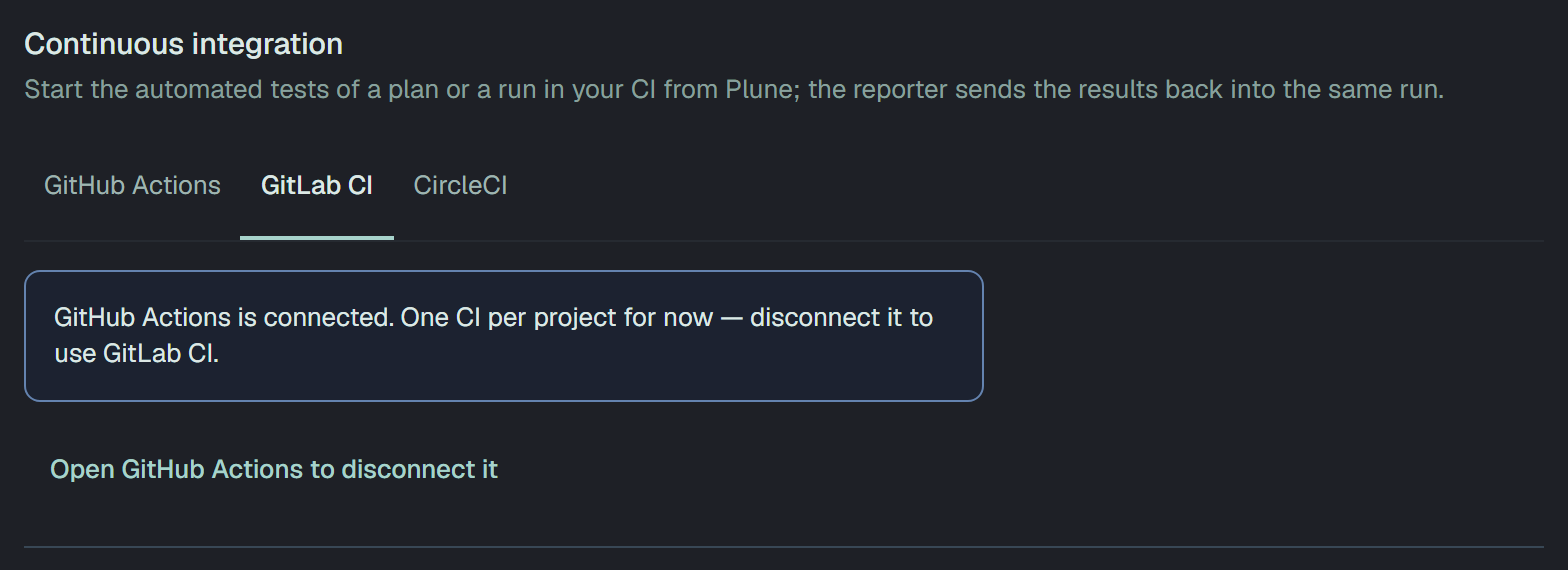
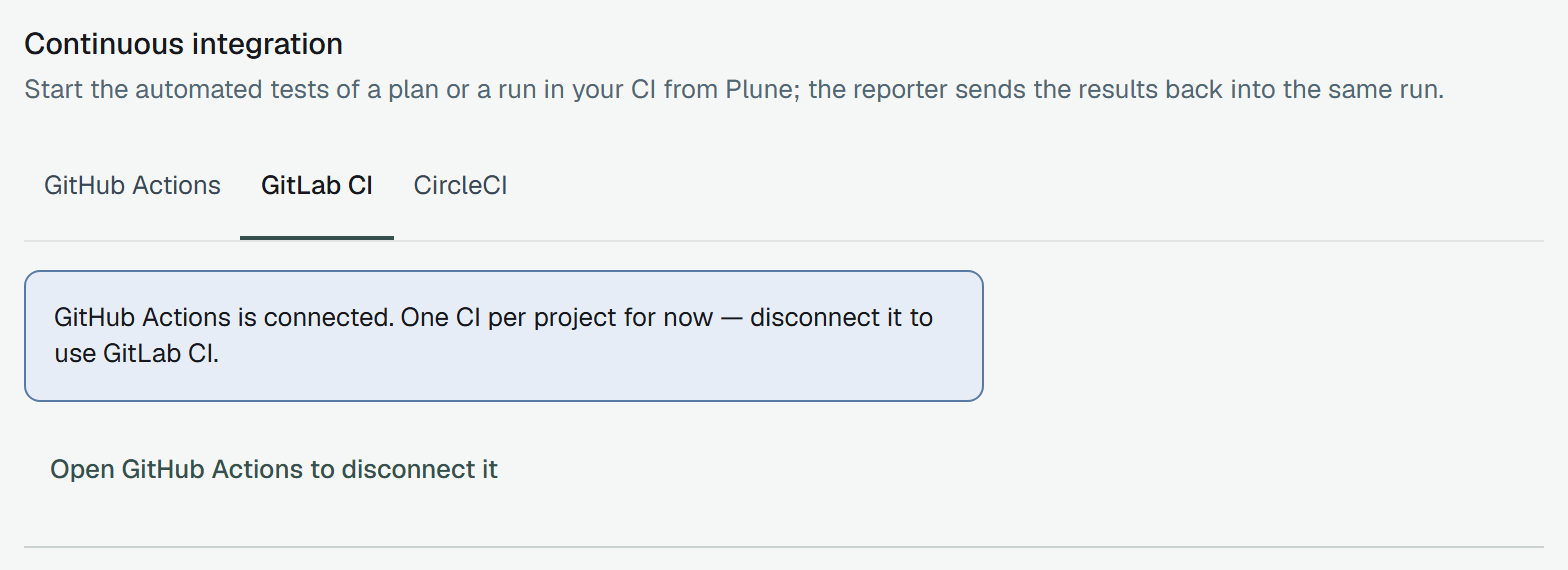
Section titled “One CI a project”A project has one CI for now. With one connected, the tab of another says which one is connected and offers the way to it; to switch, disconnect the one there first.
What Plune keeps and sends
Section titled “What Plune keeps and sends”- The token is stored encrypted under a key of its own on the platform, bound to the project, and is never shown again — not to the owner who saved it, not in any answer of the API. An owner sees only who saved it, when, when the CI says it expires and, for CircleCI, whose it is.
- A launch sends three things: the run’s key (the reporter joins the run by it), the tests to run
as one
--greppattern, and the branch or tag. The pattern is built the wayplune plan grepbuilds it, from each case’s key. PLUNE_TOKENis never sent. The reporter needs it to send results, so it is a secret of your CI — a repository secret, a masked CI/CD variable, a project environment variable — and the templates read it from there.- Plune talks only to the CI’s API:
api.github.com, the GitLab address you gave,circleci.com. A check is a few requests; while a launch is watched, Plune asks about it once a minute. - Connecting, changing and disconnecting are written to the project’s audit log, with the token’s fields masked.
Run in CI
Section titled “Run in CI”With a CI connected, the automated cases of a plan or a run start in it from Plune. A run qualifies when it is automated or mixed, not finished, has a key, and has at least one automated case.
- Launching a plan — the dialog’s Run in CI, on the branch or tag of the connection unless you name another for this run. Launch starts the run and its automated cases in CI; Save keeps the run scheduled, and its launch starts them later. I’ll run them myself shows the command instead and sends nothing to CI.
- A run’s page — Start in CI for a run with nothing sent yet; Try again after the CI refused; Launch again in CI after Plune gave up. Each uses the same run key.
- Re-run N failed in CI starts a new automated run of the failed tests, in CI, on the branch you give.
Owners and members start runs in CI. A reader sees where the pipeline stands and the link to it, and no button. A run that names more tests than one launch can carry is refused with the advice to start it with the command.
What Plune watches
Section titled “What Plune watches”Once a minute Plune asks the CI where each launched pipeline stands, and the run’s page follows:
| The page says | What happened | What Plune does |
|---|---|---|
| Waiting for CI to start | the CI queued the pipeline | waits up to 15 minutes for a runner |
| Running in CI | a runner took it | shows the results as the reporter sends them |
| CI finished — waiting for the report | the pipeline ended, no result yet | waits 5 more minutes for the reporter |
| the run’s results | the pipeline ended and results came in | finishes an automated run; a mixed run stays open for its manual part |
| Could not start in CI | the CI refused the launch | says why (the codes) and offers Try again |
| CI did not start in 15 min | no runner took the pipeline | cancels the pipeline; the automated cases count as not run |
| CI finished without a report | the pipeline ended and no result came in 5 minutes | closes the automated part; check the reporter step, PLUNE_RUN and PLUNE_TOKEN |
| Plune stopped waiting for CI | 24 hours after the launch the pipeline had not ended, or the CI did not say | cancels a pipeline still going and closes the automated part |
When the CI does not answer, the page says since when, and Plune keeps waiting. A run that is finished, deleted or ended by a person is no longer asked about; a pipeline still going for a run a person ended or deleted is cancelled.
“Closes the automated part” means an automated run ends with the reason on it, and in a mixed run the automated cases count as not run while the manual part goes on. A reporter that joins later, by the same key, opens the run again.
The templates set PLUNE_SHARED_RUN=1: the reporter leaves the run open, and Plune closes it when the
pipeline ends (the reporter’s variables).
Who can do what
Section titled “Who can do what”| Owner | Member | Reader | |
|---|---|---|---|
| See what is connected and its last check | yes | yes | yes |
| See who saved the token, when, and when it expires | yes | — | — |
| Connect, test, edit, replace the token, disconnect | yes | — | — |
| Start a run’s automated cases in CI | yes | yes | — |
A member or a reader sees Only an owner of the project can change these. over the section.