

The run's report
A run’s page is its report: the verdict and the counts at the top, then every result as a row. Above the rows stand the filters and the switch between List and Suites; under the run’s tags, what the run is for. In the head, beside Delete run, a manual or mixed run can be launched again.
A long run’s list grows as you scroll. The page shows the newest hundred results and reads the next hundred as you come near the end, and the result panel’s ‹ › step on into them. The counts at the top are always the whole run’s. With a filter on, and in Suites, the page reads everything the filter leaves, so «4 of 120 shown» and a group’s number count all of it.
Filter the results
Section titled “Filter the results”- A chip for each status the run holds, with its number —
passed 112,failed 3,broken 1. A status nobody got has no chip. Several chips on are any of them:failedandbrokentogether show both. The chips count what the line of counts at the top counts: a muted case’s failure is not underfailedorbrokenbut under a chip of its own,muted 2(A muted case’s failure). - With defects — the results that carry a link to a ticket in your tracker — narrows what the status chips leave.
- Search by case name finds any piece of the name, in any case, 300 ms after the last key. Esc clears it at once.
- Sub-status ▾, when the run’s results carry a sub-status:
the names under their statuses — what went wrong first, then
blocked,skippedandpassed— each with how many results carry it. A tick applies at once; several ticked are any of them, and with a status chip on, both narrow —failedand Product bug shows the failed results put down to the product.
Different filters add up: failed with the search «coupon» and With defects shows the failed
results whose case’s name has «coupon» and that have a link. The line under the filters says what is
shown — «4 of 120 shown · failed or broken · the name has «coupon»» — with Clear filters. The
counts at the top stay the whole run’s.
When nothing matches, the list says so — No result matches these filters. — with Clear filters.
A result with a sub-status shows it after its badge, in the row’s quieter tone.
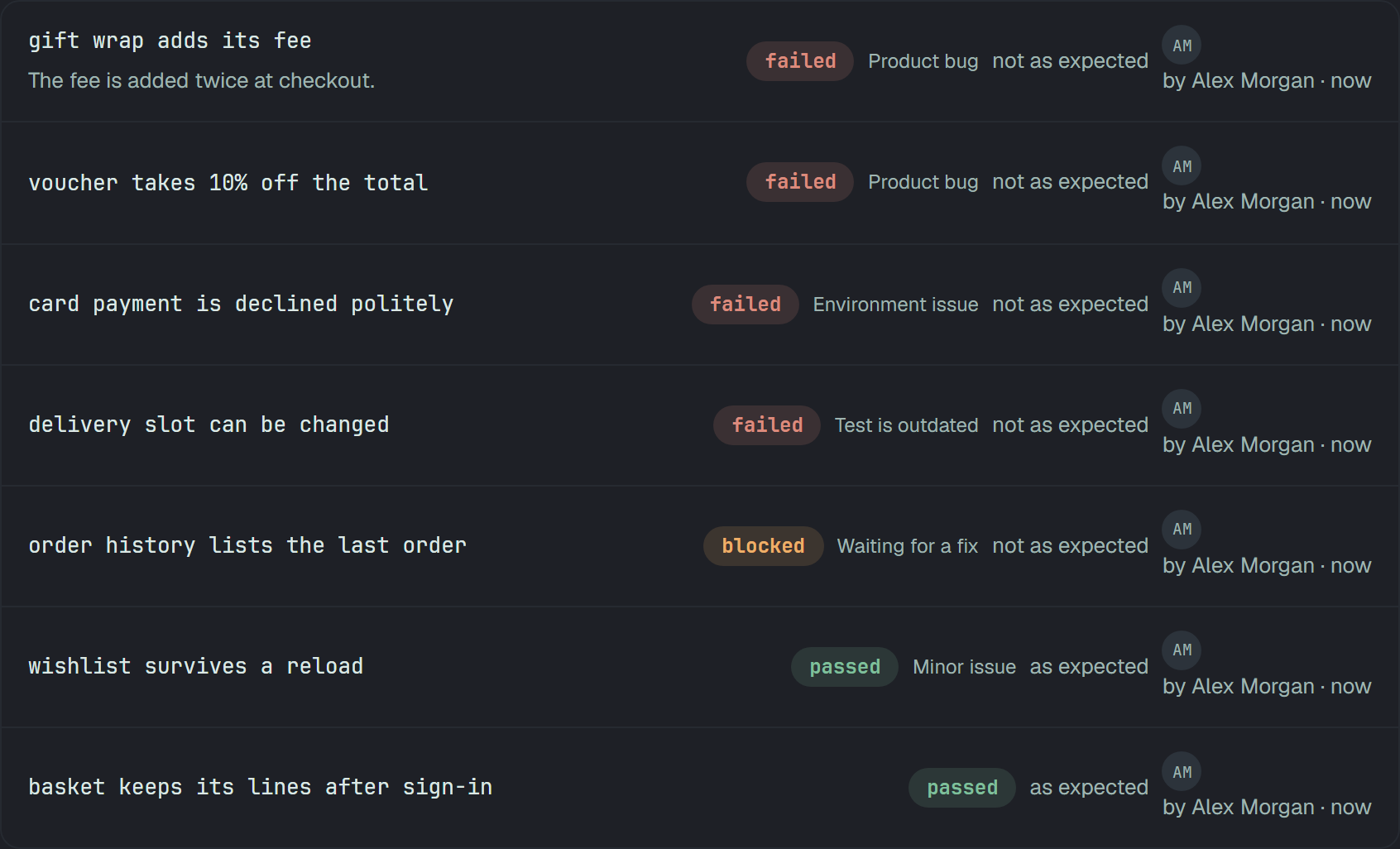
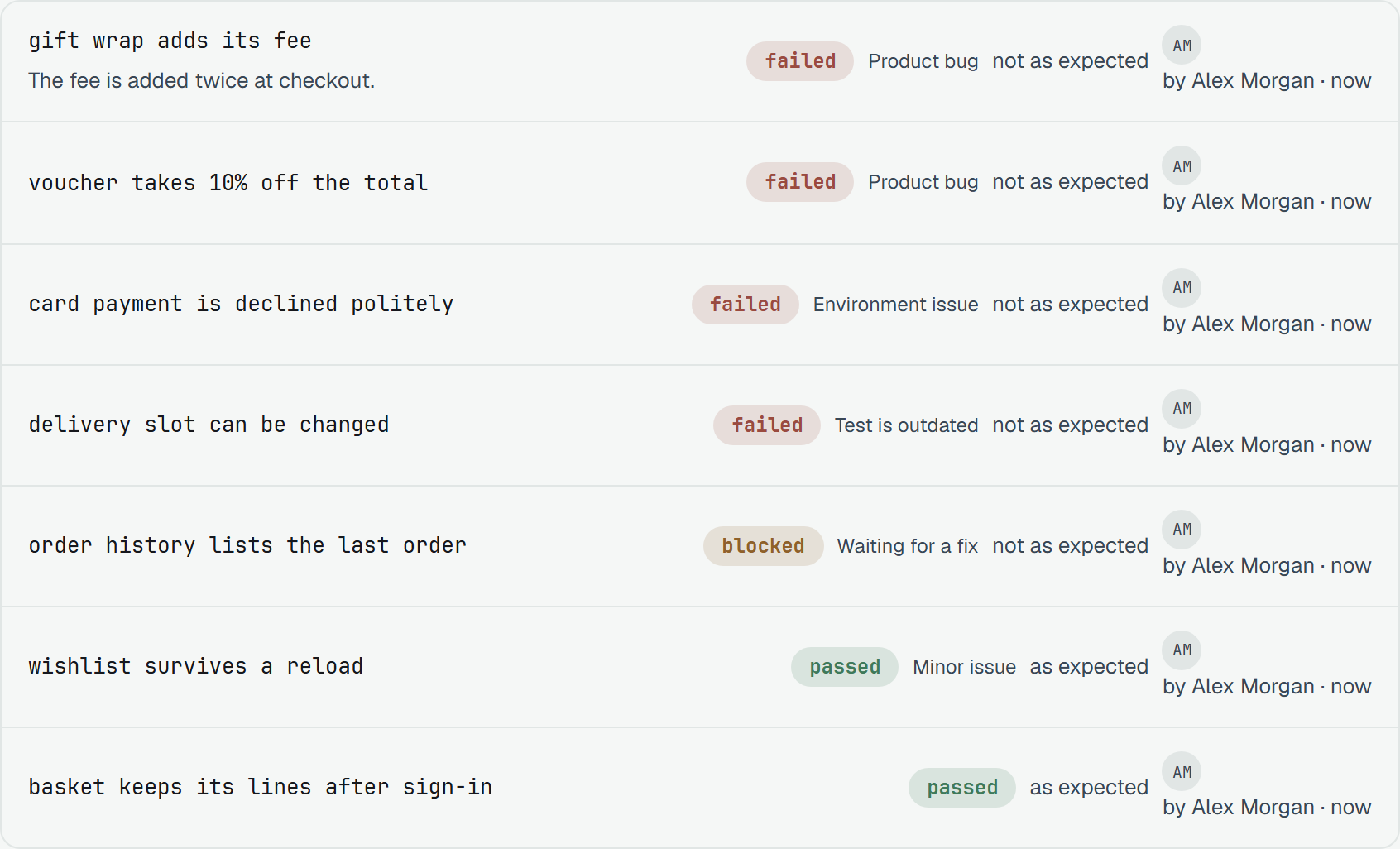
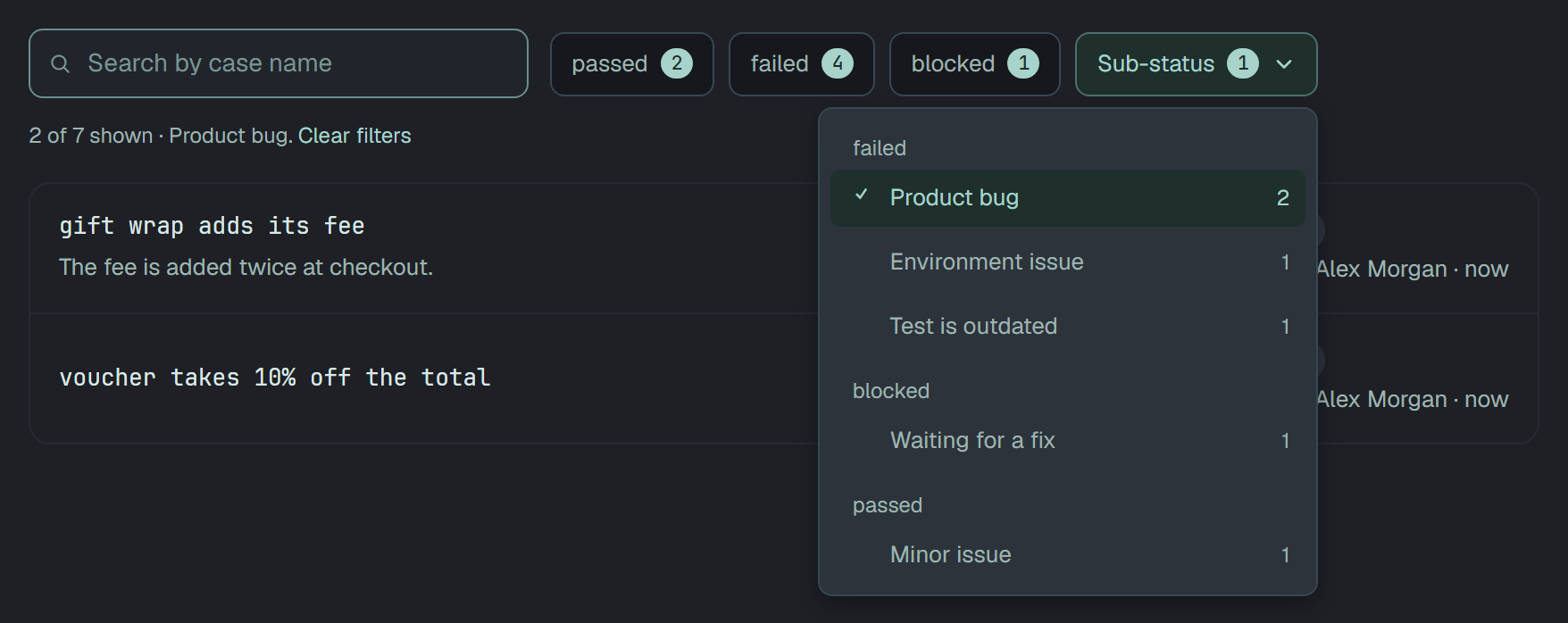
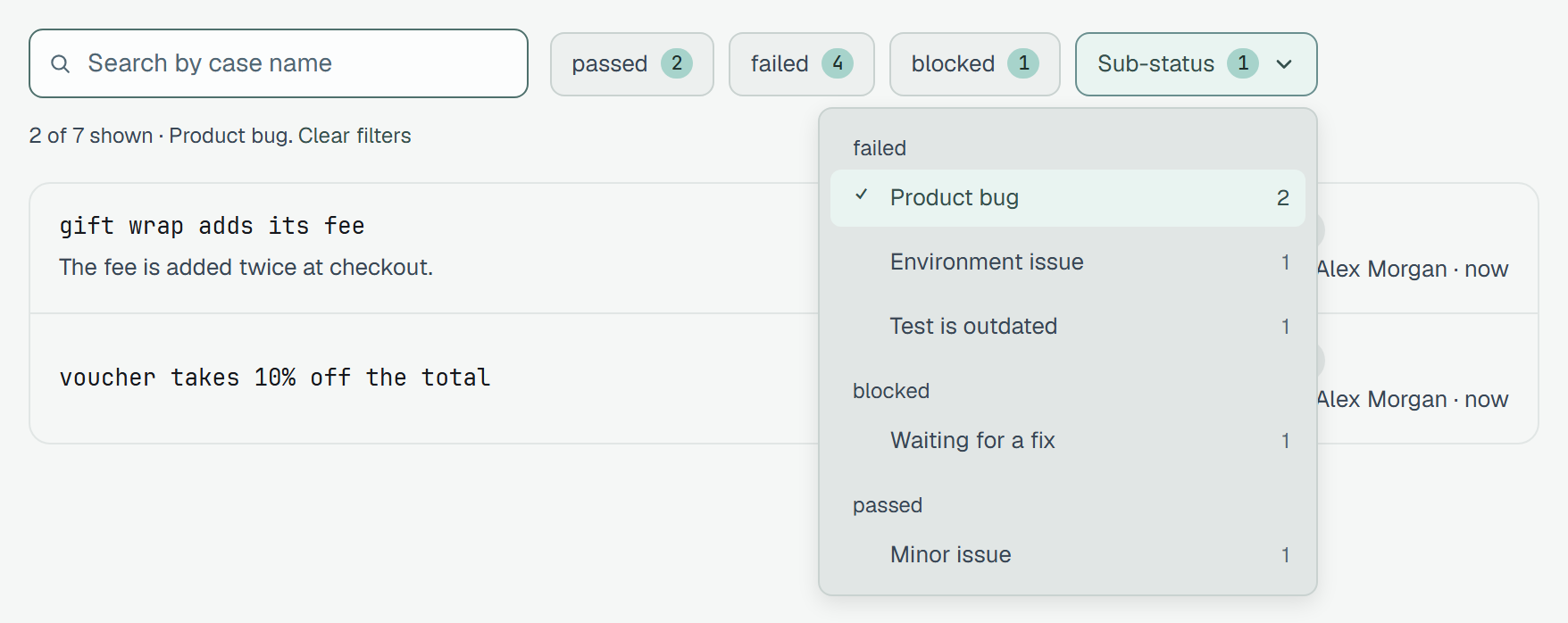
A name the address asks for that the run no longer carries stays in the menu, ticked, so it can be taken off.
The address is the filter
Section titled “The address is the filter”The filters and the view live in the page’s address, so a link opens the same report, and Back and Forward step through what you asked:
/runs/<id>?status=failed,broken&defects=1&q=coupon&view=suitesA sub-status is a name, and a name may hold a comma, so each ticked one is a subStatus of its own:
?subStatus=Product+bug&subStatus=Environment+issue.
While it asks
Section titled “While it asks”The filtering happens in Plune, not in the browser, so a chip turns on at once and the list stays where it is, dimmed, until the answer comes — the line under the filters says Loading…. Only the answer to the last question is shown. If the question fails, a card above the list says so with Try again, and the chips and the list stay as they were.
List and Suites
Section titled “List and Suites”List shows the results as they came. Suites groups them by where their case sits: one group per
suite path — e2e/cart.spec.ts › Coupons, or Checkout › Payment for a person’s suites — so where it
failed reads at once. A spec’s file stands in for the folders above it. Groups with a failure come
first, open, with «2 failed · 1 broken»; the rest follow by path, closed. A group’s head opens and
closes it, and the filters work inside the groups.
What the run is for
Section titled “What the run is for”Under the tags, Add a description — Edit description once there is one — takes plain text up to 2 000 characters: what the run checks, what to watch, what is known to be broken. Save on an emptied field removes it. An owner or a member writes it, on an open run or a finished one; a reader reads it.
Launch it again
Section titled “Launch it again”Re-run the failed cases
Section titled “Re-run the failed cases”Re-run N failed on a manual or mixed run starts a new manual run of the cases that failed or broke — the whole run’s, whatever the filters show, and not a muted case’s failure. The dialog names them and the new run, «release regression · re-run» by default. Each case goes back to whoever ran it, or to the run’s own assignee for a case nobody marked; no mark comes along, so the new run starts unmarked. Start run opens it.
Launch a copy
Section titled “Launch a copy”Launch a copy on a manual or mixed run starts a new manual run of the same cases — every case the run expected or has a result of — assigned as this one was, «… · copy» by default. No mark comes along. Both keep the run’s environment and labels, and leave out a case that went to the Bin since.
An automated run
Section titled “An automated run”Plune does not start CI, so on an automated run Re-run N failed shows the command that runs the failures where your tests run — a terminal or a CI job — with Copy command:
npx playwright test --grep "$(plune run grep <run-id> --failed)"plune run grep (CLI 0.21.0) prints the run’s failed and broken tests as one --grep pattern, as
plune plan grep does for a plan, and the reporter sends their results as a new run. A muted case’s
failure stays out, as the platform counts it. Only the run’s id goes into the command, never a
test’s name.
Export the run
Section titled “Export the run”A run exports as XLSX or PDF. A finished export stays in the AI operations list.
The XLSX has three sheets, in this order:
- Summary — the run’s name; the counts of passed, failed, broken, blocked, skipped and muted; Share passed, written «passed / all (percent)»; the number of results with attachments; and the top 10 failures.
- Results — ten columns: Test case, Suite, Status, Muted, Sub-status, Duration (ms), Executed by, Error, Attachments, Recorded at.
- Attachments — one row per attachment, with a real clickable hyperlink. It contains no formulas.
The PDF carries the same summary on its first page.
The file is kept for 24 hours. After that the row shows Expired for 7 days, with an Export again button that works from any browser.
Who may do what
Section titled “Who may do what”| Owner, member | Reader | |
|---|---|---|
| Filters, search, List and Suites | yes | yes |
| Write the description | yes | reads it |
| Re-run N failed, Launch a copy | yes | no — the API answers 403 |
The API
Section titled “The API”GET /v1/runs/{id}/resultsanswers a page at a time, newest first. Withoutlimityou get the newest 100 results, plusnextwhile more remain; passnextasbeforefor the page after it.limitasks for another size, from 1 to 1000. Anything else is a400:{ "error": "`limit` must be an integer from 1 to 1000" }. A page can also end early, withnext, when its error texts are very long. To read the whole run, follownextuntil an answer has none. One answer’s length is not the size of the run:GET /v1/runs/{id}/summarycounts the run. The filters below ride besidelimitandbeforeon every page.GET /v1/runs/{id}/resultstakesstatus—?status=failed,broken, or the key repeated — andq, a piece of the case’s name in any case, next todefects=1; different kinds add up.statusis the result’s own; withmuted=trueormuted=falseit is read the way the chips read it (The API). Each result carriessuitePath, the suites from the root down to its case ([]at the root), andsubStatus.GET /v1/runs/{id}/results?subStatus=Product%20bug&subStatus=Environment%20issue— the results with any of these sub-statuses, as written; withstatusboth narrow. A name under two statuses matches both.GET /v1/runs/{id}/summaryanswerssubStatuses: each name the run’s results carry, with its status andcount, in the order of the statuses — what «Sub-status ▾» offers.PATCH /v1/runs/{id}takesdescription: up to 2 000 characters;null, an empty or a blank text removes it. A finished run takes it when it is the only field in the body.POST /v1/runs/{id}/relaunchwith{ "cases": "failed" }or{ "cases": "all" }and an optionaltitlestarts the new manual run and answers it with201. An automated or eval run answers409, as does a run where nothing failed; a new run counts against the daily run quota (429when it is spent). The source run’s history records which run it became.