

Saved time
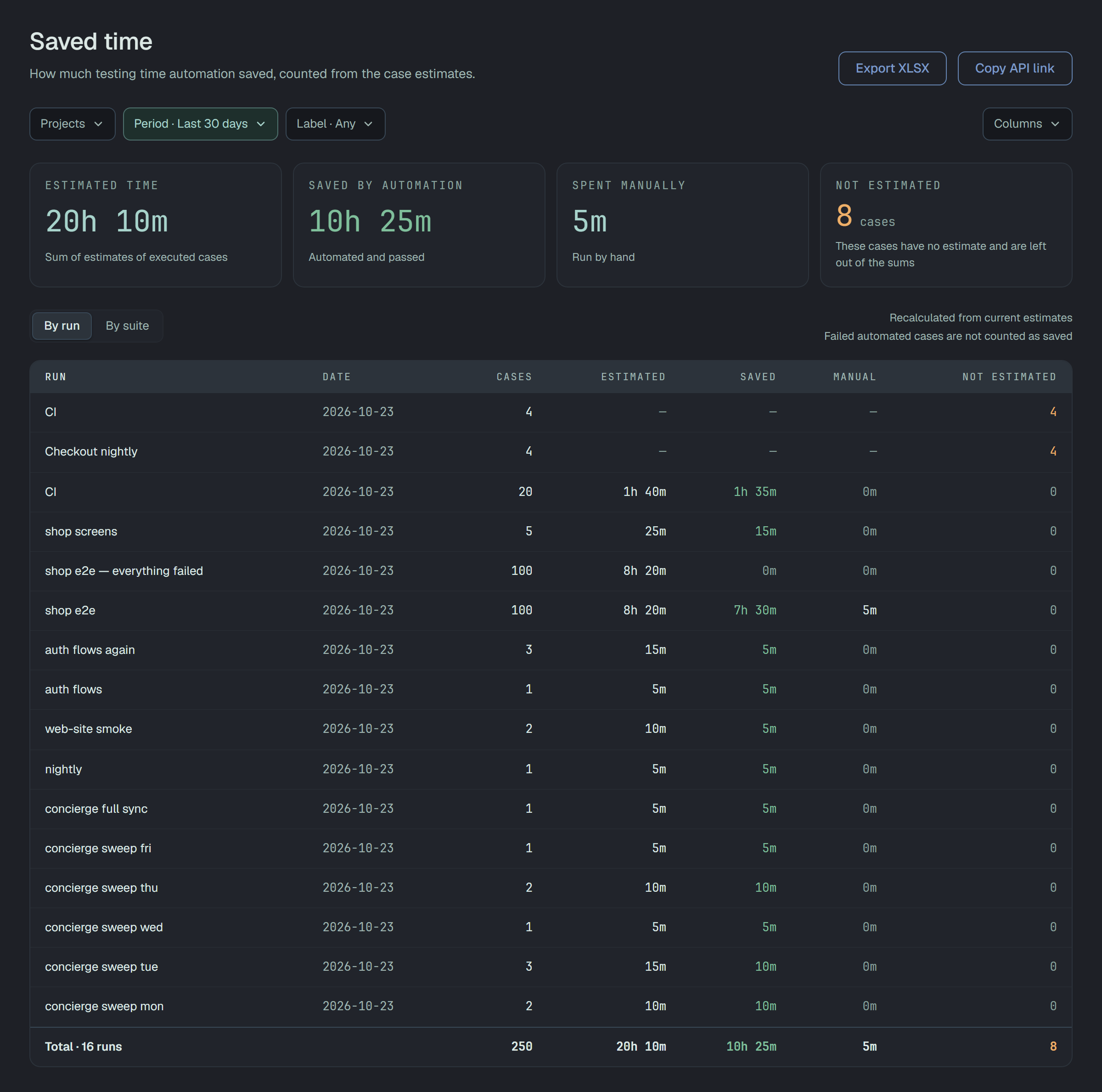
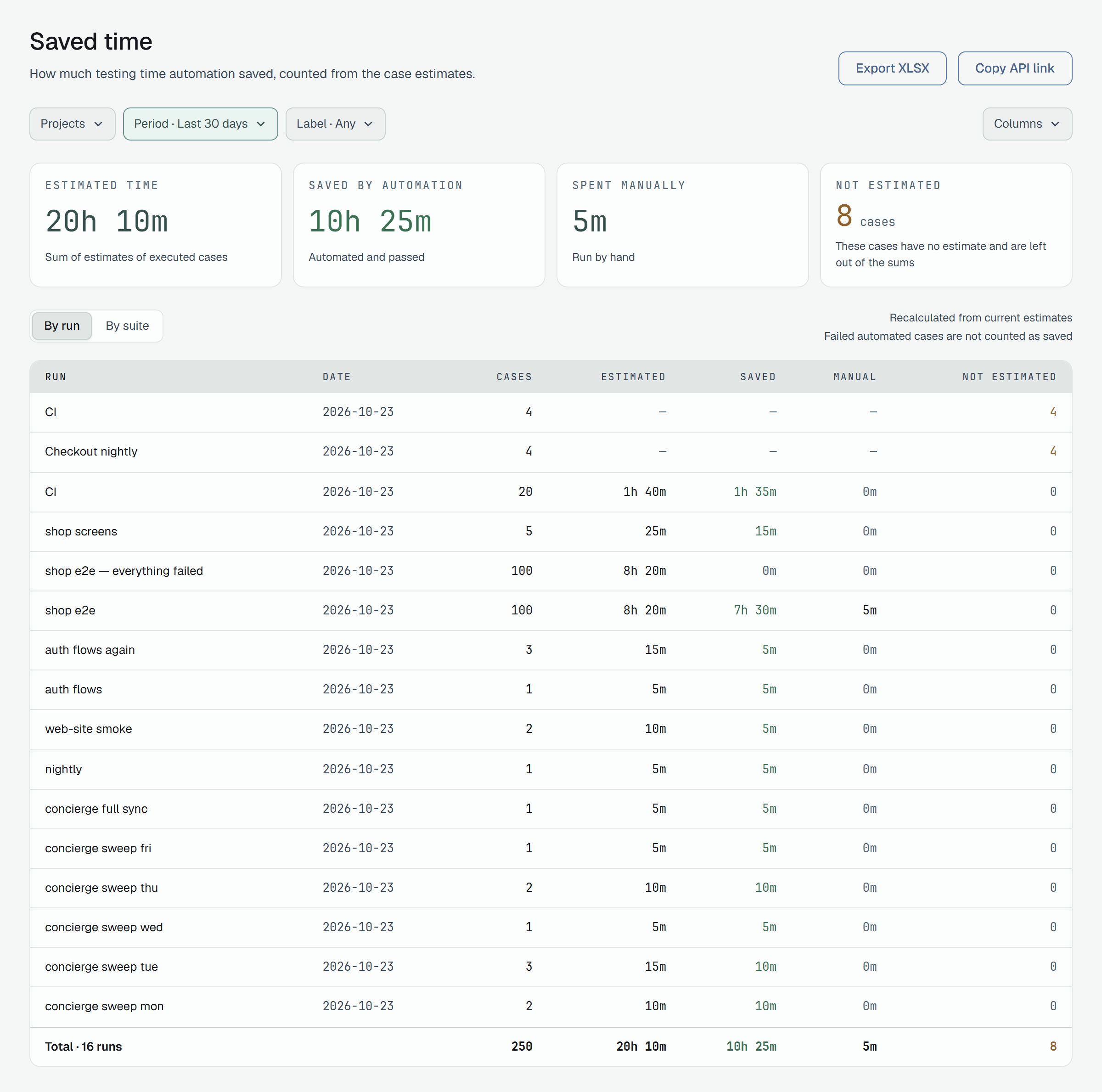
Saved time adds up the estimates of the cases that were executed in a period, and says how much of that time a machine did for you. Open it from Analytics → Saved time, from the Saved time link under the title of Analytics, or at beta.plune.ai/analytics/saved-time.
What is counted
Section titled “What is counted”A case counts when it has a current result that is passed, failed or broken in a run of the
period. A blocked or skipped result does not count, and neither does a result that a retest replaced.
Each counted case brings the estimate it has now: change an estimate and the report changes with it,
for past runs as well. It is recalculated from the current estimates, not frozen when the run finished.
| Card | What it adds up |
|---|---|
| Estimated time | the estimates of all counted cases — Sum of estimates of executed cases |
| Saved by automation | the counted cases that a machine ran (a result sent by a reporter, such as the CLI or Cairn) and that passed — Automated and passed |
| Spent manually | the counted cases that a person marked — Run by hand |
| Not estimated | how many counted cases have no estimate — These cases have no estimate and are left out of the sums |
The three times do not have to add up to the first: a case that an automated run failed is part of Estimated time but is not saved — the page says so under the table: Failed automated cases are not counted as saved.
A case with no estimate is never counted as zero minutes. It goes into Not estimated and stays out of
every sum. When no counted case has an estimate, the sums show — and a notice says No case in this
selection has an estimate, so there is nothing to add up. with the link Set estimates in Test cases.
The table
Section titled “The table”By run gives a row per run, the newest first, with its date. By suite gives a row per suite of the cases, the longest estimate first, and no date; cases that belong to no suite are in No suite. The last row, Total · 16 runs or Total · 12 suites, is the sum of everything the filters let in.
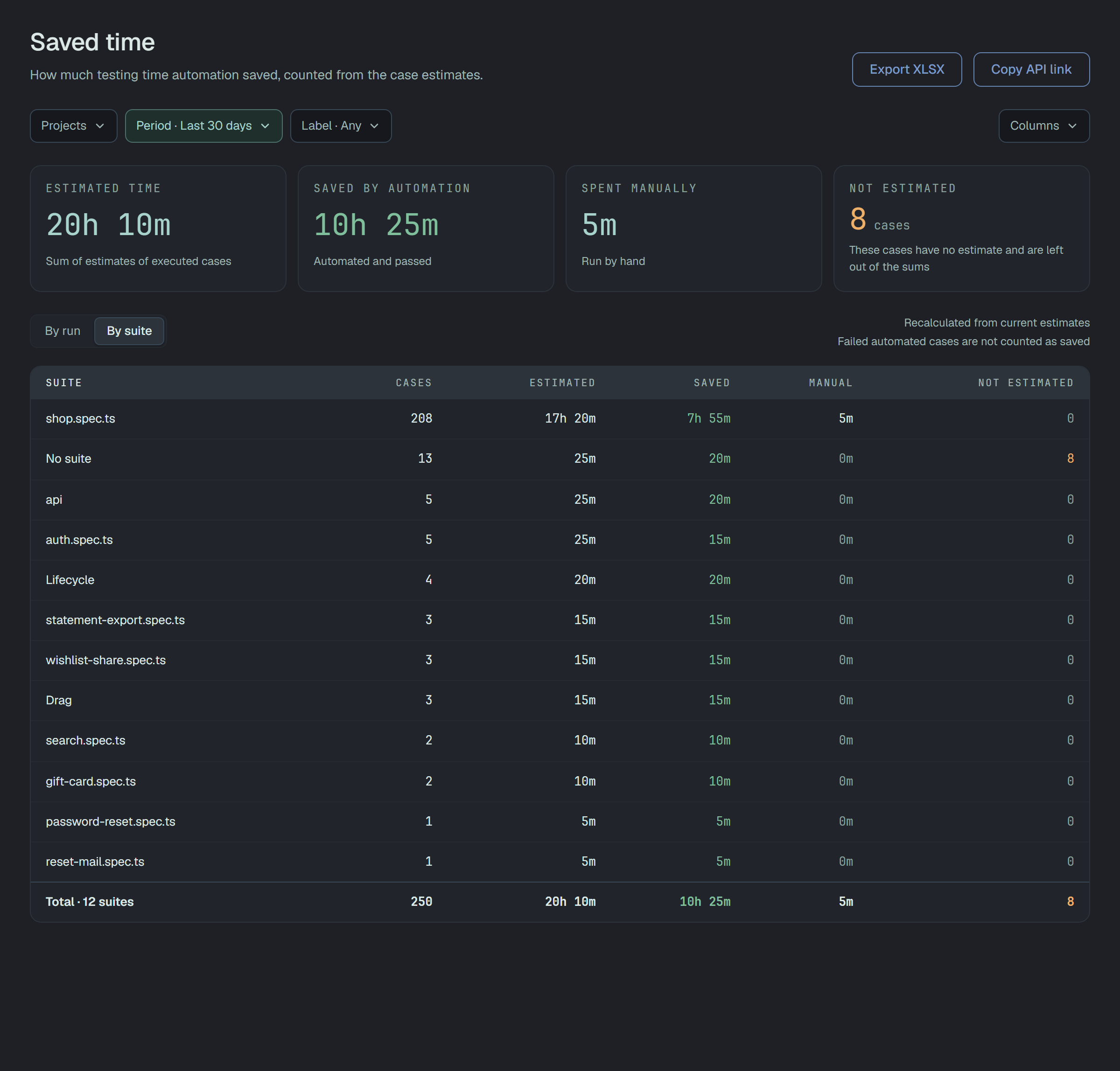
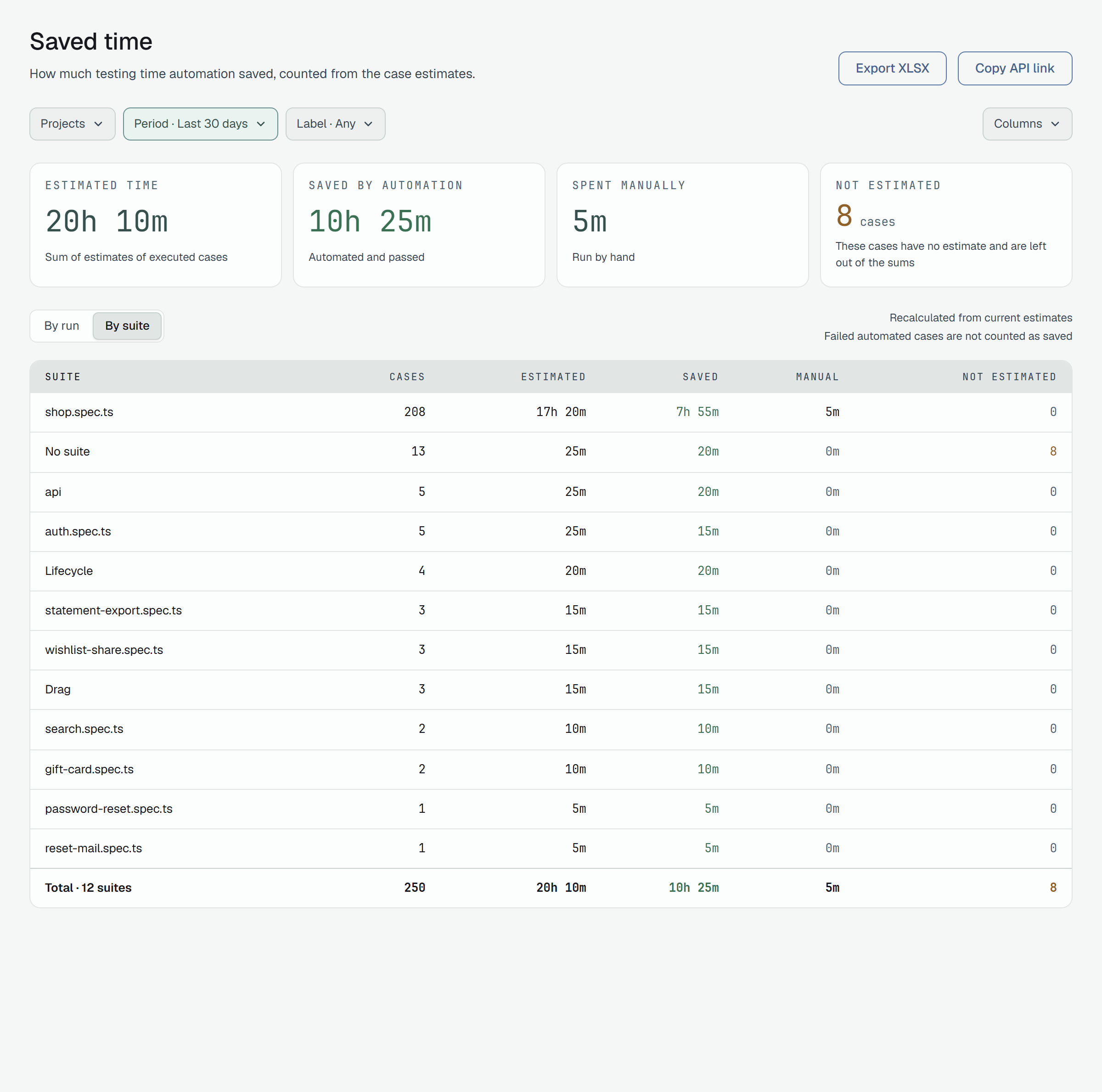
The columns are Run or Suite, Date, Cases, Estimated, Saved, Manual and Not estimated. Columns hides the ones you do not need and remembers your choice in this browser; Reset brings them all back. A table shows the first 200 rows and says so; the cards and the total still count everything. On a phone each row becomes a card.
Times are written the way estimates are: 1h 30m, 20m, 45s; nothing at all reads 0m.
Filters
Section titled “Filters”The filters are those of Analytics, kept in the address of the page:
- Projects — every project you are in, or the ones you tick;
- Period — the last 30 days by default, or any other period;
- Label — only runs that carry the label.
Filters that let no run in say No runs match these filters. and offer Clear filters; a project that has not run anything yet says No executed cases yet. If the report cannot be loaded, the page says Could not load the report. Check your network and try again — your filters are kept., with Try again.
Export and share
Section titled “Export and share”Export XLSX downloads the same report as a workbook named saved-time-by-run.xlsx or
saved-time-by-suite.xlsx: one sheet, Saved time, a row per run or suite and a Total row. Times
there are minutes as numbers (1.5 is one minute thirty), so a spreadsheet can add them up; cases
without an estimate stay in their own column. The workbook carries up to 10 000 rows; past that, a line
before the total says how many are listed. A reader of the project can export it too.
Copy API link copies the address of the question the page is asking, with your filters, so a script can ask it too.
Through the API
Section titled “Through the API”GET /v1/analytics/saved-time answers the same numbers. With a token:
curl -H "Authorization: Bearer $PLUNE_TOKEN" \ "https://beta-api.plune.ai/v1/analytics/saved-time?by=run&from=2026-09-01T00:00:00Z&to=2026-09-30T23:59:59Z"The filters are the ones of GET /v1/analytics (from, to, projects, labels, environments,
executedBy, suite, tags). A token reads only its own project, as on Analytics.
by is run (the default) or suite; anything else is a 400. Add format=xlsx to get the workbook
instead of JSON.
{ "by": "run", "totals": { "cases": 322, "estimatedSeconds": 73200, "savedSeconds": 48900, "manualSeconds": 14700, "notEstimated": 25 }, "rows": [ { "id": "…", "name": "nightly-e2e", "startedAt": "2026-09-29T21:00:00.000Z", "cases": 120, "estimatedSeconds": 24000, "savedSeconds": 21000, "manualSeconds": 0, "notEstimated": 9 } ], "truncated": false}Times are whole seconds. name is null for the cases that are in no suite; truncated is true
when there were more than 200 rows — totals always cover everything. It is a read: a reader may ask,
and the route is limited to 120 requests a minute per caller.
In CI, take the number you want and fail or report on it:
saved=$(curl -s -H "Authorization: Bearer $PLUNE_TOKEN" \ "https://beta-api.plune.ai/v1/analytics/saved-time?from=$(date -u -d '-7 days' +%FT%TZ)" \ | jq '.totals.savedSeconds / 3600 | floor')echo "Automation saved ${saved}h this week"Questions
Section titled “Questions”Why is a run’s saved time smaller than its estimated time? Because some of its cases failed, or a person ran them. Saved time is only what a machine ran and passed.
Why did an old run change? The report reads the estimates the cases have now. Edit an estimate and every run that executed that case is counted with the new one.
Why is a case missing? It was not executed in the period, its result was blocked or skipped, a
retest replaced it, or the filters (project, label, tag, suite) leave it out.