

AI operations and agents
Long work in a project — an upload from the CLI, an export, a TestRail import, emptying the Bin — runs as a job, and every job is a row in AI operations. The same project holds what an AI agent did: its changes are grouped by session, an owner can roll a session back, and some actions an agent cannot take alone.
The panel
Section titled “The panel”AI operations is the button in the bar, on every page of a project. It opens a panel beside the page (a sheet from the bottom on a phone); the page keeps working under it, and the panel stays open as you move between pages of the tab.
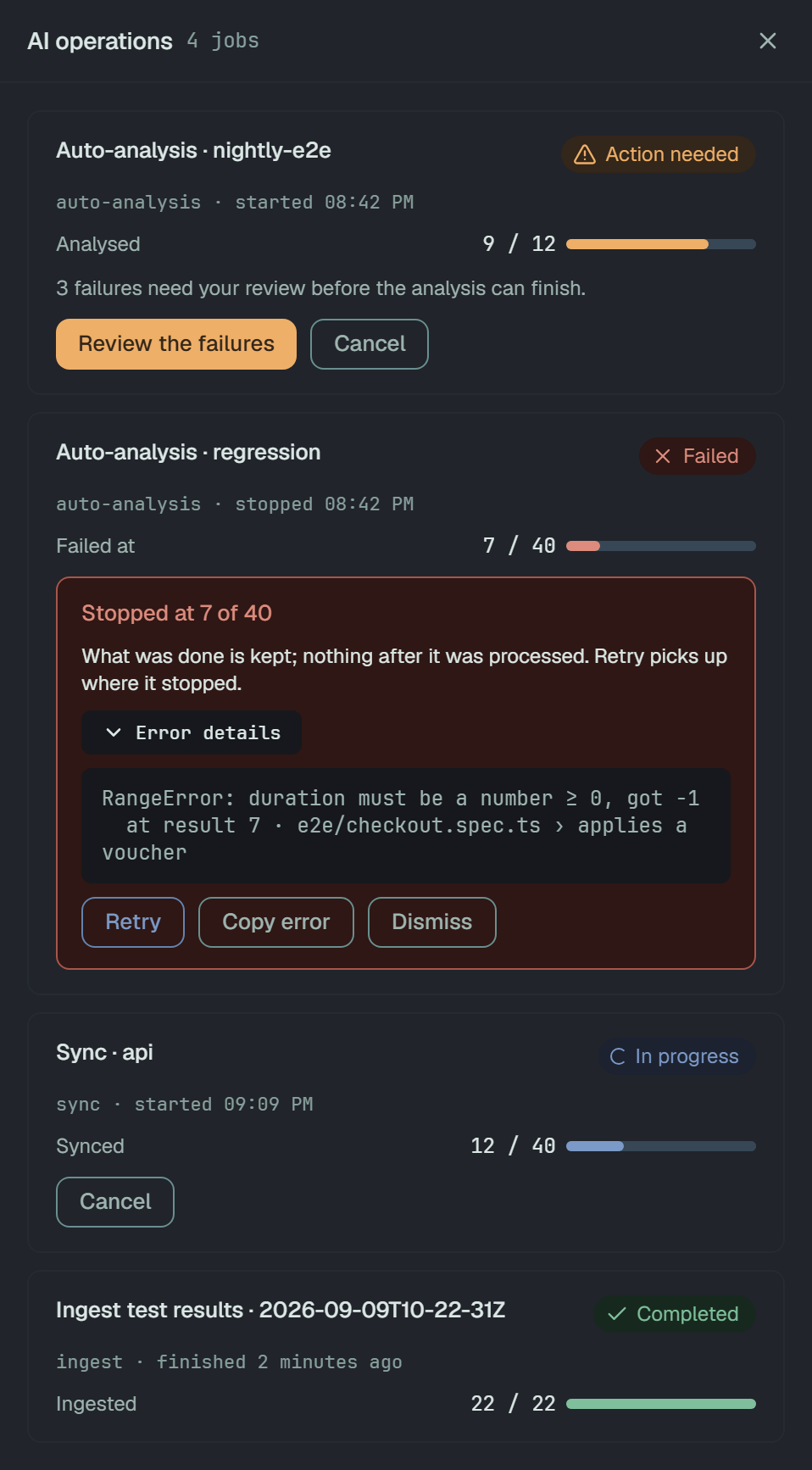
The button says what the list holds. With nothing to report it is plain; with a job running it shows a spinner and AI operations, 1 running; once anything waits for a person or ended badly it shows AI operations, 2 need attention, and attention wins over running. Attention counts the jobs Action needed, Paused, Blocked and Failed.
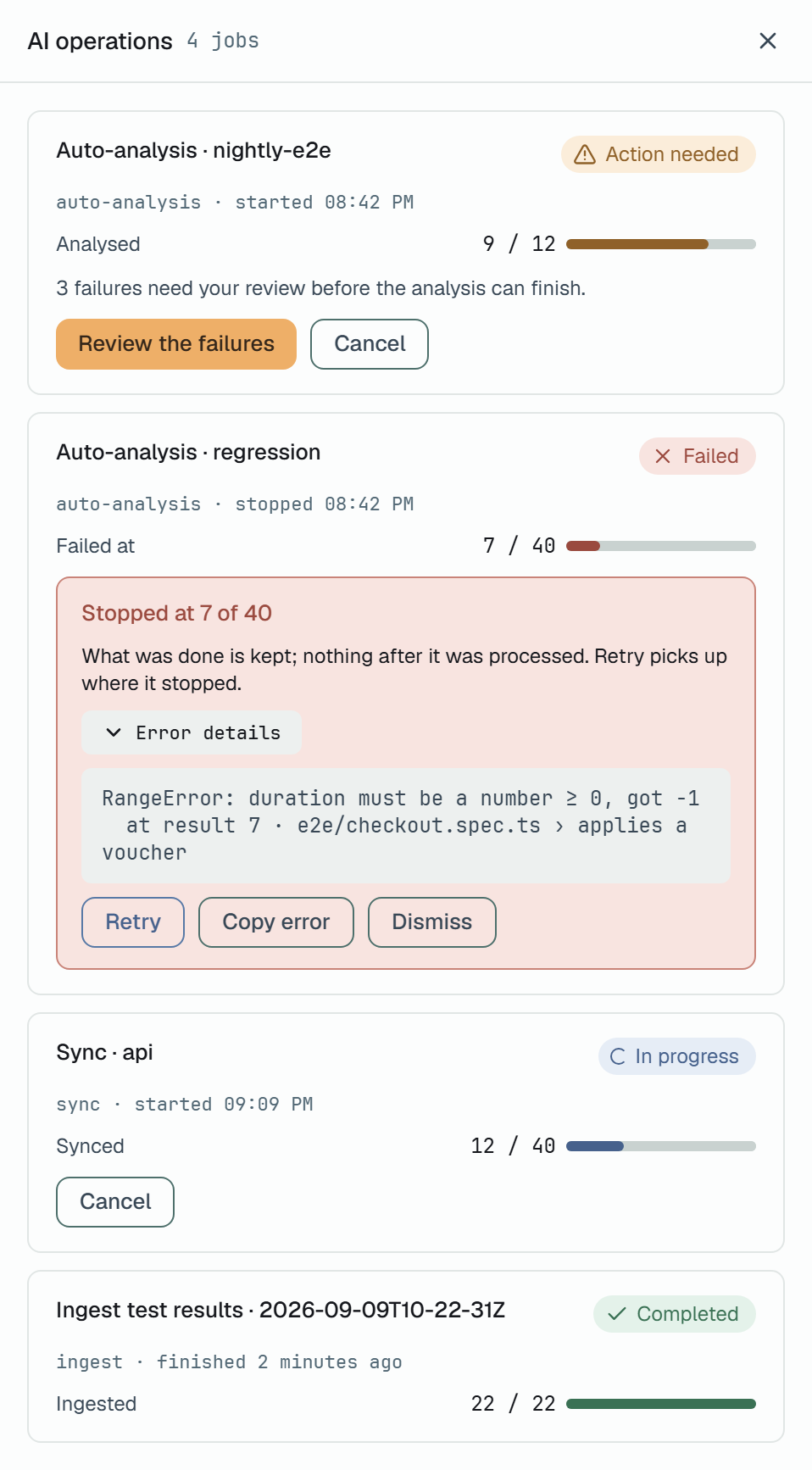
The list is one, not a tab per state, in this order: what needs a person first — Action needed, Failed, Blocked, Paused — then In progress, then Completed and Cancelled; the most recently updated first within each. With nothing in it: All quiet.
A row names the job and what it works on — Sync · api, Ingest test results · 2026-09-09T10-22-31Z, Export · nightly.xlsx — then started 14:02, finished 2 minutes ago or stopped 13:31. The jobs of one run are also listed under that run’s head.
How far it got
Section titled “How far it got”Progress is a count, never a percentage: Synced 12 / 40, Ingested 22 / 22, Deleted 3 / 15. While a job does not know its size yet it shows Counting the results…, never 0 / 0. A job that stopped shows Stopped at 7 / 40, a failed one Failed at 7 / 40.
States and buttons
Section titled “States and buttons”| State | What it means | Buttons |
|---|---|---|
| In progress | It runs. | Cancel |
| Action needed | It waits for a person; the row says what for. | Cancel |
| Paused | It stopped on a spent quota, and it goes on from where it stopped. | Resume, Cancel |
| Blocked | A service outside Plune failed; nothing in Plune can move it. It goes on when its producer reports again. | Cancel |
| Failed | It ended with an error. | Retry, Copy error, Dismiss |
| Completed | Done. Stays in the list for 24 hours. | — |
| Cancelled | A person cancelled it: Cancelled by John Doe · 14:02. Stays for 24 hours. | — |
A failed job says where it stopped — Stopped at 7 of 40, or Stopped before its size was known — and what that means for the data:
- What was done is kept; nothing after it was processed. Retry picks up where it stopped. — the job has a point to go on from.
- Nothing after it was processed. Retry starts it again from the beginning. — it has none.
Error details opens the error as it was written, and Copy error copies it. Retry moves the same job back to In progress; it opens no new one. A failed job stays until it is retried or a person presses Dismiss, which takes it off the list and off the button’s count.
A sync and an ingest have no Retry: the upload is the CLI’s work, so the row says to run
plune sync or plune ingest once more. See Sync runs to the platform
and Record a Cairn run.
A job whose producer stops reporting for 30 minutes is marked Failed with No report from the producer for 30 minutes, so the job is treated as stopped. The jobs the server runs itself are not timed out this way.
A finished export keeps its file for 24 hours, and the owner gets it with Download nightly.xlsx; after that the row reads Expired, with Export again. See the run’s report.
Who presses them
Section titled “Who presses them”An owner, a manager or a member presses the buttons; a reader sees the list and Copy error, and the
API refuses a reader’s move 403 read-only member. Resume, Retry and Cancel of a TestRail
import or its preview are the project owner’s: anyone else gets 403 project owner only.
The same moves are PATCH /v1/jobs/{id}/state with { "action": "resume" } (or retry, cancel,
dismiss), and GET /v1/jobs is the list. A move the state does not allow is 409
illegal_transition, with the job’s state. A Retry of a sync or an ingest is refused 403.
An agent’s session
Section titled “An agent’s session”The audit log tells a person in the dashboard from an API token (CI, a script, the CLI) and from
an agent — a token whose requests carry the X-Plune-Session header.
plune mcp serve sends it, so an AI agent working through Plune’s MCP tools is an
agent here. Everything an agent writes under one session carries the same session.
In Activity
Section titled “In Activity”Settings → Activity lists every change in the project, newest first. The changes an agent made in one session are one row — Session 3f9a1c, marked Agent, with 4 test cases changed and the day and times it ran — instead of forty rows nobody reads.
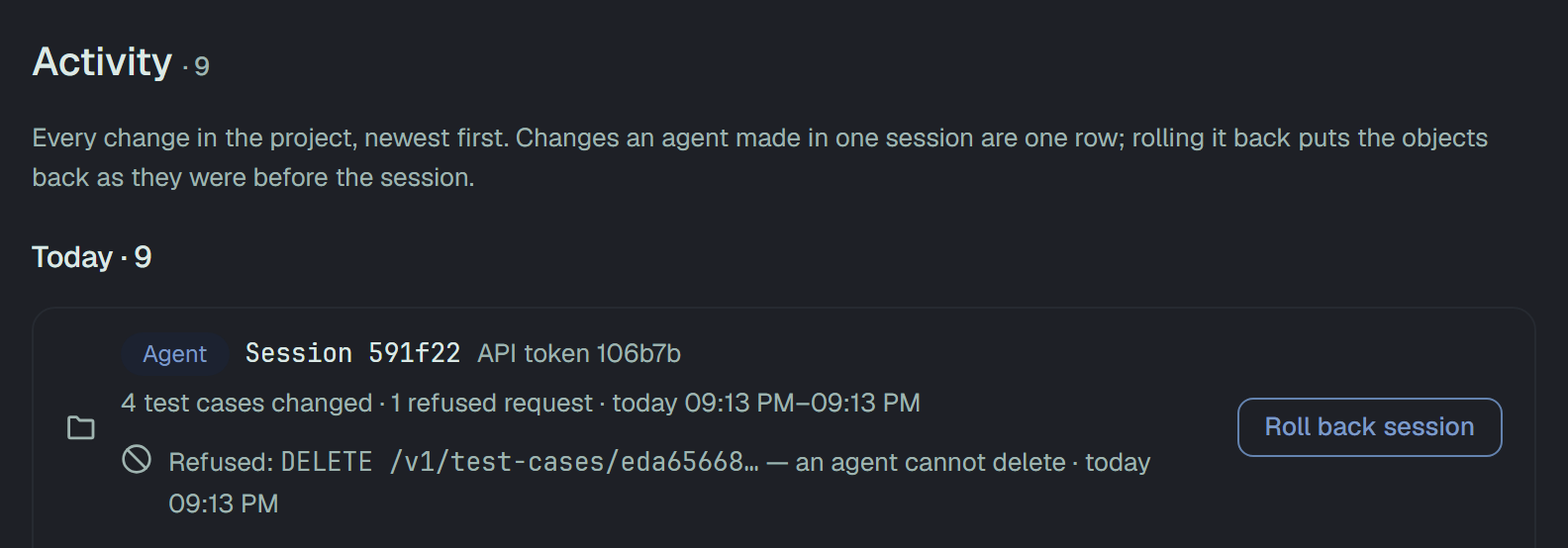
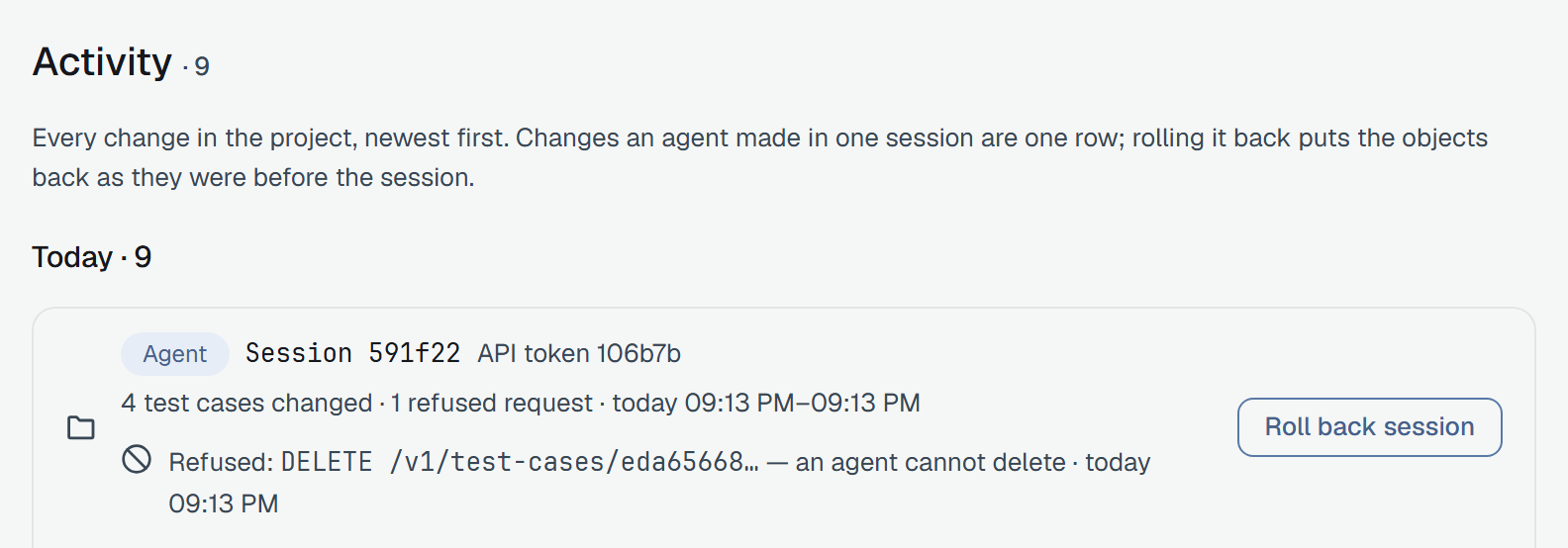
Roll back session opens what a rollback would do, and writes nothing:
- 12 of 14 changes can be reverted.
- Changed by people after the agent — what a person saved over since, with the value now and the value the agent set.
- Cannot be reverted — what is gone for good, or a kind of record a rollback cannot put back yet.
They stay as they are. A rollback never overwrites what somebody else saved. Revert 12 changes puts the rest back as they were before the session, and the list then shows Session 3f9a1c rolled back, with how many were reverted and how many left. A case the agent created is moved to the Bin, with its results. If the rollback stops part way, what was reverted stays reverted, and Try again reverts the rest.
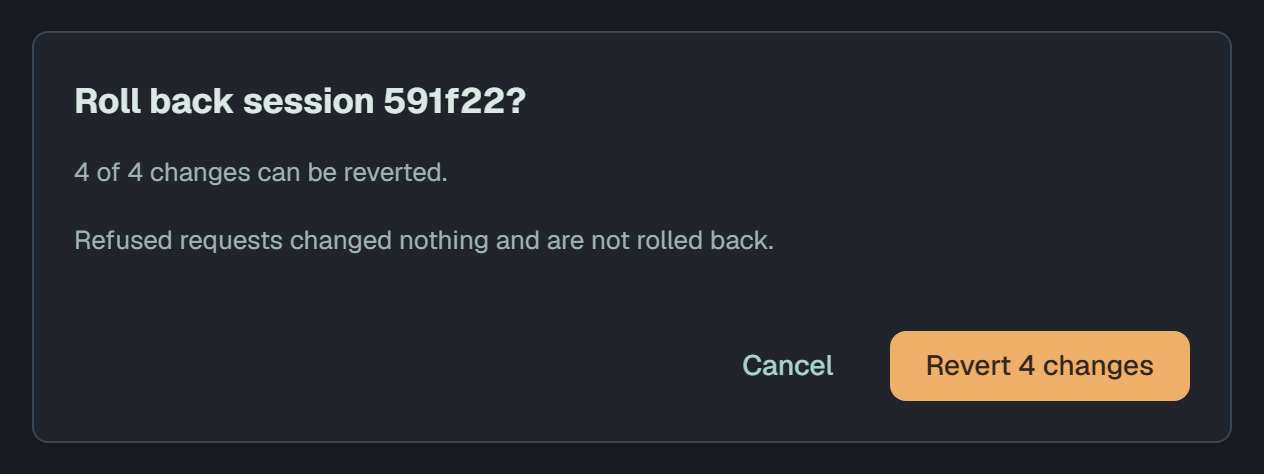
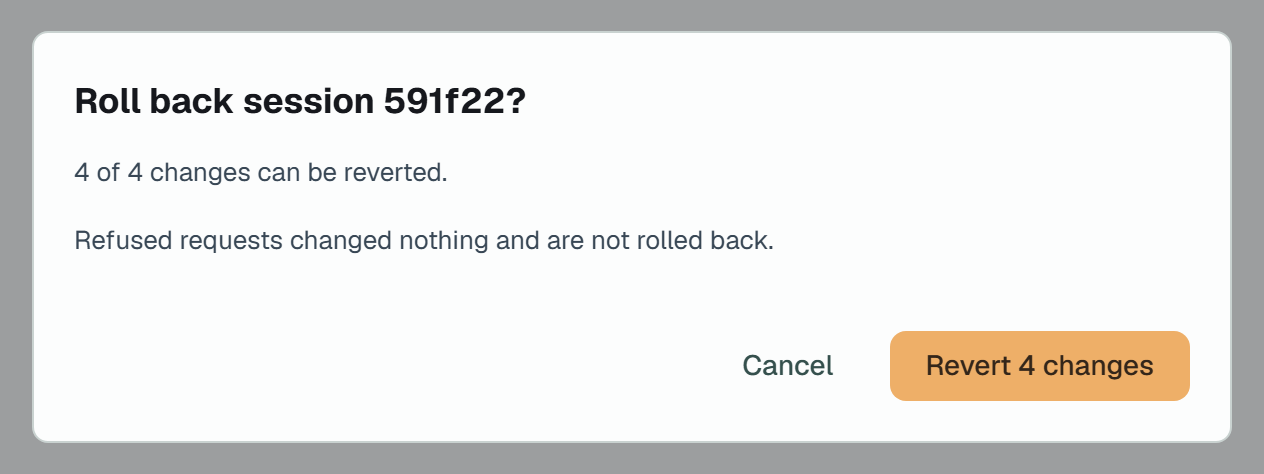
Only the project owner rolls a session back; anyone else sees Only the project owner can roll back a session. You can see what would be reverted.
Through the API
Section titled “Through the API”| Call | What it does |
|---|---|
GET /v1/audit?groupBySession=true | One row per session: sessionHash, the actor, count of entries, objects, from and to. |
GET /v1/audit/sessions/{hash} | Every entry of the session, oldest first. An unknown hash is an empty list. |
GET /v1/audit/sessions/{hash}/restore-preview | What a rollback would do: revertable of total, alreadyReverted, changedByPeople, cannotRevert. Any role, a reader too. |
POST /v1/audit/sessions/{hash}/restore | The rollback: always 200 with restored, skipped and alreadyReverted. |
The rollback is a person’s: a token is refused 403 person_only whoever owns it, and anyone but the
project owner 403 owner_only. Each refusal is written to the log. Calling it again after a failure
finishes the rest, since an entry already put back is counted in alreadyReverted and not touched.
Bulk actions an agent confirms
Section titled “Bulk actions an agent confirms”An agent’s bulk action is two calls. The first changes nothing and answers a preview:
{ "preview": { "action": "test-cases/move", "total": 40, "sample": ["<id>", "<id>", "<id>", "<id>", "<id>"], "confirm": "<one-time value>", "expiresInSeconds": 300 }}The second repeats the same request with ?confirm=<value>. The value works once, for the same token
and session, for the same request — the same ids and the same body — within 5 minutes. Anything else is
409 confirm_invalid: repeat the call without it for a new preview. When it goes through, the bulk
action leaves one entry in the audit log beside the entry of each record it changed.
It holds two routes:
POST /v1/test-cases/bulk— move, priority, state, assignee and estimate;POST /v1/review-items/decisions— one verdict over a list of queue entries.
A person in the dashboard, and a token without X-Plune-Session, are not held.
Deletes are a person’s
Section titled “Deletes are a person’s”An agent does not delete:
- every
DELETEfrom an agent is refused403withcode: agent_cannot_delete— an agent cannot delete - a person does it from the dashboard; - the bulk deletes made through
POST—deleteinPOST /v1/test-cases/bulk,POST /v1/runs/bulk-delete,POST /v1/bin/purgeandPOST /v1/bin/empty— are refused403withcode: bulk_delete_needs_person.
No confirm value turns either into a yes. Each refusal is written to the project’s audit log.
When a rule refuses a decision in a batch
Section titled “When a rule refuses a decision in a batch”A batch decision (POST /v1/review-items/decisions) is applied item by item, and answers 200 with a
report: applied, casesCreated, and skipped with an id and a reason for each item it left as it
was. When a rule refuses the approval itself, the reason is policy_refused, and detail says, in
English, what would help:
{ "applied": 18, "casesCreated": 18, "skipped": [ { "id": "<id>", "reason": "policy_refused", "detail": "this item needs 2 approvals of its current version and has 1" }, { "id": "<id>", "reason": "policy_refused", "detail": "unfinished placeholders - fill them in (edit the proposal) before approving: step 2: [TODO]" } ], "duplicates": []}The rules are the project’s review policy (changes requested on the item, an item you put in the queue
yourself where the project does not allow that, approvals still missing), unfinished placeholders in a
proposal, and a mission that is gone. Repeating the same decision will not help; what detail says
will. Key on reason; detail is for the person reading. Only policy_refused carries detail.
The same refusal of a single decision (PATCH /v1/review-items/{id}) is 409 with
code: policy_refused. See the review queue and
placeholders.