

Missions
A mission is what you give Plune before the testing of a product is planned: its name, its address, what matters, and the sources to read. Your own agent — Claude Code, Codex or any MCP client — works the mission through the Plune tools: it reads the sources, asks you what they do not say, proposes a test strategy and test cases. Nothing it writes becomes part of the project by itself: the questions wait for your answer, and the strategy, the cases and the completion report wait in the review queue for a person to approve them.
Start a mission
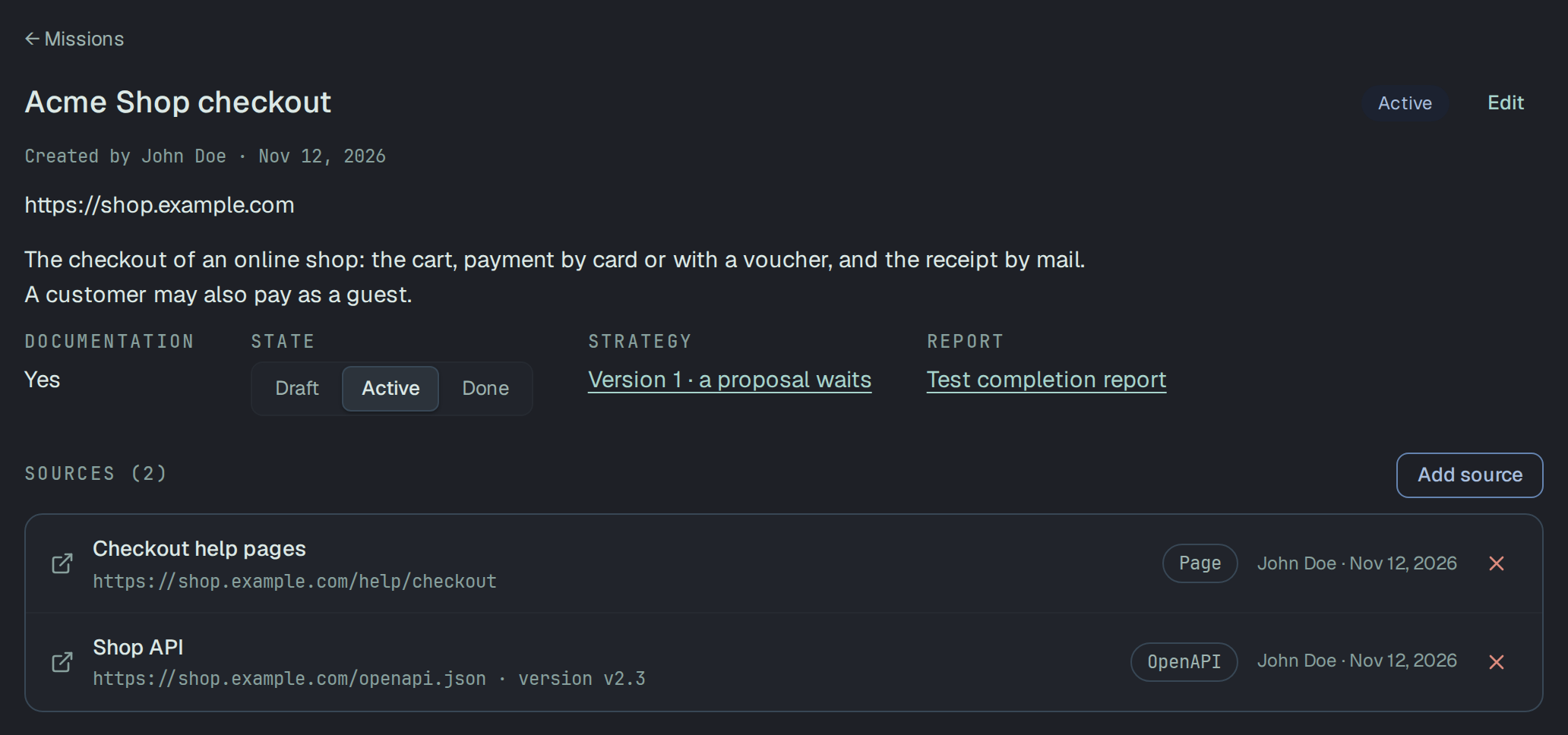
Section titled “Start a mission”Missions is a tab of the project. New mission asks for:
- Name — required, up to 200 characters;
- URL — the product’s address, http or https;
- Description — what the product is and what matters, in 3–5 sentences;
- Is there documentation? — Yes, No or Not sure.
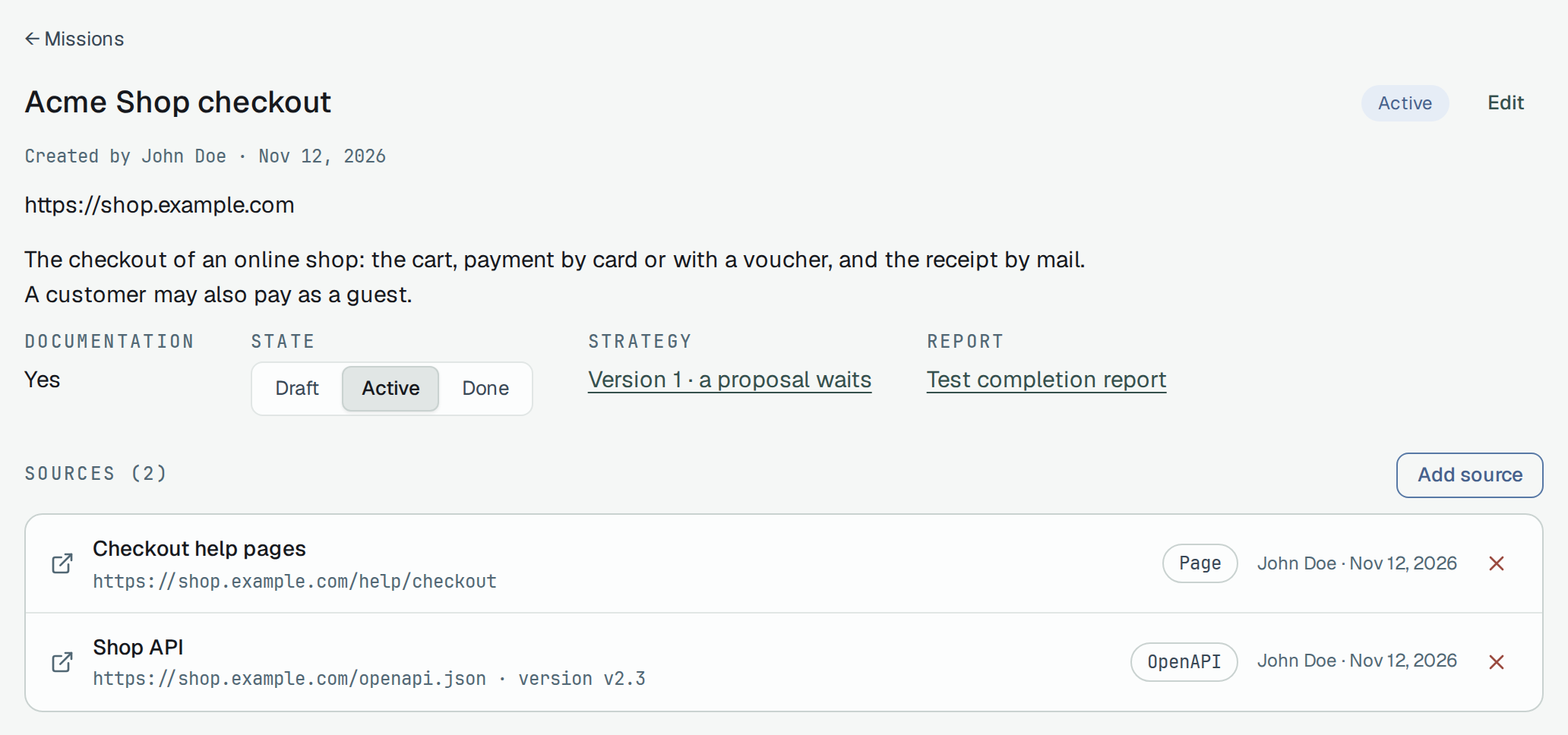
On the mission’s page, Add source gives it something to read: a Page, an OpenAPI document, a Repository or a Ticket by its address, or Upload a file — text, Markdown or JSON, up to 1 MB. A mission holds at most 100 sources. State moves the mission between Draft, Active and Done; on Free, one mission can be active at a time (One active mission on Free).
The agent can start the mission too (plune_mission_create); the skill below asks you first.
Connect your agent
Section titled “Connect your agent”plune mcp serve gives your agent the Plune tools over MCP: the mission, its sources, the questions, the
strategy, the report and the case proposals. The command for Claude Code, the configuration for Codex
and Cursor, and the project file a team can share are on
Plune tools for AI agents. The tools that write need a token with
the write scope (API tokens); with a read token the agent only reads.
The server marks every request as an agent’s, so the agent works under the rules an agent works under — and the proposals it makes are in your name: Plune counts you, the owner of the token, as their author.
The qa-mission skill
Section titled “The qa-mission skill”qa-mission is a skill in the Agent Skills format that runs the
whole mission with the Plune tools. The agent:
- reads the project and the mission (
plune_project_context,plune_mission_get), and offers to create a mission when there is none. The project’s context carries the rules of the project’s memory: the agent follows them, and does not ask what a rule already answers; - reads the product’s README and docs, and attaches what it read to the mission as sources
(
plune_source_add) — it asks you before it sends the text of a file; - when the product has an API, proposes its endpoints for the API catalog with
plune_endpoint_propose, a dry run first; each endpoint waits in the review queue for a person; - asks you 3 to 5 questions with
plune_question_ask, and shows them in the chat too. On a second mission it reads the earlier answers withplune_question_listand asks only what is new; - proposes a test strategy with
plune_strategy_propose— a dry run first — and writes it todocs/testing/test-strategy.mdin your repository; - proposes 20 or more cases to the review queue with
plune_case_propose, a dry run first.
It never approves its own proposals. It asks for the completion report (plune_report_request) only
after a person has accepted the strategy; until then it says so in its last message. The report is
a person’s step to approve. An answer of yours that holds for the next
missions too, it proposes as a rule of the project’s memory.
Install
Section titled “Install”The skill is the folder skills/qa-mission of the CLI repository,
and it ships in the @plune-ai/cli npm package under the same path. Copy the folder where your agent
reads skills:
| Agent | In the project | For every project |
|---|---|---|
| Claude Code (skills) | .claude/skills/qa-mission/ | ~/.claude/skills/qa-mission/ |
| Codex (skills) | .agents/skills/qa-mission/ | ~/.agents/skills/qa-mission/ |
From the npm package, in a project that has @plune-ai/cli installed:
mkdir -p .claude/skillscp -r node_modules/@plune-ai/cli/skills/qa-mission .claude/skills/Or from a clone of the repository:
git clone --depth 1 https://github.com/plune-ai/cli plune-clicp -r plune-cli/skills/qa-mission .claude/skills/For Codex, copy it to .agents/skills/ instead.
Run it
Section titled “Run it”Ask for it in your own words — “plan the testing of this repo with Plune” — or, in Claude Code, type
/qa-mission. Name the mission’s id if you have one.
Without the Plune tools, or with a read token, the agent still reads the docs, asks in the chat and
writes the strategy file, and writes the cases to docs/testing/test-cases.md instead of the queue.
The reading and the writing are your agent’s, on your own plan or key. None of the tools the skill calls
runs the project’s AI, so a mission spends none of its AI budget. The strategy file ends with a stage
log: one row per stage, with the tokens your agent’s host reported, or not reported when it shows none.
Answer the agent’s questions
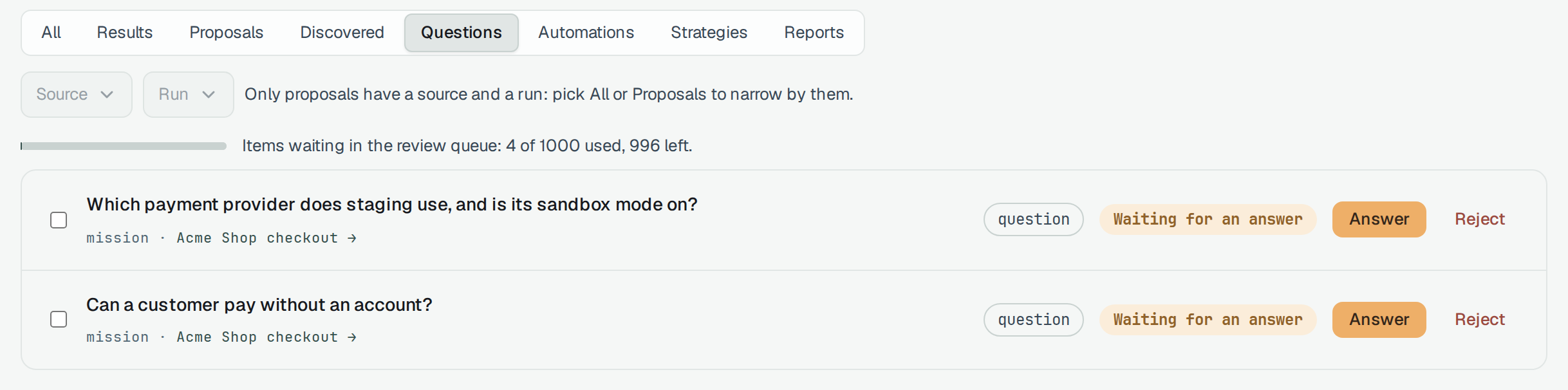
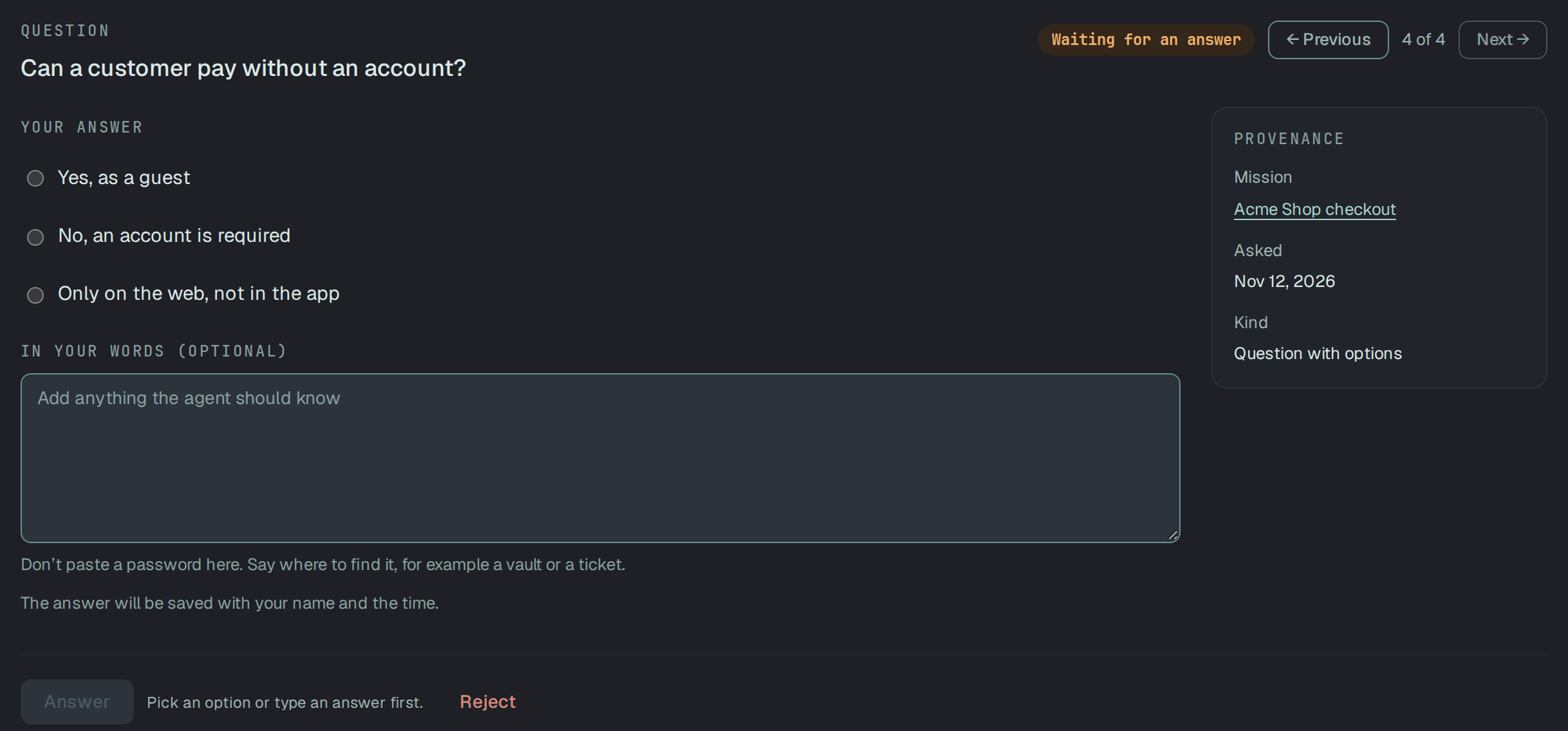
Section titled “Answer the agent’s questions”A question waits in Review under Questions, with the mission it belongs to. Answer opens it; Reject turns it down with a reason.
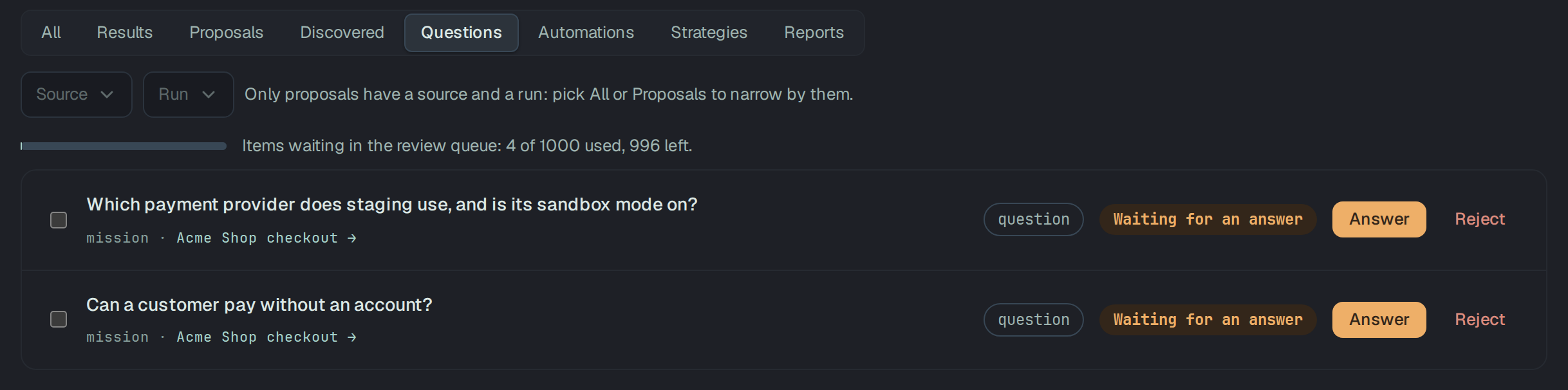
The agent’s questions come in three shapes:
- Question — answered in your words.
- Question with options — up to three options. Pick one, and add In your words (optional) when there is more to say.
- Access request — the agent asks for an OpenAPI or Postman collection, Read-only access to the repository, Staging and a test account or A HAR file. Tick what you can give, and say Where to find it.
Answer stays off until you pick, tick or type something. Do not paste a password: say where it is,
such as a vault entry or a ticket. The answer is saved with your name and the time, and it is final —
an answered or a rejected question cannot be answered again. The agent reads the answers with
plune_question_list.
Anyone on the project who is not read-only can answer. An answer is given in the app: through the API,
POST /v1/review-items/{id}/answer takes a signed-in session only, so a token — the agent’s included —
cannot close a question.
Approve the strategy
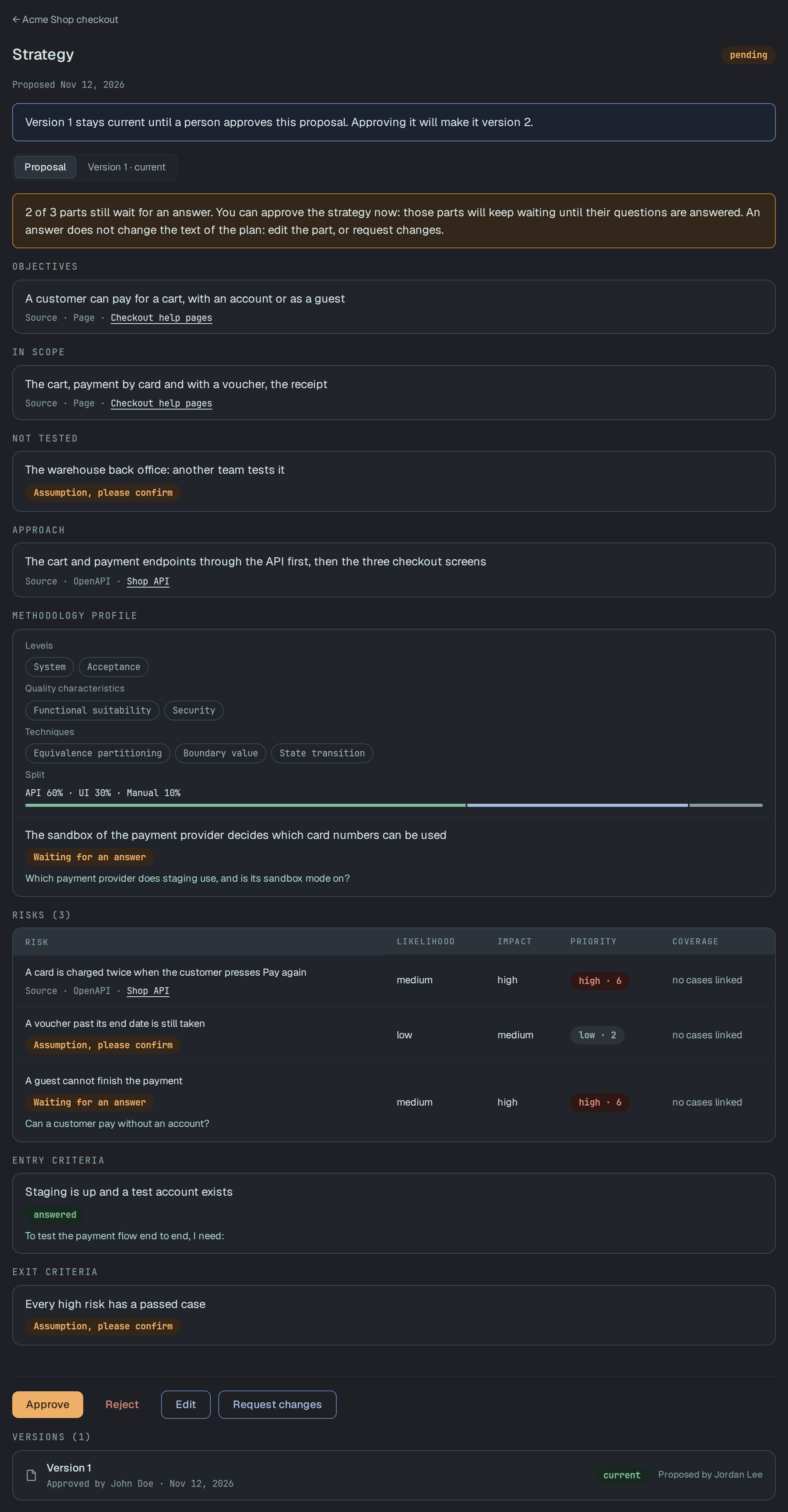
Section titled “Approve the strategy”The strategy opens from the mission’s page, or from its row in Review under Strategies. It is a test plan in fixed sections: Objectives, In scope, Not tested, Approach, Methodology profile (levels, quality characteristics, techniques, and the split between API, UI and manual testing), Risks with their likelihood, impact and priority, Entry criteria and Exit criteria. Every item says what it rests on — a Source, an Assumption, please confirm, or the question it is Waiting for an answer on. Plune refuses a strategy with an item that rests on none of them, or on more than one.
Under a proposal that waits:
- Approve makes it the next version of the mission’s strategy. The current version stays current until then. You can approve while some parts still wait for an answer: those parts keep waiting, and an answer does not change the text of the plan — edit the part, or request changes.
- Edit corrects the proposal before you approve it. The correction is kept beside the agent’s original, under Your version (Edited version when someone else made it) and Agent proposed, and approving takes the correction. An item is up to 1,000 characters and a source up to 300; a section holds up to 25 items, and a plan up to 50 risks.
- Request changes sends it back with what has to change. It cannot be approved until its author proposes it again.
- Reject turns it down with a reason. The current version, if there is one, stays.
- Add my approval shows when the project’s review policy asks for approvals: Approve waits until the approvals of this version are in.
The person whose token the agent used is the strategy’s author, and the page offers them none of these: You proposed this strategy, so another person on the project decides it. A reader sees the strategy and its versions, and changes nothing. A mission that is Done takes no new strategy.
The completion report
Section titled “The completion report”The report says what the testing covered of the accepted strategy: Covered 2 of 3 risks; found 1 defect and 0 failed cases, the risks with the results of their cases, what was found, what was not tested, the questions still open, and the lessons. It opens from the mission’s page, and stays empty until a strategy is accepted.
Draft is counted on every read and is not stored. Propose report stores a copy of it, built from
the mission’s data at that moment, and puts it in the review queue; one report waits at a time. The
agent asks for the same with plune_report_request.
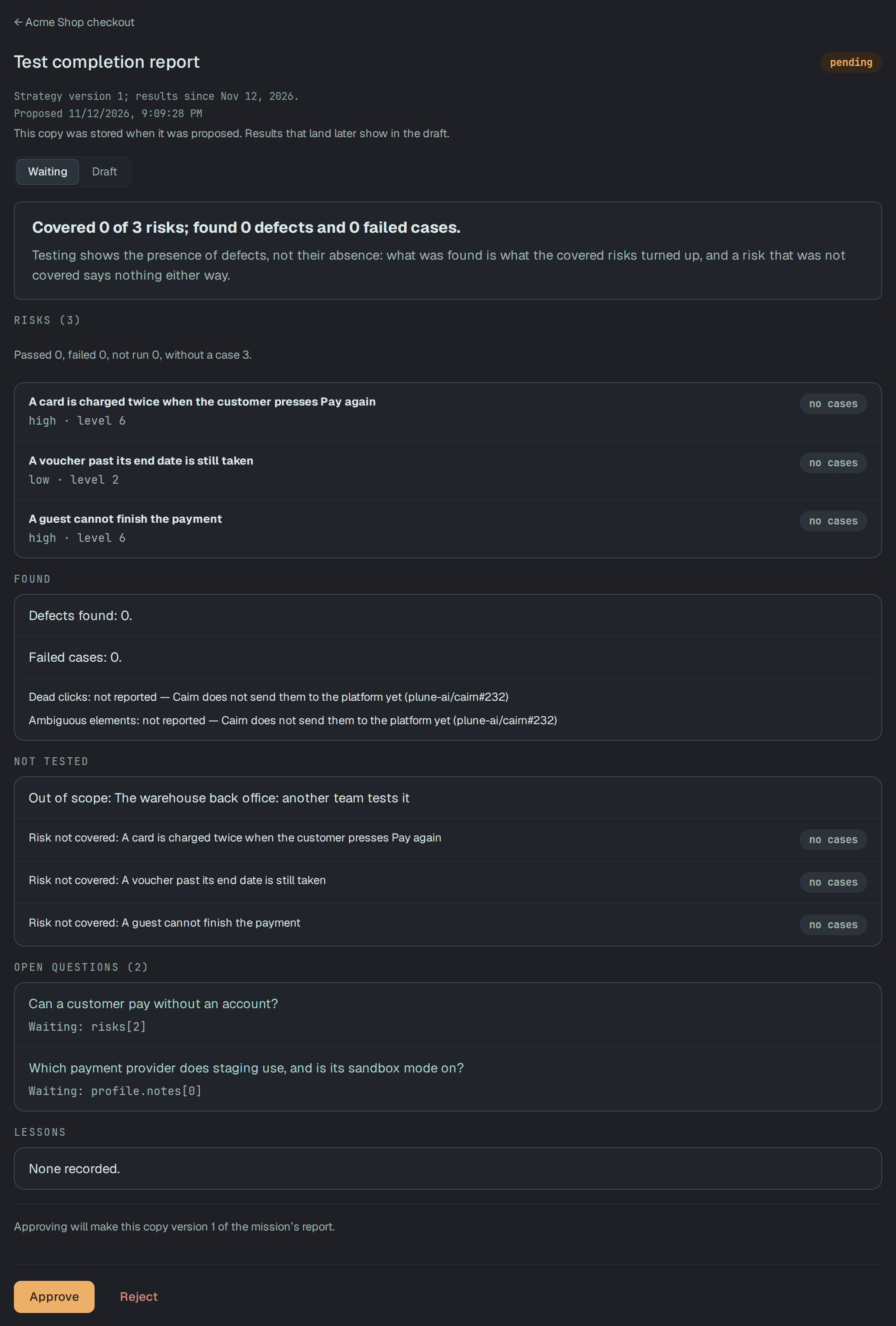
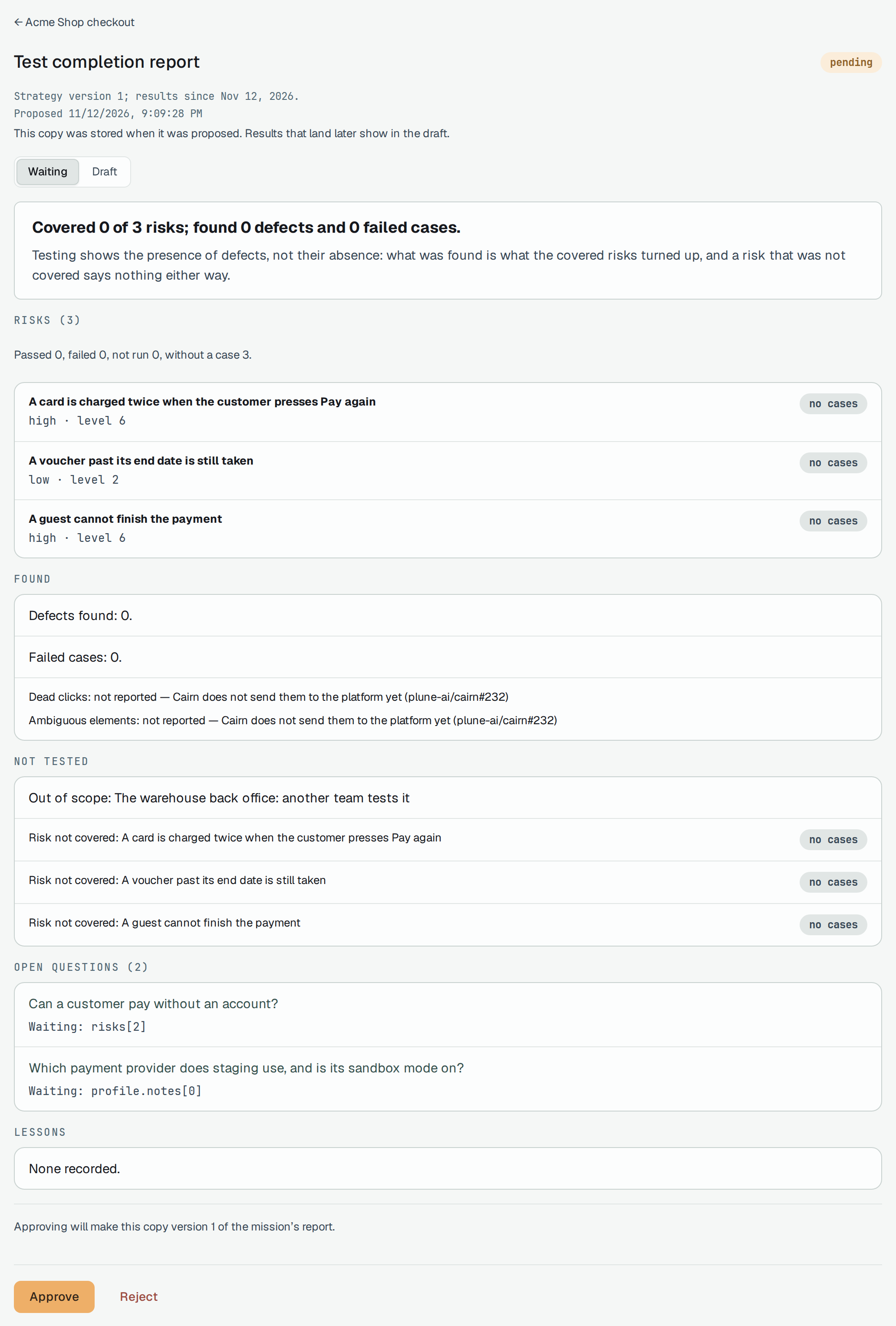
Approve makes the waiting copy the next version of the mission’s report, and it stays as it was approved: results that land later show in the draft. Reject keeps the copy as it was, and it does not become the mission’s report. As with the strategy, the person who proposed it does not decide it.
The project’s memory
Section titled “The project’s memory”An answer that holds beyond one mission — who uses the product, what is out of scope, which
environment the tests may touch — can become a rule of the project’s memory, so the next mission does
not ask it again. The qa-mission skill proposes such a rule from your answer
(POST /v1/memory/candidates, through plune_api_request); nothing becomes a rule by itself.
The memory is under Settings → Memory:
- Candidates wait for a person. Accept into memory makes one a rule; Dismiss turns it down, with a reason.
- Rules in force are what an agent reads before it works. Retire takes a rule out: it stays under Retired rules, with who retired it and when, and cannot be put back in force. A rule is retired in the app; a token cannot retire one.
- Download rules.md gives the rules in force as a file to keep in the repository as
plune/memory/rules.md.
A reader sees all of it and changes nothing.
Take the results out
Section titled “Take the results out”The main copy of a mission stays in Plune. To keep its results in a repository or a wiki, export them as files — on every plan, Free too, and to anyone in the project, a reader too:
| Request | What you get |
|---|---|
GET /v1/missions/{id}/export/strategy | The latest accepted strategy, <mission>-strategy-v<version>.md. Each item names what it rests on: a source by its title or address, not an id only Plune can open. |
GET /v1/missions/{id}/export/report | The latest approved report, <mission>-report-v<version>.md. |
GET /v1/missions/{id}/export/openapi | The endpoints the accepted strategy names, as an OpenAPI 3.0.3 draft, <mission>-endpoints.openapi.json. |
?format=pdf gives the strategy or the report as a PDF instead of Markdown. The strategy’s export
answers 404 until a strategy is accepted, and the report’s until a report is approved; the endpoints’
draft has no paths while the strategy names none. Each request can be made twelve times a minute.
curl -fsS -OJ -H "Authorization: Bearer $PLUNE_TOKEN" \ "https://beta-api.plune.ai/v1/missions/$MISSION_ID/export/strategy?format=pdf"-OJ saves the file under the name the answer gives it. The cases the mission’s proposals became are
the project’s cases, and they leave as any case does: Import and export.
The qa-mission skill also leaves the strategy in your repository as docs/testing/test-strategy.md.