

MCP servers
An MCP server in a project is a server whose tools the project tests. Plune keeps its contract — what the server itself answers about its tools — as numbered snapshots, says what changed between two of them and whether a client that worked may now fail, and counts which tools your cases test.
The catalog keeps which server it is and how it is reached (stdio or HTTP), never where: there
is no field for an address, a command, a header or an environment variable, and a request that sends
one is refused with 400.
The MCP tab
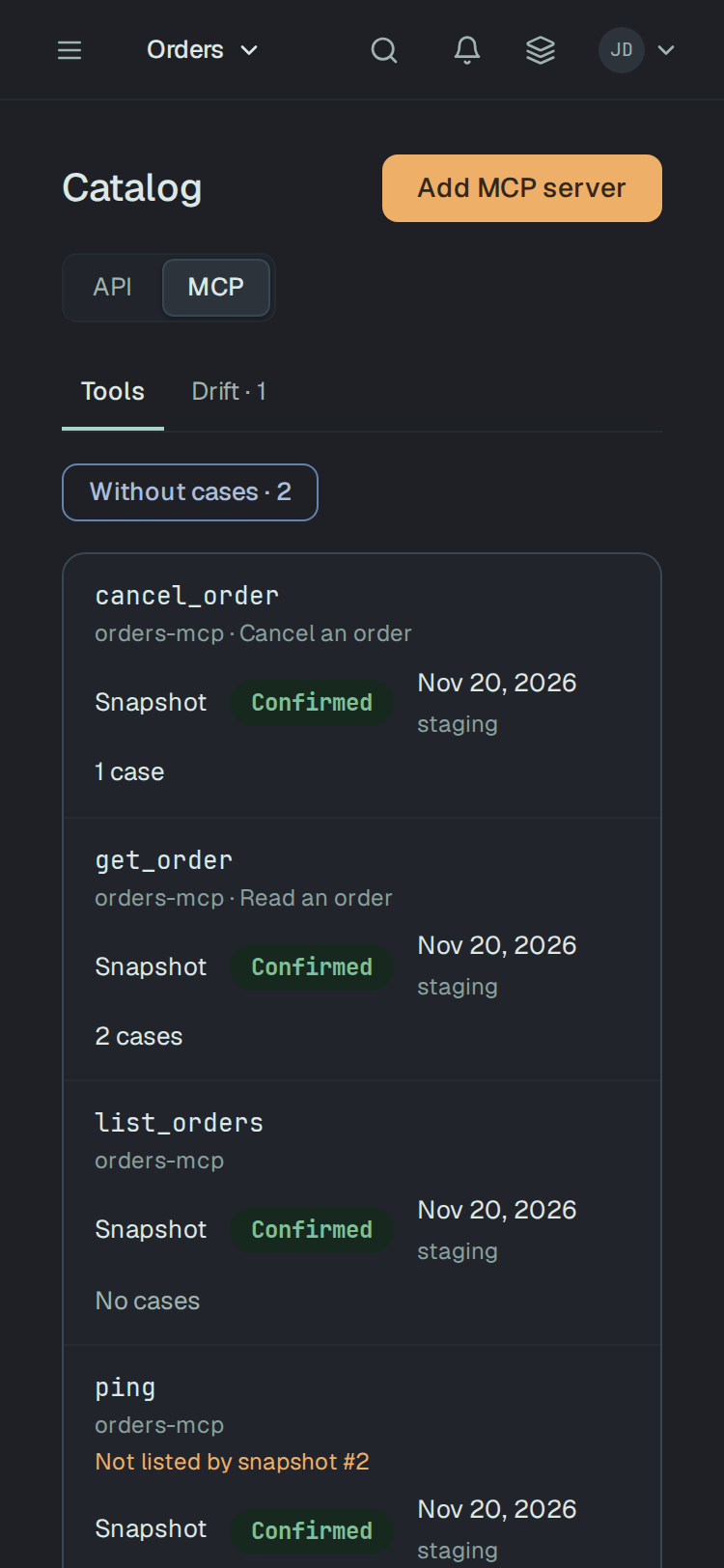
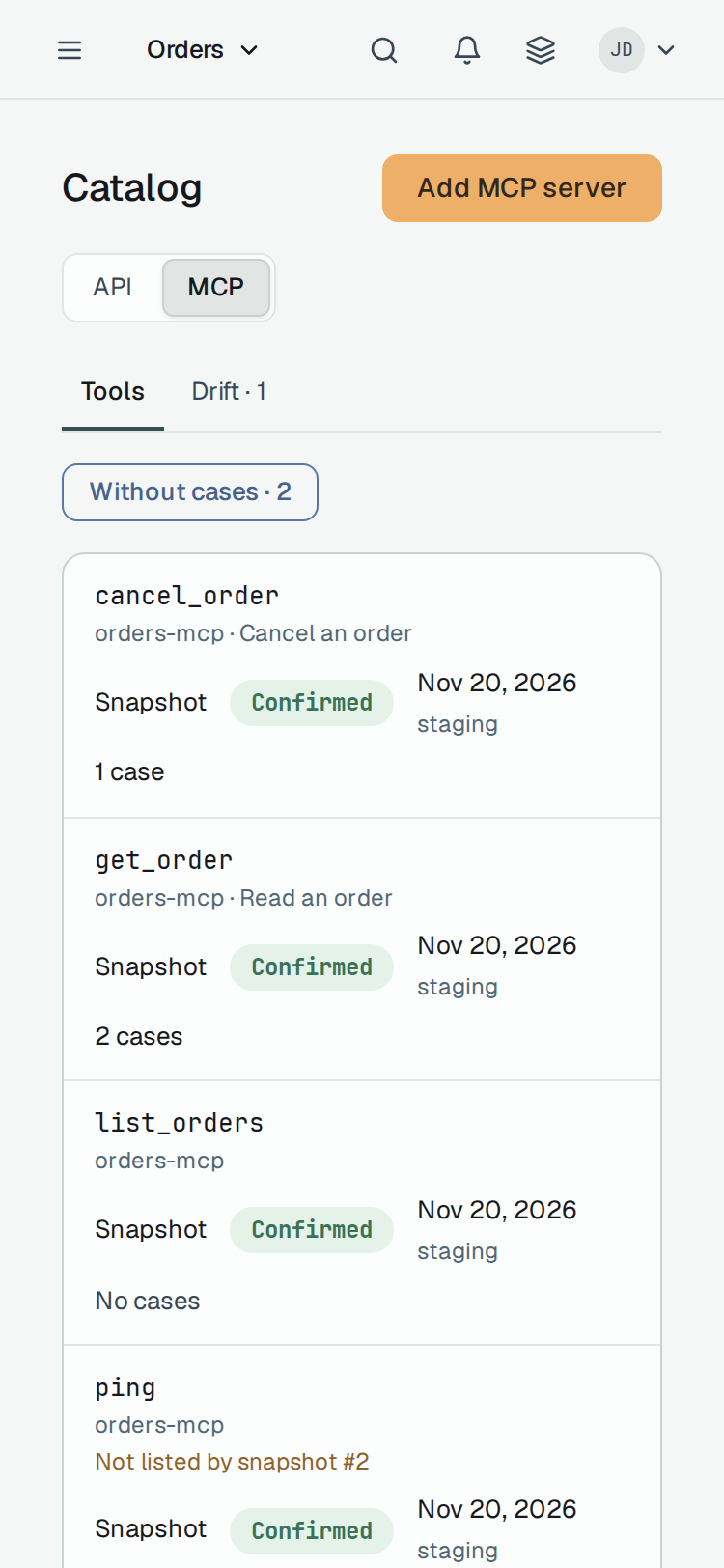
Section titled “The MCP tab”Catalog in the project has a switch API | MCP. MCP lists the tools of every MCP server of the project, by name: the server and the tool’s title under its name, where it was learnt (Snapshot), how far it is trusted, when a snapshot last listed it and in which environment, and how many cases test it. A tool no case tests says No cases, never 0%. Under the table, MCP servers: links each server.
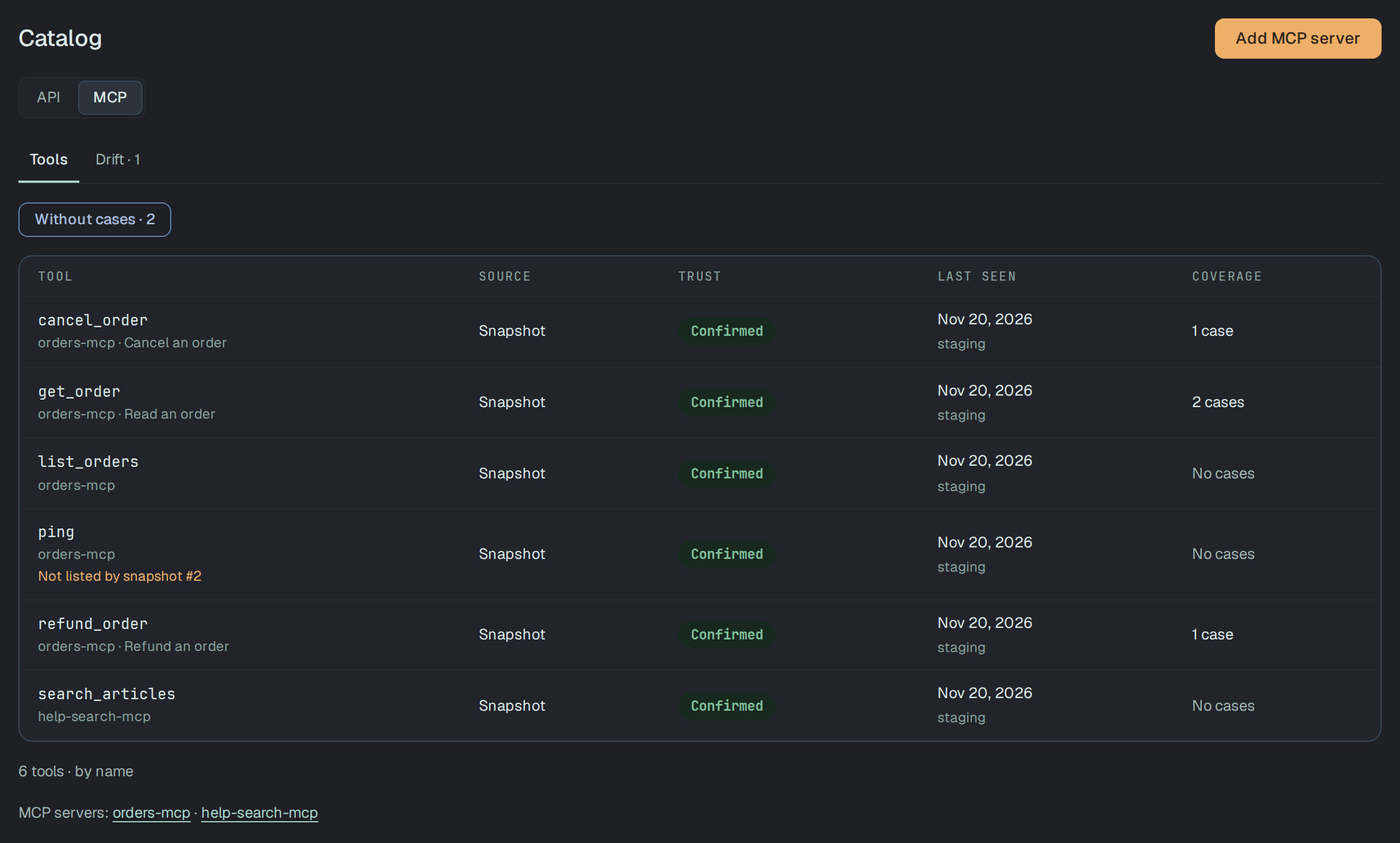
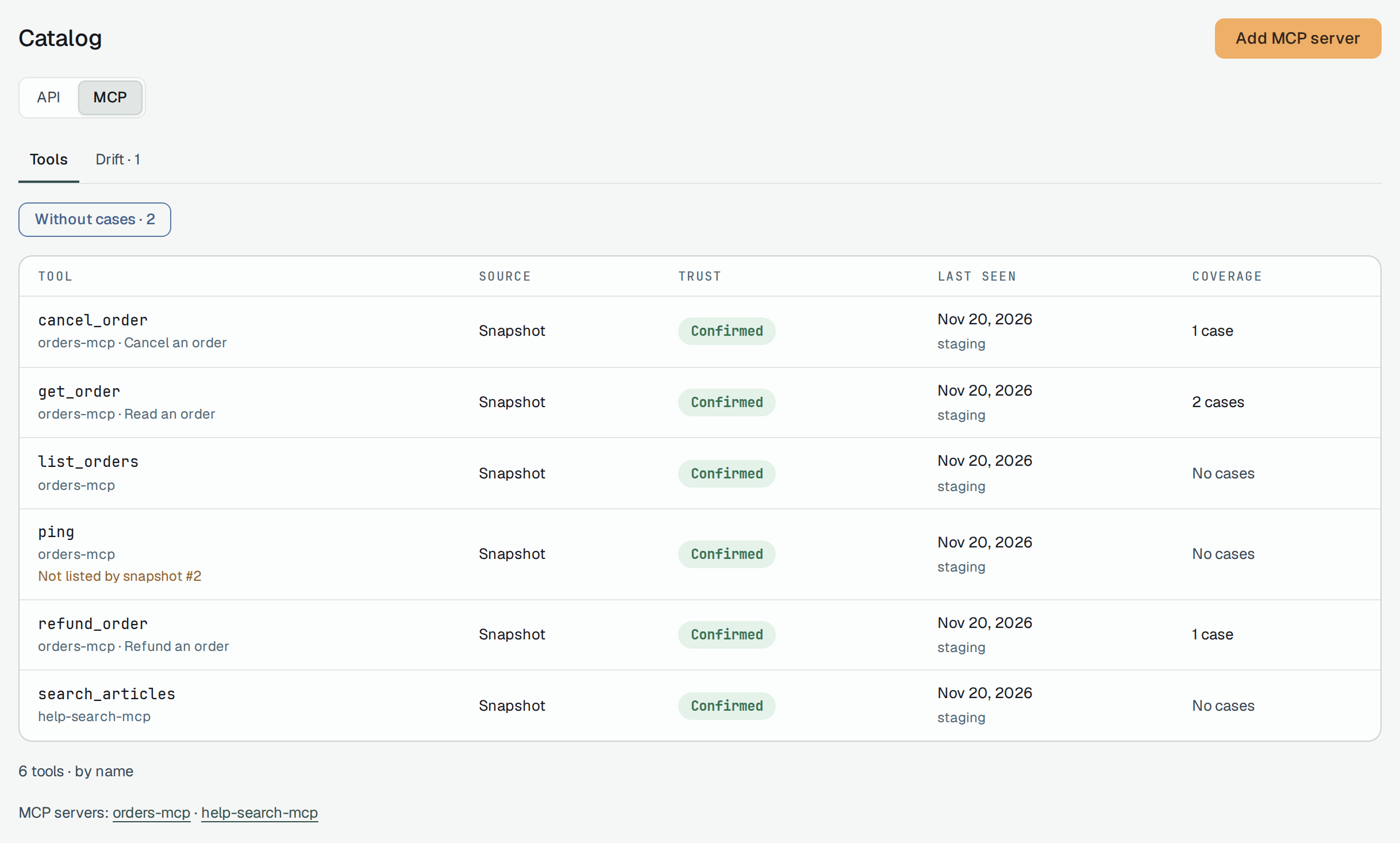
- Without cases · N shows only the tools the newest snapshot lists that no case tests.
- Drift · N lists the tools the latest snapshot no longer lists — The server stopped listing it. The tool stays, with its cases and its history.
Add MCP server asks for a Name (up to 100 characters, once per project whatever its case), a Transport — HTTP or stdio — and an optional Description. A read-only member does not see the button. A project holds at most 50 servers, and a server cannot be removed yet.
A server also comes in from a mission: an MCP server source added to a mission puts it in the catalog at once, marked Derived; a server you add is Confirmed.
Push a snapshot from CI
Section titled “Push a snapshot from CI”A snapshot is what plune mcp snapshot reads from a running server — its name and version, its
capabilities and instructions, and its tools, prompts, resources and resource templates
(Snapshot and diff an MCP server). --push sends it to the
project of the token:
export PLUNE_TOKEN=plune_EXAMPLE-not-a-real-token-0000000000000npx -y @plune-ai/cli mcp snapshot --push --server-name orders-mcp --environment staging -- node orders-server.mjsThe first push adds the server and its first snapshot; a later contract is the next number, and the
same contract again records nothing. With @plune-ai/cli 0.39.5:
Added server "orders-mcp" to the platform.Pushed snapshot 1 of server "orders-mcp": a new contract (efe88b6db1c3).Pushed snapshot 2 of server "orders-mcp": a new contract (07143539a3f0).Snapshot 2 of server "orders-mcp" already holds this contract (07143539a3f0); nothing new was recorded.--server-namefinds the server by name, whatever its case, and adds it on the first push;--server <id>names one the project already has. One of the two is required.--environmentsays where the server was running (ci,staging). It is kept with the snapshot and is not part of the contract.- The same contract as the latest snapshot adds none. The platform answers with the latest one again, and the CLI says nothing new was recorded. Any other contract is the next number.
- Without
--pushnothing is sent: the snapshot goes to stdout, or to--out.
The token must be one that may write — a person’s session, or a write token without a session, as a
CI step holds. An agent is refused with 403 agent_proposes. A server holds at most 200 snapshots.
What is refused, with 400: a field the snapshot does not name, and a key that carries a credential or a
connection — authorization, headers, env, command, args, cookie, token, password,
secret, apikey and any key ending in token, secret, password or apikey — at any depth of
capabilities and of a tool’s annotations and execution. The answer names the path, never the
value. The text a server wrote (description, instructions, title) and its schemas are kept as
sent: a secret a server writes there is stored.
A server and its contract history
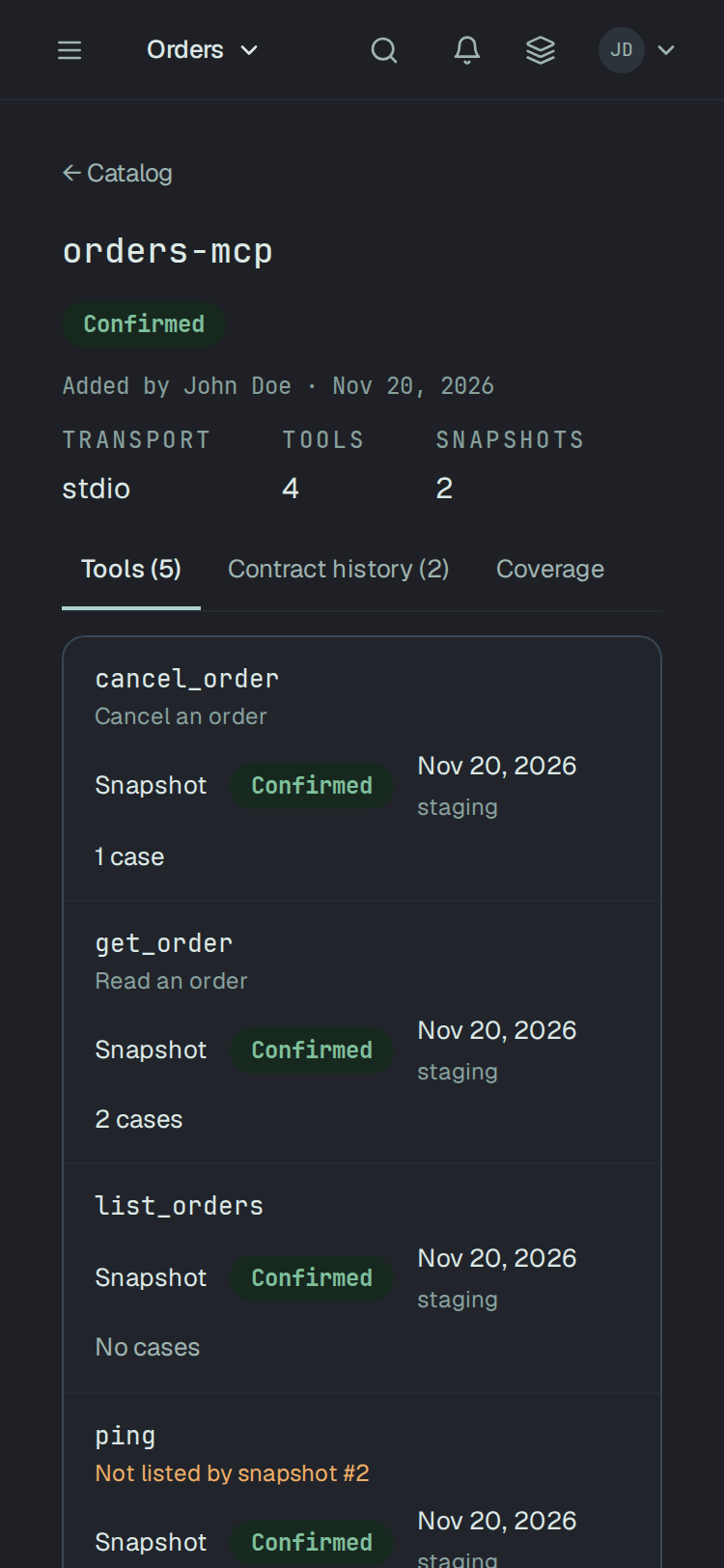
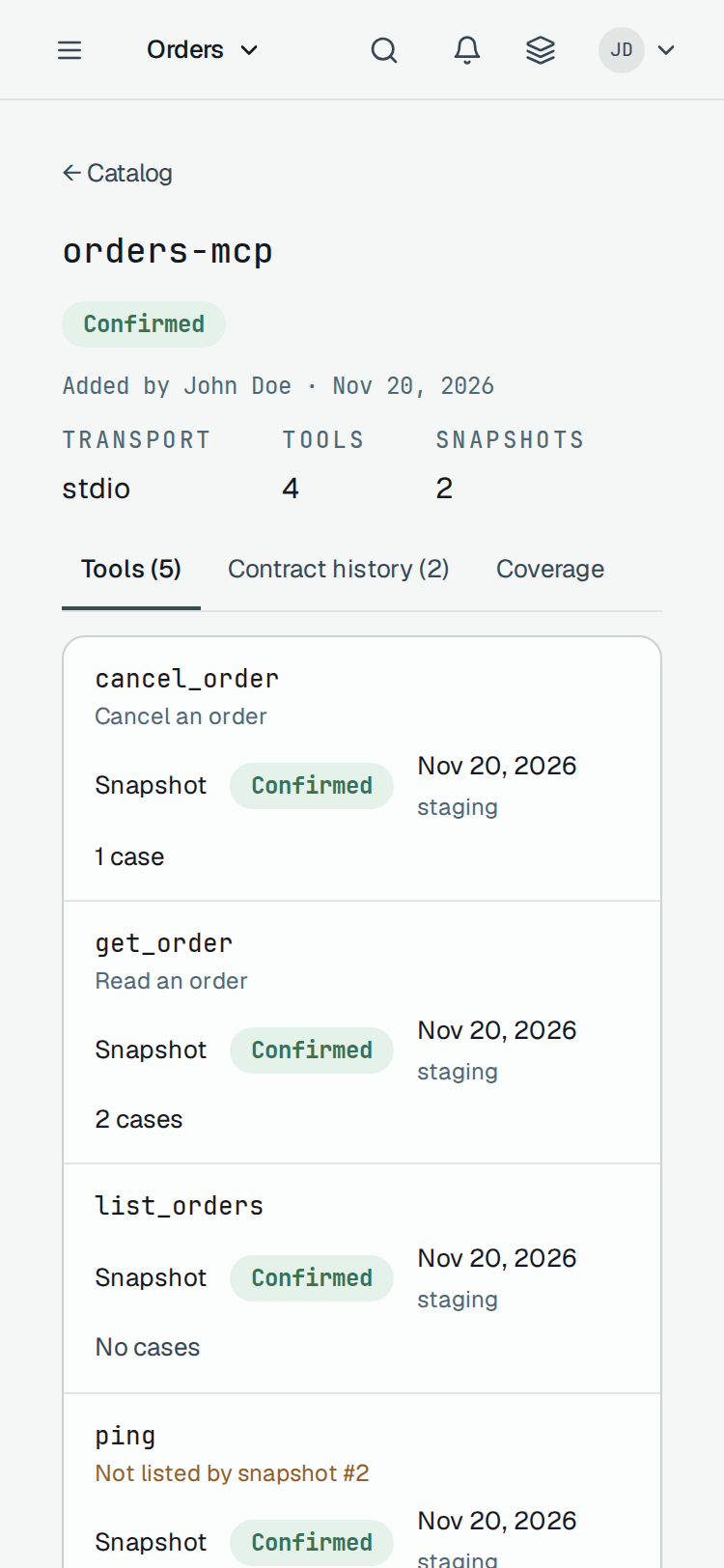
Section titled “A server and its contract history”A server’s page names who added it and when, its Transport, its Tools and its Snapshots, and has three tabs: Tools, Contract history and Coverage.
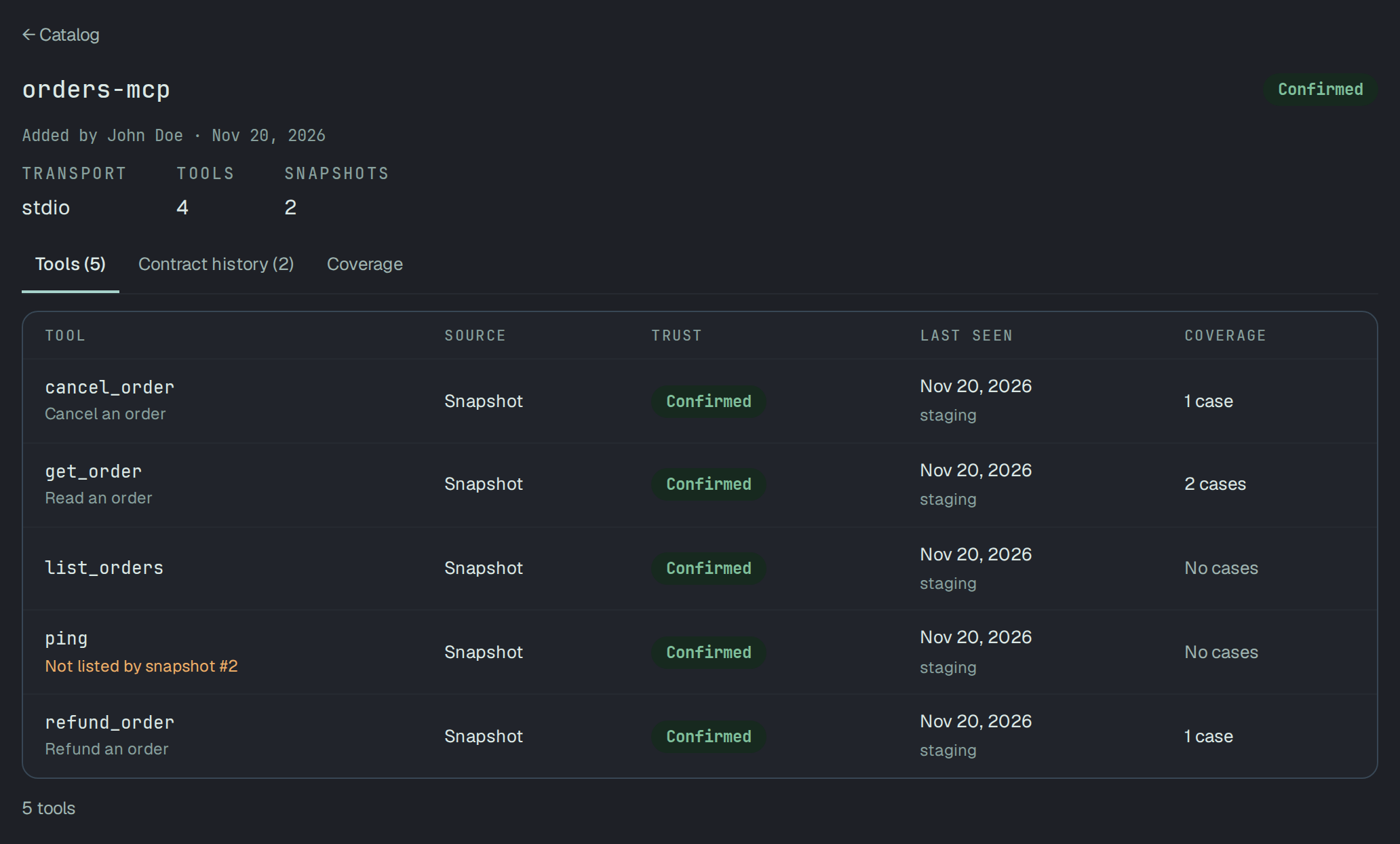
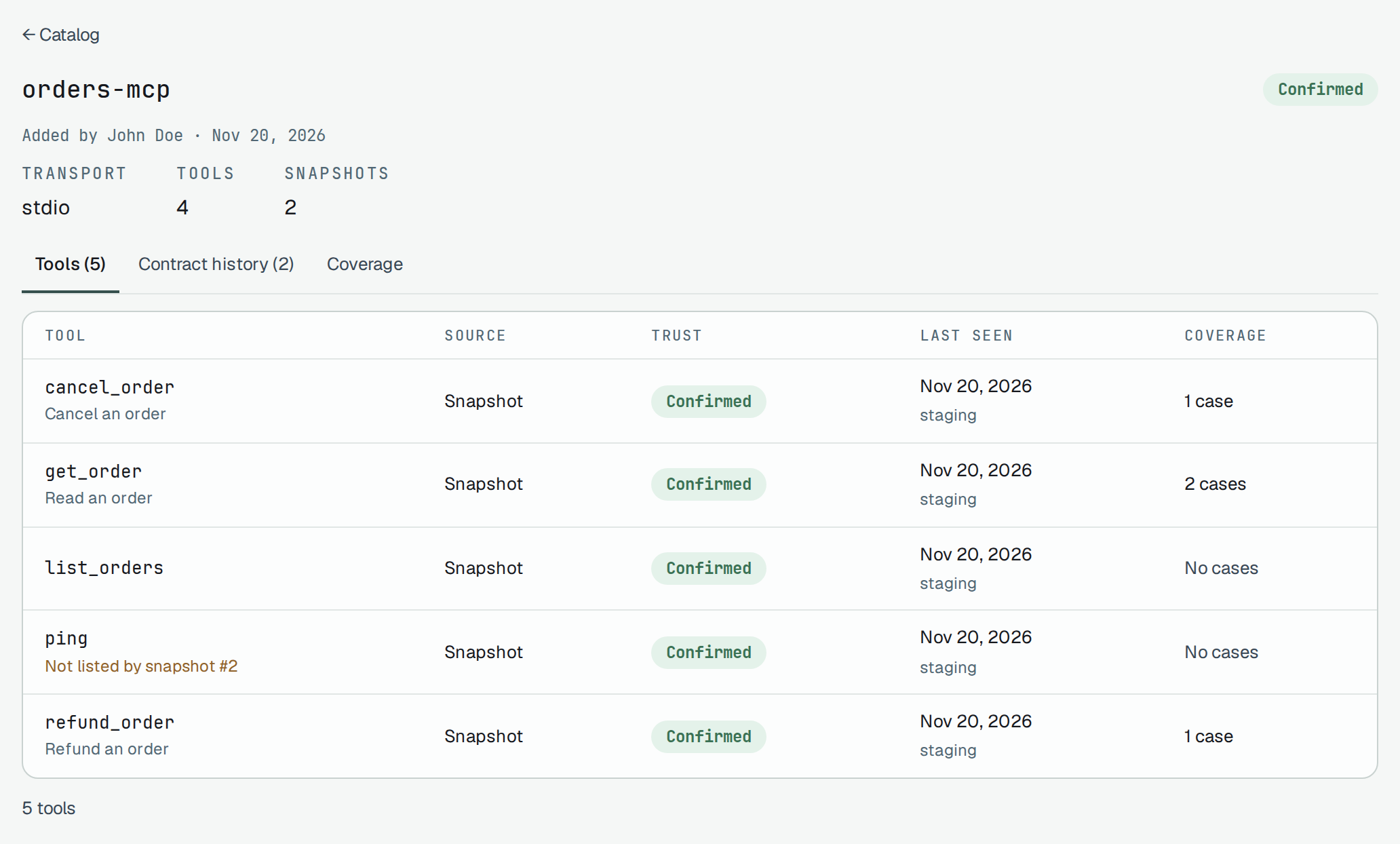
Contract history lists the snapshots, newest first and the newest marked Latest: the date, the
environment, how many tools, who took it, and the first 16 characters of its sha256. The hash is
taken from the contract with its keys sorted, so the same contract has the same hash whatever order it
came in. With two snapshots or more, From, To and Compare open two of them side by side.
Changes between two snapshots
Section titled “Changes between two snapshots”Plune compares the tools of two snapshots of one server, tool by tool, and gives each change a class by what a client that worked with the older contract meets with the newer one:
| Class | When |
|---|---|
| Breaking | A client may fail or misread: a tool gone, a parameter gone or newly required, a type changed, a value no longer accepted, an output field gone or optional, a tool that is no longer read-only or may now destroy data. |
| Non-breaking | It keeps working: a tool added, an optional parameter added, a parameter no longer required, a field added to the result. |
| Informational | A text or a hint changed (a title, a description), or no rule knew the change. A change no rule knows is never called safe. |
A changed description is Informational and marked Read by a model: it is what a model is told about the tool, so it is a reason to look whatever its class.
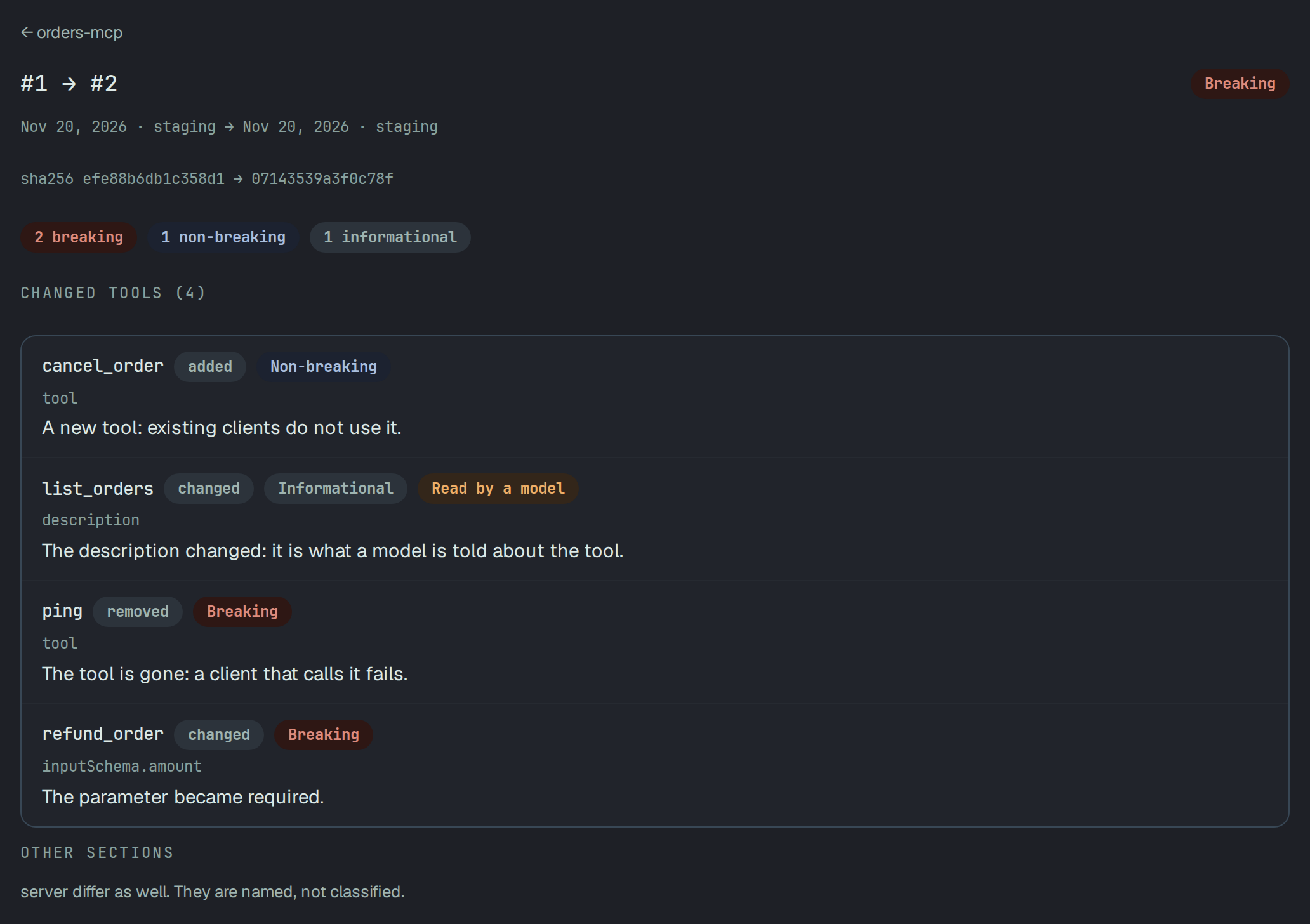
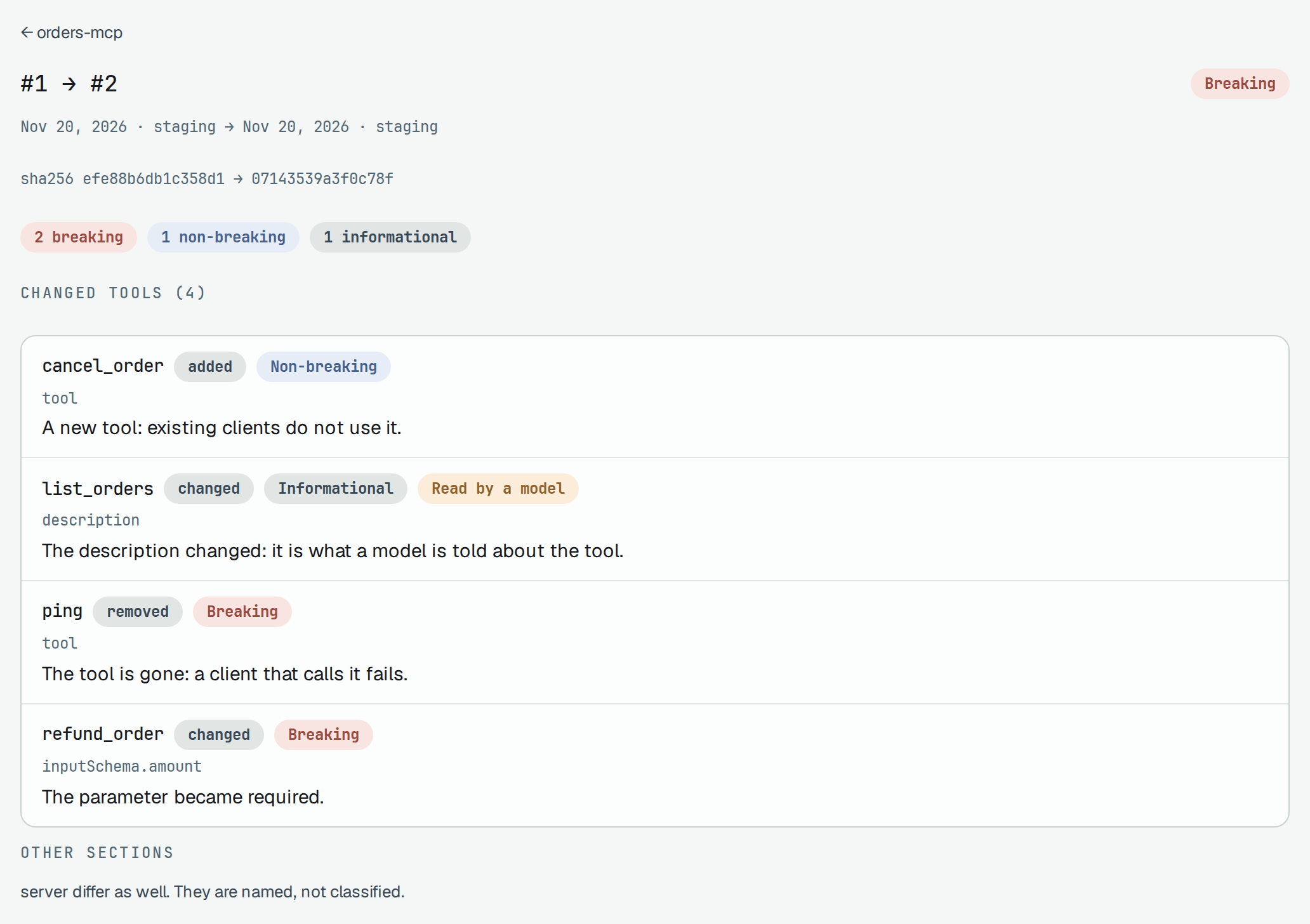
The comparison says one of three things, never one for another: the tools that changed, each with its class and one sentence per field; Unchanged — both snapshots list the same tools; or Not measured — a snapshot lists no tool, so there is nothing to compare, which is not the same as nothing having changed. Sections other than the tools — the server’s name and version, its capabilities, its instructions, prompts, resources and resource templates — are named under Other sections when they differ, and not classed.
A tool’s card
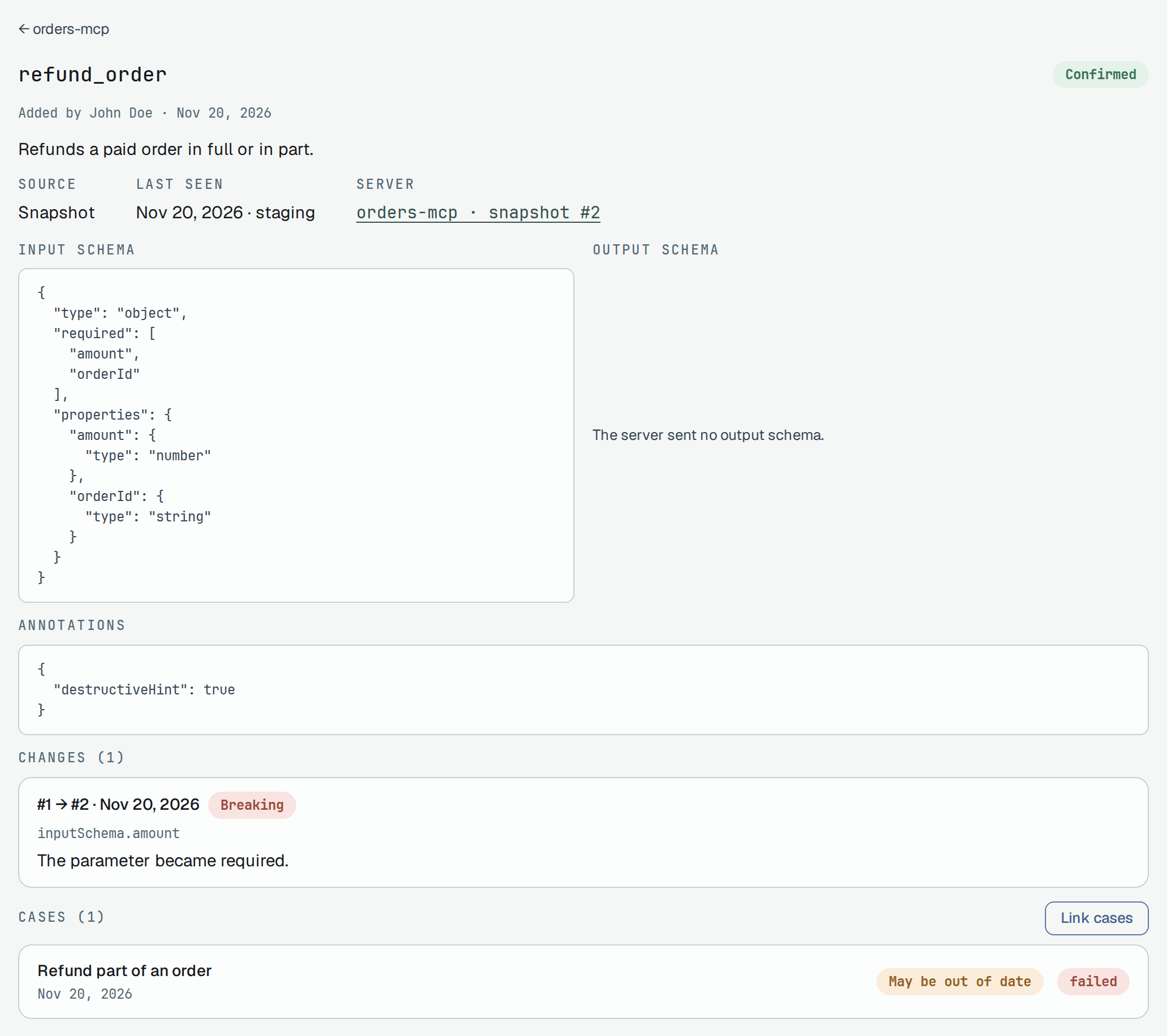
Section titled “A tool’s card”A tool’s card shows its description, where it was learnt, when it was last seen, the server and snapshot it is from, its Input schema, Output schema and Annotations as the server sent them, its Changes — each pair of neighbouring snapshots in which it changed, linked to the comparison — and its Cases, each with its newest result.
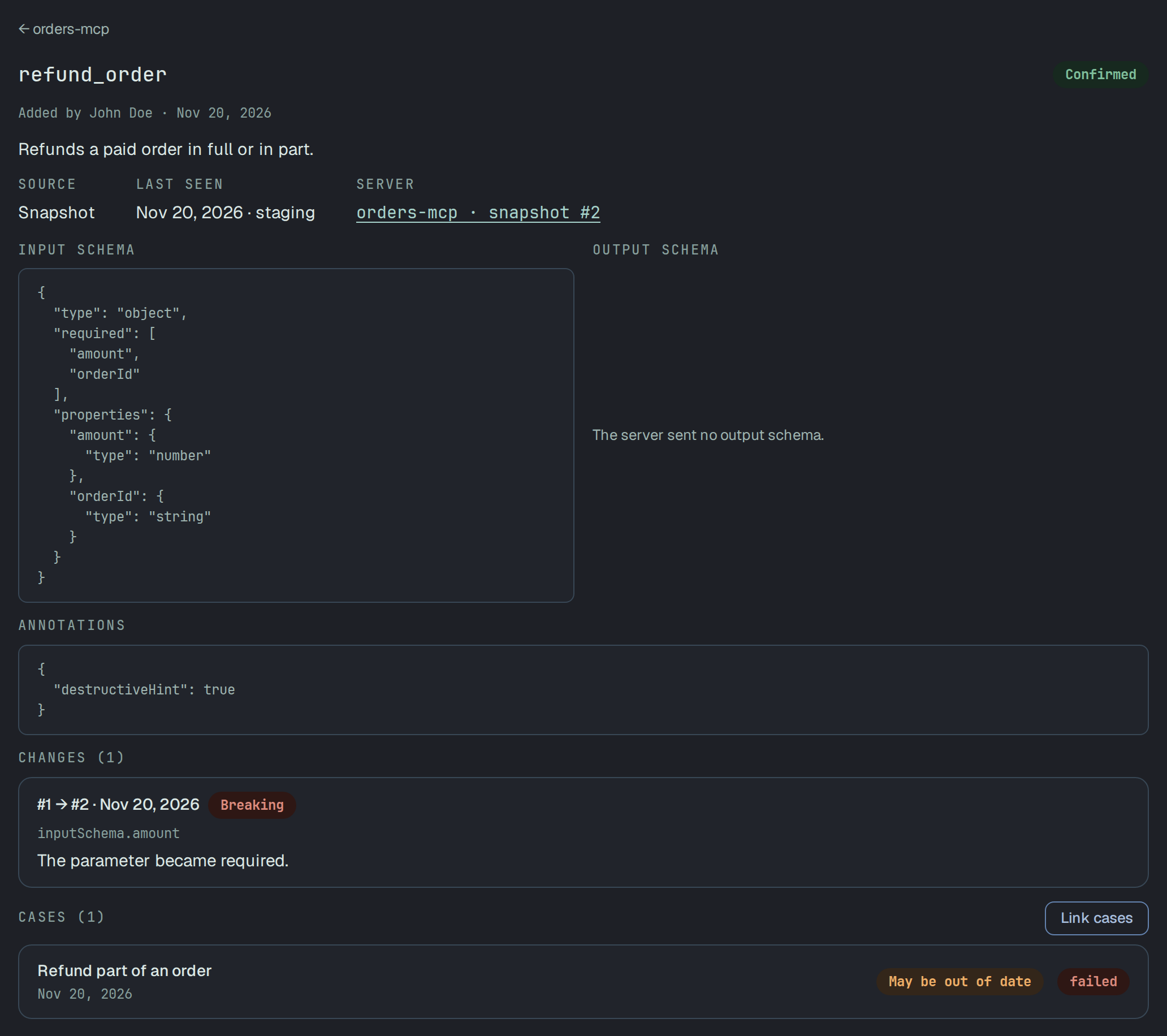
Link cases picks the cases that test the tool, searched by title, up to 200; the set is saved whole. A read-only member does not see it. A tool is linked to a case only this way, never by a name. A tool the server stops listing stays, with its cases and its history.
Coverage
Section titled “Coverage”Coverage counts the tools the newest snapshot lists: how many have cases and how many have none, how many have cases with no result yet, and how many cases may be out of date. It gives counts, never a percentage: a server nothing tests reads Nothing on this server is tested yet: coverage is 0 of N, never 100%. A tool no longer listed is neither shown nor counted here.
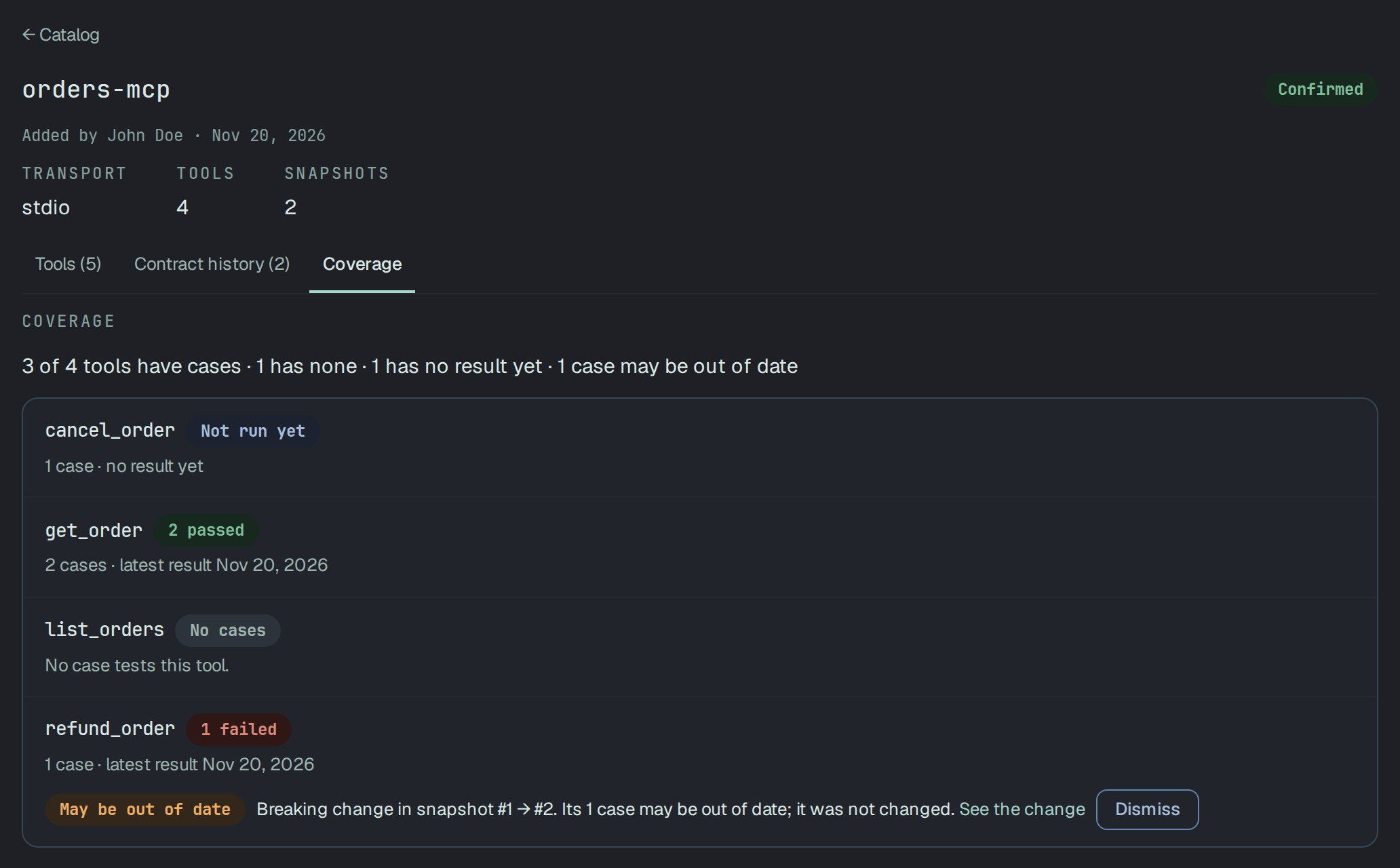
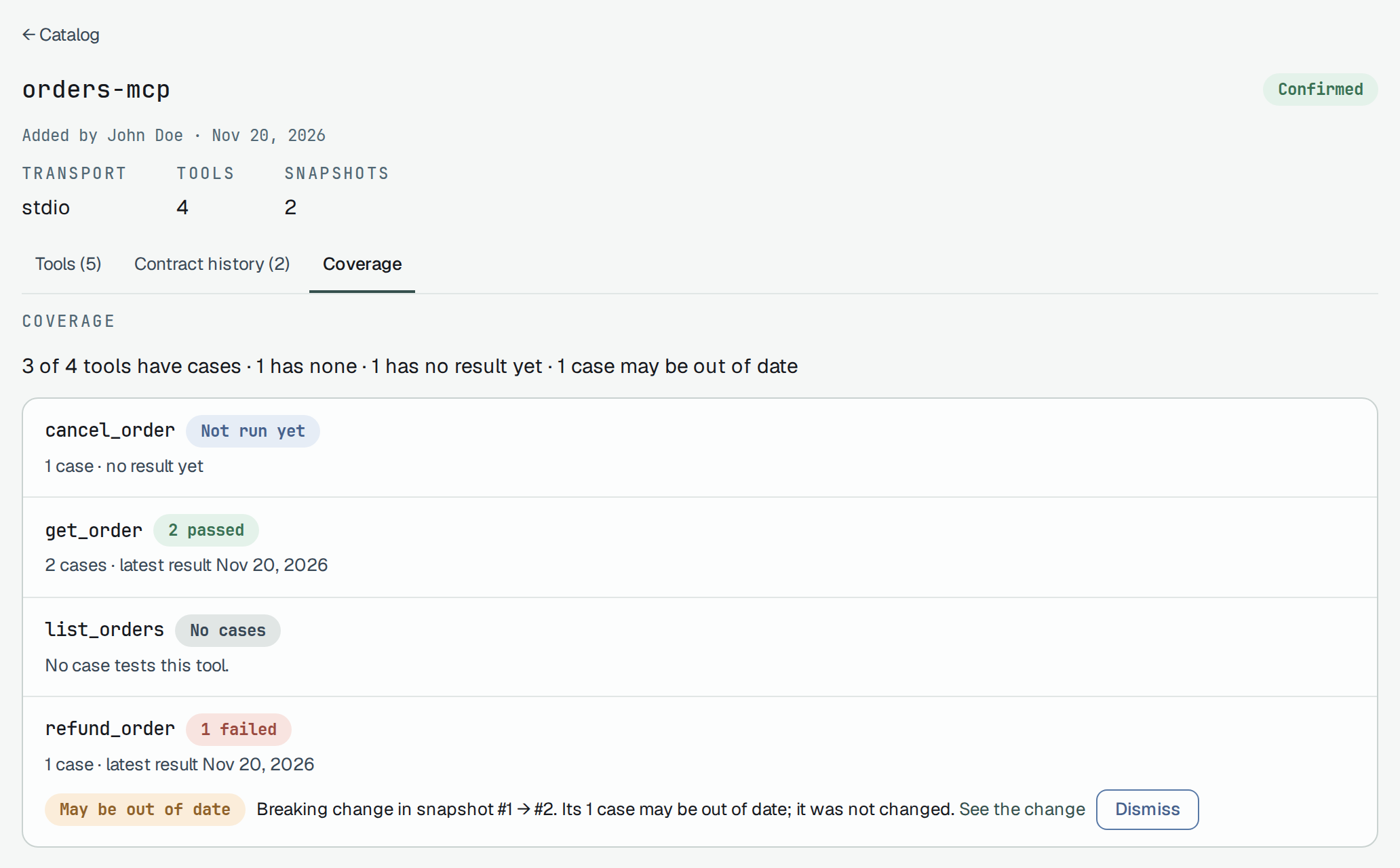
Each tool shows its cases counted by their newest result — No cases and Not run yet stand apart from a pass — and the date of the latest result.
Cases that may be out of date
Section titled “Cases that may be out of date”When the newest pair of snapshots changes a tool — a Breaking change, or any change to a tool that is still there — its cases are marked May be out of date, with the change that marked them and See the change. The mark is advice: no gate reads it, and the case itself is not changed. Dismiss takes it off for that snapshot; it comes back when a later snapshot changes the tool again. A read-only member sees the mark without Dismiss.
Results reach the cases as any other run’s do — for example a JUnit report your MCP tests wrote, with
plune run import:
npx -y @plune-ai/cli run import ./junit.xml --name "orders-mcp tools"Models
Section titled “Models”An eval run of several models, as plune sync sends it, has a Models tab beside Results: each
case on each model.
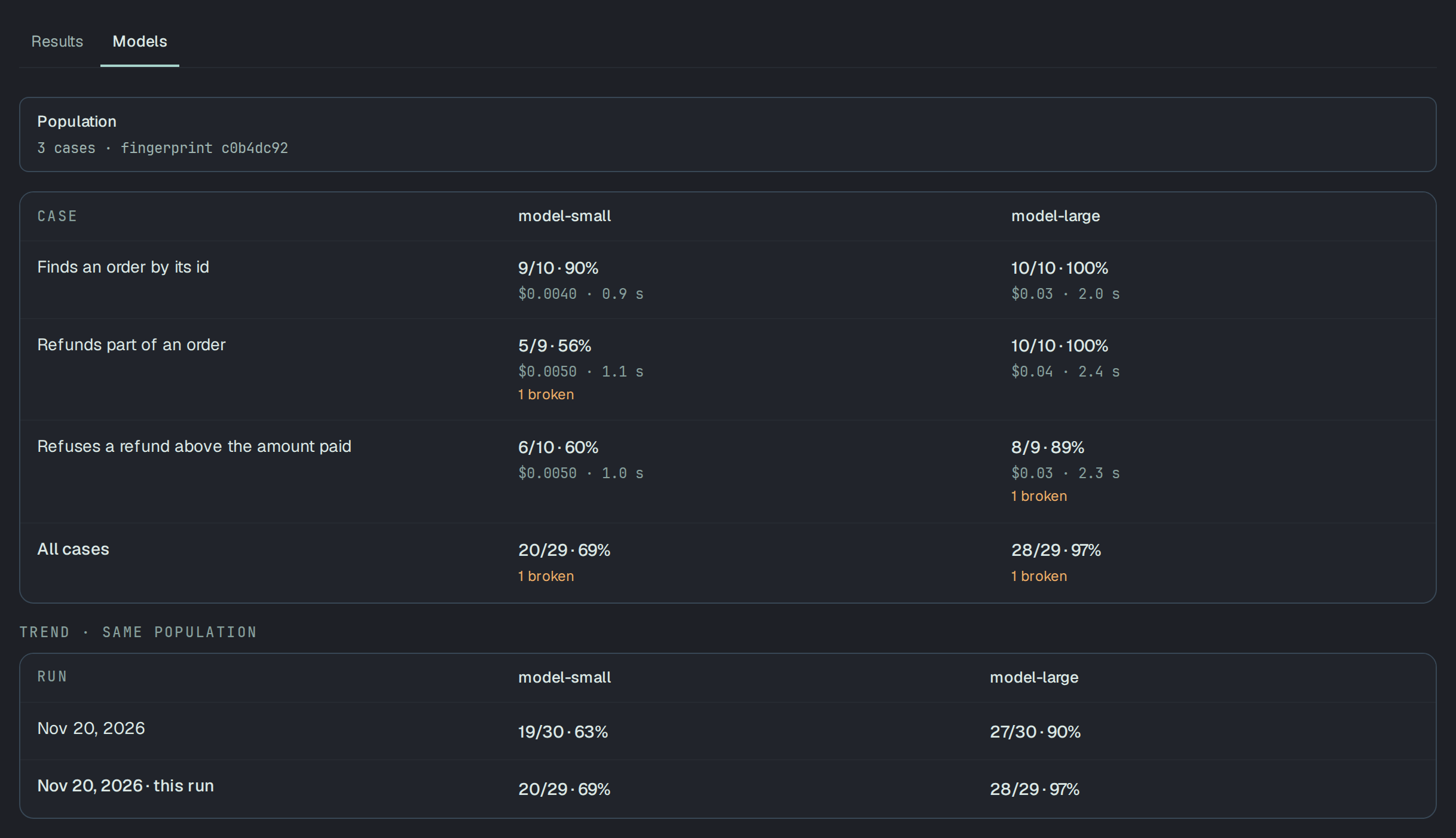
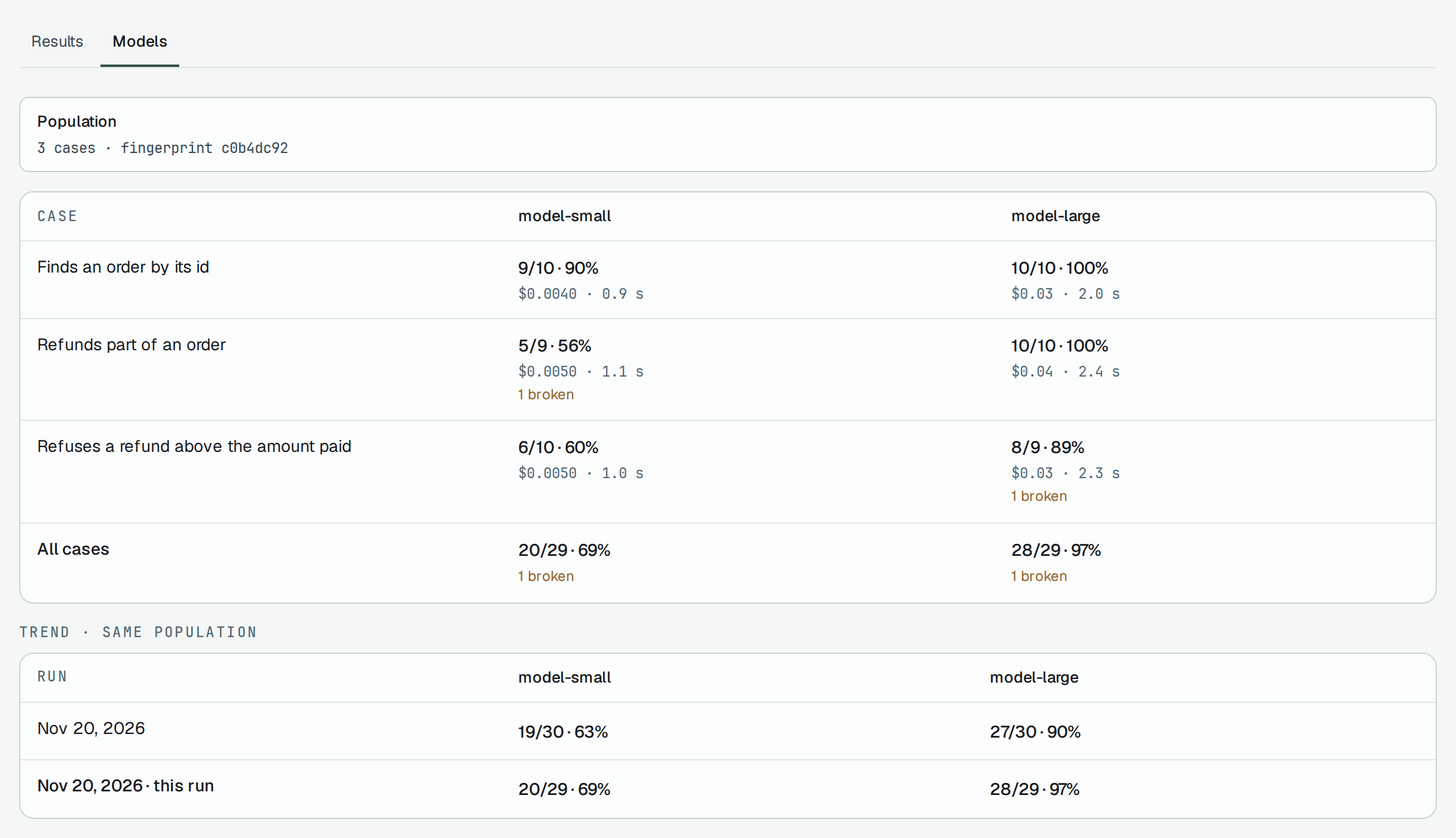
- A cell gives the attempts that got a verdict and the share that passed, the cost and the median latency. Attempts without a verdict are counted apart, as N broken, and never in the share.
- A model that never ran a case reads not run; a cell where nothing got a verdict reads no verdict — neither is 0% or 100%.
- A cell with fewer than 5 judged attempts claims no difference: Too few attempts to compare, and only the counts are shown.
- Trend · same population compares this run with the earlier synced runs of the project (up to 20 looked at) whose cases, data, checks and repeats are the same. A run that does not say what it measured is compared with no other: Comparison unavailable.
- A result that names no model is left out of the table and counted under it.
On a phone
Section titled “On a phone”At 375 px the MCP tab and a server’s page are one column.
Through the API
Section titled “Through the API”Every call reads the token’s project. Anyone in the project may read; writing is for a person or a
write token without a session.
export PLUNE_TOKEN=plune_EXAMPLE-not-a-real-token-0000000000000API=https://beta-api.plune.ai
curl -H "Authorization: Bearer $PLUNE_TOKEN" "$API/v1/mcp-servers"curl -H "Authorization: Bearer $PLUNE_TOKEN" "$API/v1/mcp-servers/$SERVER_ID/snapshots"curl -H "Authorization: Bearer $PLUNE_TOKEN" "$API/v1/mcp-servers/$SERVER_ID/snapshots/diff?from=1&to=2"curl -H "Authorization: Bearer $PLUNE_TOKEN" "$API/v1/mcp-servers/$SERVER_ID/coverage"
The comparison of the two snapshots above, shortened to one of its four tools:
{ "state": "changed", "changes": [ { "tool": "refund_order", "kind": "changed", "class": "breaking", "fields": [ { "field": "inputSchema.amount", "class": "breaking", "reason": "The parameter became required." } ] } ], "summary": { "breaking": 2, "non-breaking": 1, "informational": 1, "overall": "breaking" }, "otherSections": ["server"]}summary.mayBeOutOfDate in the coverage counts the marked cases over all tools, not the tools: a tool with two marked cases counts 2.
| Call | What it does |
|---|---|
GET /v1/mcp-servers | The servers, in the order they were added. |
POST /v1/mcp-servers | Adds a server: name, transport (stdio or http), optional description. 409 server_exists for a name the project has. |
GET /v1/mcp-servers/{id} | One server. |
GET /v1/mcp-servers/{id}/tools | Every tool a snapshot has listed, with listed and how many live cases test it. |
GET /v1/mcp-servers/{id}/snapshots | The snapshots by number, without their content. |
POST /v1/mcp-servers/{id}/snapshots | Takes a snapshot: 201 a new one, 200 the latest again when the contract is the same. |
GET /v1/mcp-servers/{id}/snapshots/{number} | One snapshot with the contract it holds. |
GET /v1/mcp-servers/{id}/snapshots/diff?from=&to= | The classed changes between two snapshots. |
GET /v1/mcp-servers/{id}/coverage | The coverage of the listed tools, with the marks and the requirements their cases are linked to. |
PUT /v1/mcp-tools/{id}/cases | Sets the cases that test a tool, whole: {"testCaseIds": [...]}; [] unlinks every case. |
PUT /v1/mcp-tools/{id}/cases/{caseId}/dismissal | Takes the mark off a case for a snapshot: {"snapshotNumber": 2}; 409 not_marked when the newest snapshot does not mark it. |
GET /v1/runs/{id}/models | The model × case matrix of a synced run and the trend of each model. |
Another project’s server and one that does not exist are the same 404. Every call, with examples, is
in the API reference.
The screenshots on this page
Section titled “The screenshots on this page”| Shot | What it shows | Width |
|---|---|---|
catalog | The MCP tab of the catalog | 1440 |
phone-catalog | The MCP tab | 375 |
server | A server with its tools | 1440 |
phone-server | A server | 375 |
compare | Two snapshots compared | 1440 |
tool | A tool’s card | 1440 |
coverage | A server’s coverage | 1440 |
models | The Models tab of an eval run | 1440 |
Each is in a dark and a light version; the page shows the one your theme is in.