

Connect an assistant
An assistant that speaks MCP can work in Plune over the network: you give it one address, sign in to Plune in the browser and say what it may do. Nothing is installed and no token is copied. A connection is the result — one assistant, one project, the rights you picked.
https://mcp.plune.ai/mcpThat is the address for an account at app.plune.ai. An account on the beta uses the beta’s own:
https://beta-mcp.plune.ai/mcpThe tools are the ones plune mcp serve gives an agent on your machine
(the tools); the local server stays, and is the way where a browser
sign-in is not possible — in CI, for one.
Connect
Section titled “Connect”-
In the assistant, add a remote MCP server — some assistants call it a custom connector — and paste the address of your Plune. The assistant registers itself with Plune and opens your browser.
-
Sign in to Plune if the browser asks. The page that follows is the consent screen, Connect the assistant’s name to Plune? It shows the Assistant and the address it Returns to.
-
Pick the Project the connection works in, and its Rights: Read only or Read and write.
-
Allow. The browser goes back to the assistant, and its next message can use Plune. Deny sends it back with a refusal and connects nothing.
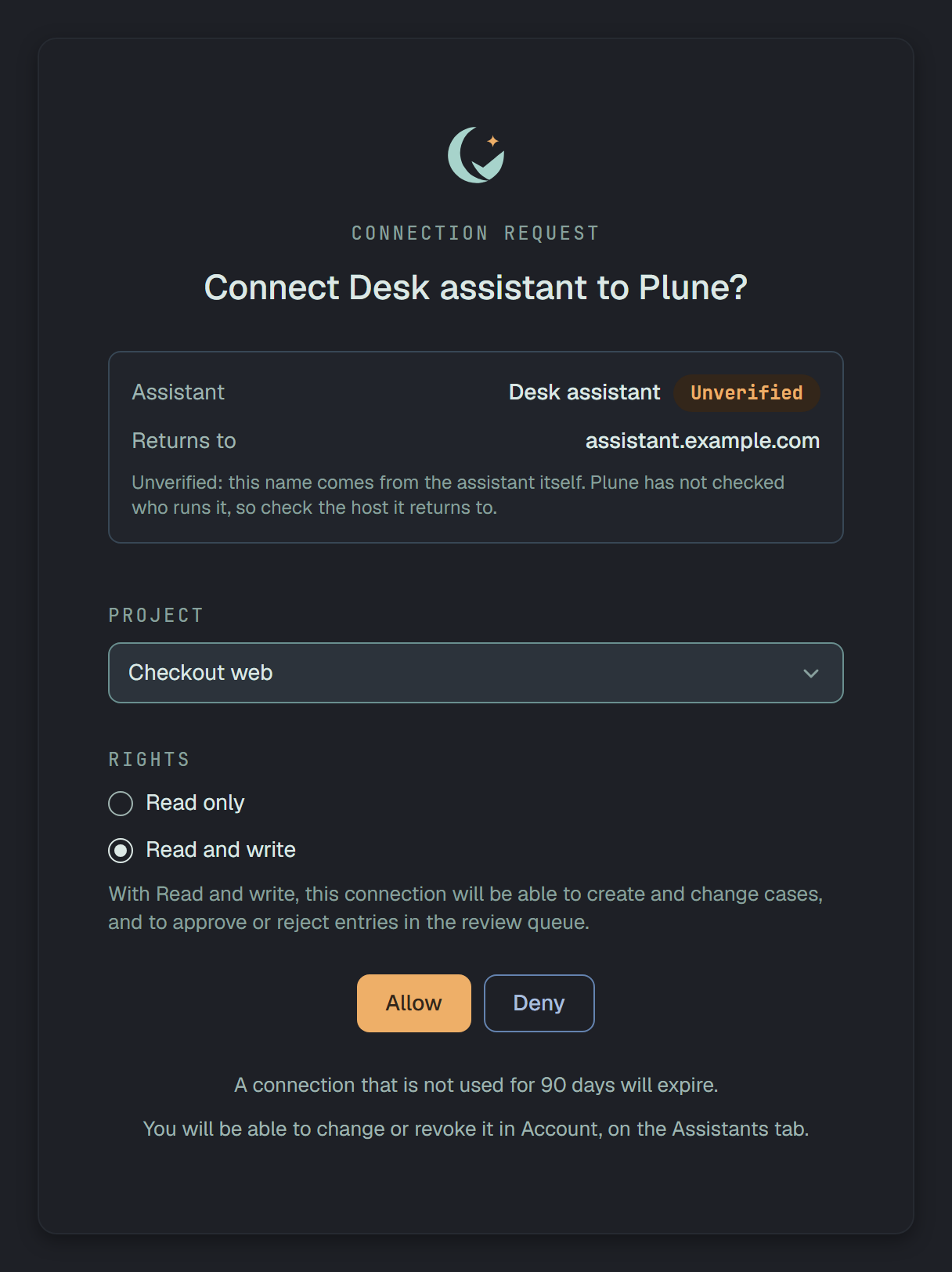
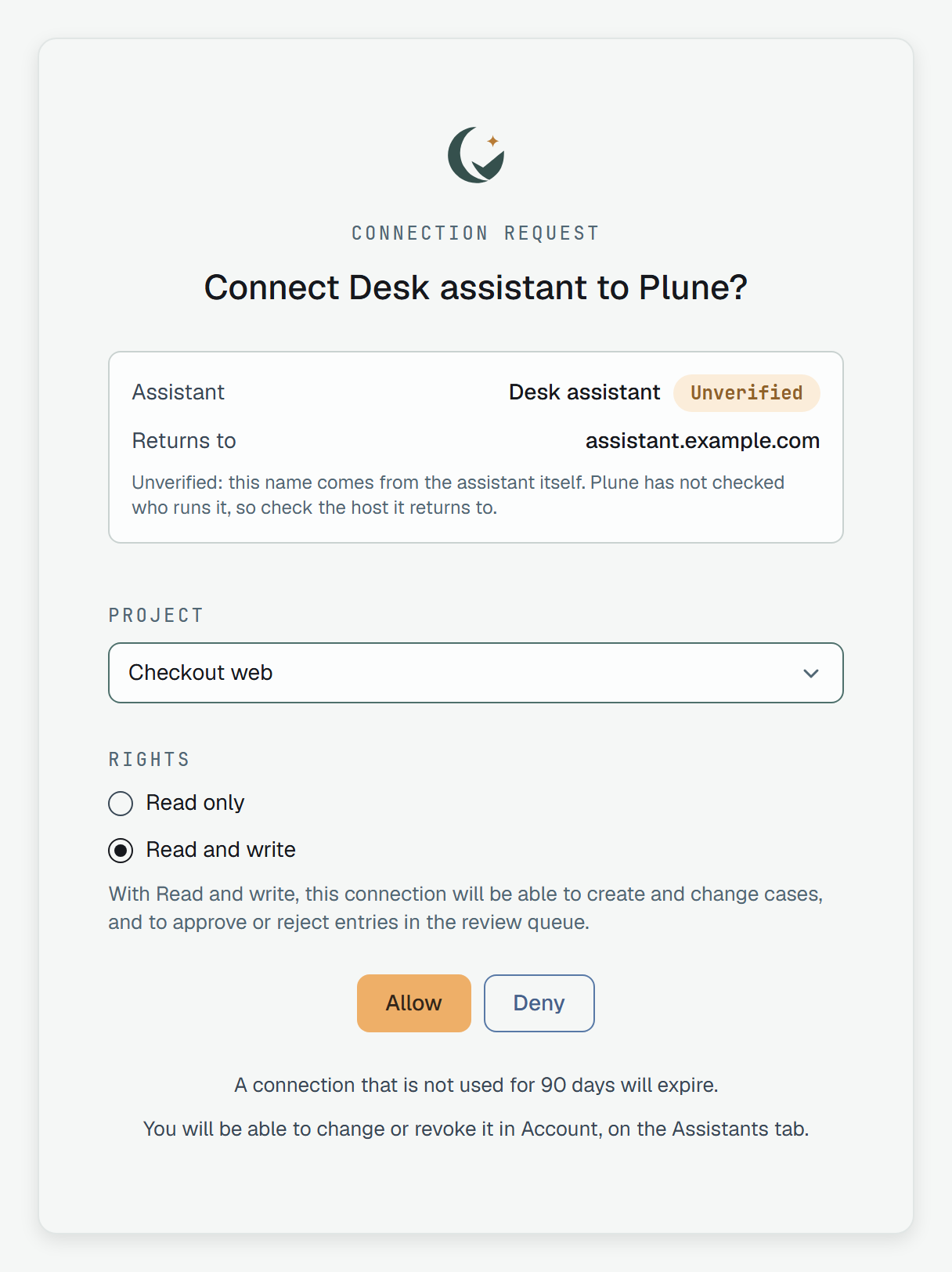
The request waits ten minutes for your answer. After that, or once it is answered, the page says This connection request is no longer valid. — start the connection again from the assistant.
What the consent screen tells you
Section titled “What the consent screen tells you”- Unverified. The name on the screen comes from the assistant itself, and Plune has not checked who runs it. Read the host under Returns to: that is where your approval is sent.
- Localhost. An assistant that returns to
localhostis a program on the computer you are using. Allow it only if you started this connection yourself, on this computer. - Read and write lets the connection create and change cases, and approve or reject entries in the review queue. It is offered only when the assistant asked for it, and never beyond your own role: where you are a reader of the project, the connection reads and no more.
What a connection reaches
Section titled “What a connection reaches”One project. The assistant sees that project in the list of projects and no other, whatever else your
account can open, and it cannot create a project, rename one, hand one over, move one into a company
or list your companies: each of those is refused with 403 connection_project_only, and the refusal
is written to the audit log.
With Read only the assistant is offered the read tools alone, and a write is refused.
Change or revoke a connection
Section titled “Change or revoke a connection”Account has an Assistants tab — app.plune.ai/account/assistants, or beta.plune.ai/account/assistants on the beta: every assistant you connected, with its project, its rights, the day it was created, the day it was last used and what it used today.
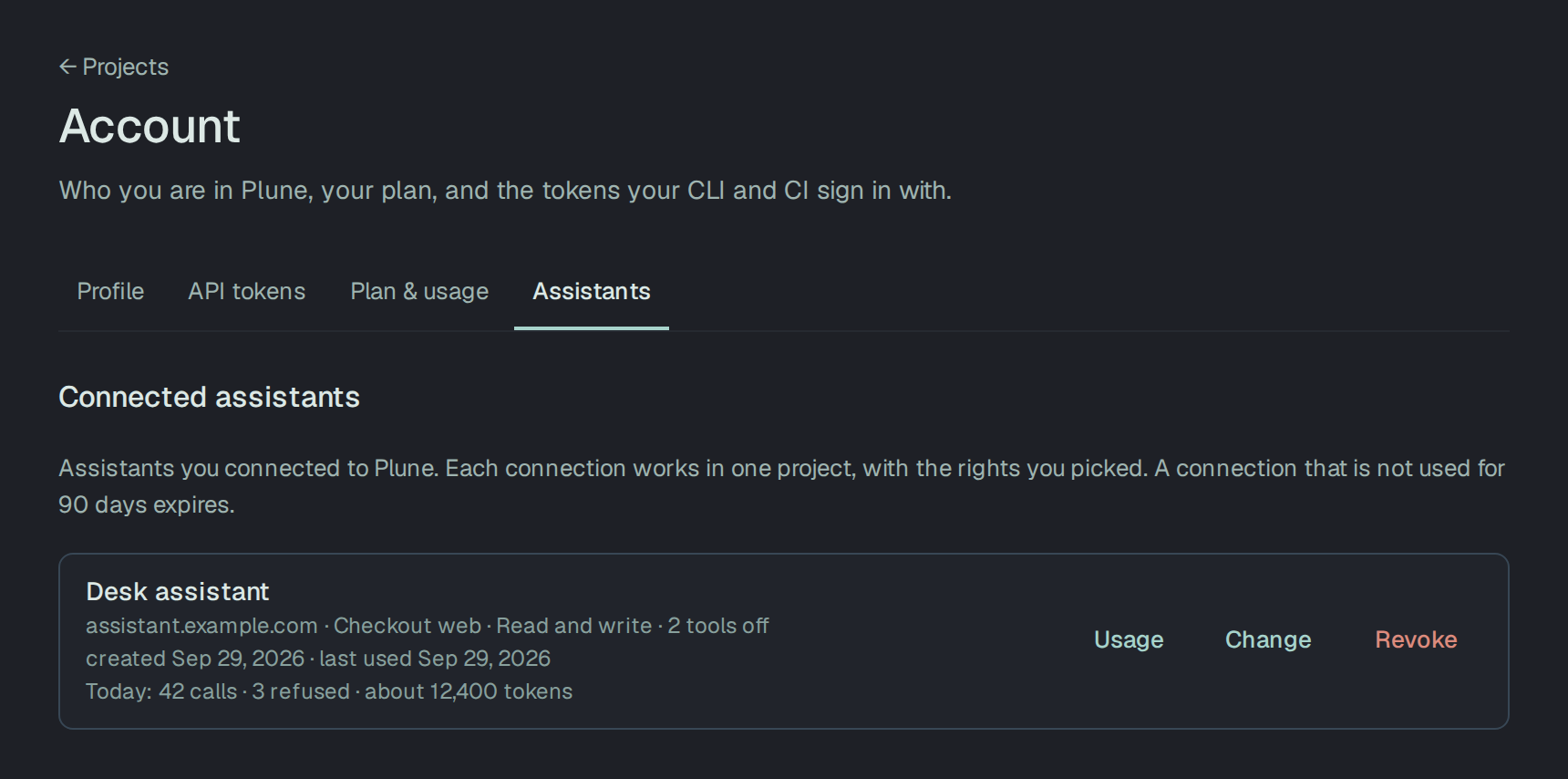
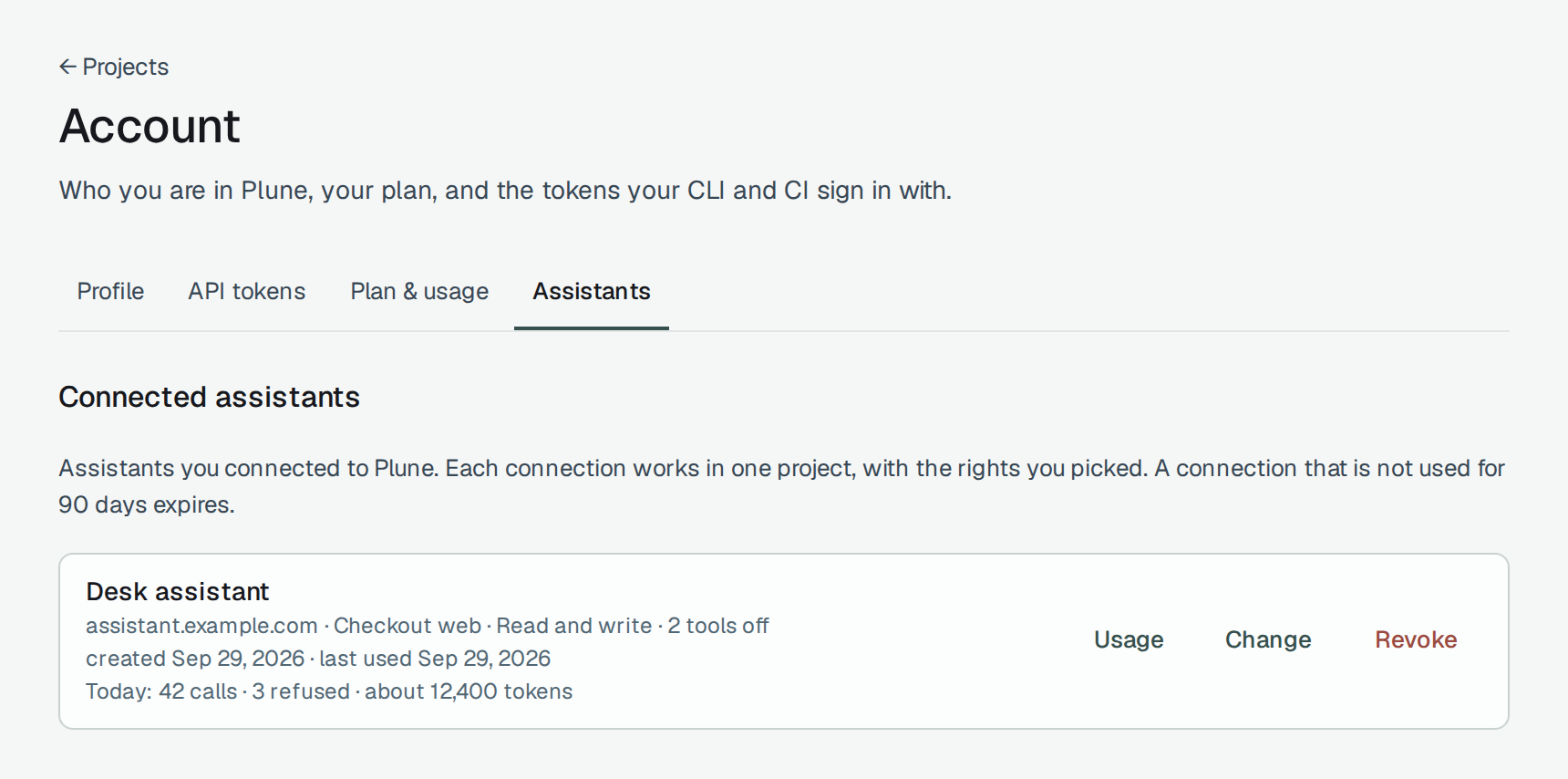
- Usage opens what the connection used in the last 7 days — see What a connection used.
- Change picks another Project, other Rights or other Tools. It is in force from the assistant’s next call: nothing is reconnected, and the assistant no longer reaches the project it worked in before.
- Revoke asks once and then cuts the assistant off at once. To use it again, connect it anew.
- A connection nobody used for 90 days is Expired. It stays in the list with Revoke alone; to use the assistant again, connect it anew.
Switch single tools off
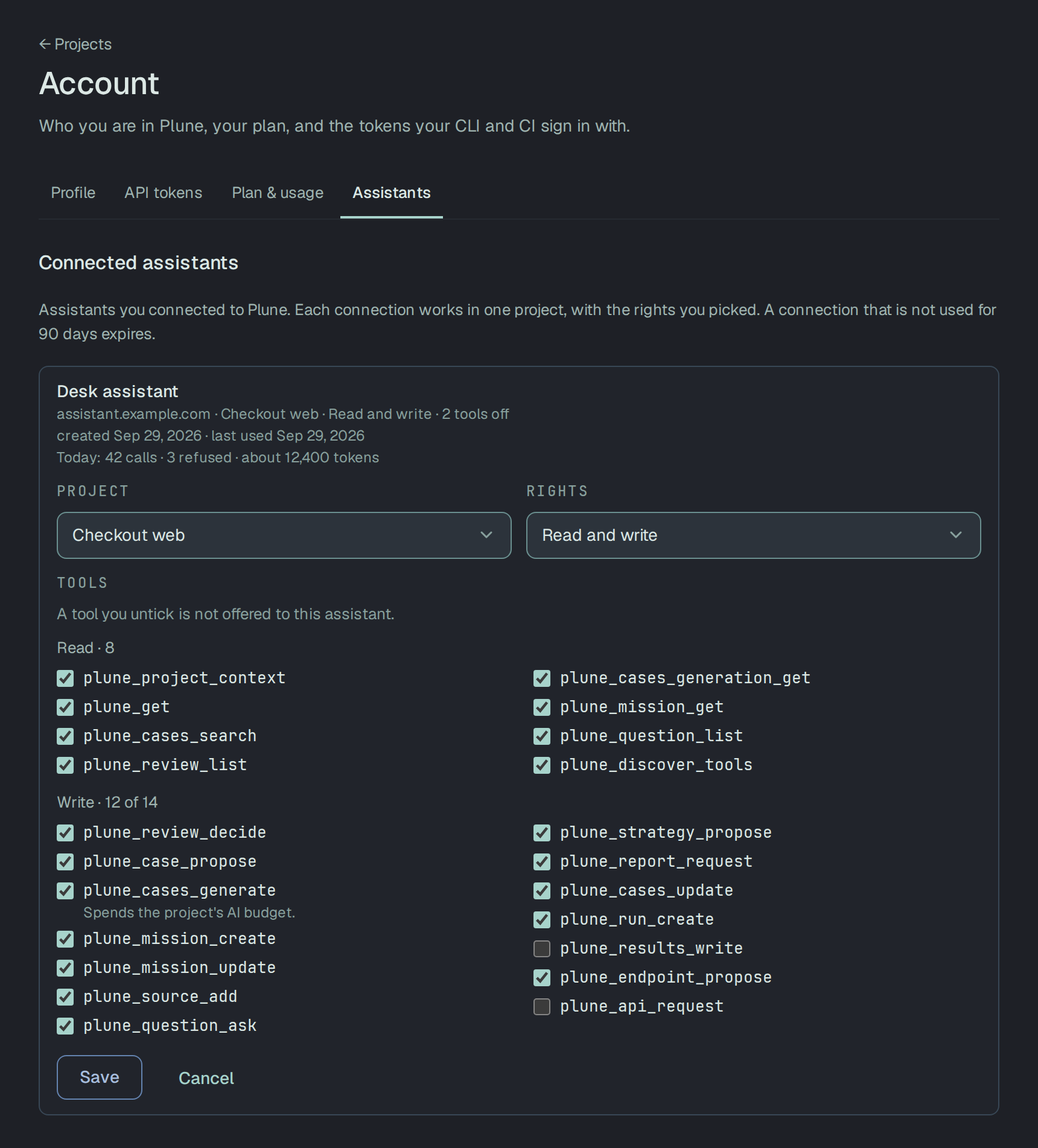
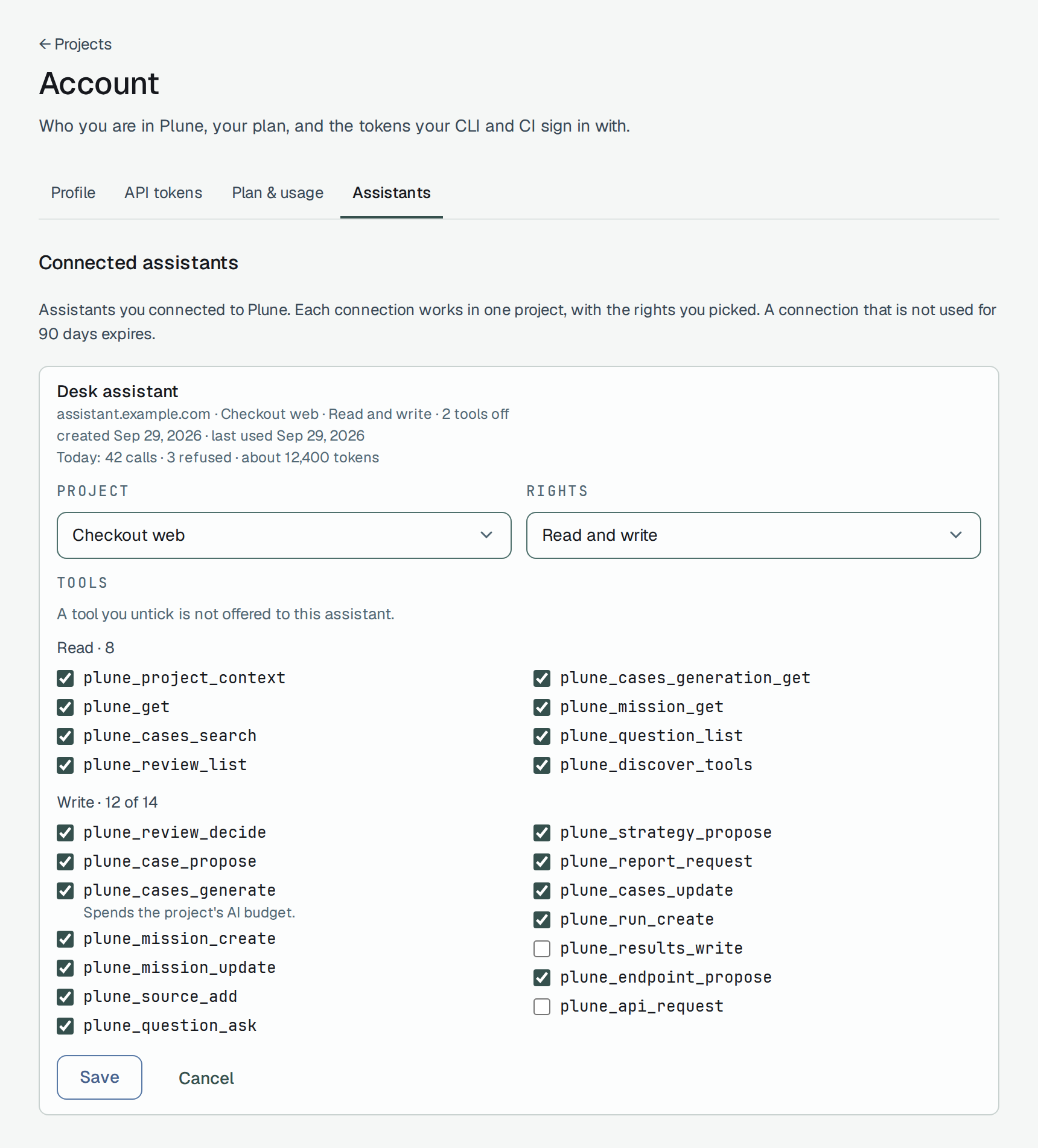
Section titled “Switch single tools off”Under Change, Tools has a checkbox for every tool of the server, the read ones under Read
and the rest under Write. A tool you untick is not offered to this assistant: it is not in the
assistant’s tool list, plune_discover_tools does not find it, and a call to it by its name is
answered with a tool error, tool_disabled. The row then says how many tools are off — 2 tools
off.
- With Read only the list shows the read tools alone: Write tools are not offered: the right is Read only. What you had unticked among the write tools is kept for when the right is Read and write again.
plune_cases_generatecarries the note Spends the project’s AI budget.
What a connection used
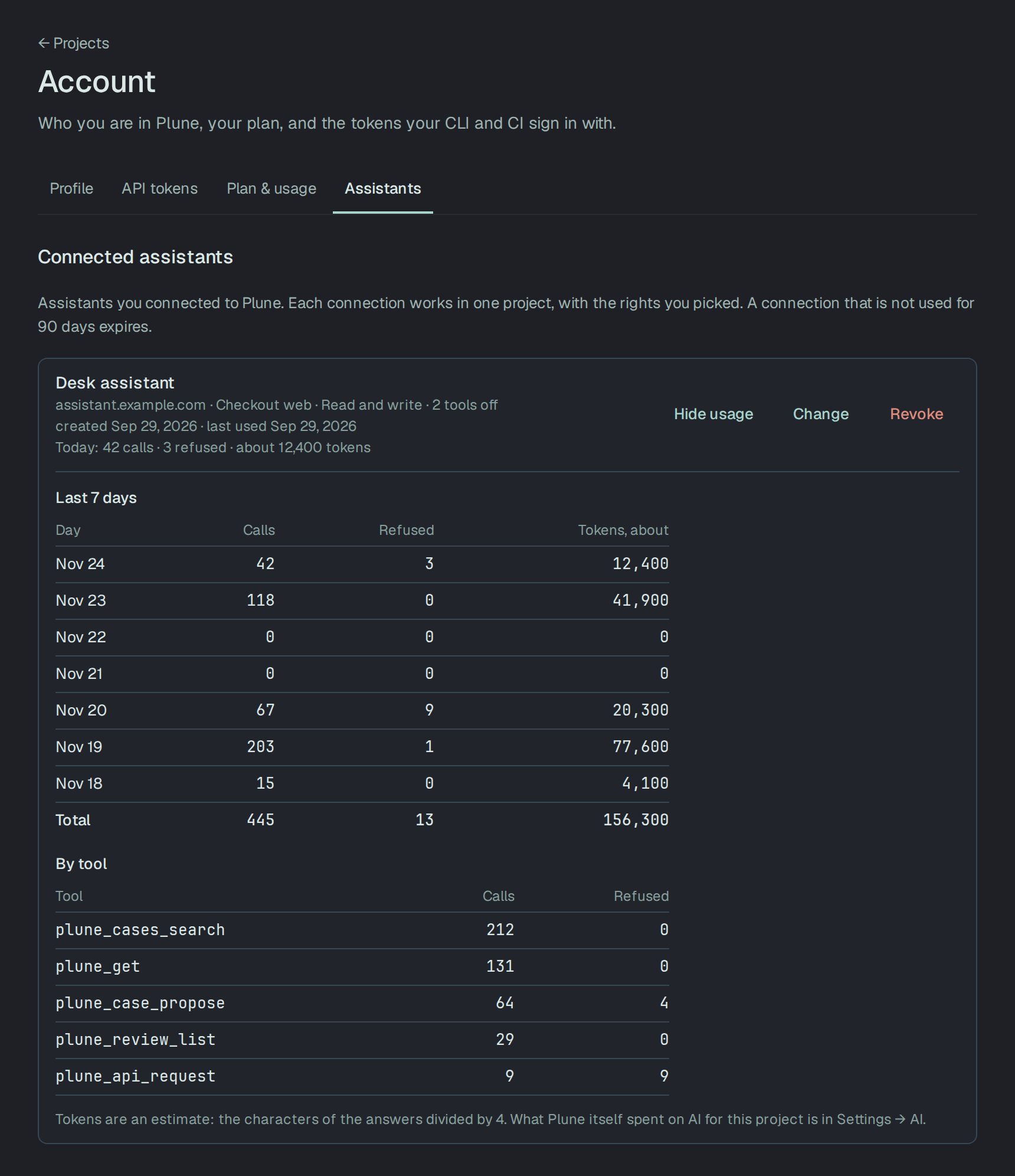
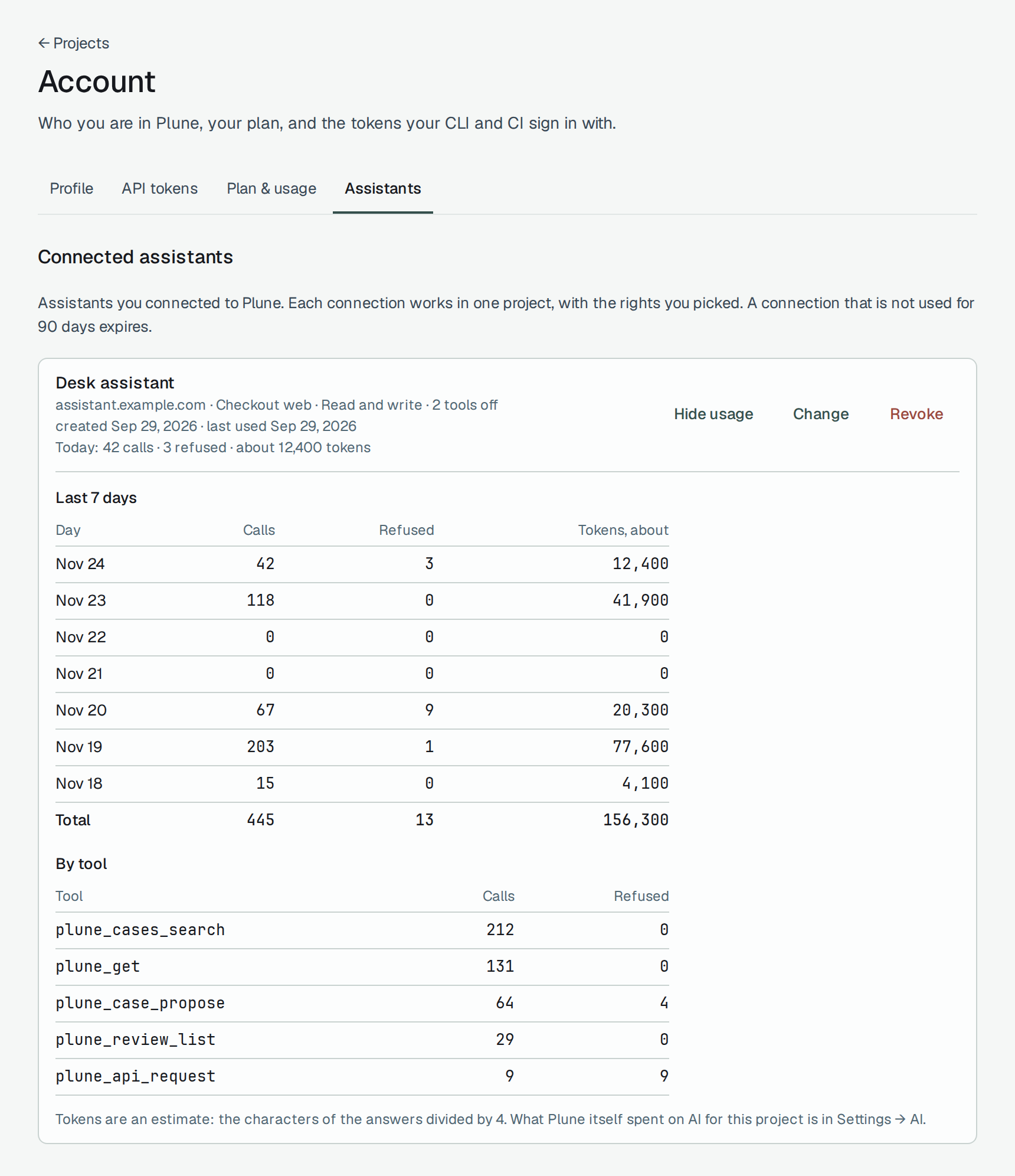
Section titled “What a connection used”A live connection’s row says what it used today — Today: 42 calls · 3 refused · about 12,400 tokens, or No calls today. Usage opens the last 7 days under the row, and Hide usage closes it.
- Calls are tool calls the assistant made over the remote server.
plune mcp serveon your own machine is not counted here. - Refused are the calls among them that did not go through: the minute’s limit, a tool the connection is not offered, a tool that answered with an error.
- Tokens, about is an estimate, not a bill: the characters of the answers divided by 4, rounded up. What your assistant’s own provider charged you, Plune does not see. What Plune itself spent on AI for the project is in Settings → AI.
- Days are UTC days, today first; a day without a call is a row of zeros. By tool leaves out the
tools nobody called;
otheris a call to a name that is not a tool of the server. - A connection with no call in the 7 days says No calls in the last 7 days. An expired connection has no Usage.
Only numbers are kept — nothing of what a call asked or what it was answered.
For the builder of a client
Section titled “For the builder of a client”The server is one endpoint, POST /mcp, over streamable HTTP without a stream to open: GET answers
405. Its only credential is the access token of a connection in Authorization: Bearer; a cookie is
not read and an API token is refused with 401. The 401 carries a
WWW-Authenticate header that names the resource metadata.
- Discovery.
/.well-known/oauth-protected-resourceand/.well-known/oauth-authorization-serveron the same host. - Registration.
POST /oauth/register, with one to ten redirect addresses, eachhttpsorhttpon localhost. A client may instead name itself by thehttpsaddress of its metadata document asclient_id. - Authorization.
GET /oauth/authorizewith PKCE —code_challenge_method=S256is required — and the server’s address asresource. Clients are public: the token endpoint takes no client secret. - Tokens.
POST /oauth/tokenwithauthorization_code, thenrefresh_token. The code lives 60 seconds and the access token 60 minutes. - Origin. A request that names an
Originother than the server’s own is refused with403.
Next steps
Section titled “Next steps”- Plune tools for AI agents (MCP) — the same tools from
plune mcp serve, with a token. - Account — your tokens, your plan and the assistants you connected.